Iteration Shaders Download 26.2 / 26.1.2 / 1.21.11
Is Your PC Ready to Melt?
Let’s be real for a second. Most “Ultra Realistic” shaders you see on YouTube clickbait thumbnails are lying to you. They are usually render edits, not actual gameplay.
IterationT Shaders is one of the few that actually looks like the thumbnails.
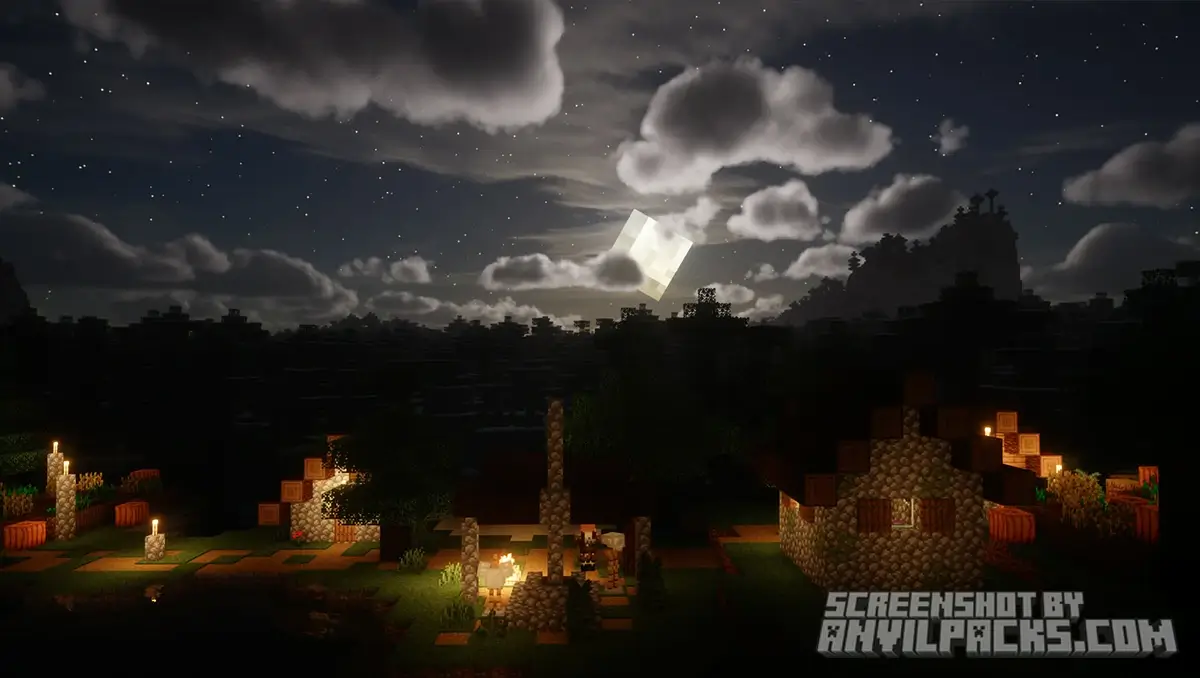
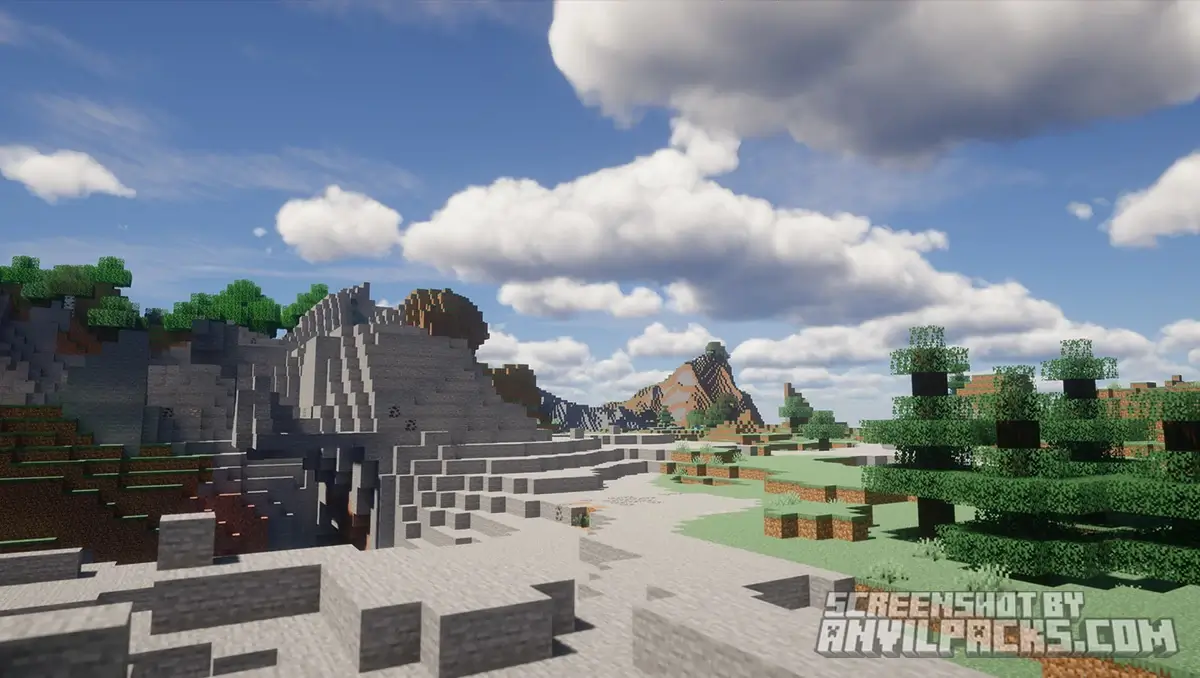
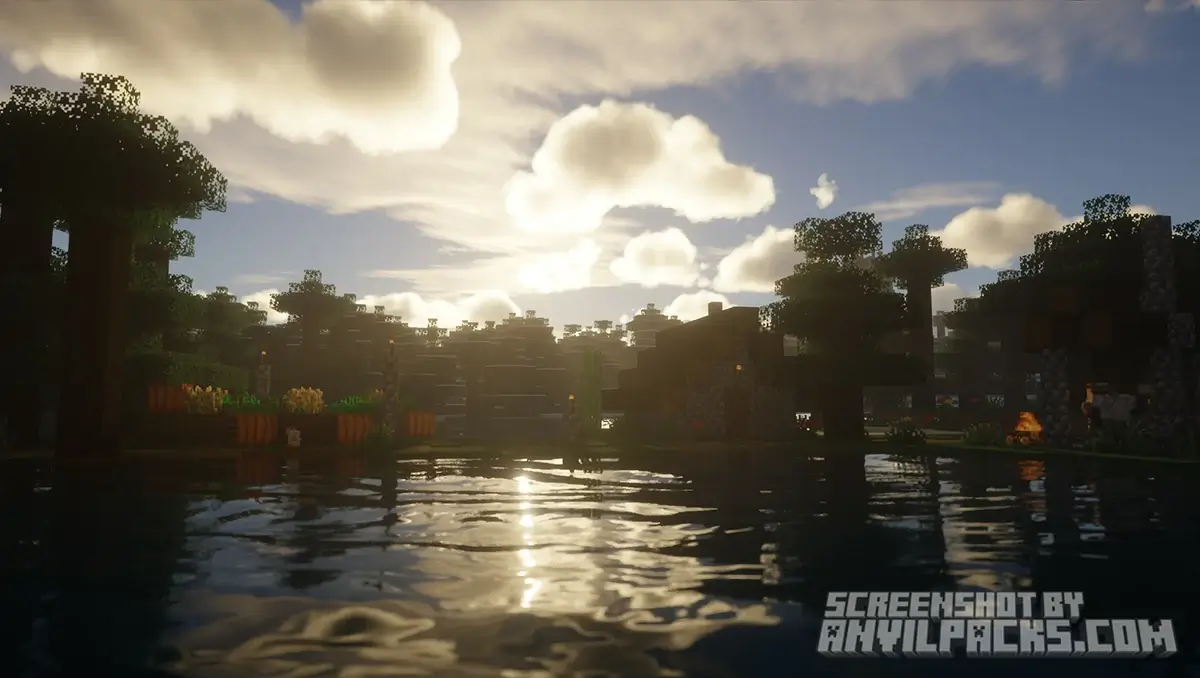
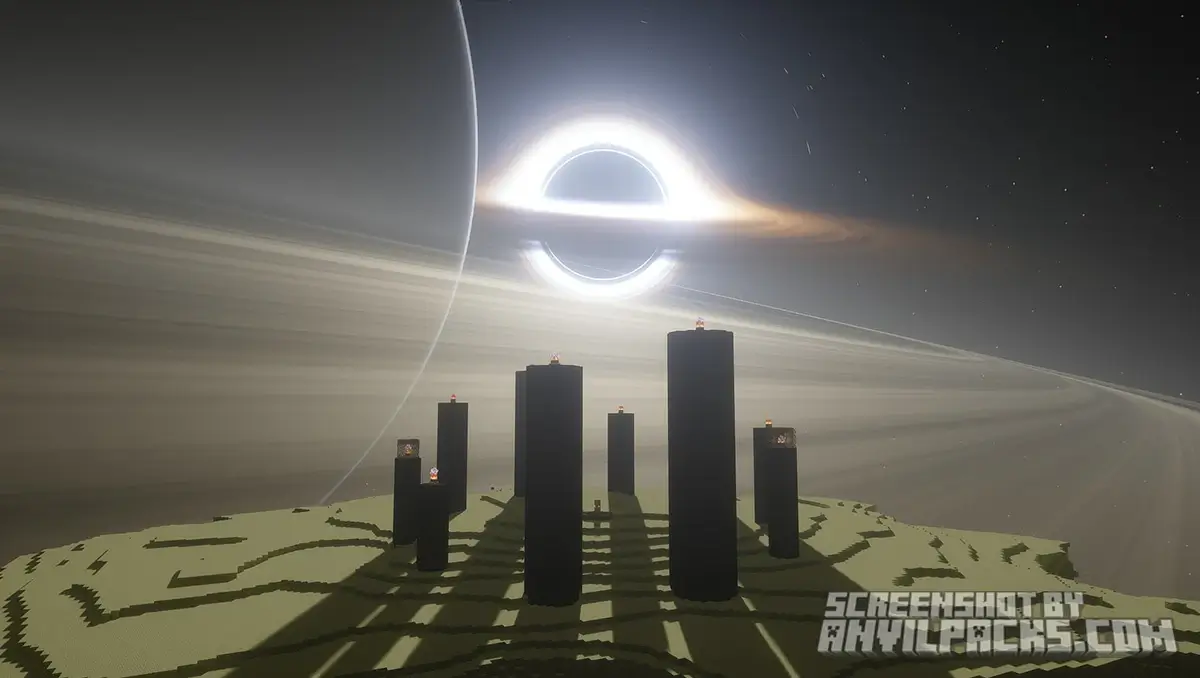
This isn’t just a lighting update; it’s a total overhaul of the game’s visual engine. It turns Minecraft into a moody, cinematic film. We aren’t talking about “brighter sun” here. We are talking about global illumination, wet surface reflections, and shadows so soft you’ll forget you’re looking at blocks.
The Warning: I’m going to put this right at the top so I don’t waste your time. This pack is heavy. If you are playing on a laptop with integrated graphics or an old office PC, turn back now. You need a dedicated GPU to run this, or you’re going to be watching a slideshow.
Why It Looks So Good
So, why does everyone obsess over this pack? It’s all about the atmosphere.
The Mood
Most shaders crank up the saturation and make the game look like a cartoon on steroids. IterationT goes the other way. It’s grounded. The lighting is distinctively “digital-camera” style. It aims for a photorealistic look rather than a fantasy one.
Lighting & Shadows
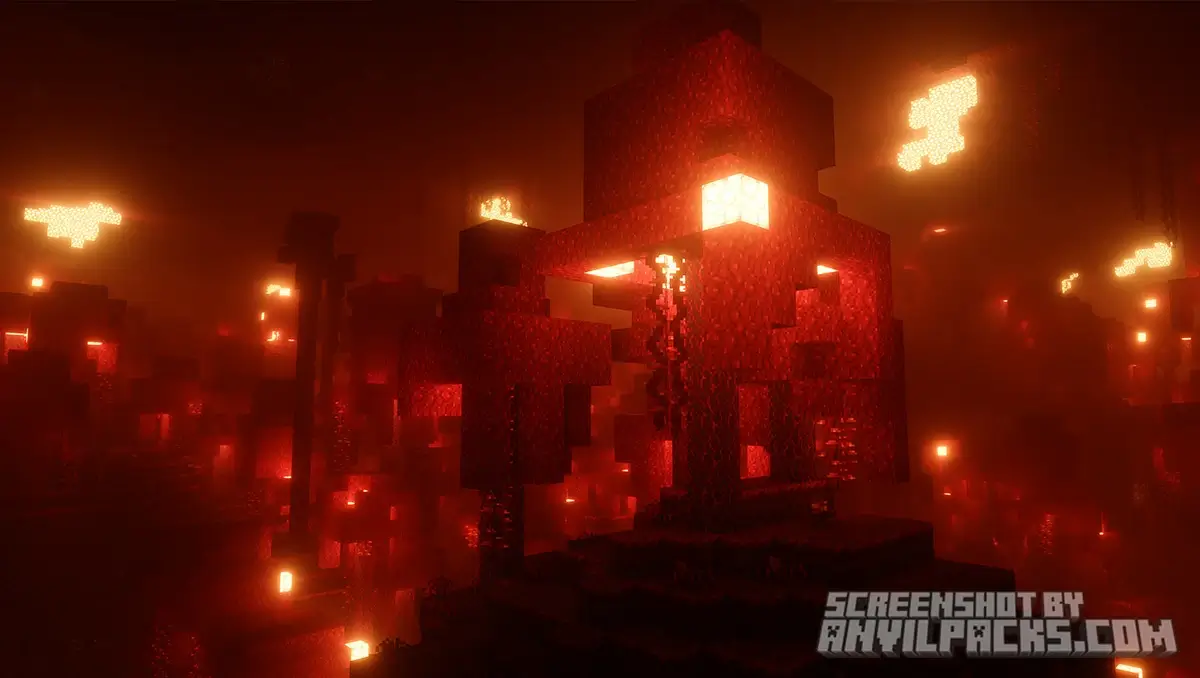
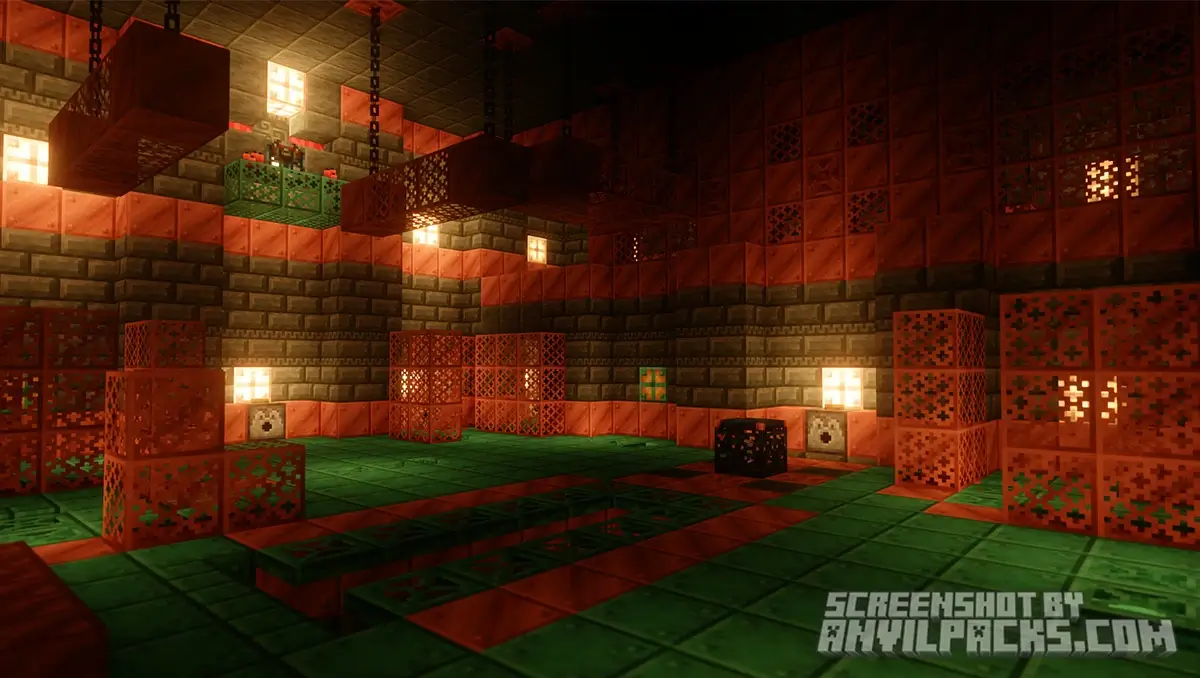
This is a ray tracing style shader (without strictly needing RTX hardware, though it helps). The way light bounces off colored blocks—indirect lighting—is top-tier. Place a torch in a cave, and the light feels warm and volumetric. The shadows aren’t sharp, jagged edges; they blur naturally based on distance.
The Water & Rain
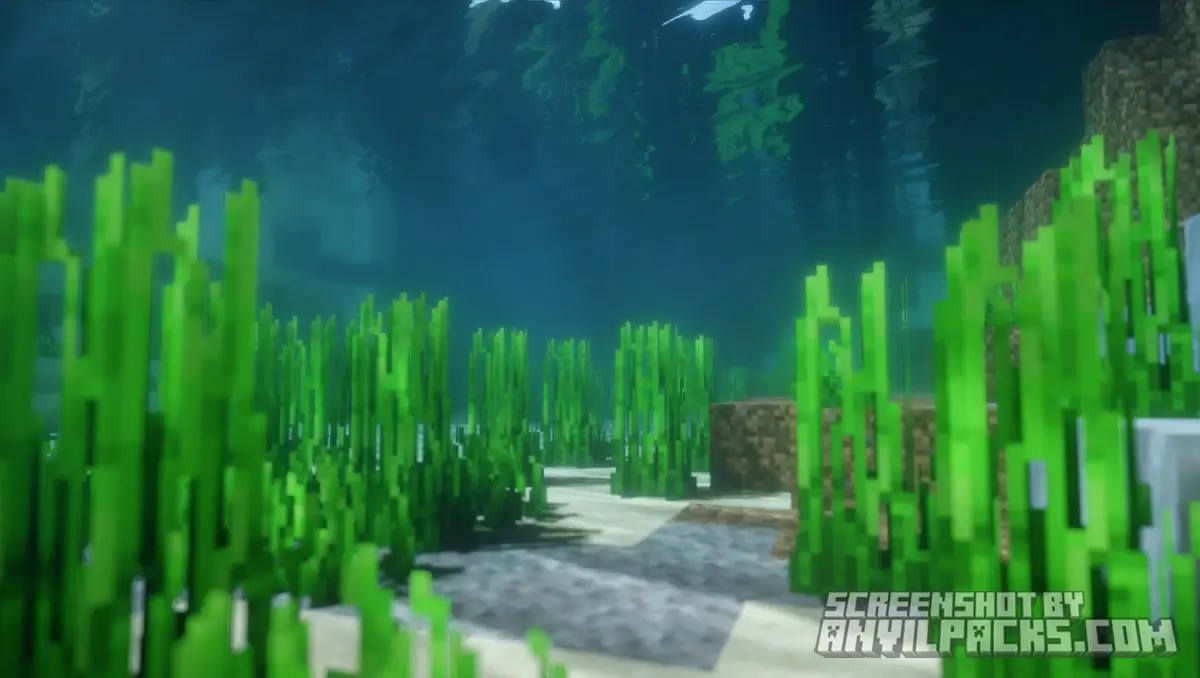
This is the killer feature. The water looks like actual liquid. It has depth, refraction, and mirror-like reflections.
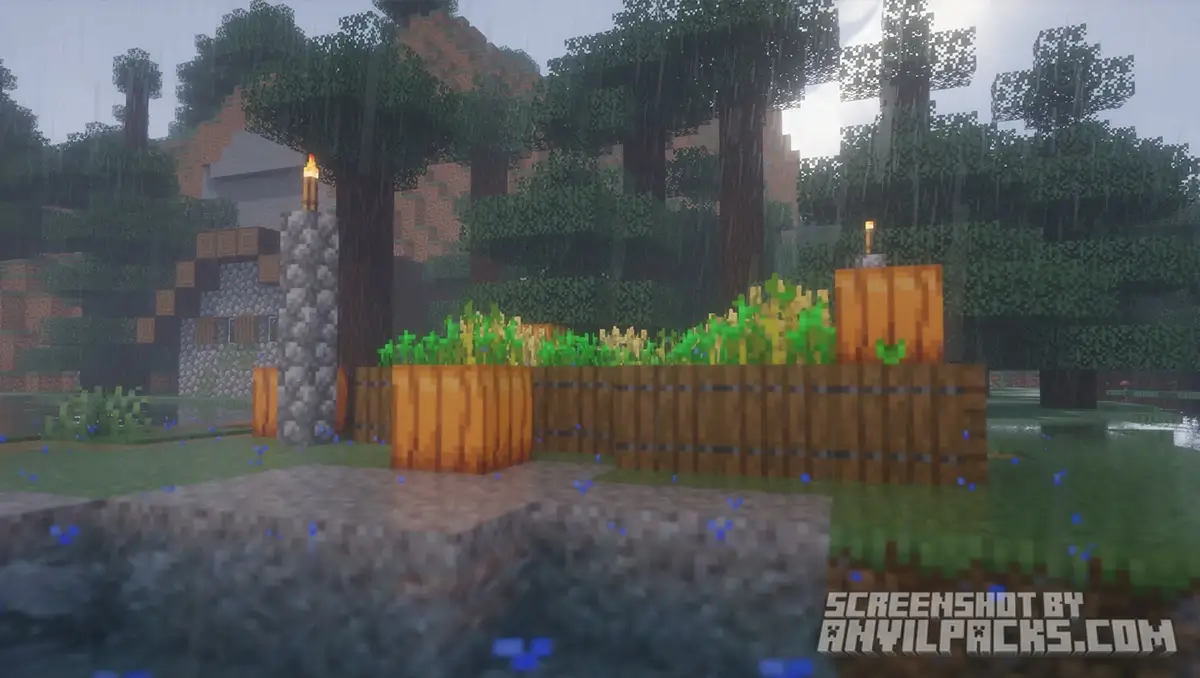
But the weather? That’s where it gets crazy. When it rains, the ground actually gets wet. Puddles form. Surfaces become glossy. It changes the entire vibe of a survival world from “annoying weather” to “moody atmospheric walk.”
Before & After Comparison
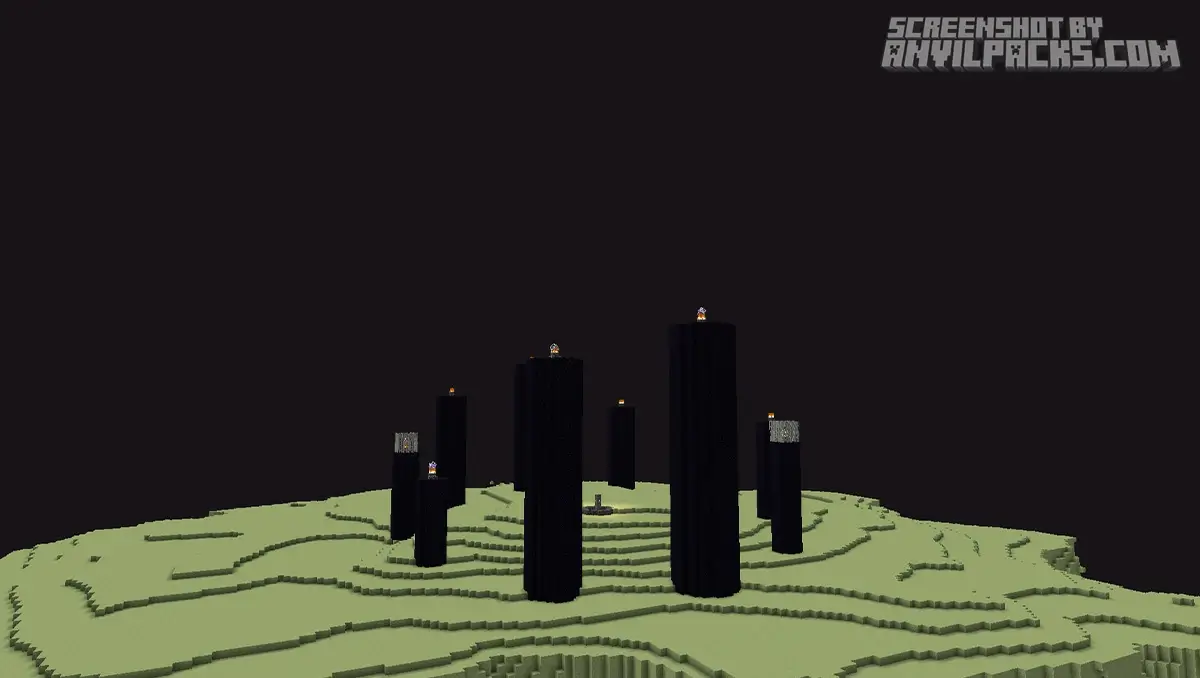
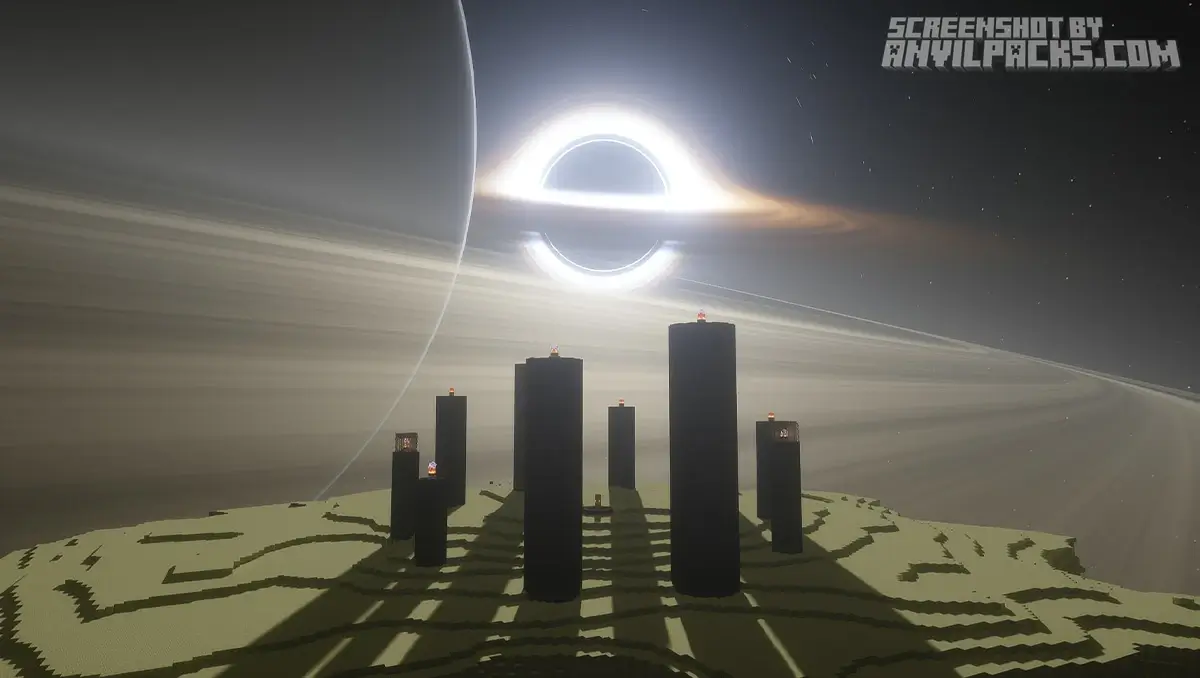
Compare Iteration Shaders to default Minecraft Look.
Performance Check: The Brutal Truth
I promised you no nonsense, so here is the hardware reality check.
IterationT eats frames for breakfast.
I tested version 3.0.0/3.2.0 on a rig with an RTX 3070 and a Ryzen 7. At 1080p, standing still, I could hit 70-80 FPS. The moment I started flying or loaded into a dense jungle? That dropped to 45-50 FPS.
If you are rocking a GTX 1060 or lower, you are going to struggle to hit 30 FPS unless you turn everything down to the absolute minimum.
Optimization Note: This pack runs significantly better on Iris + Sodium than it does on OptiFine. If you are still using OptiFine in 2026 for high-end shaders, you are doing it wrong. Switch to Iris.
Settings & Profiles: Taming the Beast
You don’t have to suffer with 20 FPS if you tweak the settings right. IterationT usually comes with profile presets in the shader options.
-
Low/Lite: Use this for actual gameplay (Survival/PVP). It keeps the lighting but kills the heavy effects.
-
Medium: The sweet spot for high-end PCs.
-
Cinematic: Do not play on this. This is for taking screenshots only. It cranks up the render quality to insane levels.
The Depth of Field (DoF) Problem
By default, IterationT has very aggressive Depth of Field. This blurs everything you aren’t looking directly at. It looks incredible for screenshots (“screen-archers” love this), but it is a nightmare for playing the game.
Pro Tip: Go into Shader Options > Post Processing and turn off Depth of Field (or set it to ‘gameplay’ if available). Your eyes will thank you.
Our YouTube Video & Screenshots
Watch our Youtube video about Iteration Shaders
Version Compatibility
Iteration Shaders is fully compatible with Java Edition versions from 1.20.1 up to the latest 26.2
My Honest Opinion: IterationT vs. The Rest
Everyone asks: “Should I use this or just stick to Complementary?” Here is the quick comparison between IterationT, Complementary Reimagined, and Aurora’s Shaders.
-
Complementary Reimagined: This is your daily driver. It runs smoothly (100+ FPS), maintains the vanilla art style, and works perfectly for Survival. It’s reliable, but it doesn’t look “real.”
-
Aurora’s Shaders: This is for the dreamers. It’s vibrant, colorful, and makes the game look like a fantasy RPG with massive northern lights. It balances looks and performance well, but it’s very stylized.
-
IterationT: This is pure eye candy. It destroys Complementary in terms of realistic water and lighting, but it loses hard on playability. It’s too dark for mining and too blurry for PVP.
The Verdict: Keep Complementary for actually beating the game. Keep IterationT installed just to take screenshots and prove to your console friends that PC is superior.
Download Iteration Shaders
[1.21.X - 26.2] Download Iteration Shaders
Free download — redirects to the official pack page.
Explore More Shader Packs
Explore More Texture Packs
How to Install Iteration Shaders?
- Download the shader pack using the button below.
- Install Iris or OptiFine — Iris is recommended for better performance and smoother FPS.
- Open Minecraft Launcher and select the Iris or OptiFine profile.
- Start the game.
- In Minecraft, go to:
Iris: Options → Video Settings → Shader Packs
OptiFine: Options → Video Settings → Shaders
- Click Open Shader Pack Folder and move the downloaded ZIP file into it.
- Go back to Minecraft, select your shader from the list, and click Done or Apply.
- Credits: Full credit for creating Iteration Shaders goes to Tahnass.
- Please note that none of the files are hosted on our servers — all Download Links redirect to the official Pack page to support the creator.
- Every pack is thoroughly checked and confirmed to be free from viruses, ensuring a completely safe and secure download experience for all users.








very good
good
Great
Iteration
maantap
beautiful
nice
Good
very gooddd
he is cool
good
good
idk yet
Silit
Bisul
good
cool
Nice
Very goood bro
love it
wow
best
this is so good shader i love
dadad
Hi
great
so good
very good
vẻy good
iterationt
BTW BEST SHADER
great
Is ether a way to get this to work on bedrock or PE?
This happened when I went to the end
deferred2.fsh: deferred2.fsh: ERROR: 0:136: ‘GI_TemporalFilter’ : undeclared identifier
ERROR: 0:137: ‘GI_TemporalFilter’ : no matching overloaded function found (using implicit conversion)
ERROR: 0:136: ‘assign’ : cannot convert from ‘const highp float’ to ‘FragUserData 4-component vector of highp float’
I mean I use this as my main shader for anything because with just a few tweaks it’s perfect for anything, and walking through caves with a torch in my offhand is just insanely beautiful