Solas Shaders Download 26.2 / 26.1.2 / 1.21.11
The Best Sky in Minecraft History?
Let’s be honest. Vanilla Minecraft clouds are ugly. They are flat, 2D squares that clip through your house. For years, we just accepted it.
Solas Shaders fixes that, and then it goes a step further. It makes the sky the best part of the game.
Unlike “hyper-realistic” packs that try to melt your GPU with path tracing, Solas aims for a Fantasy/Magical vibe. It’s vibrant, colorful, and feels like you’re playing inside a high-budget RPG trailer. If you want your world to look epic rather than just “real,” this is the pack you’ve been waiting for.
Why You Need This Shader Pack
The Clouds (The Star of the Show)
This is the main reason to download Solas. The clouds aren’t just textures plastered on the skybox. They are volumetric. They have shape, depth, and density. You can literally fly through them with an Elytra, and they wrap around you. They change based on the weather, turning dark and stormy or light and fluffy.
The End & Nether Overhaul
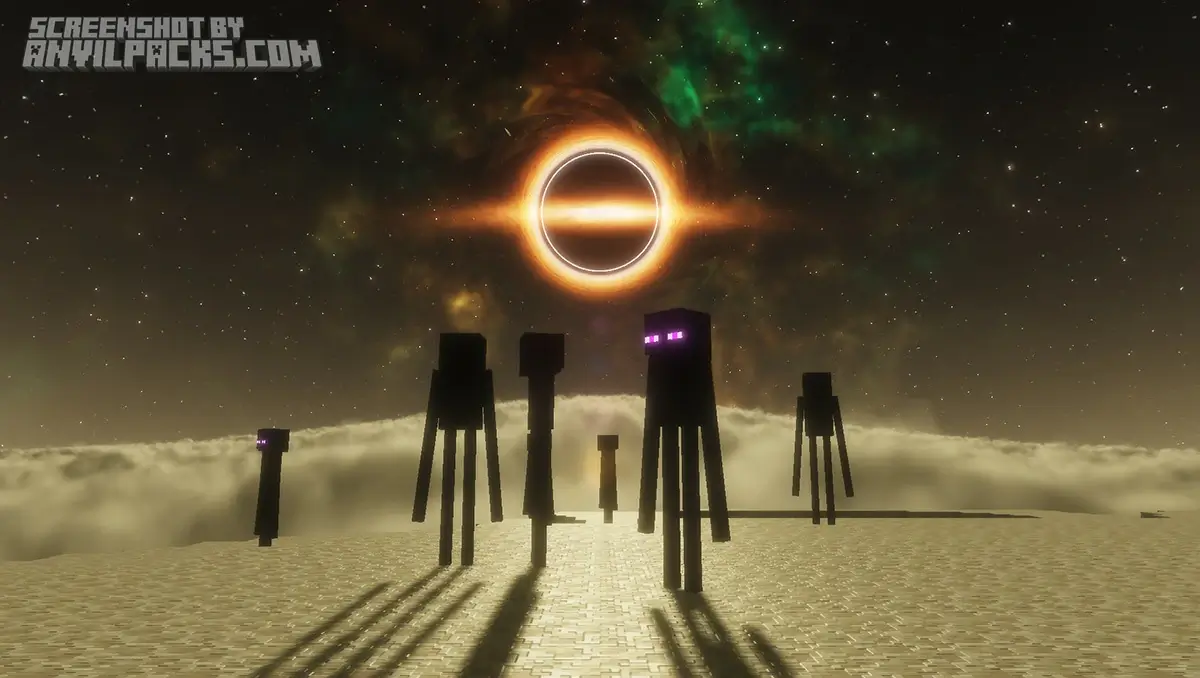
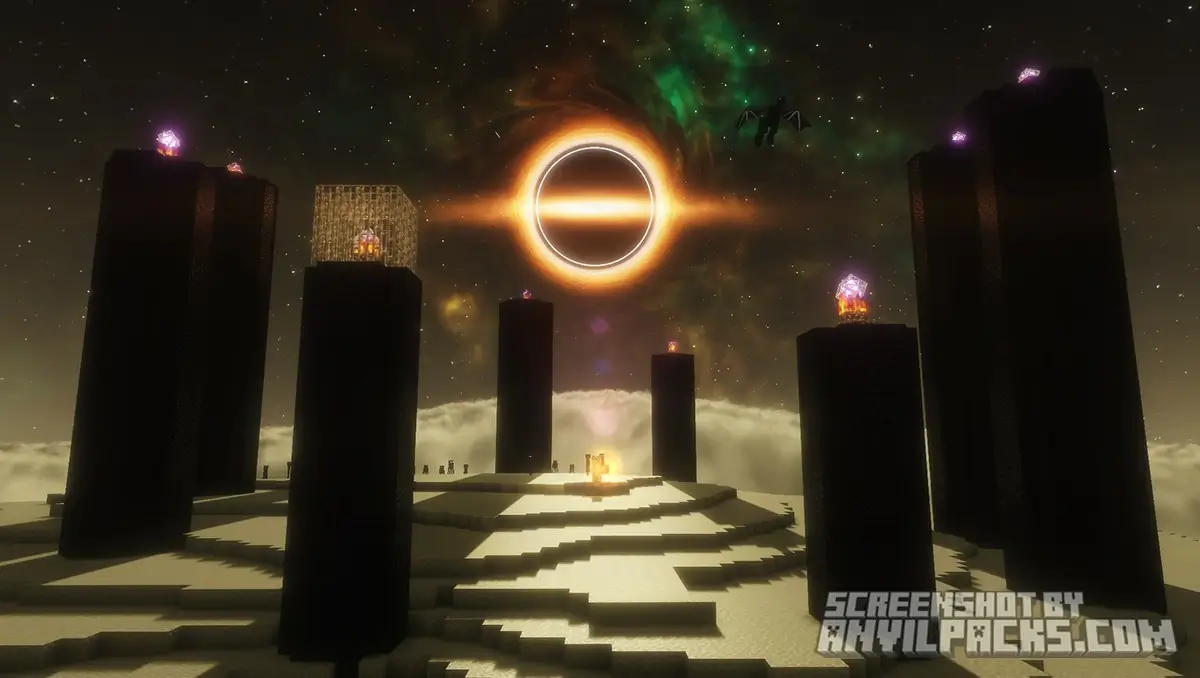
Most shaders ignore the End dimension. Solas turns it into a masterpiece. The void is replaced with a massive, purple space nebula complete with auroras and distant stars.
-
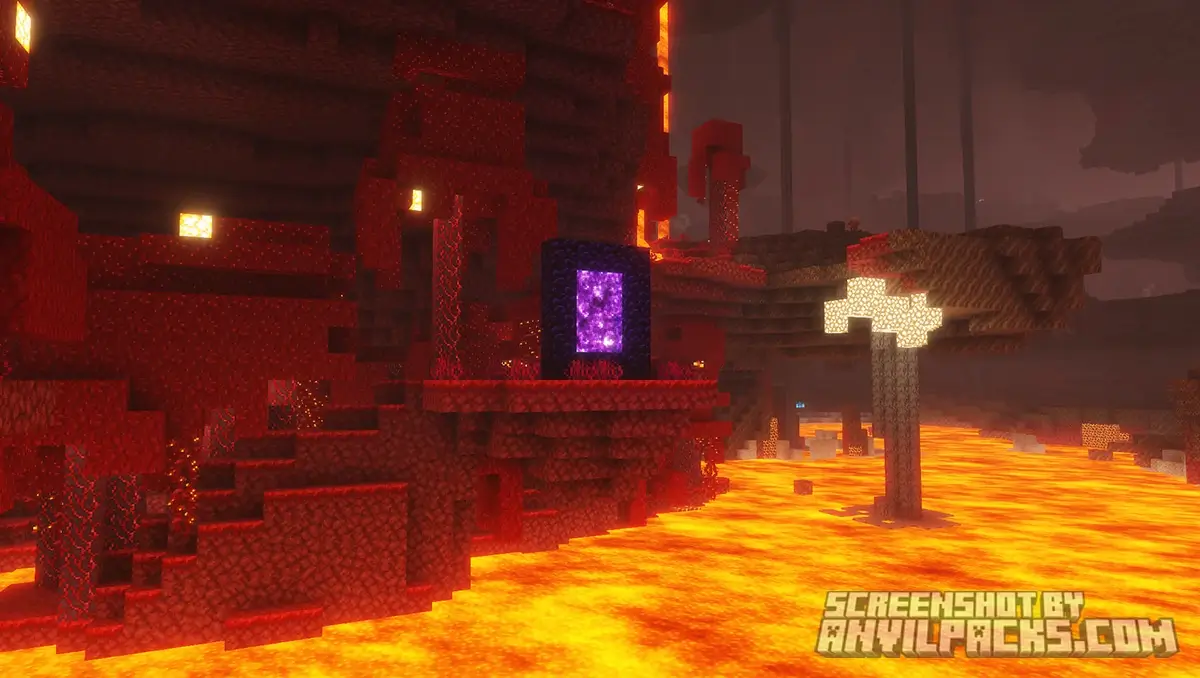
The Nether: It feels hot. The fog is thick, and the lava glow is intense without being blinding.
-
The End: It looks like deep space. Seriously, just go to the End with this pack on. You won’t want to leave.
Water & Lighting
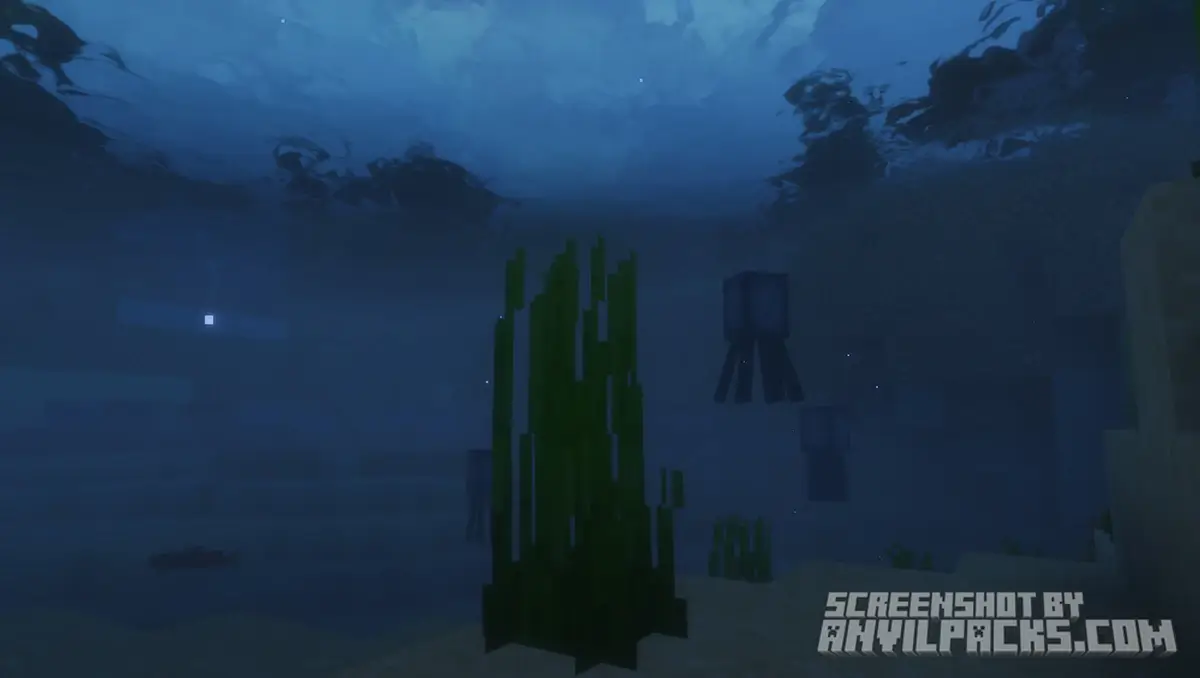
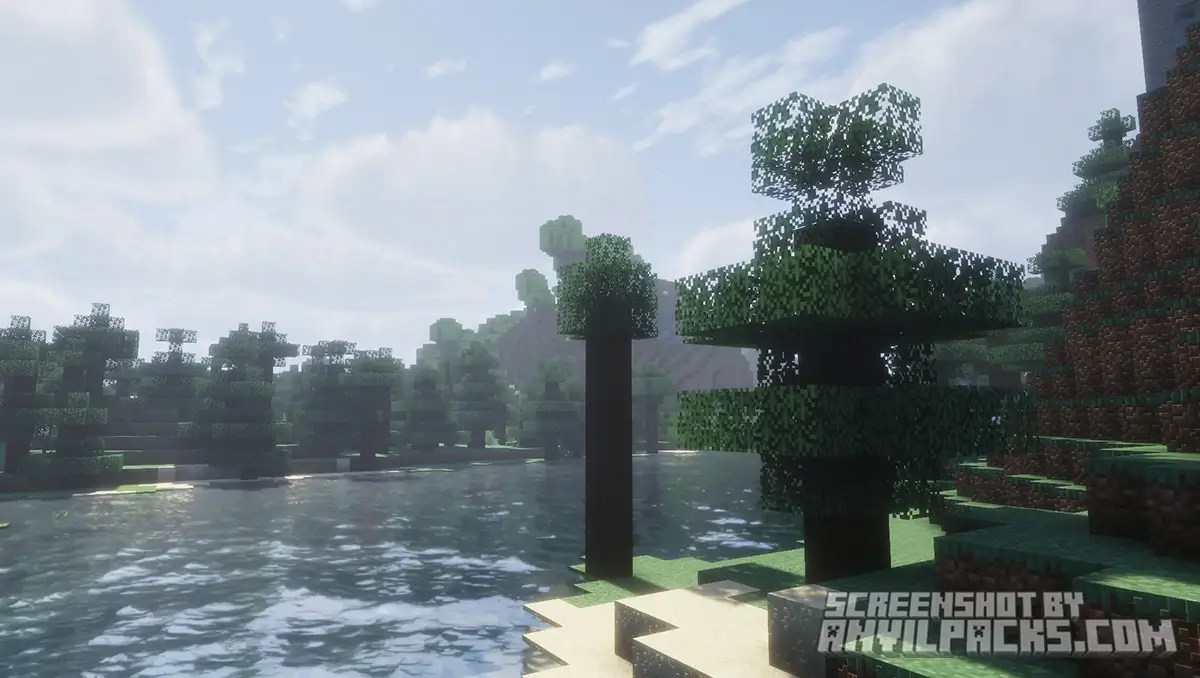
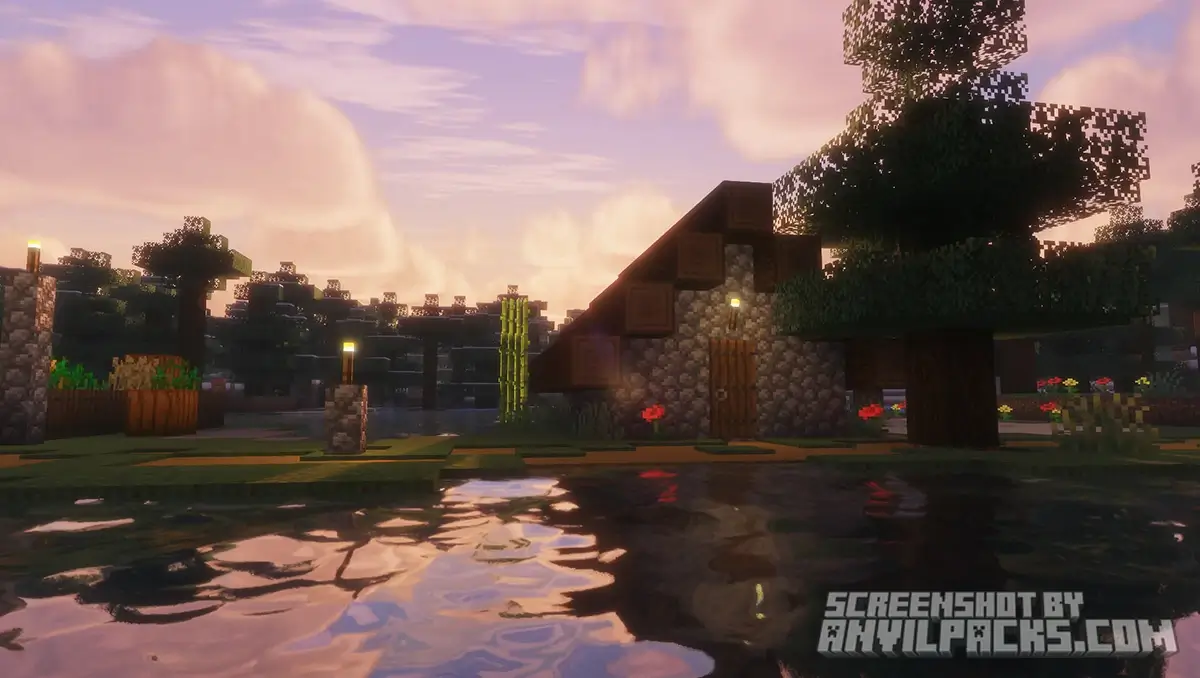
The water is clear with nice refraction, but it keeps decent visibility so you can actually see what you’re building underwater. The lighting is warm. It doesn’t have that “gloomy” realistic filter that some shaders (looking at you, Insanity) force on you.
Before & After Comparison
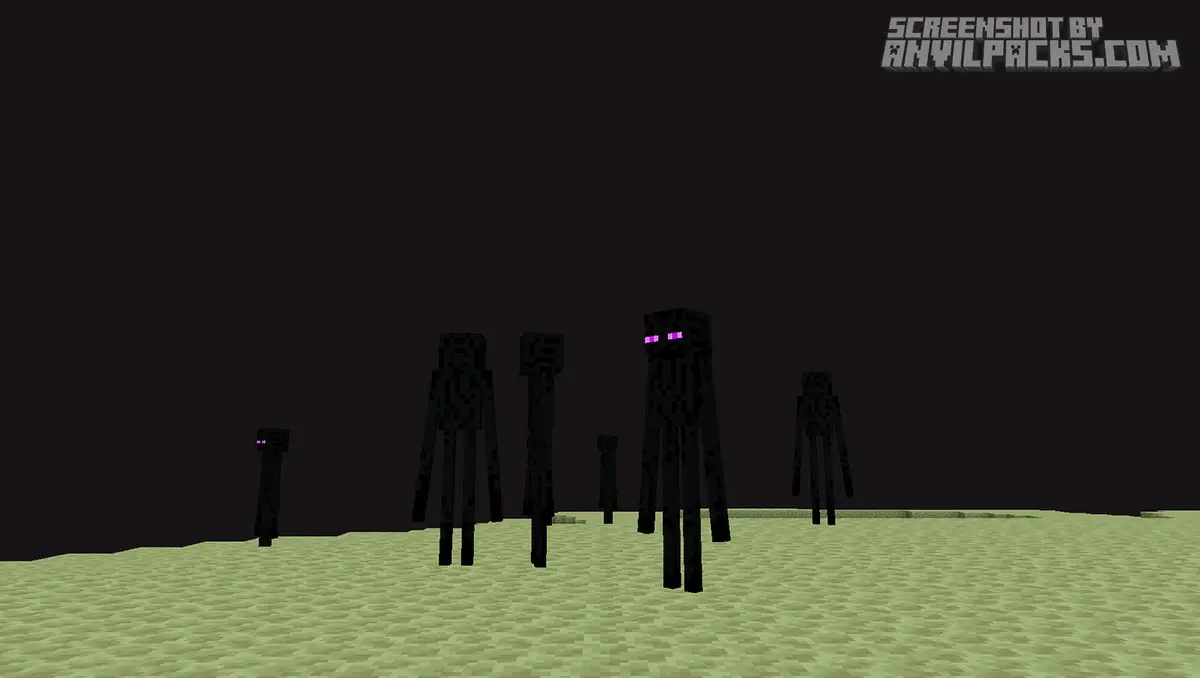
Compare Solas Shaders to default Minecraft Look.
Performance Check: Surprisingly Good?
Here is the good news: Solas is built on the Prismarine pipeline (similar to BSL). That means it is optimized.
Hardware Reality: You don’t need an RTX 4090 for this.
The Catch: The clouds are expensive. If you crank the “Cloud Quality” to Extreme, you will feel the hit. Keep it on Default or High for the best balance.
Settings & Tweaks: Fixing the Lag
If you drop frames, don’t panic. Tweak these first:
-
Cloud Quality: Lower this from ‘Extreme’ to ‘High’. It looks 90% as good and saves 15 FPS.
-
Bloom: Solas loves its glow. If the sand looks like a flashbang during the day, turn down the Bloom strength in Post Processing.
-
Shadow Distance: Drop this to match your render distance.
Quick Comparison: Which Pack fits YOU?
Not sure if Solas is the right pick? Here is how it stacks up against the other titans we’ve reviewed.
-
Want Pure Realism? Check out our [IterationT Shaders]. It has better water and realistic lighting, but it will absolutely destroy your FPS.
-
Want a “Vanilla+” Look? Go for [Complementary Reimagined]. It’s cleaner, sharper, and runs faster, but the clouds aren’t nearly as cool as Solas.
-
Want Fantasy & Sky Aesthetics? Stick with Solas. Nobody beats these clouds.
Our YouTube Video & Screenshots
Watch our Youtube video about Solas Shaders.
Version Compatibility
Solas Shaders is fully compatible with Java Edition versions from 1.15.2 up to the latest 26.2
Solas Shaders - My Honest Opinion
Look, I review shaders every week. Usually, I install one, take a few screenshots for the article, and then switch back to Complementary because I hate losing FPS.
Solas is the first shader in months that I actually kept installed.
I played a 4-hour session on my SMP with this pack yesterday, and I couldn’t stop looking up. Flying with an Elytra through the volumetric clouds during a sunset is a core memory now. It just makes the game feel magical. The performance cost is totally worth it for the sky alone.
If you are a builder who likes fantasy themes, or you just love exploring, you have to try this. It’s not just hype—it’s actually that good.
Download Solas Shaders
[1.16 - 26.2] Download Solas Shaders
Free download — redirects to the official pack page.
Explore More Shader Packs
Explore More Texture Packs
How to Install Solas Shaders?
- Download the shader pack using the button below.
- Install Iris or OptiFine — Iris is recommended for better performance and smoother FPS.
- Open Minecraft Launcher and select the Iris or OptiFine profile.
- Start the game.
- In Minecraft, go to:
Iris: Options → Video Settings → Shader Packs
OptiFine: Options → Video Settings → Shaders
- Click Open Shader Pack Folder and move the downloaded ZIP file into it.
- Go back to Minecraft, select your shader from the list, and click Done or Apply.
- Credits: Full credit for creating Solas Shaders goes to Septonious.
- Please note that none of the files are hosted on our servers — all Download Links redirect to the official Pack page to support the creator.
- Every pack is thoroughly checked and confirmed to be free from viruses, ensuring a completely safe and secure download experience for all users.









Hi I’m the first comment it is good
This very beautiful shaders
Glad you like them, Jeetu! Solas Shaders really stand out with those unique volumetric clouds and sleek lighting effects. It’s definitely one of the best choices for a modern Minecraft look right now.
ciężko to zrobić
Hi I’m the first comment is good