AshenOG’s Green Debris Texture Pack Download 26.2 / 26.1.2 / 1.21.11
You Have Definitely Missed Netherite
Let’s face it. You have walked past Ancient Debris before.
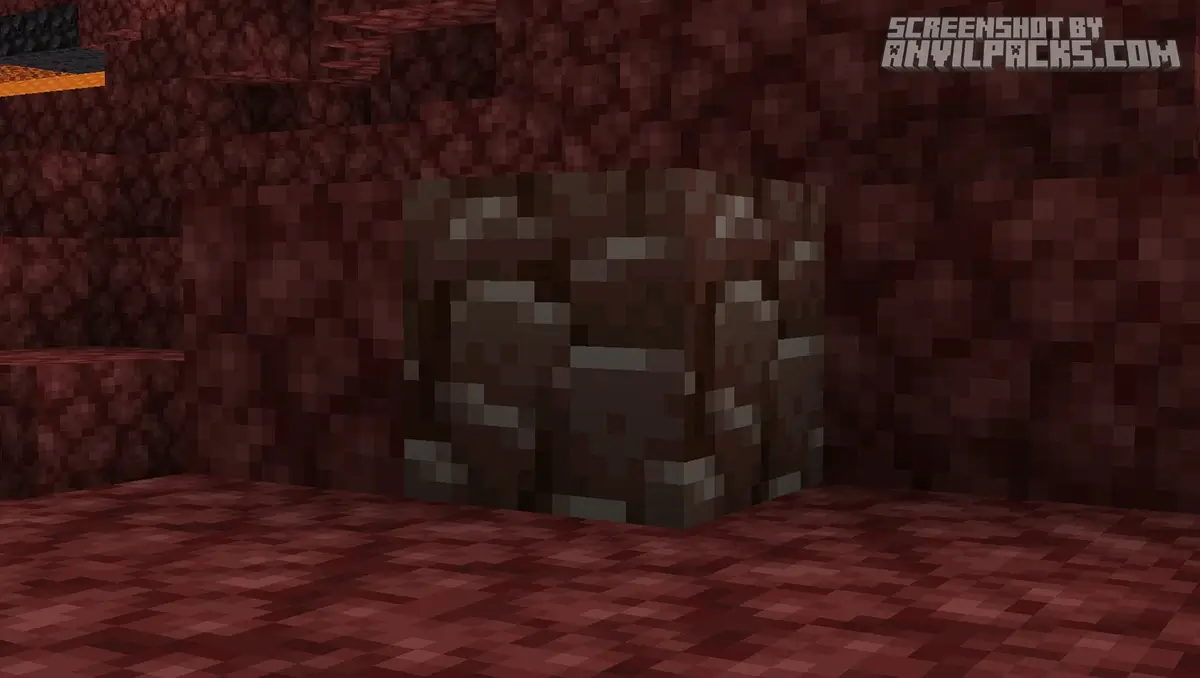
It looks exactly like Blackstone from a distance. In the dark, it looks like Basalt. If you are speed-mining with beds, you’ve probably blown some up and left it there because you couldn’t see it through the fire.
AshenOG’s Green Debris fixes this design flaw.
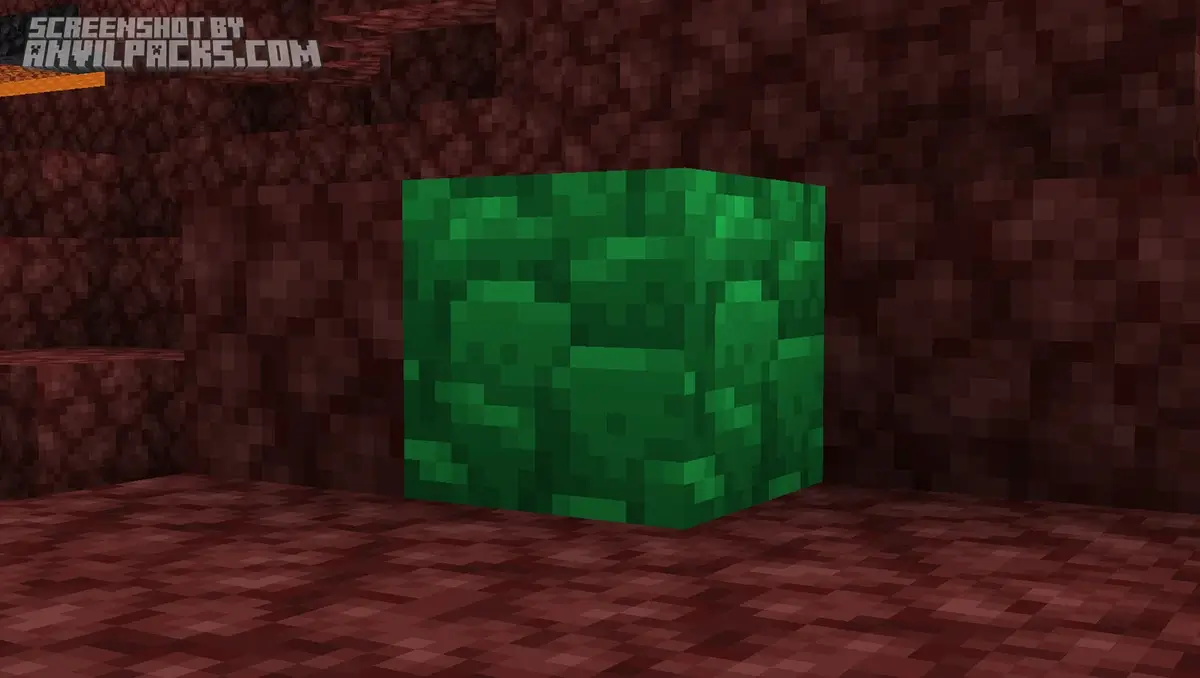
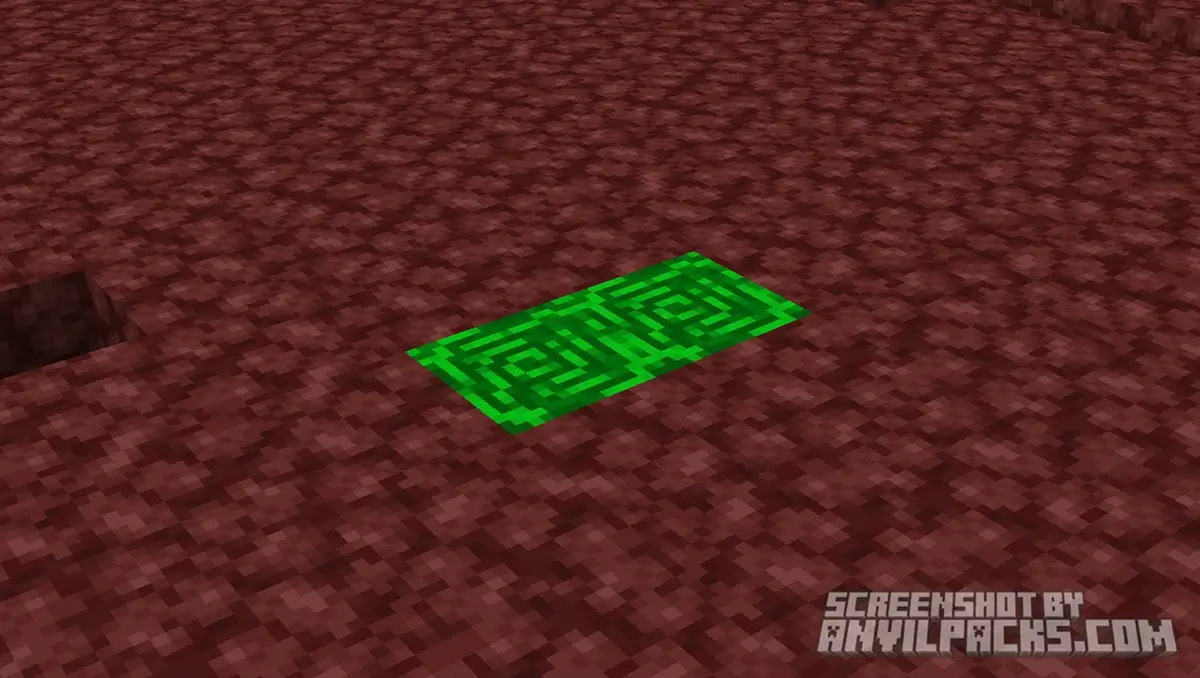
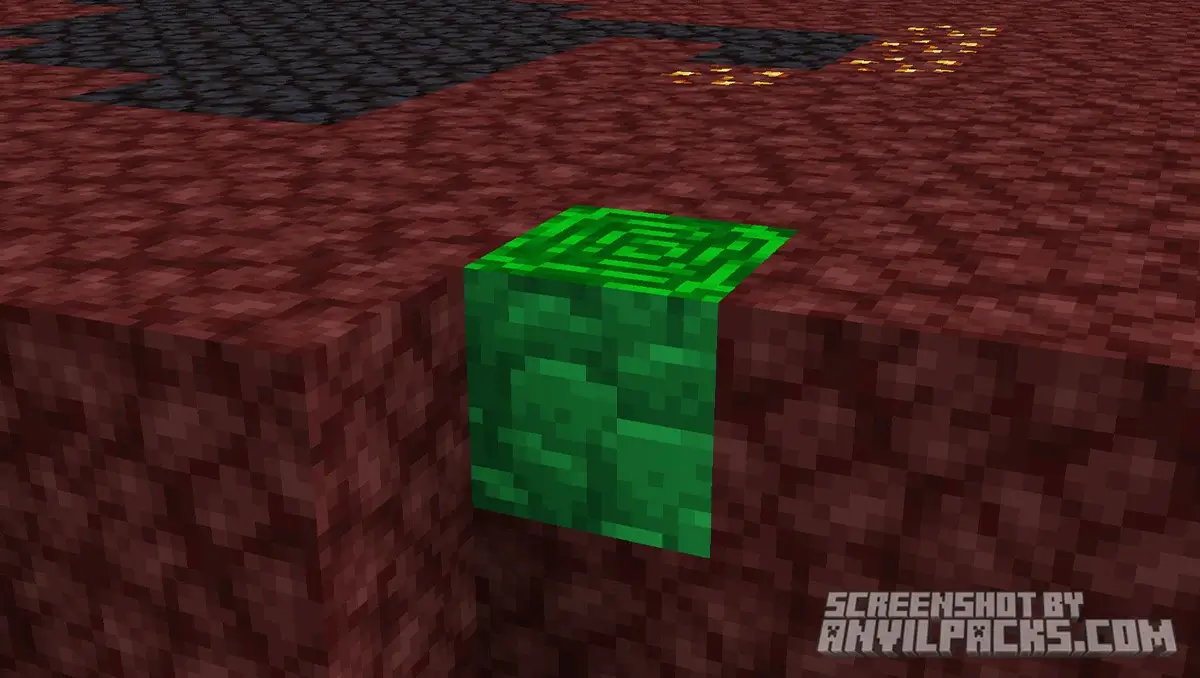
It takes the most valuable, rare ore in the game and paints it a bright, toxic green. It’s not “cheating”—this isn’t X-Ray. It’s just high-contrast visibility. It stops you from squinting at your monitor at 2 AM trying to distinguish one dark pixel from another dark pixel.
Before & After Comparison
Compare Green Debris Texture Pack to default Minecraft Look.
Why Green?
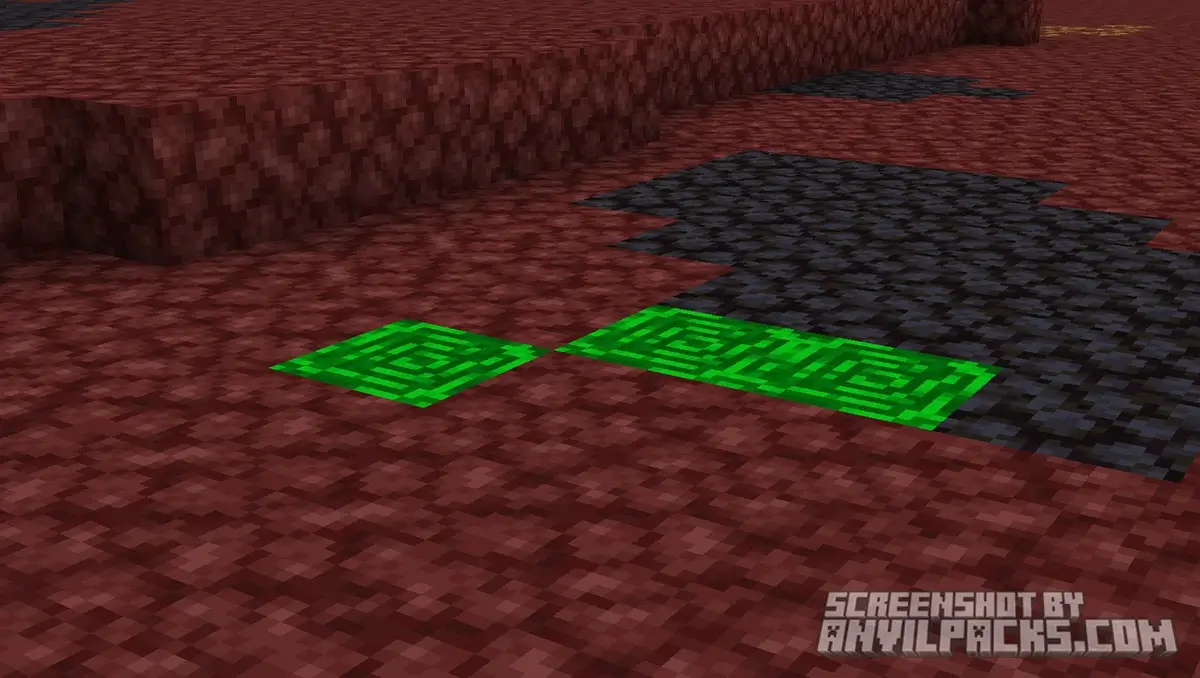
The Nether is overwhelmingly red and dark grey. If you know basic color theory, you know the direct opposite of red is green.
The Contrast
This pack makes Ancient Debris “pop” instantly. You can spot a single block of debris from across a lava lake. It stands out like a sore thumb against Netherrack.
Utility
This is where the pack shines. When you are bed-mining, there is fire, lava, and particles everywhere. The Green Debris texture cuts through that visual noise. You don’t have to double-check holes. If you don’t see green, you keep moving. It speeds up mining trips by at least 30%.
Our YouTube Video & Screenshots
Watch our Youtube video about Green Debris Texture Pack.
Version Compatibility
AshenOG’s Green Debris is fully compatible with Java Edition versions from 1.16 up to the latest 26.2
Green Debris - My Honest Opinion
I don’t go mining without this anymore.
I used to hate Netherite grinding. It strained my eyes. I felt like I had to stare at every block. With AshenOG’s Green Debris, I can turn my brain off. I just blast TNT and look for green.
Green Debris Texture Pack Download
[1.16 - 26.2] Download Green Debris
Free download — redirects to the official pack page.
Explore More Texture Packs
Explore More Shader Packs
How to Install Green Debris Texture Pack?
- Install OptiFine or Iris Shaders for full compatibility and visual features (this is required for the glowing effect to work!).
- Download the Texture Pack — by clicking the button below.
- Launch Minecraft and open Options → Resource Packs.
- Click “Open Pack Folder.”
- Move or drag the downloaded
.zip file into the resourcepacks folder.
- Go back to Minecraft — the pack should now appear on the left side of the screen.
- Click the arrow to move it to the right (active packs).
- If a message says the pack was made for a different version, click “Yes.”
- Click Done, and enjoy your upgraded visuals!
- Credits: Full credit for creating Green Debris goes to AshenOG.
- Please note that none of the files are hosted on our servers — all Download Links redirect to the official Pack page to support the creator.
- Every pack is thoroughly checked and confirmed to be free from viruses, ensuring a completely safe and secure download experience for all users.








Hello
こんばんは
こんばんこんばこんbこん
Nice