Photon Shaders Download 1.21.11
Realism Without the Lag?
Here is the problem with most “Ultra Realistic” shaders: they turn your PC into a space heater. Usually, if you want good lighting, you have to accept 30 FPS.
Photon Shader breaks that rule.
This is the new kid on the block, and it is challenging the heavyweights like BSL and Complementary. It doesn’t rely on blinding you with fake “Bloom” or excessive fog to hide bad textures. It focuses on a clean, sharp, and physically grounded look.
The Vibe: It feels like a modern game engine upgrade. It’s not “dreamy”; it’s crisp. If you hate that blurry, Vaseline-smeared look some shaders have, Photon is for you.
Visuals: “Grounded” Realism
What does “grounded” mean? It means the lighting acts like actual light.
The Lighting
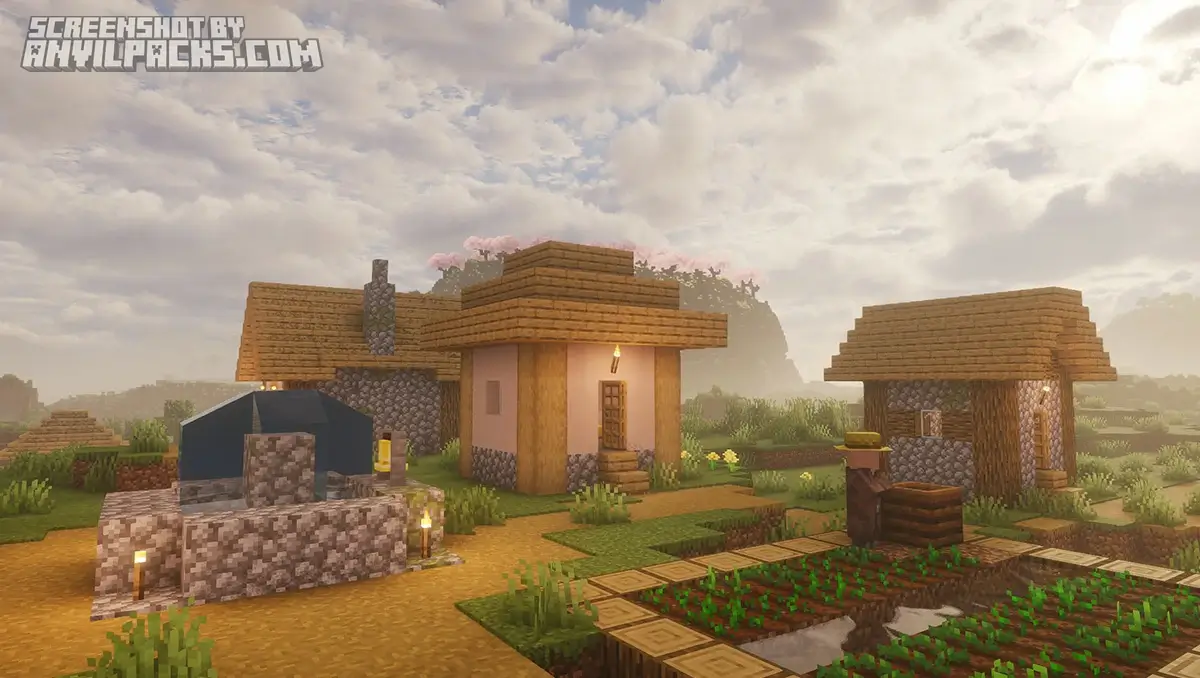
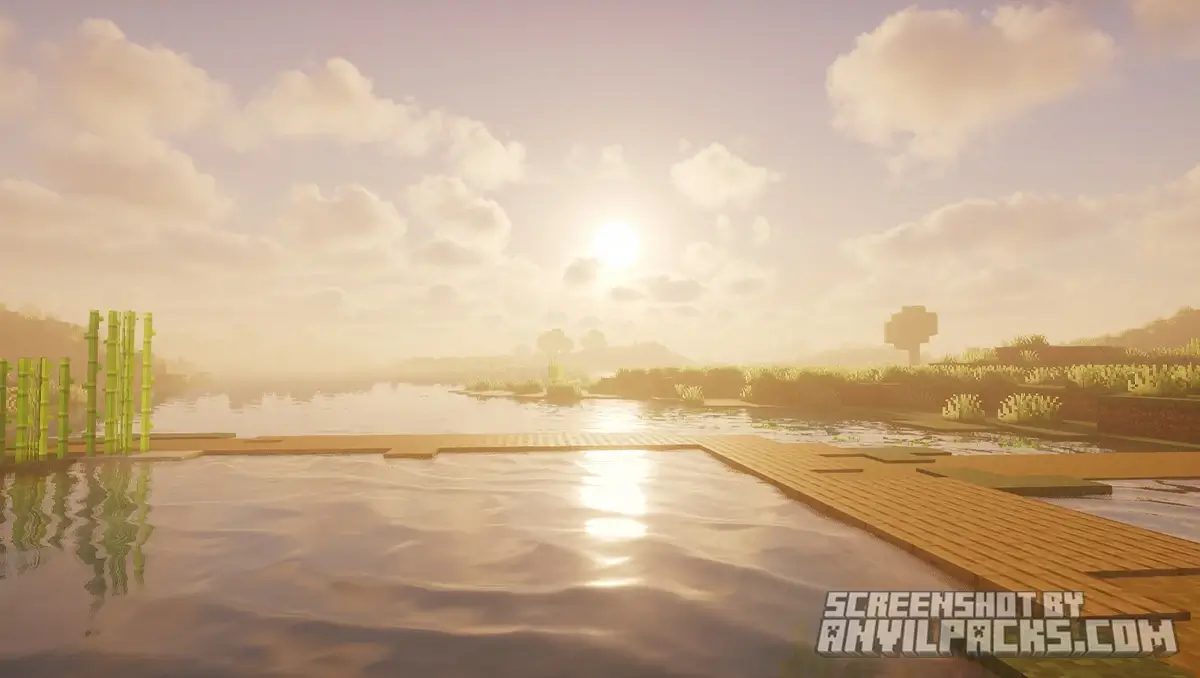
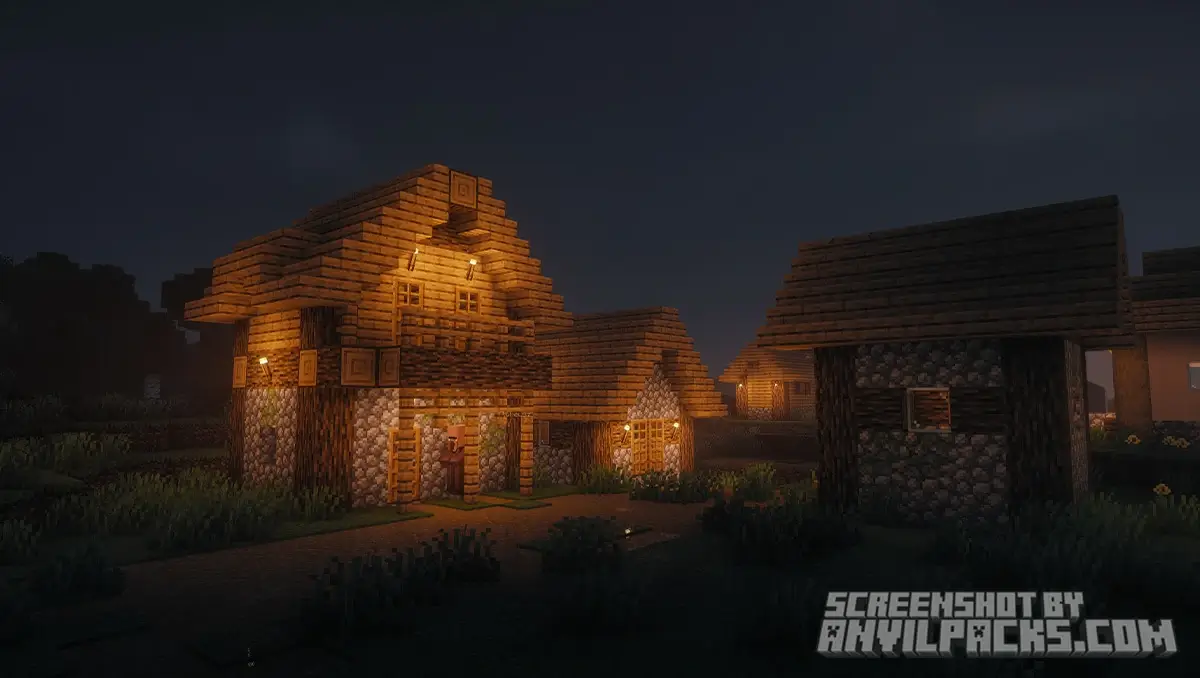
Photon nails the color balance. Sunlight looks like sunlight—not neon orange, not cold blue. It’s neutral. When you walk indoors, the lighting transitions smoothly. It feels natural, not cinematic in a forced way.
The Water
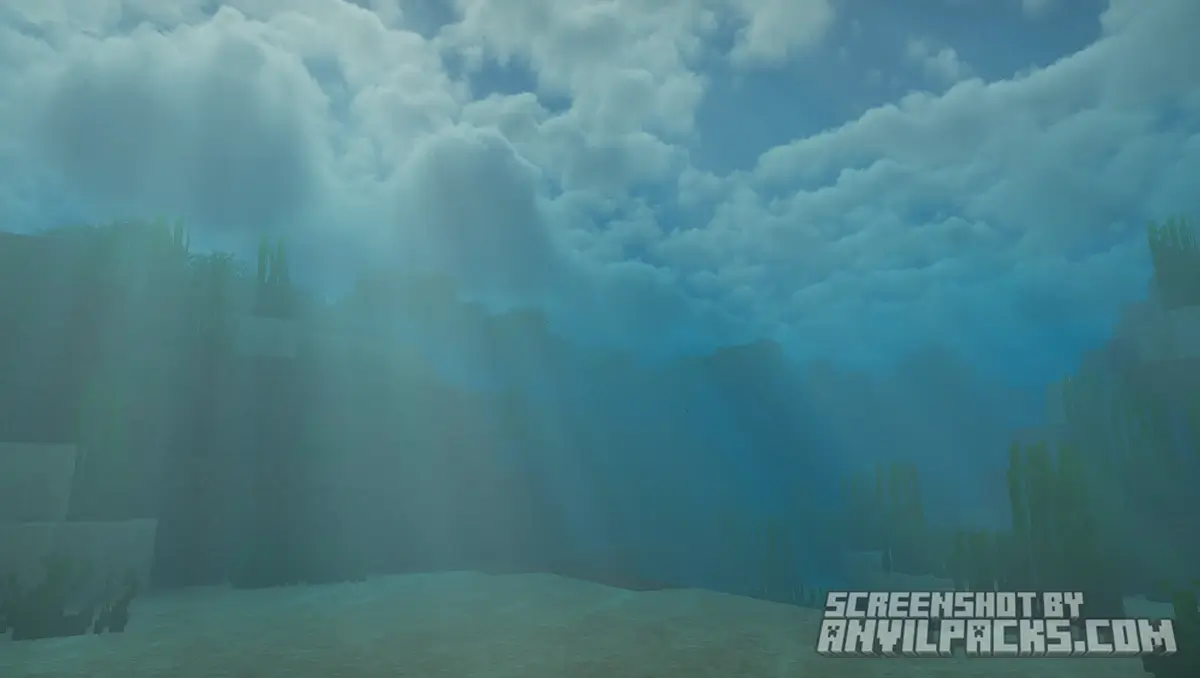
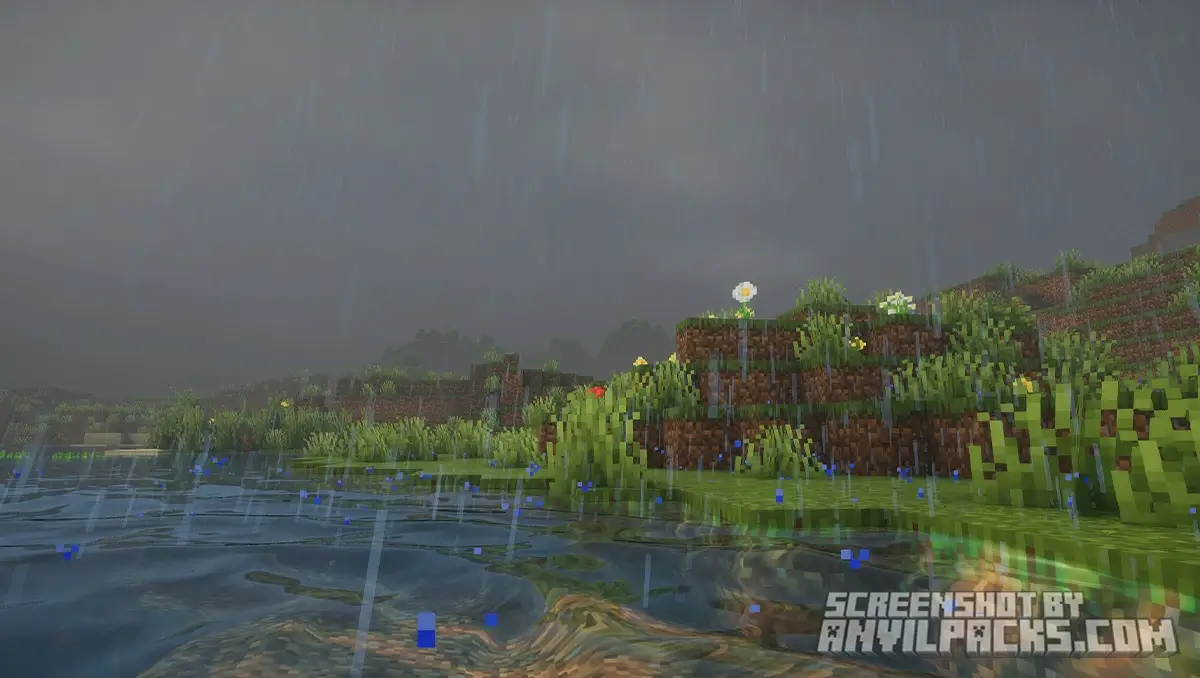
The water is some of the best in the business. It has incredible refraction (the way light bends through liquid). It looks like clear, fresh water. It’s not overly glossy like wet plastic; it just looks right.
The Atmosphere
The clouds are volumetric, meaning they have 3D depth, but they don’t eat your framerate. The fog implementation is subtle. It adds depth to distant mountains without hiding them completely.
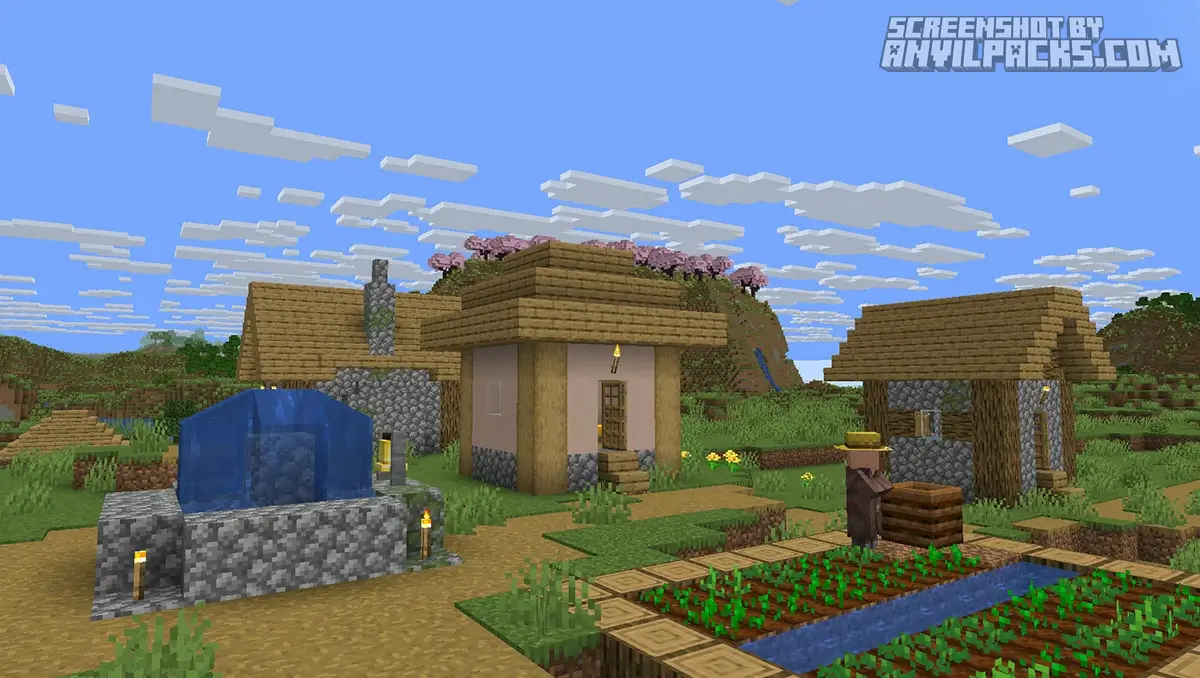
Before & After Comparison
Compare Photon Shaders to default Minecraft Look.
Quick Comparison: Which Pack fits YOU?
Not sure if you should switch? Here is the breakdown.
-
Photon vs. Complementary: Complementary feels “Vanilla+” and stylized. It fits the Minecraft art style perfectly. Photon feels “Real Life.” It’s sharper and less cartoony.
-
Photon vs. BSL: BSL has a very specific “soft/hazy” filter that people love for screenshots. Photon is the opposite—it is crystal clear and sharp.
Performance Check: The Main Selling Point
This is why you are reading this article. Does it run?
Yes. This thing flies.
I tested Photon on a mid-range GTX 1660 Super and a newer RTX 3060.
Comparison: It runs almost as fast as Complementary Reimagined, which is insane considering how sharp Photon looks. It is significantly lighter than BSL or Kappa. If you are playing on a laptop with a decent dedicated GPU, this is your best friend.
Settings & Tweaks
The menu for Photon is massive. You can tweak basically everything.
-
Fog Density: Want a spooky vibe? Crank it up.
-
Water Color: Don’t like the clear look? Make it swampy.
-
Camera Settings: You can adjust exposure and white balance manually if you are a photography nerd.
My Advice: Stick to the default profile. The developer, SixthSurge, tuned it perfectly out of the box. You rarely need to touch anything.
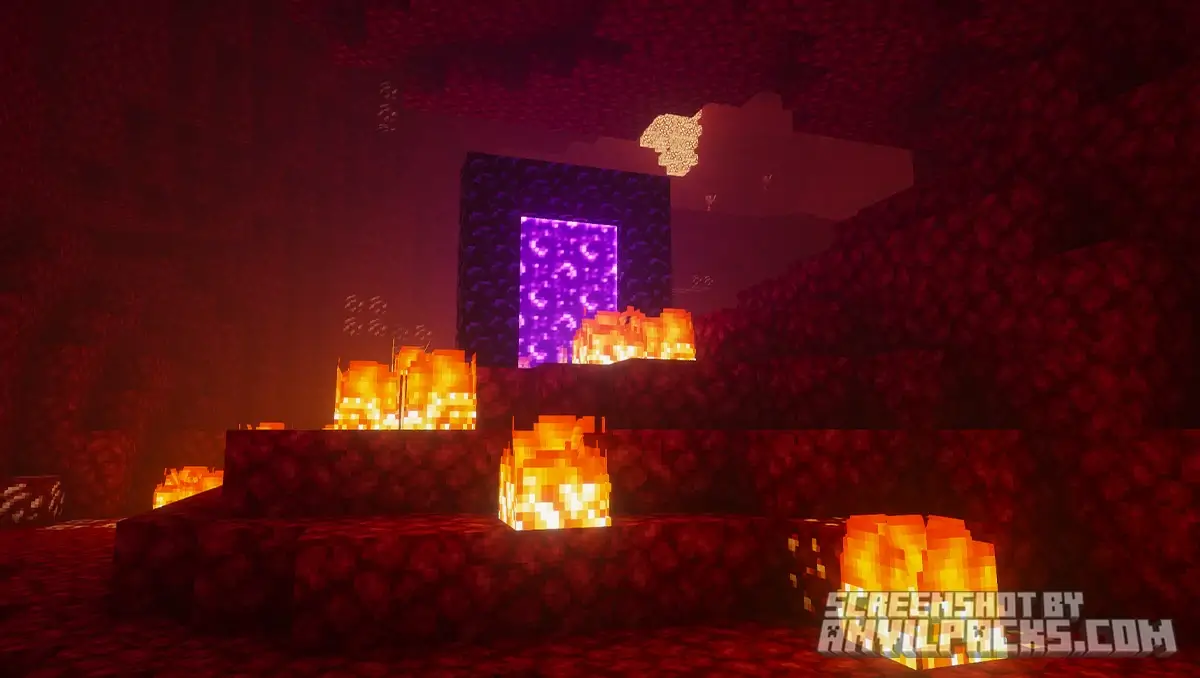
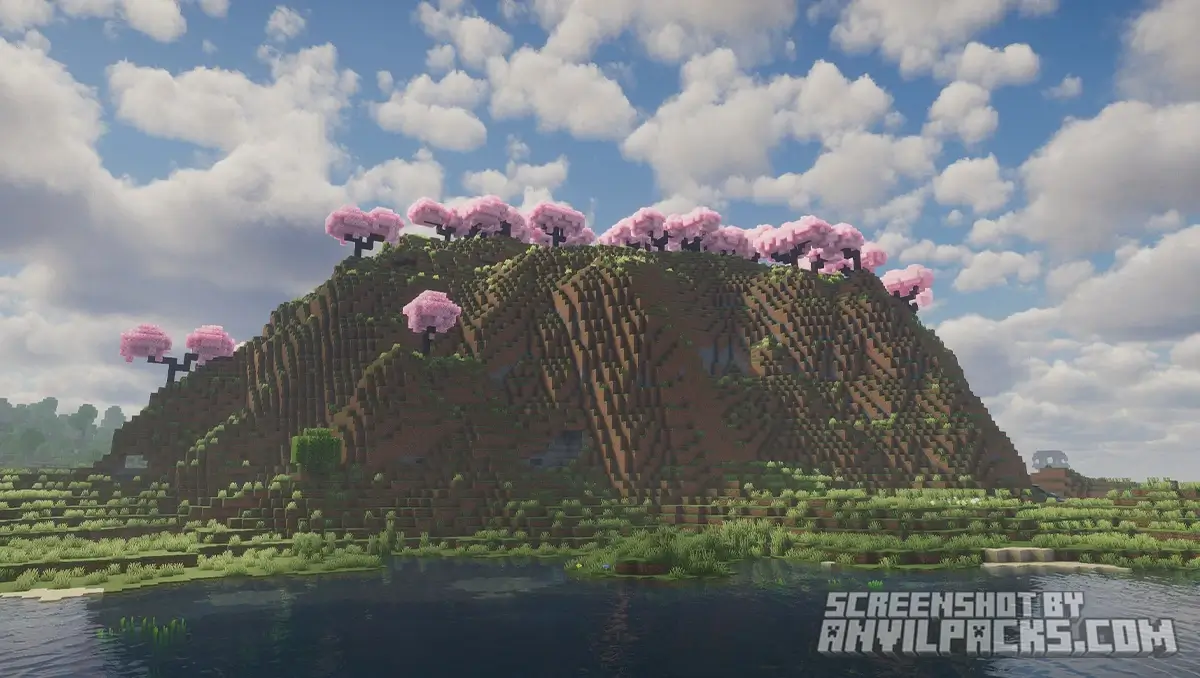
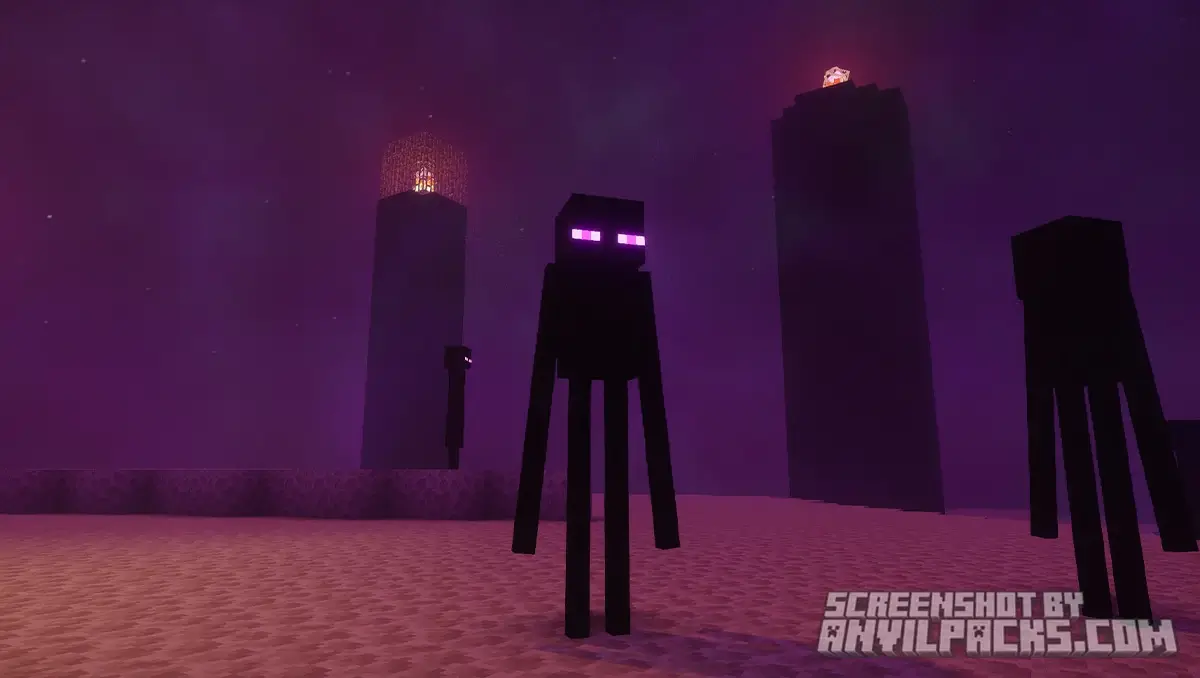
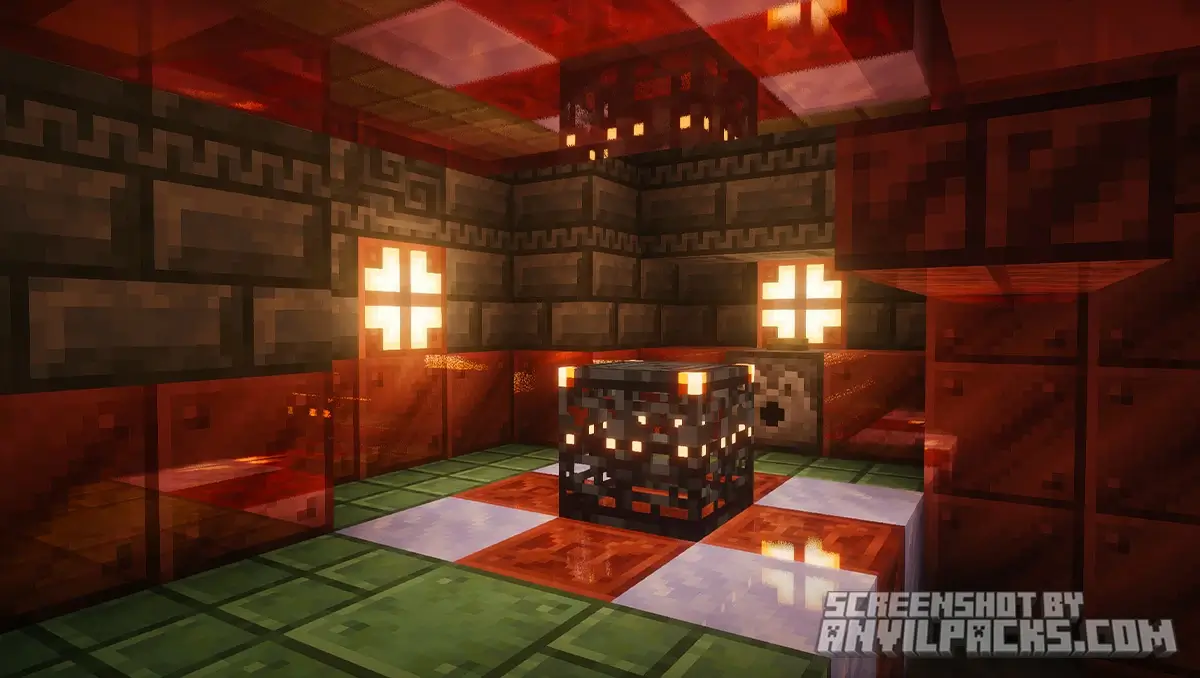
Our YouTube Video & Screenshots
Watch our Youtube video about Photon Shaders
Version Compatibility
Photon Shaders is fully compatible with Java Edition versions from 1.19 up to the latest 1.21.x
Photon Shaders - My Honest Opinion
This has become my new daily driver.
I hate lag. I refuse to play at anything under 60 FPS. For a long time, that meant I could only use lightweight shaders that looked “okay.” Photon changed that. It gives me the high-end, ray-tracing vibe without the performance cost.
It’s clean. It’s professional. It doesn’t distract you with weird effects during gameplay.
The Verdict: If you are tired of the “saturated” or “blurry” look of older shaders and want something that respects your hardware, download this immediately.
Download Photon Shaders
[1.19 - 1.21.X] Download Photon Shaders
Free download — redirects to the official pack page.
Explore More Shader Packs
Explore More Texture Packs
How to Install Photon Shaders?
- Download the shader pack using the button below.
- Install Iris or OptiFine — Iris is recommended for better performance and smoother FPS.
- Open Minecraft Launcher and select the Iris or OptiFine profile.
- Start the game.
- In Minecraft, go to:
Iris: Options → Video Settings → Shader Packs
OptiFine: Options → Video Settings → Shaders
- Click Open Shader Pack Folder and move the downloaded ZIP file into it.
- Go back to Minecraft, select your shader from the list, and click Done or Apply.
- Credits: Full credit for creating Photon Shaders goes to Sixthsurge.
- Please note that none of the files are hosted on our servers — all Download Links redirect to the official Pack page to support the creator.
- Every pack is thoroughly checked and confirmed to be free from viruses, ensuring a completely safe and secure download experience for all users.








Super
Its good
gdzie mam kliknąć żeby pobra
You can download these shaders by clicking LINK on page bellow. Simply slick “JUMP TO DOWNLOAD LINKS” to get there faster.
good
jak włączyć shadery jak je zainstalować
Check our guide how to install shaders on IRIS: https://anvilpacks.com/guides/how-to-install-iris/ or https://anvilpacks.com/guides/how-to-install-optifine/ 🙂