Complementary Unbound Shaders
Complementary Unbound Shaders Download 26.2 / 26.1.2 / 1.21.11
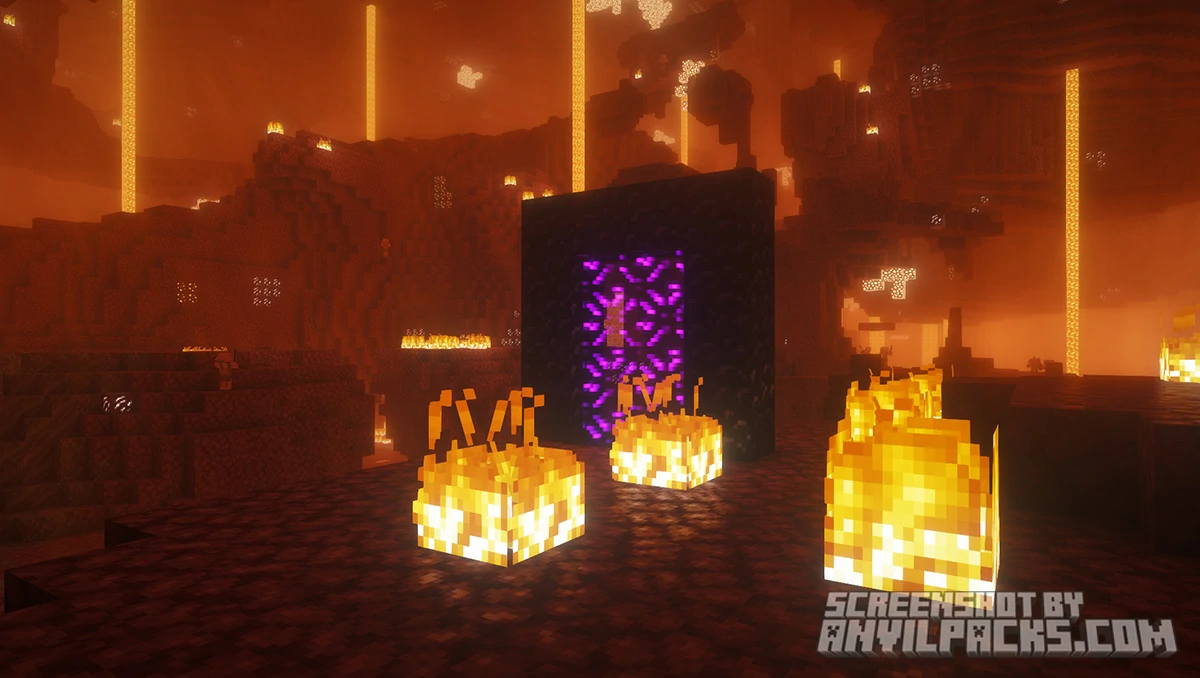
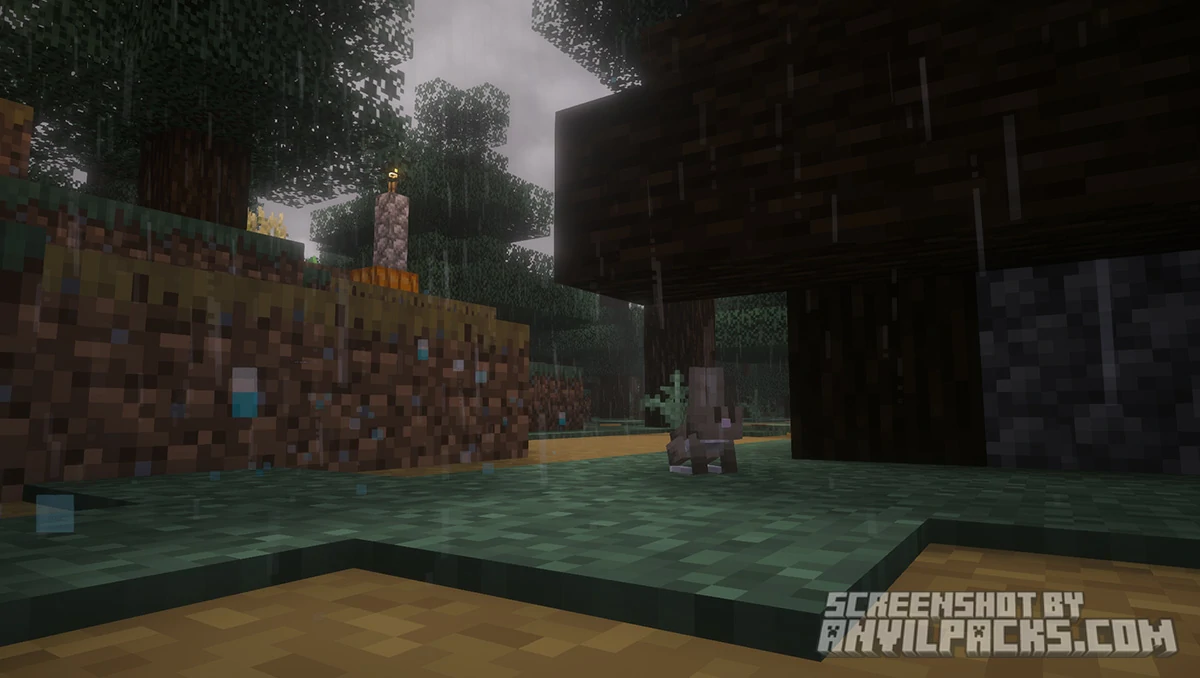
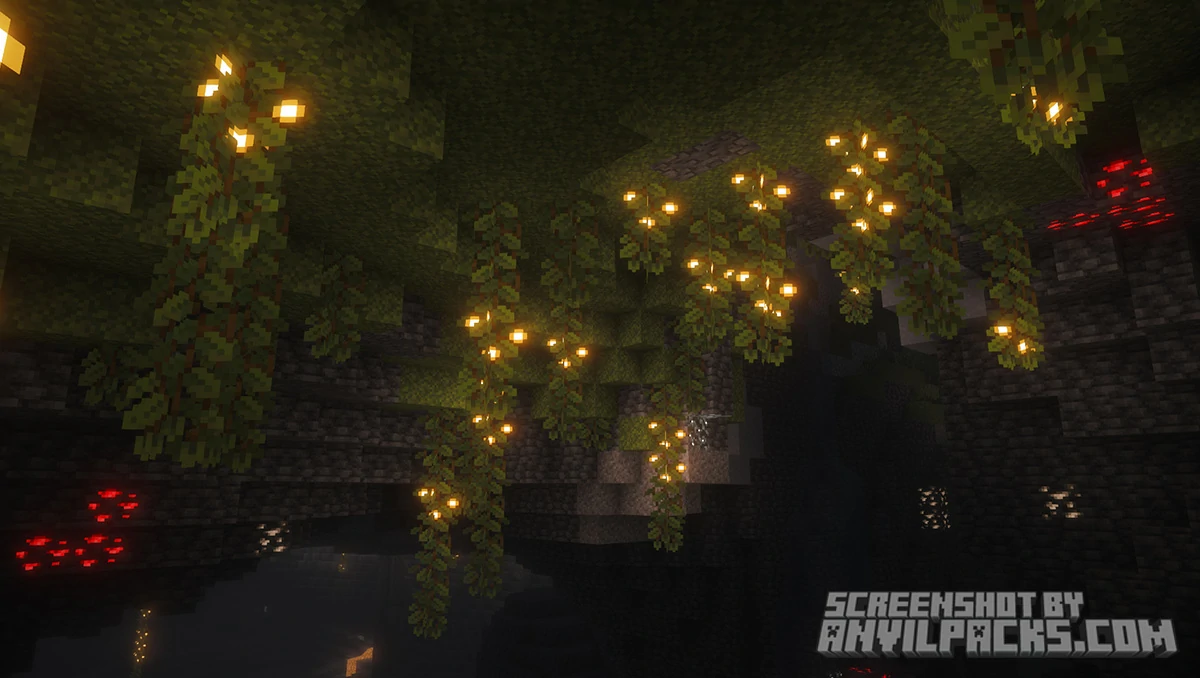
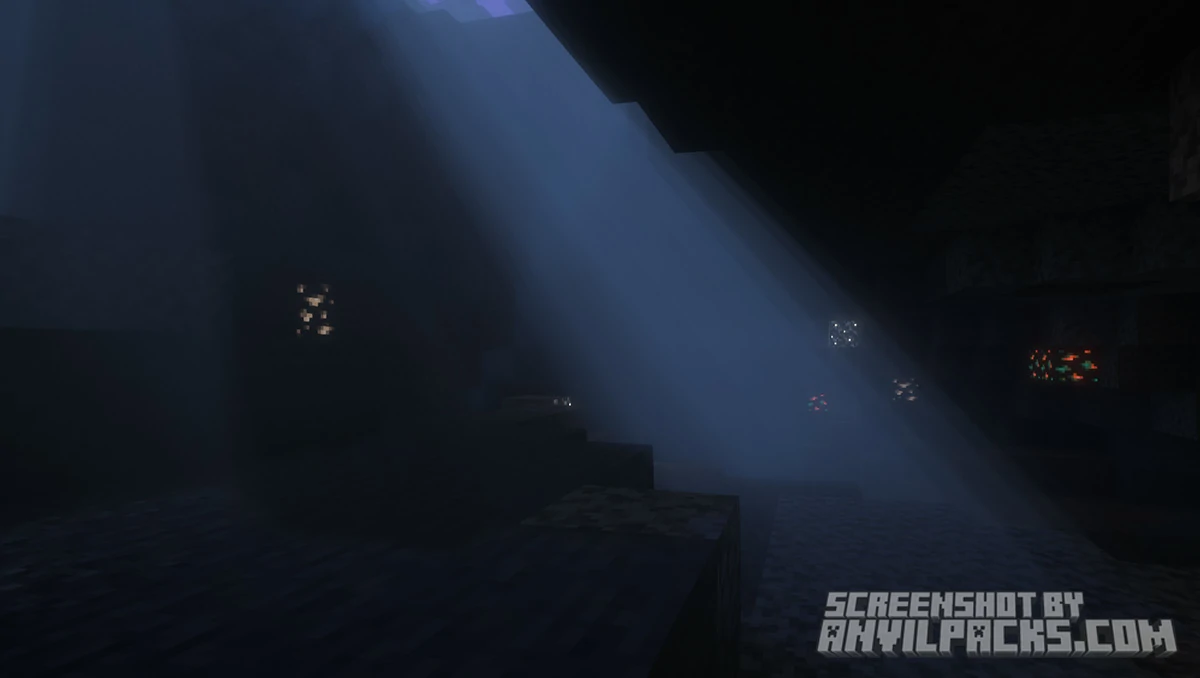
Best Upgrade to Minecraft Graphics
Minecraft, in its base form, offers a charming aesthetic that has captured the hearts of millions. However, for those of us who wish to see the blocky world transformed into a stunning vista of light and shadow, community mods are the answer.
Complementary Unbound Shaders represents the pinnacle of what modern voxel rendering can achieve.
Developed by EminGT, this pack is an evolution of the classic Complementary Shaders. The “Unbound” version aims to push the boundaries of realism while maintaining the core soul of the game. It isn’t just a filter; it is a fundamental reconstruction of how light interacts with every block, leaf, and drop of water in your world.
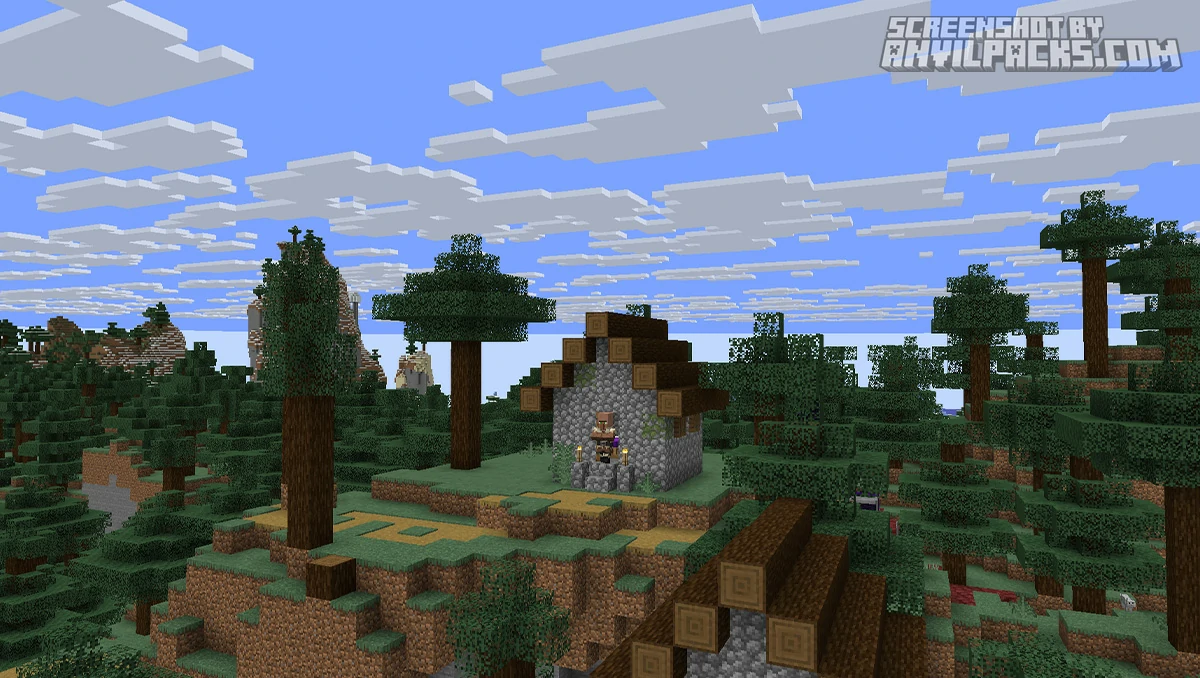
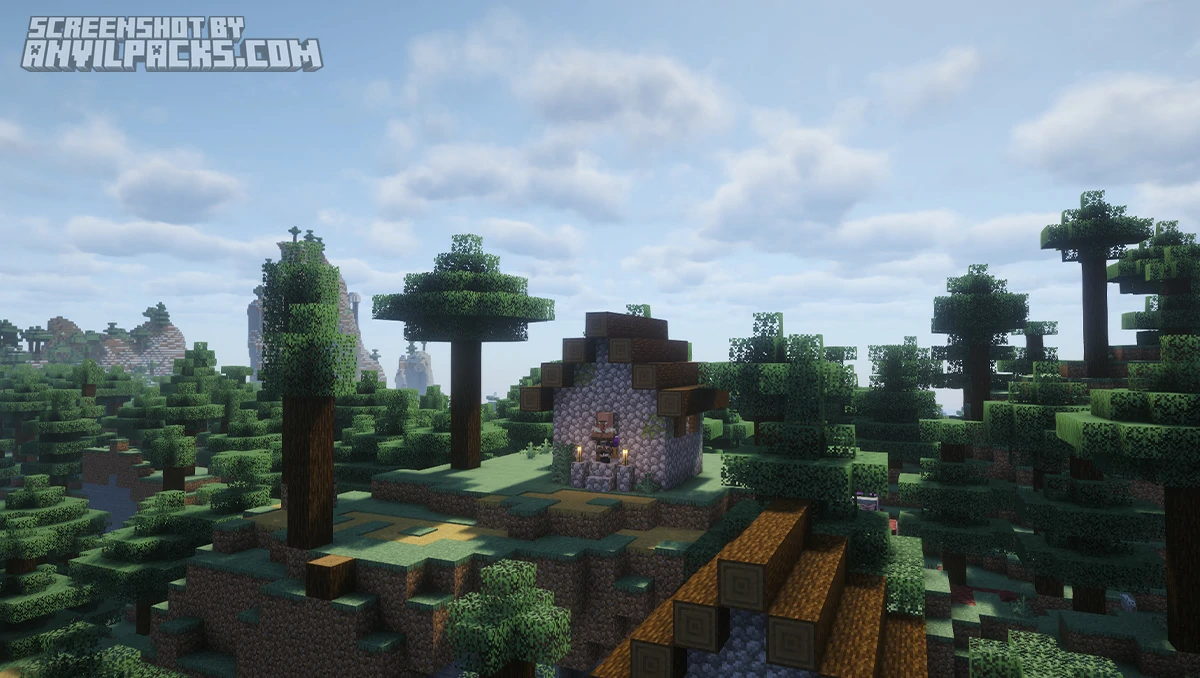
Before & After Comparison
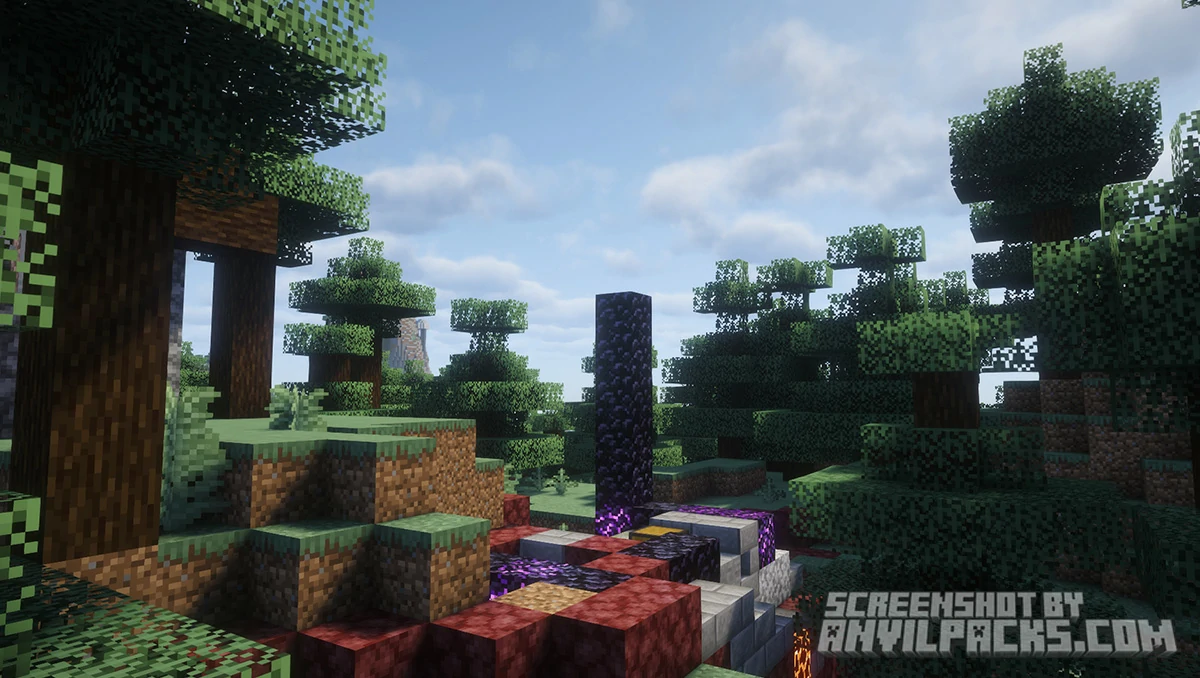
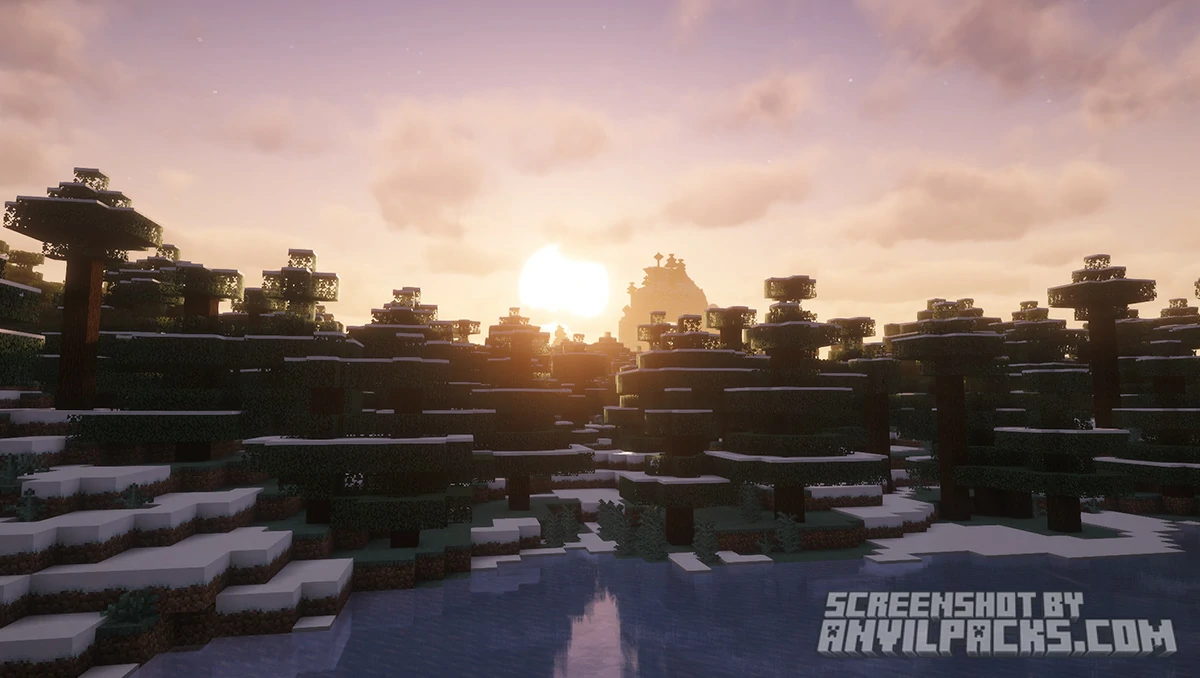
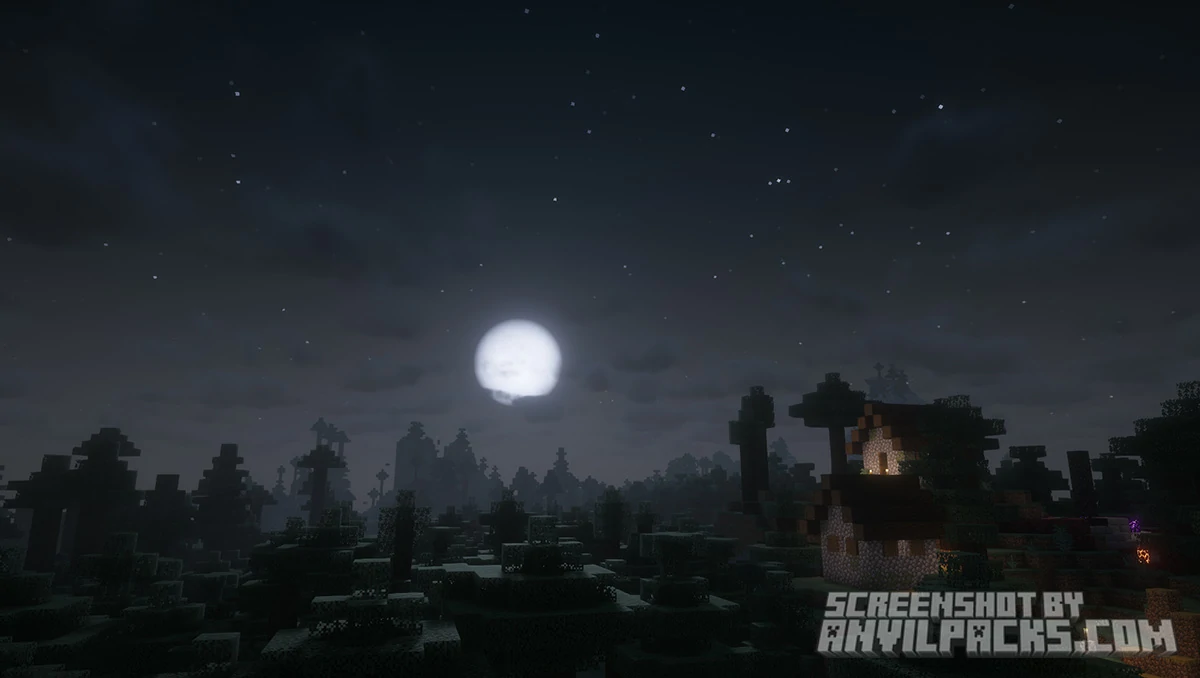
Compare Complementary Unbound Shaders to default Minecraft Look.
The “Unbound” Promise
A common fear with high-end shaders is the “Slide-show Effect”—where your FPS drops to single digits. However, the architecture of Complementary Unbound is surprisingly efficient. It is a perfect example of optimized coding.
Iris vs. OptiFine While the pack works on both, it is highly optimized for the Iris Shaders mod. When paired with Sodium, players can achieve frame rates that were previously unthinkable with this level of visual quality. This makes the experience a joy even on mid-range PCs.
Customization Options
The shader menu is a treasure trove for those who love to tweak settings. You can adjust almost everything:
-
Shadow Resolution: Balance performance and sharpness.
-
Cloud Settings: Choose from “Fancy” volumetric clouds, “Fast” 2D clouds, or completely custom shapes.
-
Emissive Light: Control how brightly blocks like Glowstone or Sea Lanterns shine (IntegratedPBR).
-
Color Grading: Choose a warmer, cozy tone or a cooler, realistic vibe for your world.
-
Water Effects: Realistic waves, reflections, and underwater distortion.
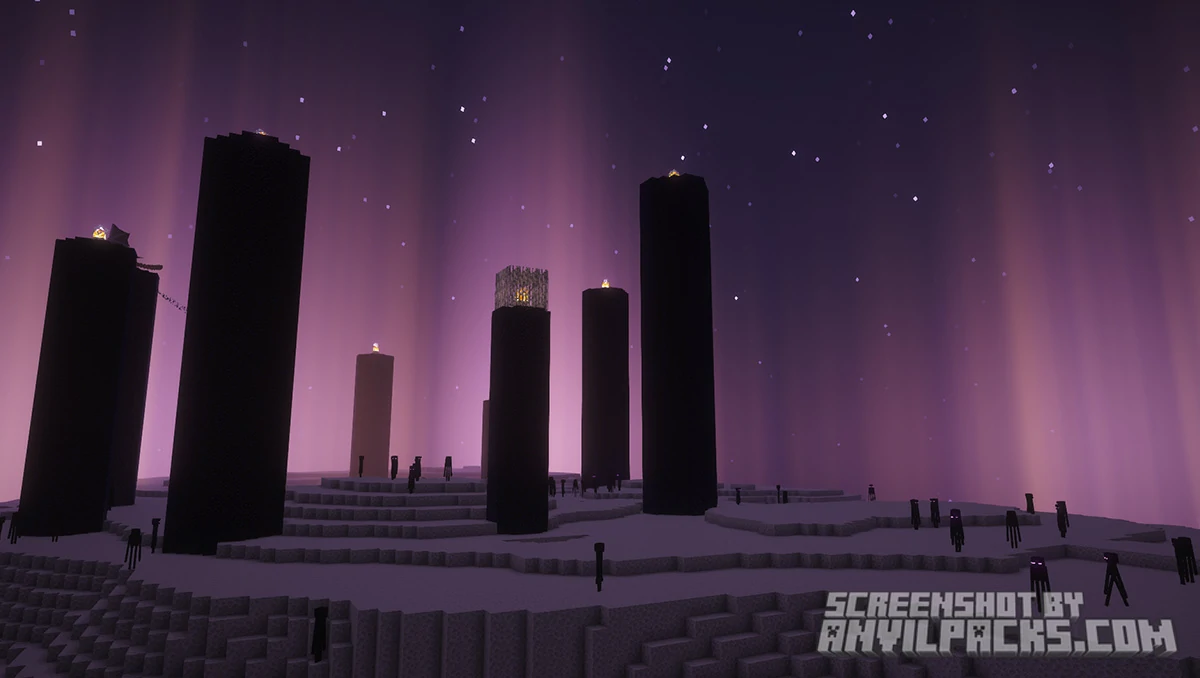
Our YouTube Video & Screenshots
Watch our Youtube video about Complementary Unbound Shaders.
Version Compatibility
Complementary Unbound Shaders is fully compatible with Java Edition versions from 1.16 up to the latest 26.2
My Honest Opinion about Complementary Unbound
I’ve tested countless packs, but I always find myself returning to Complementary Unbound.
Most “realistic” shaders make the game feel heavy or cluttered with excessive effects. This pack strikes a perfect balance. It keeps the game looking like a movie while ensuring gameplay remains clear and visible. The lighting doesn’t just look “better”—it feels correct. Whether you are building a massive castle or just exploring a lush cave, the atmosphere provided here is currently unmatched in the modding scene.
Download Complementary Unbound Shaders
[1.16 - 26.2] Download Complementary Unbound Shaders
Free download — redirects to the official pack page.
Explore More Shader Packs
Explore More Texture Packs
How to Install Complementary Unbound Shaders?
- Download the shader pack using the button below.
- Install Iris or OptiFine — Iris is recommended for better performance and smoother FPS.
- Open Minecraft Launcher and select the Iris or OptiFine profile.
- Start the game.
- In Minecraft, go to:
Iris: Options → Video Settings → Shader Packs
OptiFine: Options → Video Settings → Shaders
- Click Open Shader Pack Folder and move the downloaded ZIP file into it.
- Go back to Minecraft, select your shader from the list, and click Done or Apply.
- Credits: Full credit for creating Complementary Unbound goes to EminGT.
- Please note that none of the files are hosted on our servers — all Download Links redirect to the official Pack page to support the creator.
- Every pack is thoroughly checked and confirmed to be free from viruses, ensuring a completely safe and secure download experience for all users.








This is so beautiful shader on the Minecraft
We completely agree, CALUBAG74! It’s hard to find another Minecraft shader that looks this good while maintaining such high performance. Complementary Unbound is famous for its incredible lighting and atmospheric effects, making it a top choice for players who want a ‘vanilla+’ feel with a modern twist. Enjoy the views!