GUI Simple Stylized Texture Pack Download 26.2 / 26.1.2 / 1.21.11
The Ultimate Clean & Dark Minecraft GUI Texture Pack
Let’s be honest for a second. We all love Minecraft, but staring at that default, bright grey “cobblestone-style” interface for six hours straight? It can get a little rough on the eyes. If you are a builder who spends half their life in the creative menu, or a PvP sweat who needs zero distractions, the default UI just feels a bit… outdated.
That’s where the GUI Simple Stylized texture pack comes in. It’s quickly becoming a favorite for players who want a modern, sleek aesthetic without changing the actual blocks or items in the game. If you’ve been hunting for the perfect Minecraft GUI Texture Pack, you might have just found your endgame.
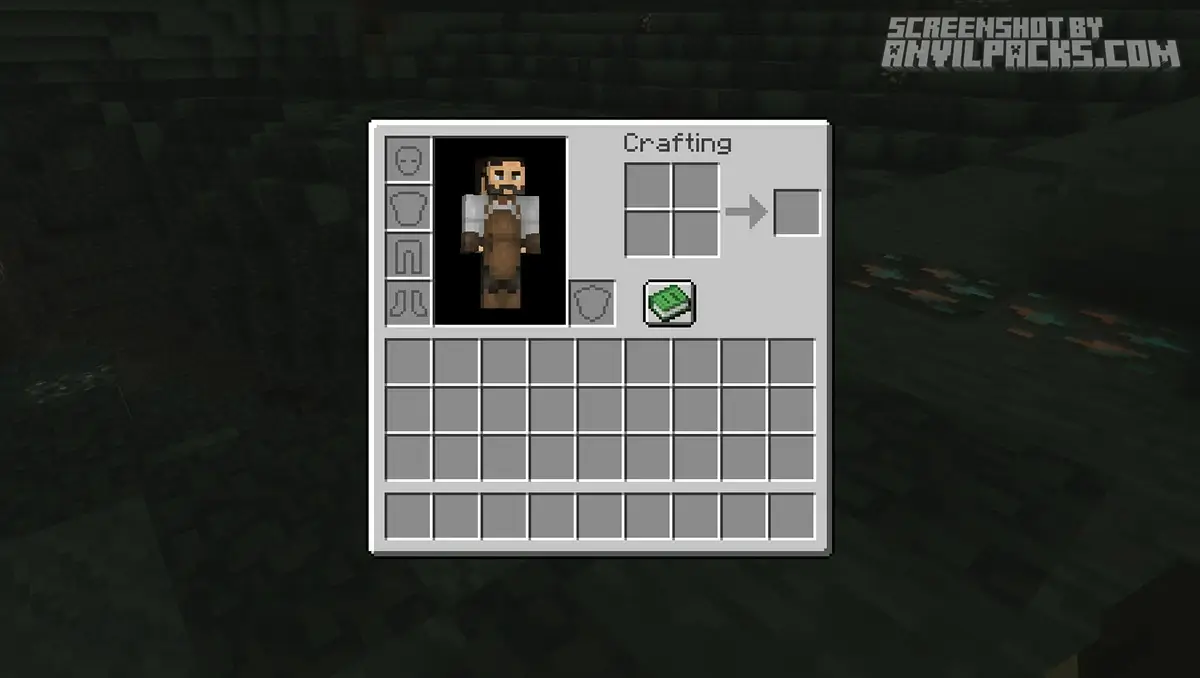
Before & After Comparison
Compare Gui SimpleStylized Texture Pack to default Minecraft Look.
What does GUI Simple Stylized do?
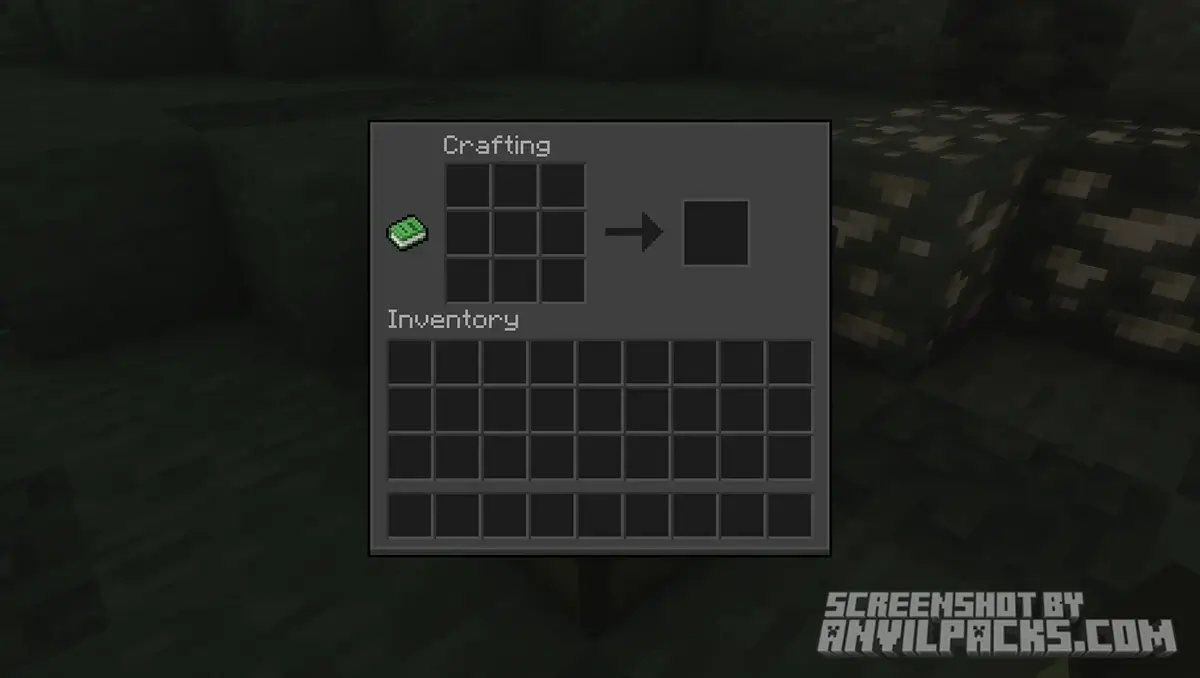
At its core, GUI Simple Stylized is exactly what it says on the tin. It takes the user interface (your hotbar, inventory, crafting tables, chests, etc.) and smooths it out.
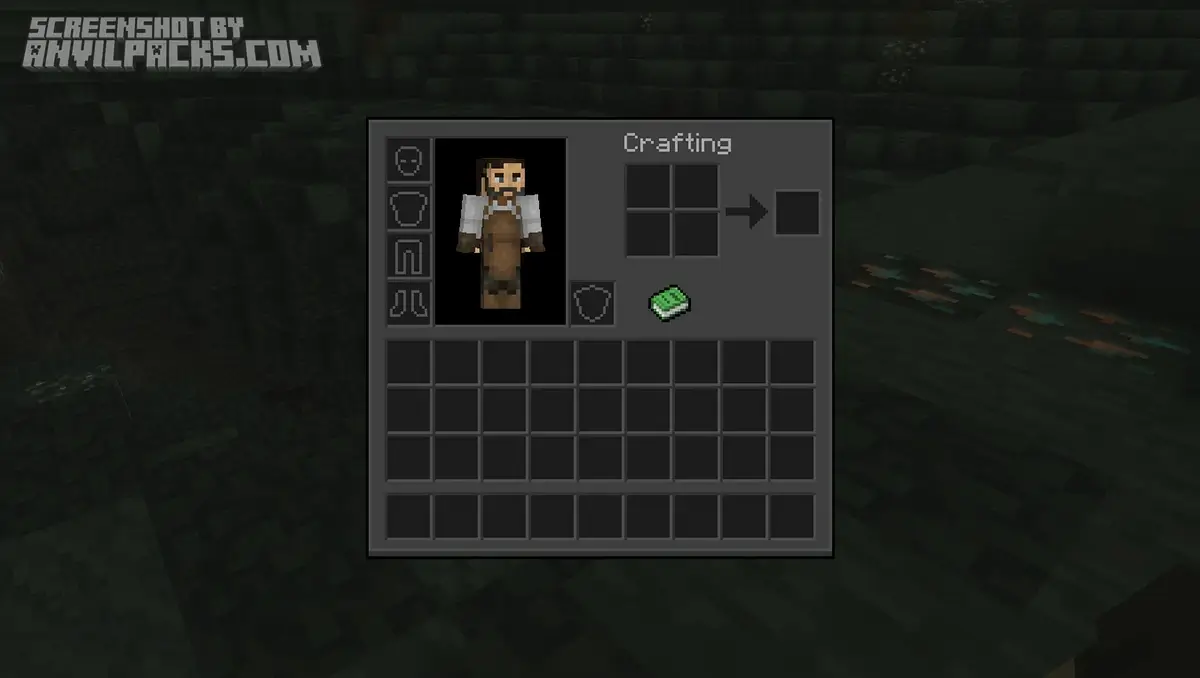
Most players are looking for a Minecraft Dark GUI because the lower contrast is easier to look at during late-night gaming sessions. This pack ditches the noisy textures of the vanilla game and replaces them with flat, clean, dark-grey surfaces. It gives the game a much more “pro” feeling, similar to what you see streamers using.
Key Features Breakdown
Why should you bother installing this over thousands of other packs? Here is the breakdown of what makes this one stick out.
1. The “Dark Mode” Aesthetic
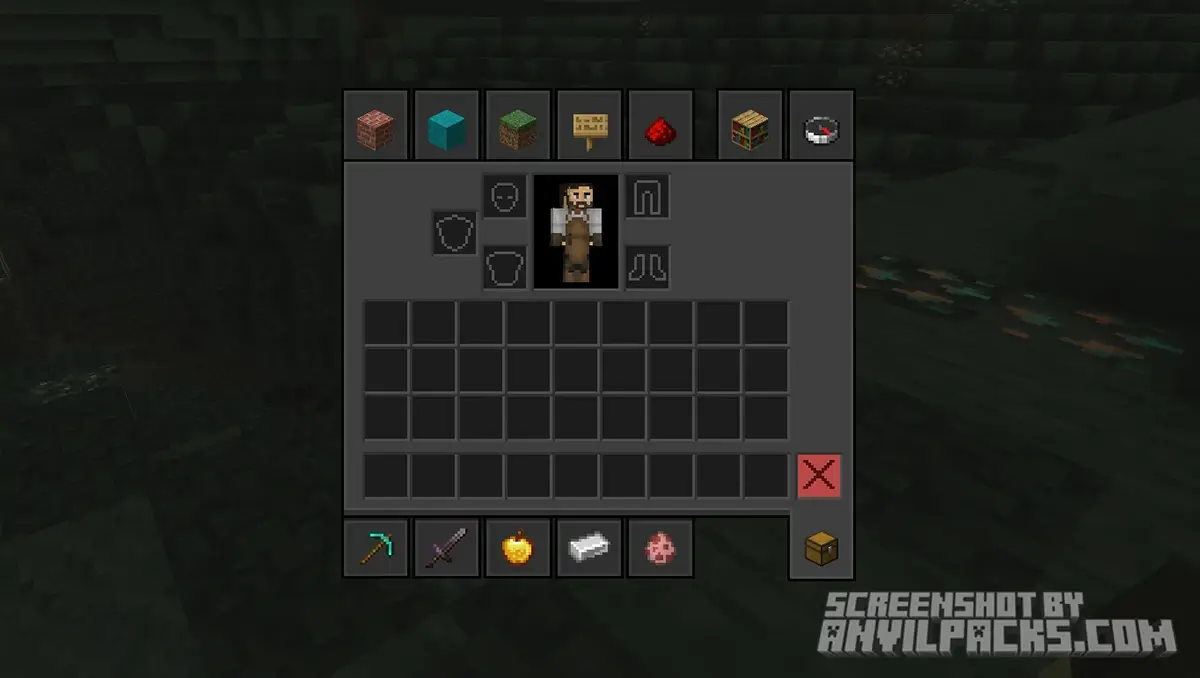
The biggest selling point is the color palette. It shifts the UI from light grey to a dark, sleek charcoal. This makes your bright items (like diamonds or enchanted gear) pop out more visually. It’s basically “Dark Mode” for Minecraft.
2. Clean Hotbar & Indicators
In PvP or intense survival moments, clutter is your enemy. This pack simplifies the hotbar. The selection square is clear but not obtrusive, and the health/hunger bars are often tweaked to look crisp. It helps you focus on the gameplay, not the pixels on the HUD.
3. Transparent Consistency
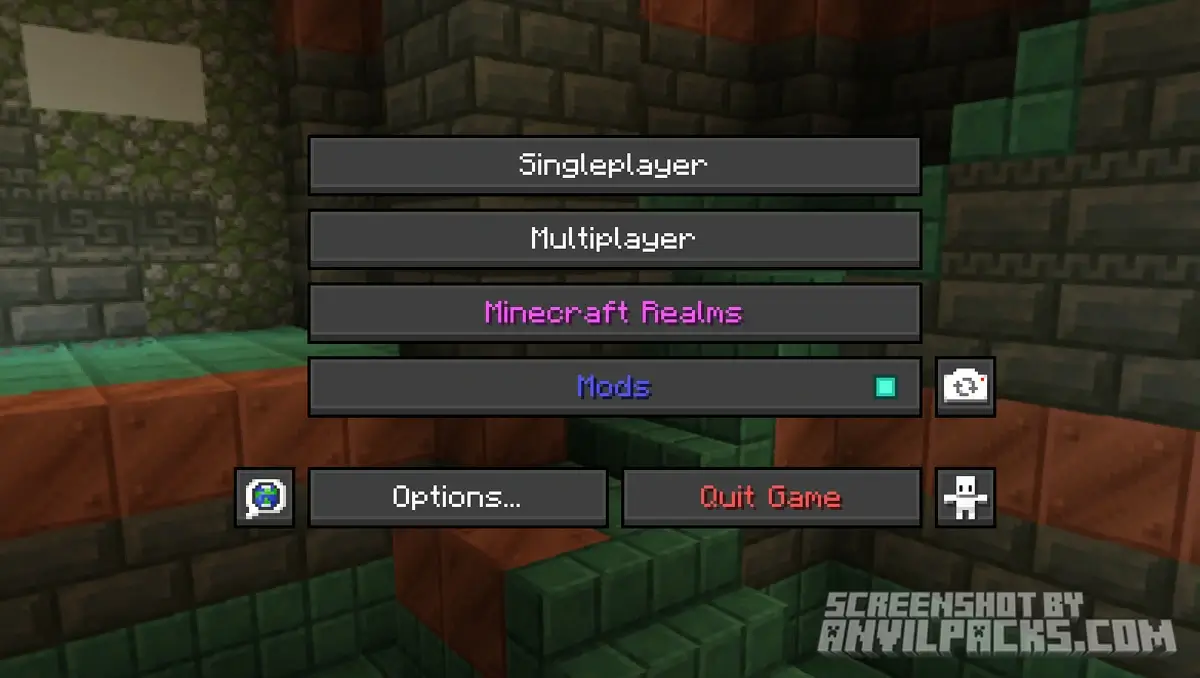
One thing I really dig about this pack is the consistency. Whether you are opening a shulker box, a furnace, or a villager trading window, the style matches perfectly. Some packs forget to update specific menus (like the brewing stand), but GUI Simple Stylized covers the bases.
4. FPS Friendly
Because this is a UI-only pack (mostly), it barely touches your performance. You aren’t loading 4K textures for blocks. It’s lightweight, meaning you get that premium look without sacrificing a single frame per second.
Our YouTube Video & Screenshots
Watch our Youtube video about Gui Simple Stylized Texture Pack.
Version Compatibility
GUI SimpleStylized is fully compatible with Java Edition versions from 1.19.2 up to the latest 26.2
GUI Simple Stylized - My Honest Opinion: Is it Worth It?
I’ve been testing GUI Simple Stylized for about a week now on a fresh Survival world (Version 1.20+), and honestly? I can’t go back to Vanilla.
The first time you open your inventory, it feels weirdly quiet—in a good way. The visual noise is gone. I noticed that when I’m organizing chests, my eyes don’t get as tired because the contrast between the items and the background is much better.
If you are a purist who loves the “retro” feel of the stone menus, this isn’t for you. But if you want your game to look like a modern title from 2024 rather than 2011, this is an absolute must-have. It pairs incredibly well with Vanilla-Style Shaders, too.
My Verdict: It’s clean, it’s dark, and it just works. 9/10.
Gui SimpleStylized Texture Pack Download
[1.16 - 26.2] Download GuiSimpleStylized
Free download — redirects to the official pack page.
Explore More Texture Packs
Explore More Shader Packs
How to Install GUI SimpleStylized Texture Pack?
- Install OptiFine or Iris Shaders for full compatibility and visual features.
- Download the Texture Pack — by clicking the button below.
- Launch Minecraft and open Options → Resource Packs.
- Click “Open Pack Folder.”
- Move or drag the downloaded
.zip file into the resourcepacks folder.
- Go back to Minecraft — the pack should now appear on the left side of the screen.
- Click the arrow to move it to the right (active packs).
- If a message says the pack was made for a different version, click “Yes.”
- Click Done, and enjoy your upgraded visuals!
- Credits: Full credit for creating GUI SimpleStylized goes to GabrielDja.
- Please note that none of the files are hosted on our servers — all Download Links redirect to the official Pack page to support the creator.
- Every pack is thoroughly checked and confirmed to be free from viruses, ensuring a completely safe and secure download experience for all users.