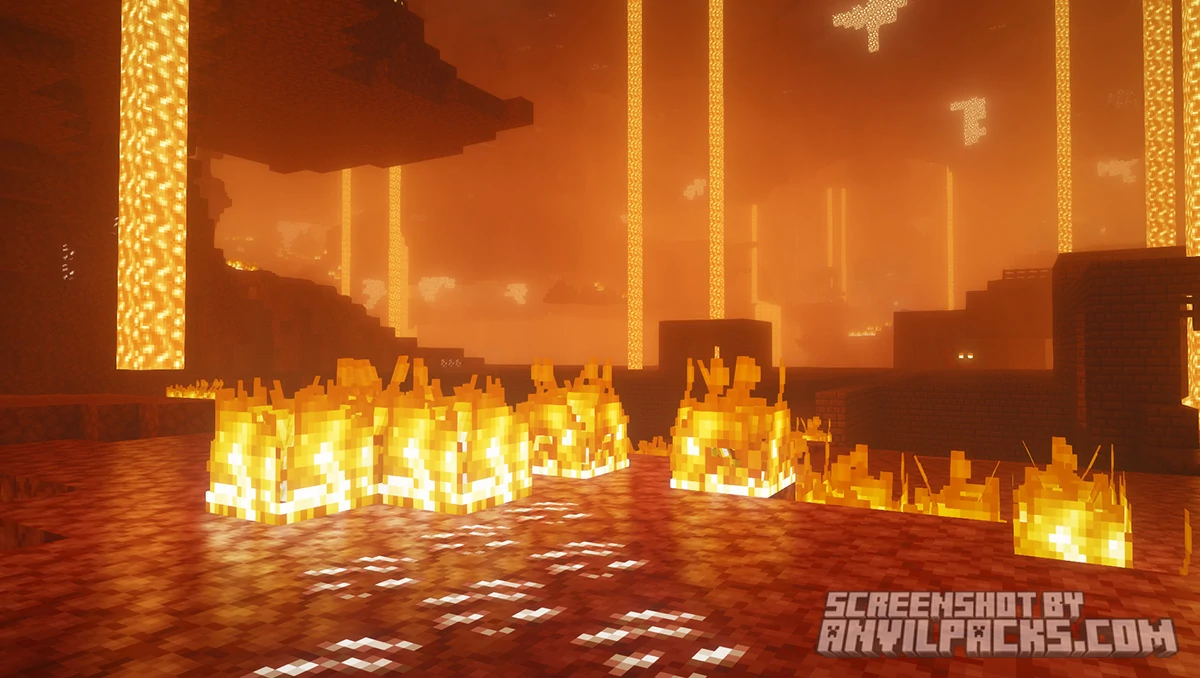
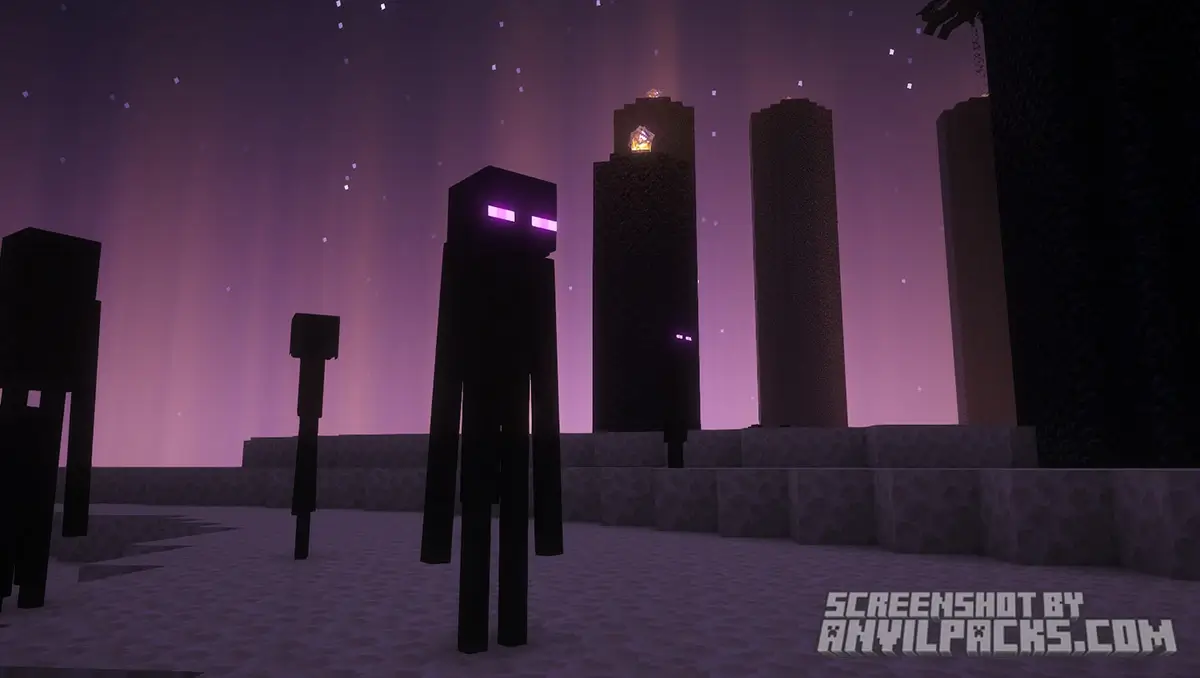
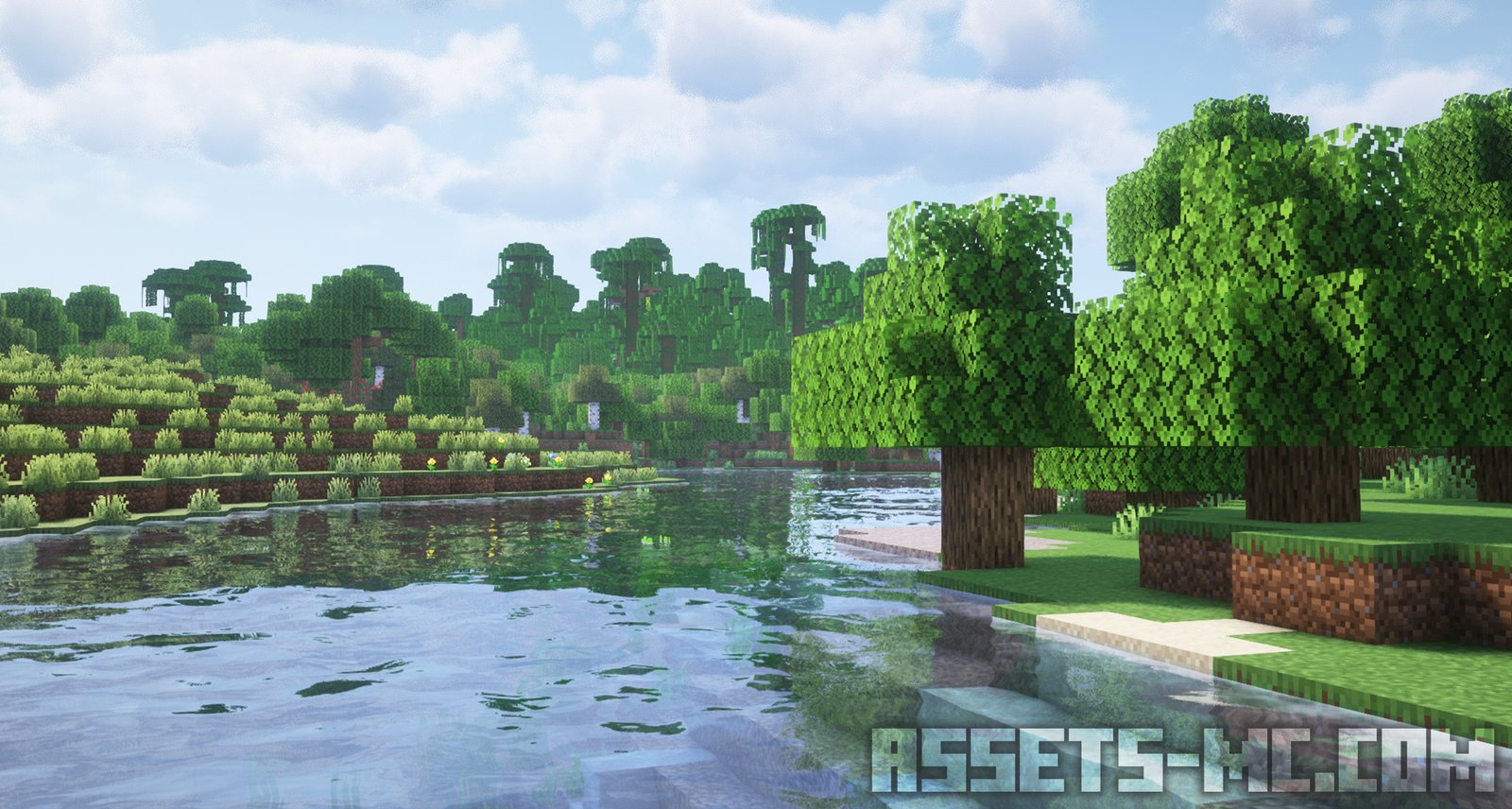
Let’s be real for a second: playing vanilla Minecraft is fine, but if you aren’t using OptiFine, you’re basically playing the “lite” version of the game. Whether you’re trying to stop your laptop from sounding like a jet engine or you want those crisp, wavy water Minecraft Shaders, OptiFine is the legendary mod that makes it all happen.
I’ve been using this since the early days, and honestly, I can’t imagine opening the launcher without it. It’s the Swiss Army knife of Minecraft optimization. If you’re looking to upgrade your visual experience—especially if you just downloaded a sick new GUI Texture Pack from our site—you’re going to need this.

OptiFine is arguably the most famous Minecraft mod ever created. It’s a performance utility that gives you way more control over the game’s engine than Mojang ever provided. Here is why the community still treats it like royalty in 2026:
FPS Boost: It can literally double your frame rate. If you’re stuttering in a jungle biome, OptiFine fixes that.
Shaders Support: This is the big one. If you want to use Minecraft Shaders to get realistic lighting and shadows, OptiFine is the most straightforward way to run them.
Dynamic Lights: Ever wish that holding a torch actually lit up the cave around you? With this mod, it does. No more placing torches every five blocks just to see where you’re walking.
Before we get into the how to install OptiFine part, let’s look at the “hidden” perks that make your gameplay feel 10x smoother:
Extensive Graphics Settings: You get toggles for everything. Hate the rain? Turn it off. Want to disable the void fog or water animations to squeeze out more performance? You got it.
Zoom Function: This is a classic. By hitting the “C” key (by default), you can zoom in on distant structures or players. It’s basically built-in binoculars.
Connected Textures: This is a game-changer for builders. It makes glass panes and blocks connect seamlessly into one big sheet of glass instead of having those annoying borders on every single block.
Watch our YouTube Video about this Pack.
Optifine is fully compatible with Java Edition versions from 1.7.2 up to the latest 1.21.x
Look, I’ll be honest with you. Lately, a lot of players have been switching to the “Sodium” and “Iris” combo because it can sometimes offer even higher FPS on modern hardware.
However, for 90% of players, OptiFine is still the king because of how simple it is. It’s an all-in-one package. You don’t have to hunt down five different mods just to get shaders and zoom working. Plus, it has the best compatibility with high-end Texture Packs.
Pro-Tip: If you want your game to look clean and aesthetic without killing your PC, try running OptiFine with the Bare Bones texture pack. It makes the game look like the official Minecraft trailers!
Install the Mod Loader: Ensure you have Forge (or the version-specific loader) installed for the Minecraft version you want to play.
Download the Mod file (.jar): Head to the official OptiFine site and download the .jar file for your specific game version.
Press Win + R: On your keyboard, press the Windows Key + R, type %appdata%, and hit enter.
Open the .minecraft folder: Locate the folder named .minecraft and then find your mods folder inside (if it’s not there, just create a new folder and name it “mods”).
Move or drag the file: Simply drop the downloaded OptiFine .jar file directly into that mods folder.
Launch Minecraft: Open your launcher and make sure the Forge Profile is selected before hitting Play.
Done! OptiFine is now loaded alongside your other mods—go check your video settings to confirm!
wow to jest super