Bare Bones Texture Pack 21.1 / 1.21.11
Why Doesn’t My Game Look Like the Trailers?
We’ve all been there. You watch a new Minecraft update trailer, and the game looks incredible. The colors are popping, the textures are smooth, and everything feels so vibrant and clean. Then, you load up your own world, and… well, it looks a bit “noisy” in comparison. The standard 16×16 pixel art we know and love is great, but it doesn’t quite match that slick promotional art style.
Enter the Bare Bones Texture Pack.
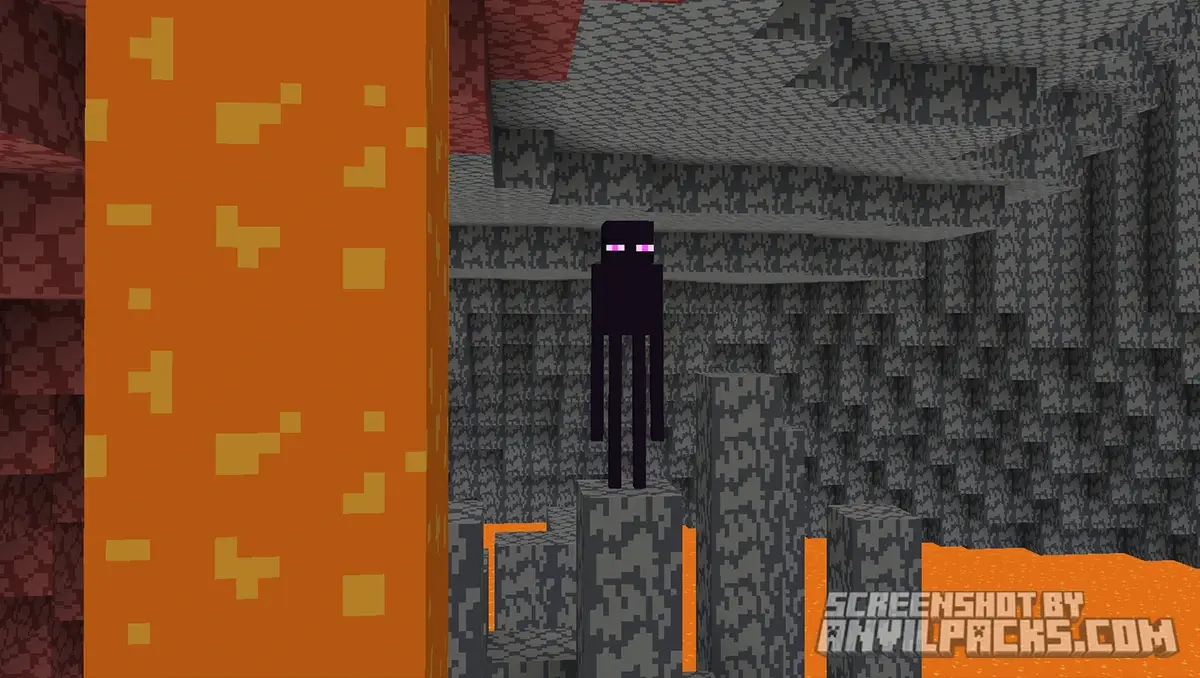
This pack is hands-down the best way to bridge the gap between the game you play and the game you see in Mojang’s commercials. Created by RobotPants, Bare Bones strips away the “noise” of default textures to reveal a colorful, simplistic style that feels fresh yet instantly recognizable. If you are a Minecraft player who loves the aesthetic of the official artwork, this pack is an absolute must-have.
Before & After Comparison
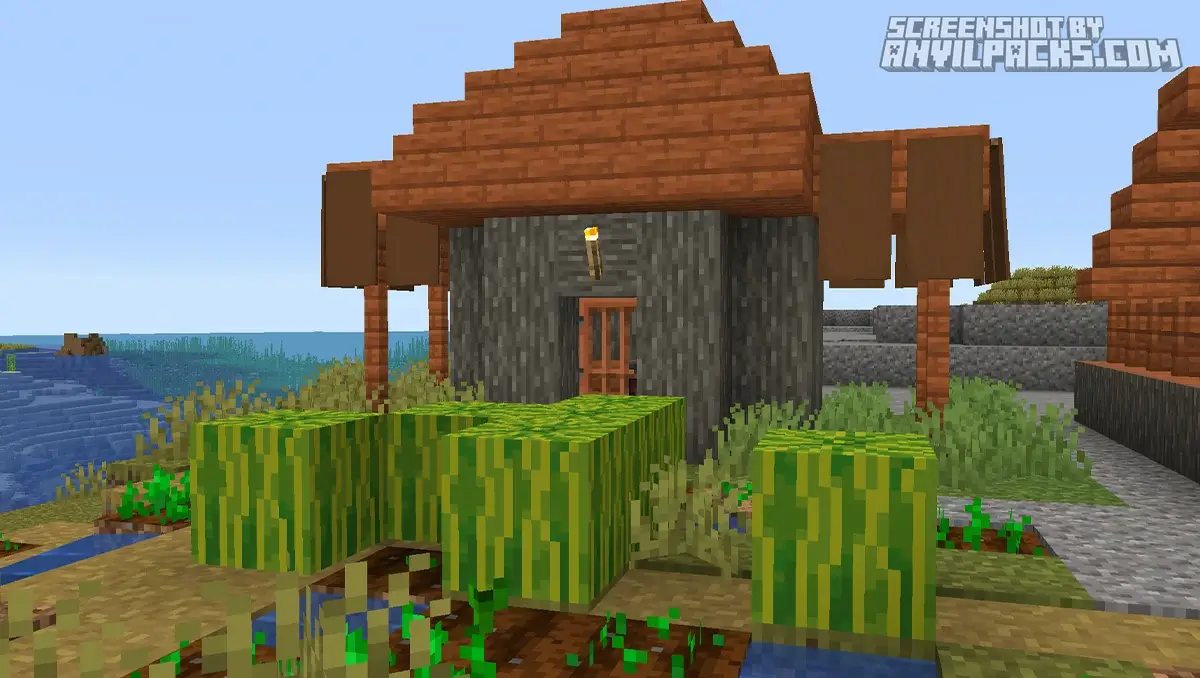
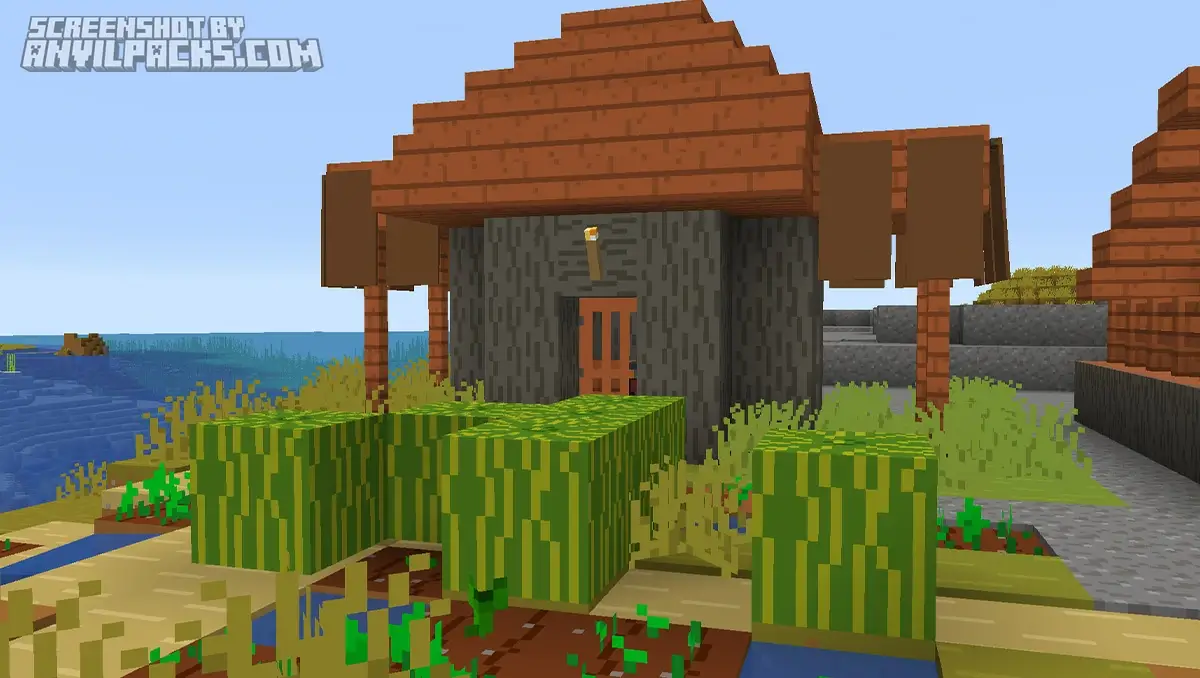
Compare Bare Bones Texture Pack to default Minecraft Look.
Key Features: The "Trailer" Look Explained
The Bare Bones Texture Pack isn’t just about making things “simple”; it’s about art direction. Here is exactly what you get when you install it:
-
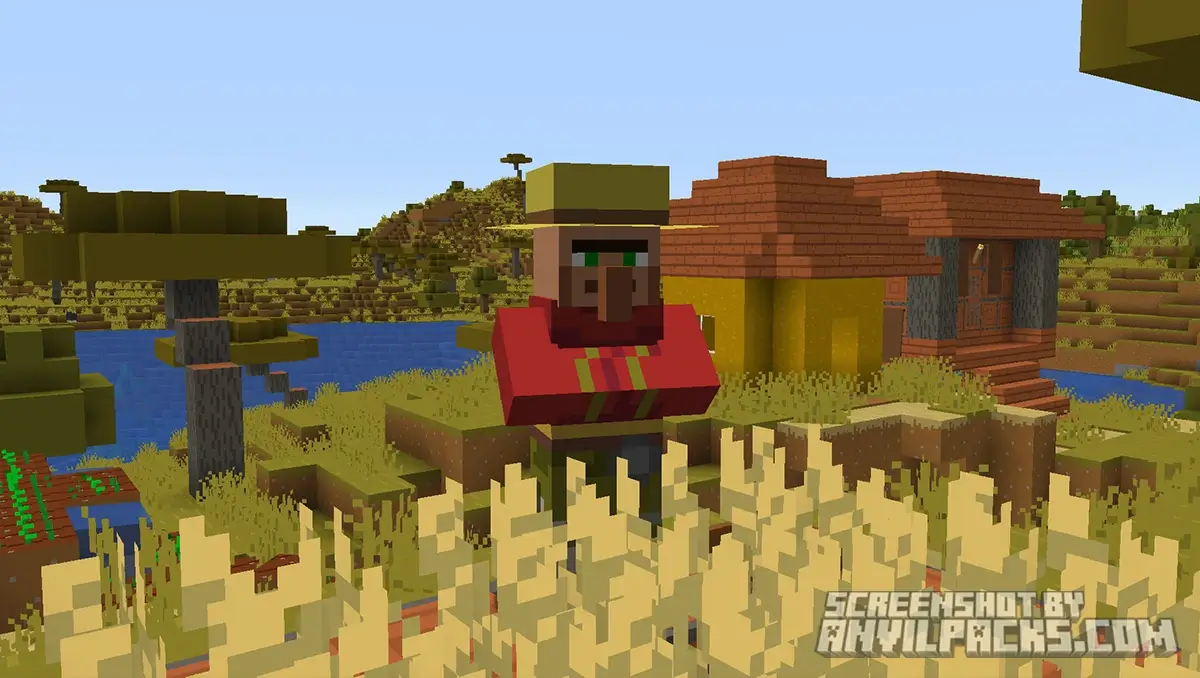
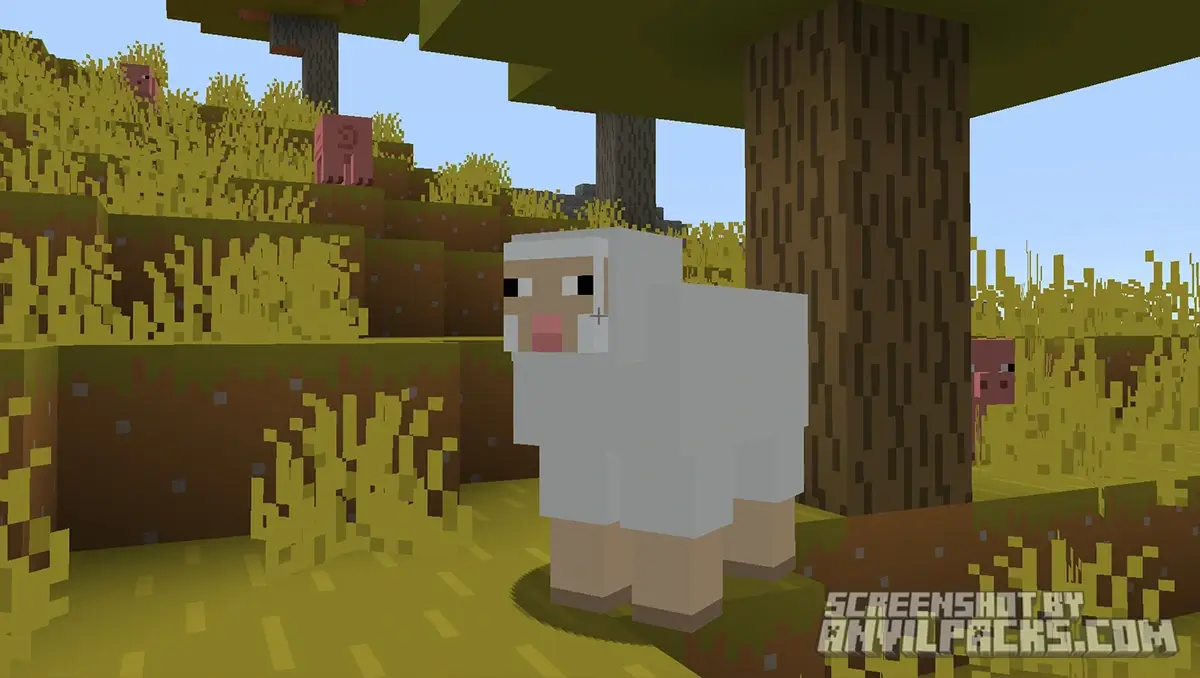
Simplistic & Vibrant Textures: The defining feature of Bare Bones is the removal of gritty details. Dirt, stone, and wood planks are smoothed out to use flat, solid colors rather than complex shading. This makes the world look brighter and more cheerful.
-
Official “Trailer” Aesthetic: Every block and item has been meticulously designed to match the specific art style used in Minecraft’s animated trailers. It’s like stepping inside a movie.
-
Clean GUI: The Graphical User Interface (GUI) gets a transparent and clean makeover, making your inventory and crafting menus easier on the eyes.
-
Performance Friendly: Because the textures are visually simpler (though they maintain the standard 16x resolution), many players report that the game feels smoother. It’s a great option if you want a visual upgrade without melting your graphics card.
-
Mod & Shader Friendly: This pack looks insane when paired with shaders (like BSL or Complementary). The flat textures reflect light beautifully, making your world look like a high-budget render.
FAQ: Common Questions About Bare Bones
Q: Do I need OptiFine or Sodium to use it? A: No, Bare Bones works perfectly on vanilla Minecraft. However, using performance mods like Sodium or OptiFine can help if you plan to run shaders alongside it (which I highly recommend!).
Q: Can I use this on Bedrock Edition? A: While the main version linked here is for Java Edition, there are ports available for Bedrock/PE if you search the marketplace or community sites, though features might vary slightly.
Our YouTube Video & Screenshots
Watch our Youtube video about Bare Bones Texture Pack.
Version Compatibility
Bare Bones is fully compatible with Java Edition versions from 1.16 up to the latest 26.1
Bare Bones - My Honest Opinion
Look, I’ve played Minecraft for over a decade, and I usually stick to the vanilla textures because I hate losing that “Minecrafty” feel. Bare Bones is one of the few packs that stays on my permanent rotation.
It doesn’t try to turn the game into a realistic RPG or a sci-fi shooter. It just makes Minecraft look like the idea of Minecraft. It’s incredibly refreshing. When you are exploring a lush cave or building a simple starter house, the vibrant colors just make you feel happy.
Pro-Tip: If you really want the full experience, download a mod called Fresh Animations alongside Bare Bones. It gives the mobs those bouncy, expressive movements you see in the trailers. The combo of Bare Bones + Fresh Animations is, in my opinion, the peak Minecraft visual experience right now.
Bare Bones Texture Pack Download
[1.8 - 26.1] Download Bare Bones
Free download — redirects to the official pack page.
Explore More Texture Packs
Explore More Shader Packs
How to Install Bare Bones Texture Pack?
- Install OptiFine or EMF + ETF for full compatibility and visual features.
- Download the Texture Pack — by clicking the button below.
- Launch Minecraft and open Options → Resource Packs.
- Click “Open Pack Folder.”
- Move or drag the downloaded
.zip file into the resourcepacks folder.
- Go back to Minecraft — the pack should now appear on the left side of the screen.
- Click the arrow to move it to the right (active packs).
- If a message says the pack was made for a different version, click “Yes.”
- Click Done, and enjoy your upgraded visuals!
- Credits: Full credit for creating Bare Bones goes to RobotPants.
- Please note that none of the files are hosted on our servers — all Download Links redirect to the official Pack page to support the creator.
- Every pack is thoroughly checked and confirmed to be free from viruses, ensuring a completely safe and secure download experience for all users.