Bliss Shaders Download 1.21.11
A Dream You Can Play In
Let’s be real. If you’ve seen one shader, you’ve seen 90% of them. They all have the same blue water, the same orange sun, and the same shiny blocks.
Bliss Shaders is weird—in a good way.
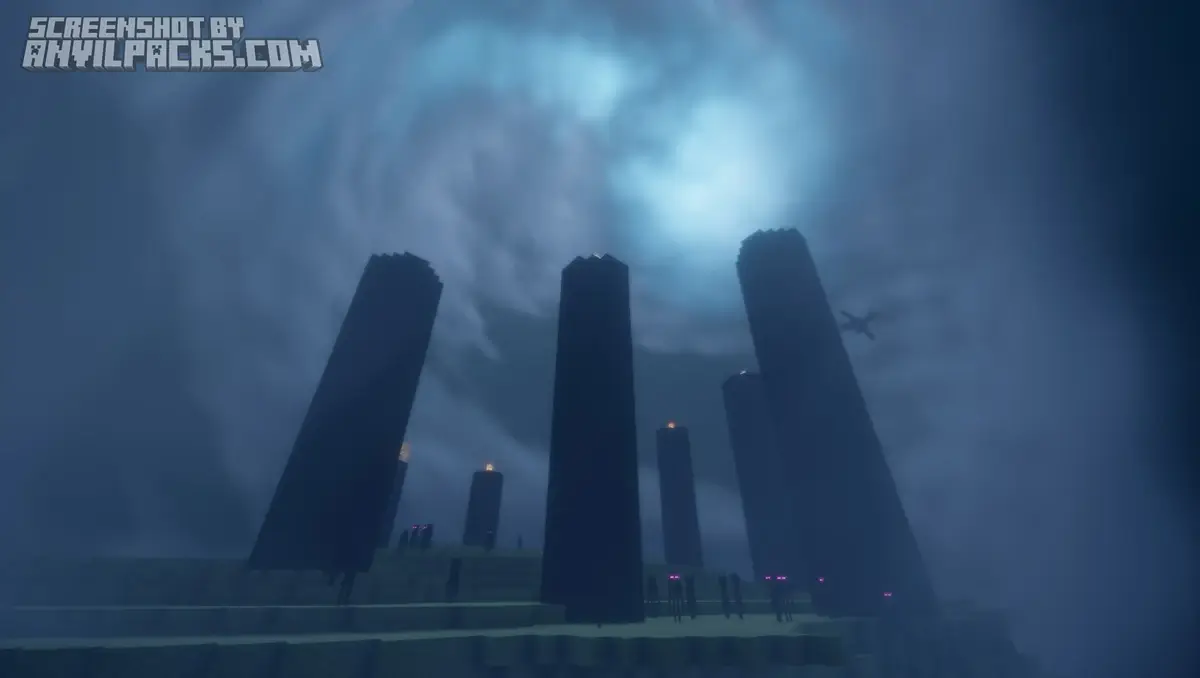
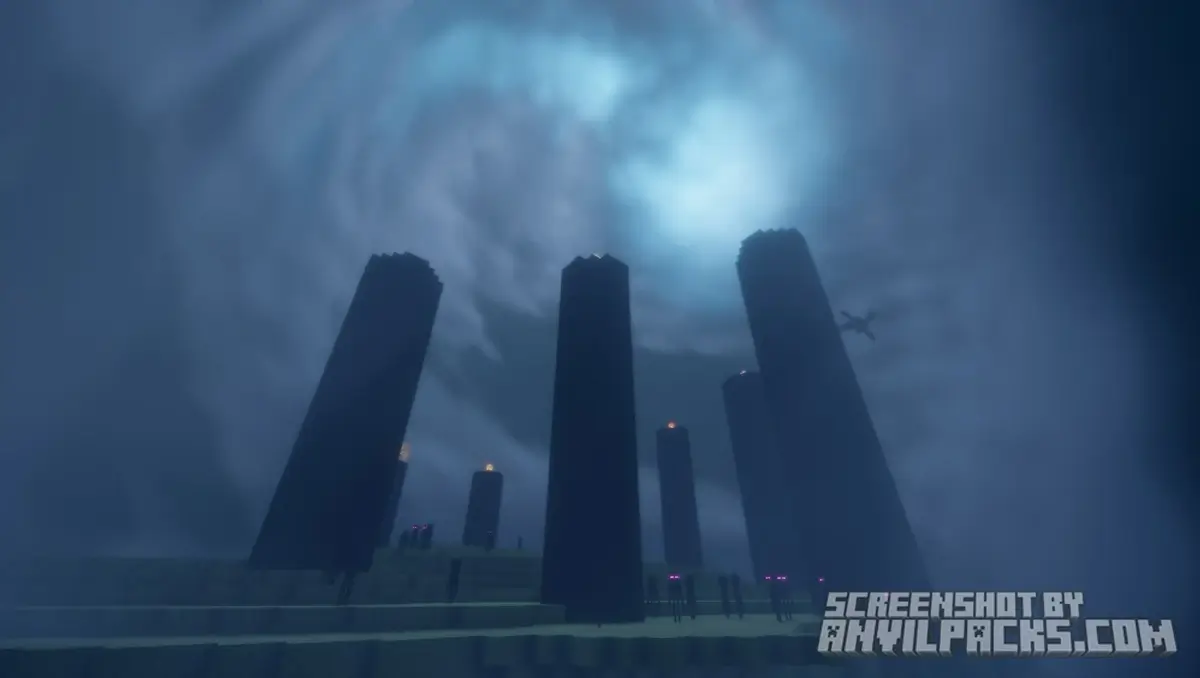
It doesn’t try to look like a generic “Ultra Realistic” YouTube thumbnail. It tries to look like a painting. It’s dramatic. It’s moody. It focuses heavily on fog and clouds to change the entire feel of the game.
The Promise: If you want your world to look like a cinematic fantasy movie (think Breath of the Wild meets Silent Hill), this is the one.
Visuals: It’s All About the Air
Most shaders focus on the blocks. Bliss focuses on the air between them.
The Clouds (The Killer Feature)
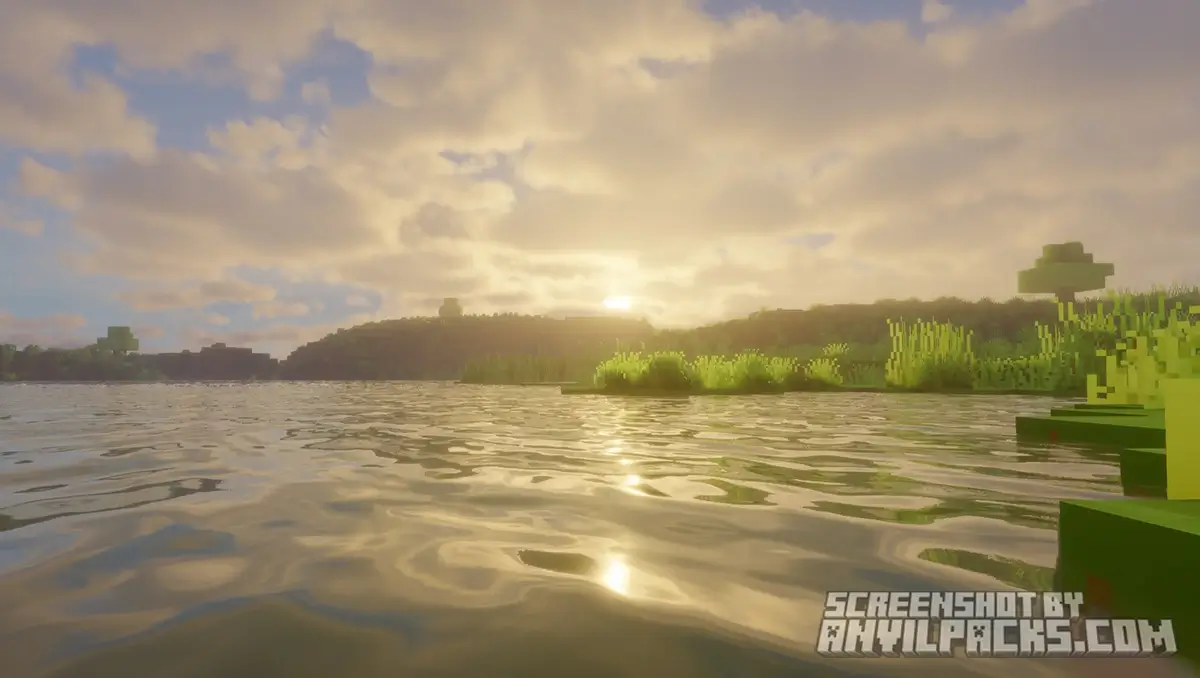
These aren’t just flat textures pasted on the skybox. These are massive, volumetric 3D objects. The coolest part? Cloud Shadows. When a giant cloud passes over the sun, your game actually gets darker. The temperature of the light changes. You can watch a shadow roll across a valley in real-time. It adds a sense of scale that no other shader matches.
The Fog
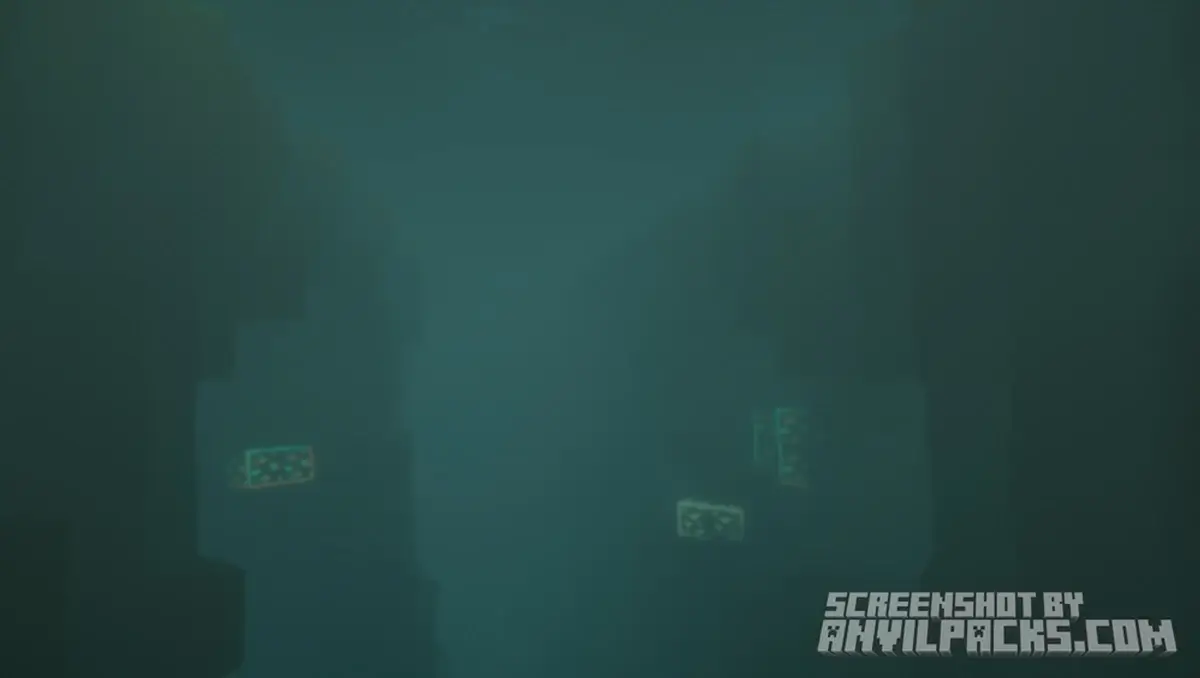
Bliss is famous for its fog. It varies by biome and time of day.
-
Forests: Feel misty and dense in the morning.
-
Mountains: Feel clear but distant.
-
Valleys: Can fill up with fog pools. It stops the world from looking like a grid of chunks and makes it look like an endless landscape.
The Lighting
It’s soft. Bliss avoids that sharp, harsh contrast you see in packs like BSL or Complementary. The light feels diffused, bouncing softly through the fog.
Before & After Comparison
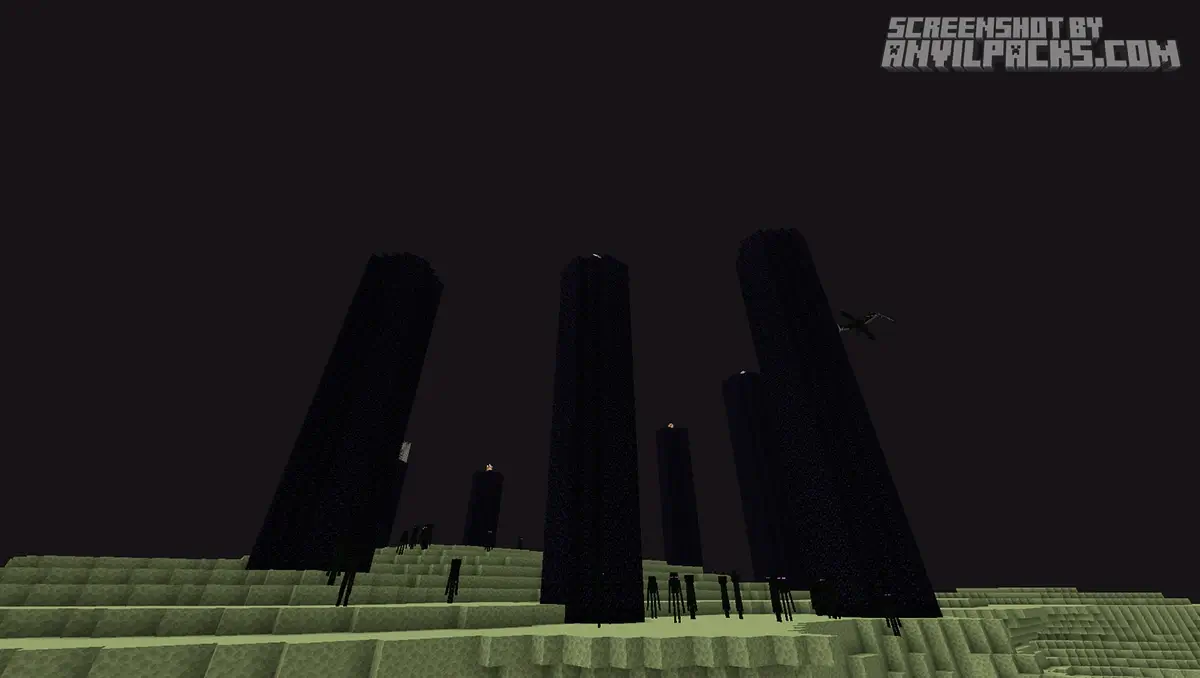
Compare Bliss Shaders to default Minecraft Look.
Performance Check: Heavy or Optimized?
You’d think simulating 3D clouds would kill your PC. Surprisingly, it doesn’t.
Hardware Reality: Bliss is built on the Chocapic13 pipeline (heavily modified by X0nk), which is known for being efficient.
My Test: I ran this on a GTX 1660 Super and an RTX 3060.
-
Result: It runs better than you’d expect. It is heavier than Complementary Reimagined, but significantly lighter than path-tracers like Kappa or PTGI.
-
The Frame Drop: You will lose some FPS when the sky is completely overcast with heavy clouds, but it generally stays above 60 FPS on mid-range hardware.
Settings & Tweaks: Controlling the Mood
The settings menu in Bliss is a playground.
-
Fog Density: If you find the fog too oppressive, you can dial it back.
-
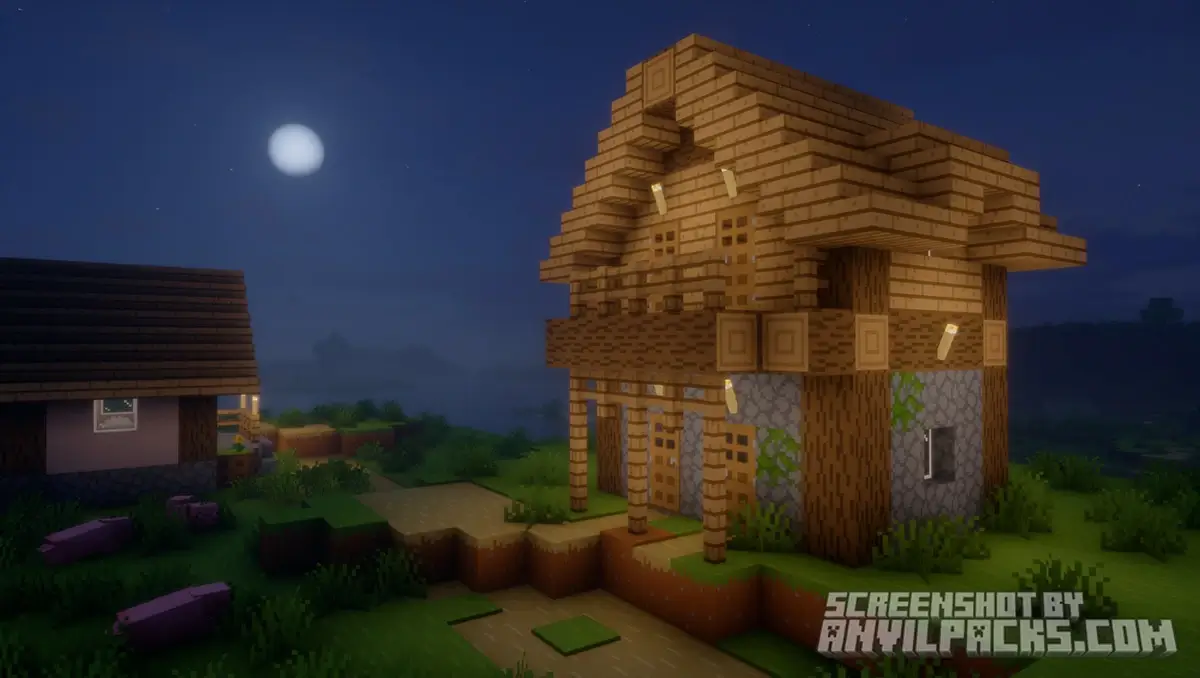
Daily Cycle: The sunsets and sunrises in Bliss are arguably the best in the game. Because the light has to pass through the volumetric fog/clouds, you get insane god-rays and colors.
Pro Tip: If you have a lower-end GPU, look for the “Cloud Quality” setting. Lowering this gives a massive FPS boost without ruining the look.
Quick Comparison: Which Pack fits YOU?
This is usually compared to Solas, but they are very different.
-
Bliss vs. Solas: Both are “Cloud Titans.”
-
Solas is colorful, vibrant, and has the best End Dimension. It’s fantasy-RPG style.
-
Bliss is grounded, moody, and focuses on the Overworld. It feels more “natural.”
-
Bliss vs. BSL: BSL is clean, sharp, and digital. Bliss is soft, painted, and foggy.
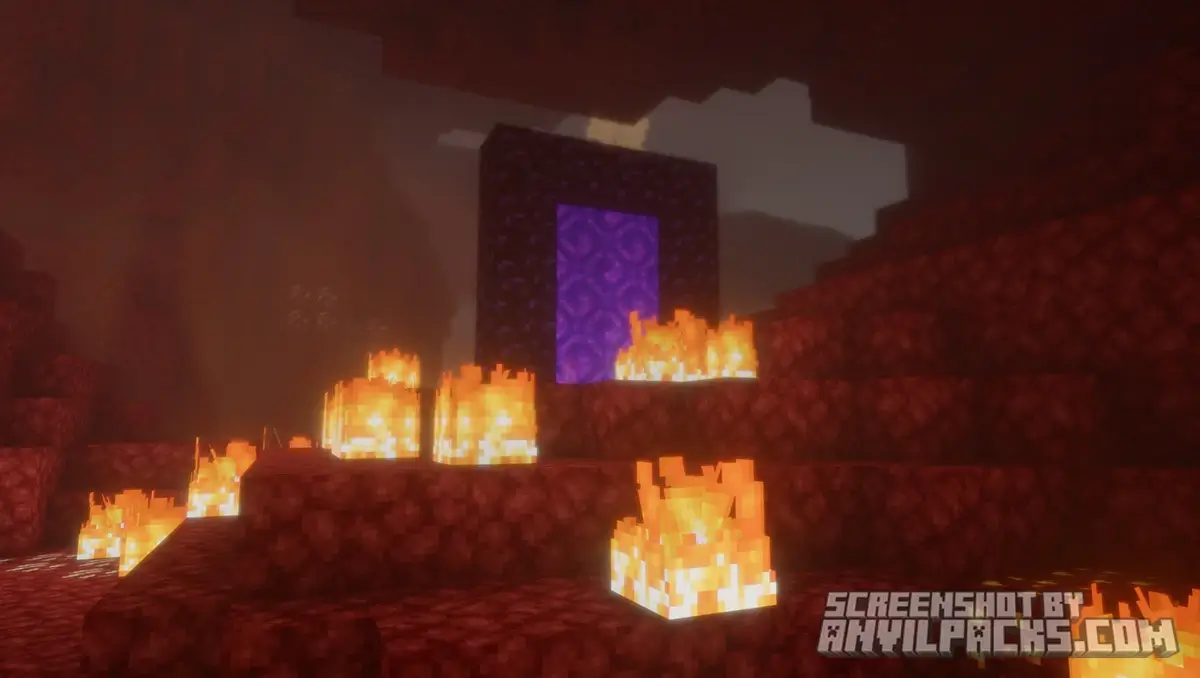
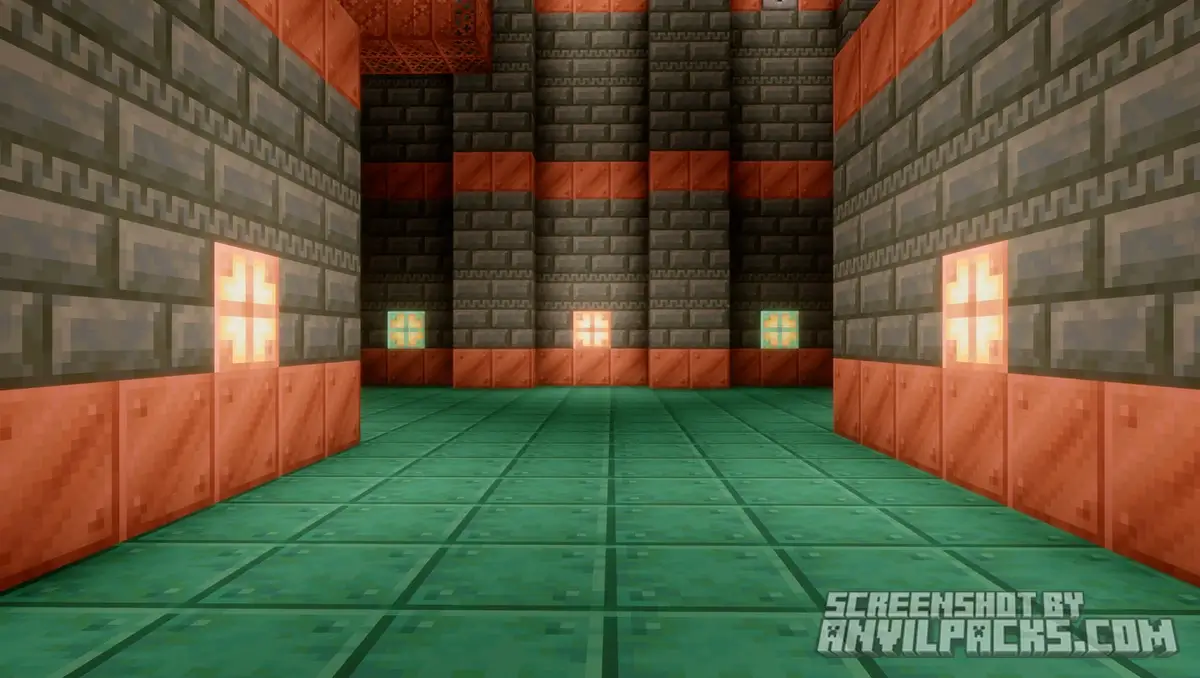
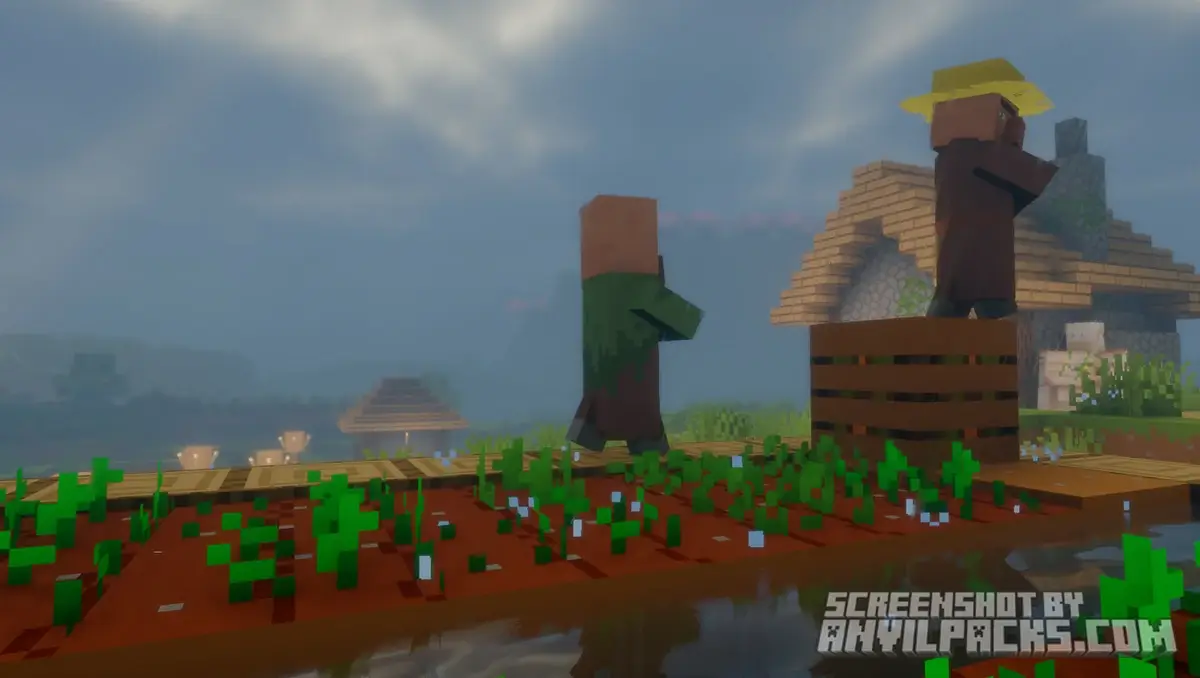
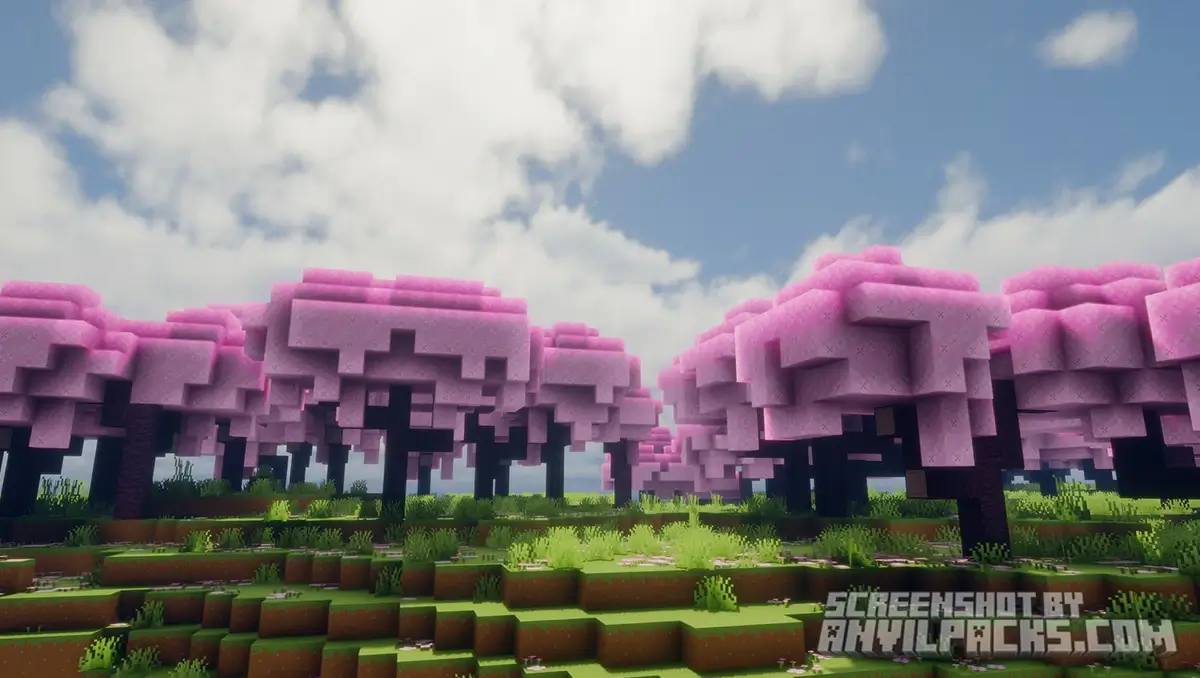
Our YouTube Video & Screenshots
Watch our Youtube video about Bliss Shaders.
Version Compatibility
Bliss Shaders is fully compatible with Java Edition versions from 1.16.5 up to the latest 1.21.x
Bliss Shaders - My Honest Opinion
I use Bliss when I want to relax.
If I’m building a cozy cabin in a snowy biome, or just exploring a new map, Bliss is my go-to. The atmosphere is unmatched. Walking through a forest when the morning fog is lifting just hits different.
The Critique: I don’t use this for hardcore survival or technical gameplay. Why? Sometimes the fog is too good. It can be hard to spot mobs or specific blocks at a distance. It’s an “Atmosphere” pack, not a “Competitive” pack.
Download Bliss Shaders
[1.16.5 - 1.21.X] Download Bliss Shaders
Free download — redirects to the official pack page.
Explore More Shader Packs
Explore More Texture Packs
How to Install Bliss Shaders?
- Download the shader pack using the button below.
- Install Iris or OptiFine — Iris is recommended for better performance and smoother FPS.
- Open Minecraft Launcher and select the Iris or OptiFine profile.
- Start the game.
- In Minecraft, go to:
Iris: Options → Video Settings → Shader Packs
OptiFine: Options → Video Settings → Shaders
- Click Open Shader Pack Folder and move the downloaded ZIP file into it.
- Go back to Minecraft, select your shader from the list, and click Done or Apply.
- Credits: Full credit for creating Bliss Shaders goes to X0nk.
- Please note that none of the files are hosted on our servers — all Download Links redirect to the official Pack page to support the creator.
- Every pack is thoroughly checked and confirmed to be free from viruses, ensuring a completely safe and secure download experience for all users.









Mantap shader nya
👍