Complementary Reimagined Download 1.21.11
Best Minecraft Shaders!
Minecraft, in its base form, possesses a charm that has captivated millions for over a decade. However, as hardware evolves, many players want to push the boundaries of what a block-based universe can look like.
Complementary Reimagined Shaders represents more than just a graphical upgrade; it is a fundamental rethinking of how Minecraft’s iconic art style can be preserved while bringing it into the modern era of lighting and shadows.
The journey of visual modding is often a trade-off between beauty and playability. Many shaders strive for absolute photorealism, often losing the game’s original soul. This project, however, focuses on “Vanilla+” aesthetics. When you load these shaders, you aren’t just seeing better pixels; you are seeing a version of Minecraft that feels polished, modern, and deeply familiar.
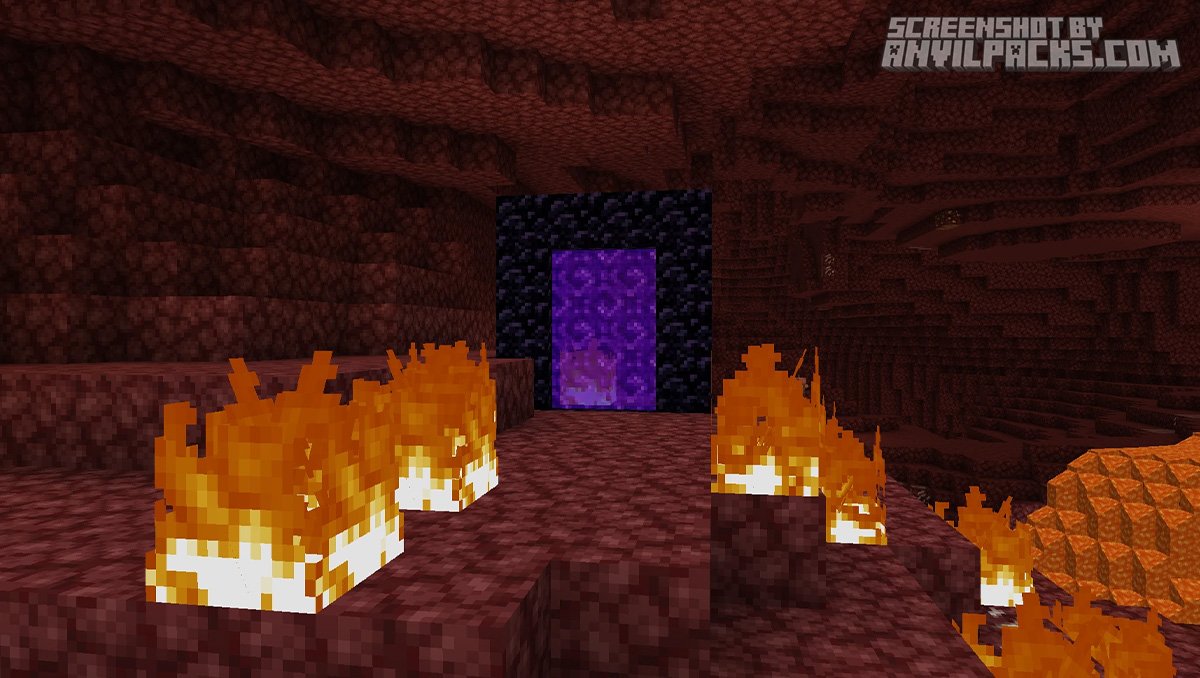
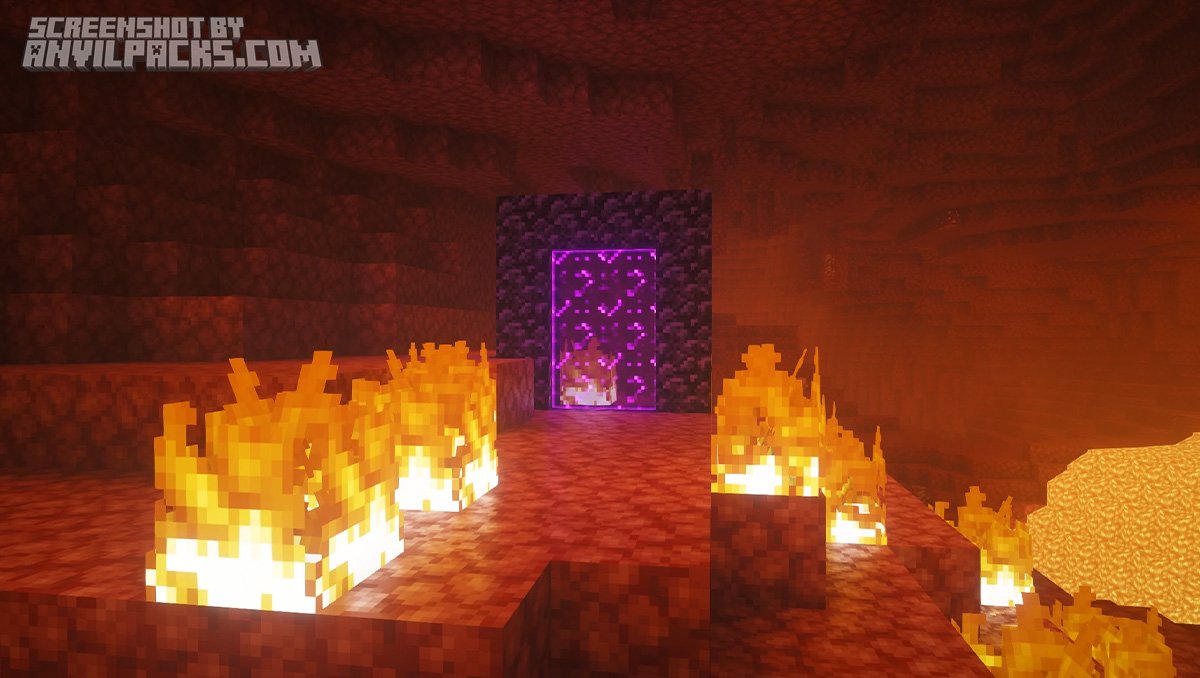
Before & After Comparison
Compare Complementary Reimagined Shaders to default Minecraft Look.
What makes "Reimagined" different?
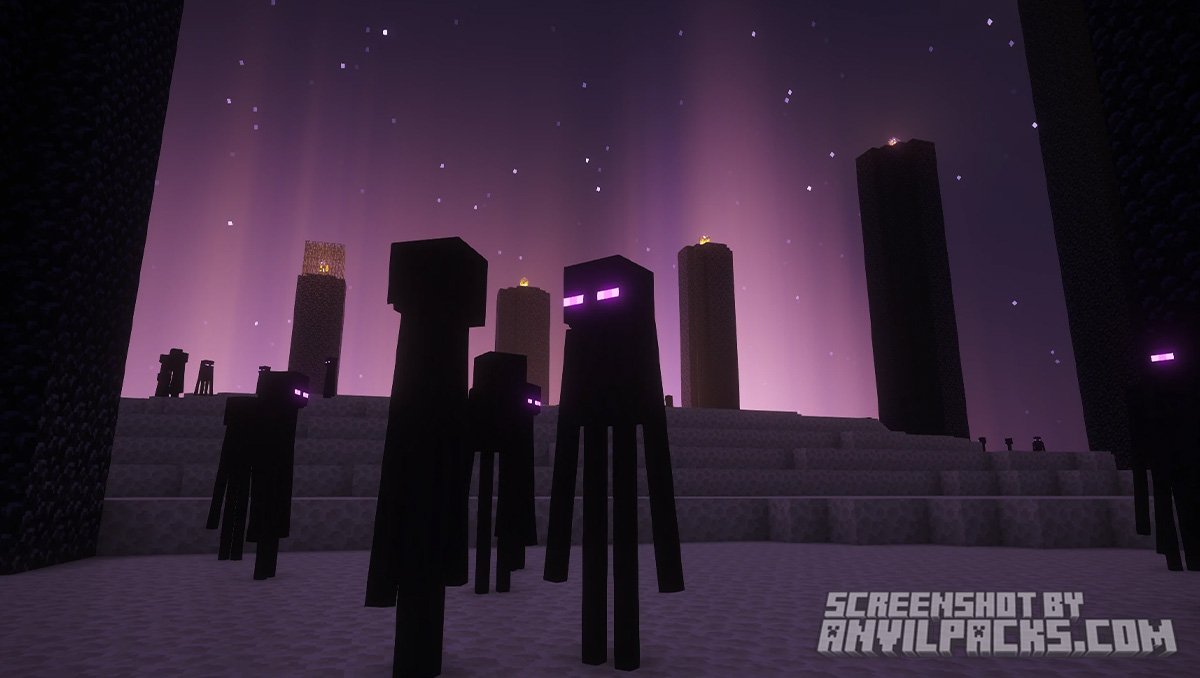
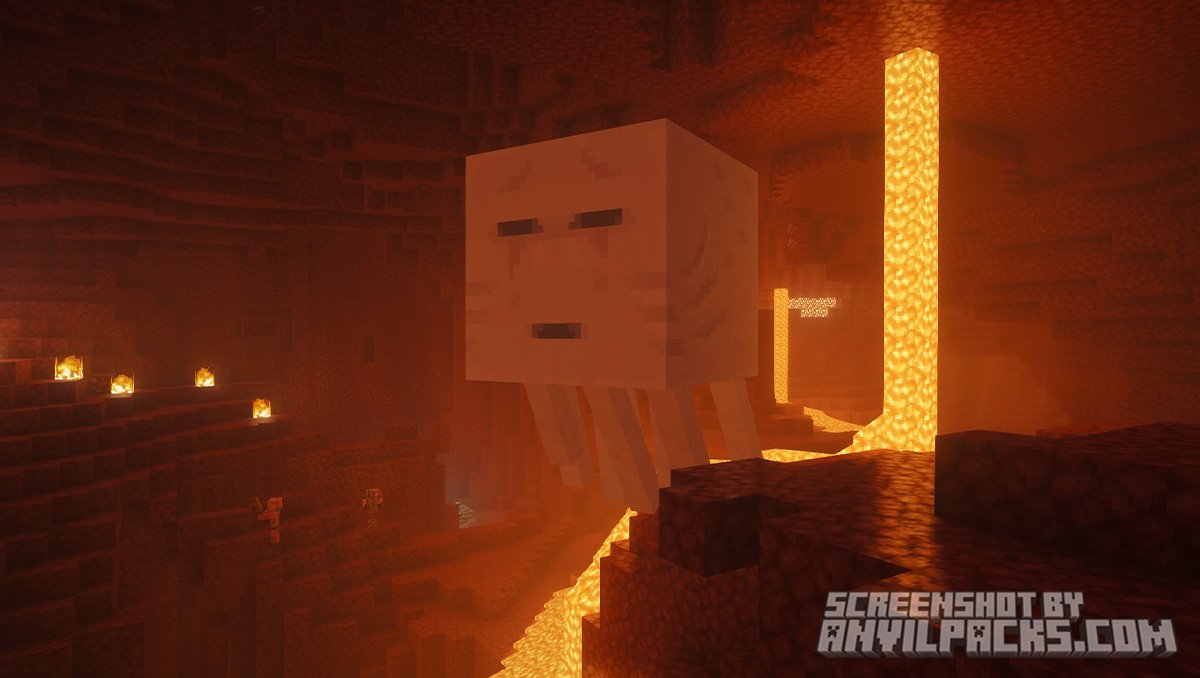
The core goal of this shader pack is the preservation of Minecraft’s identity. While other packs (even its sibling, “Unbound”) might try to make water look hyper-realistic or clouds look like photos, Reimagined keeps the Minecrafty style front and center.
It asks a simple question: “What would Minecraft look like if it were released today with high-end lighting technology?”
-
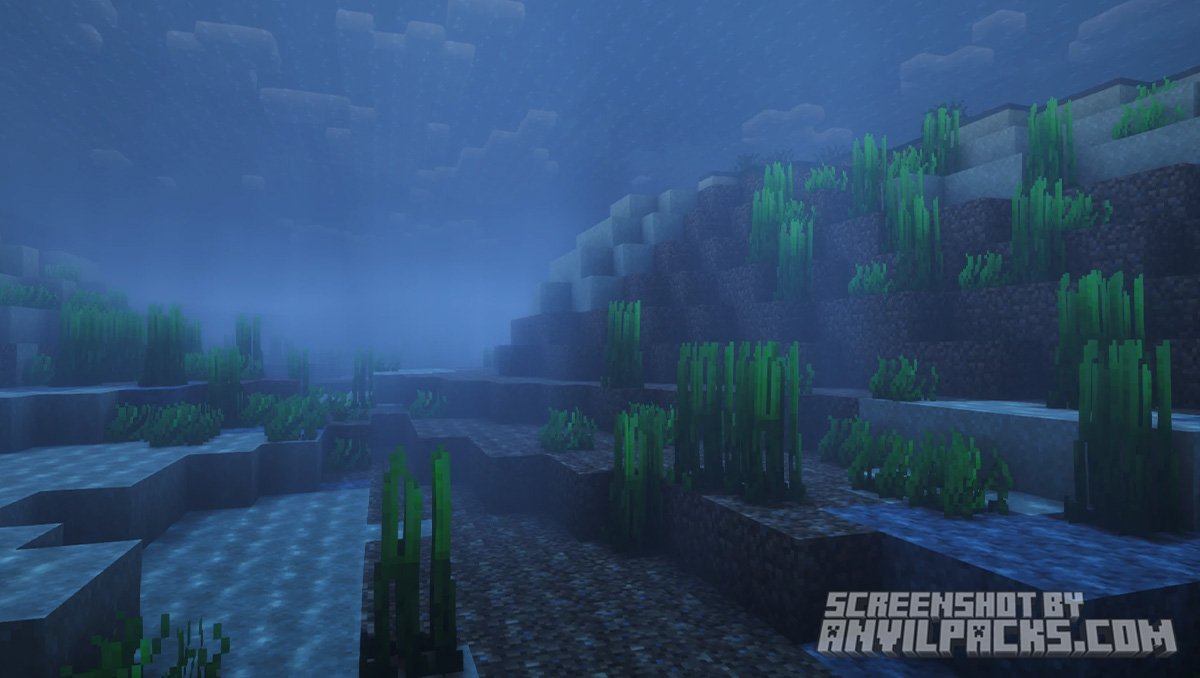
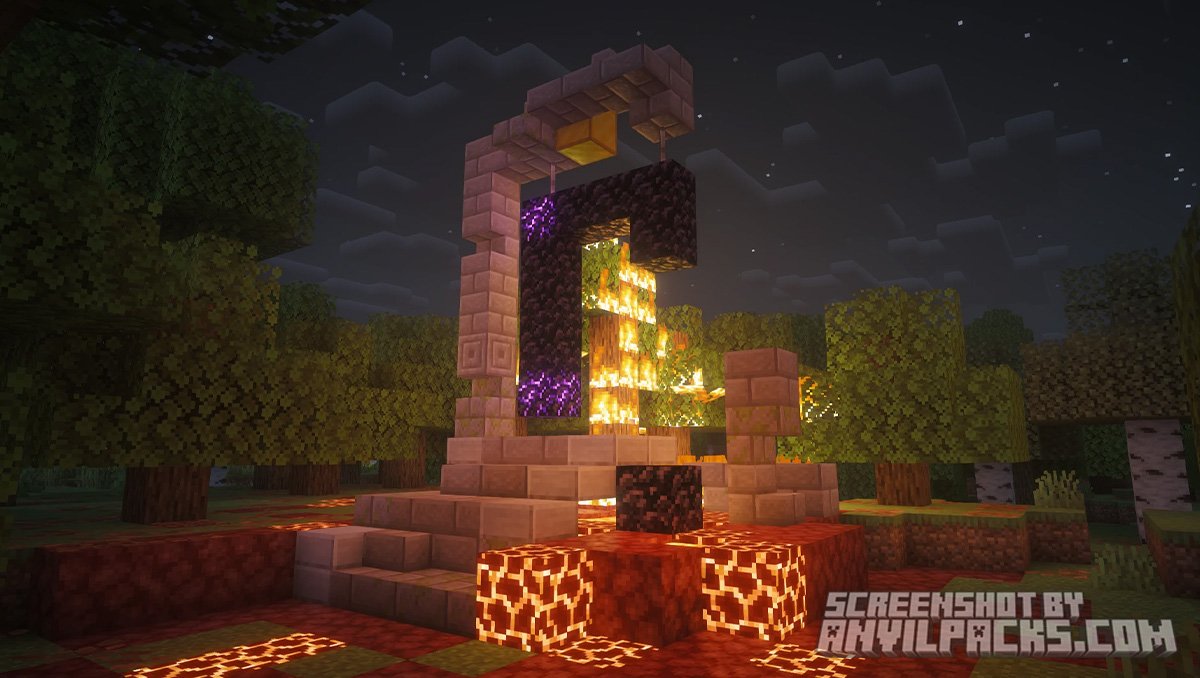
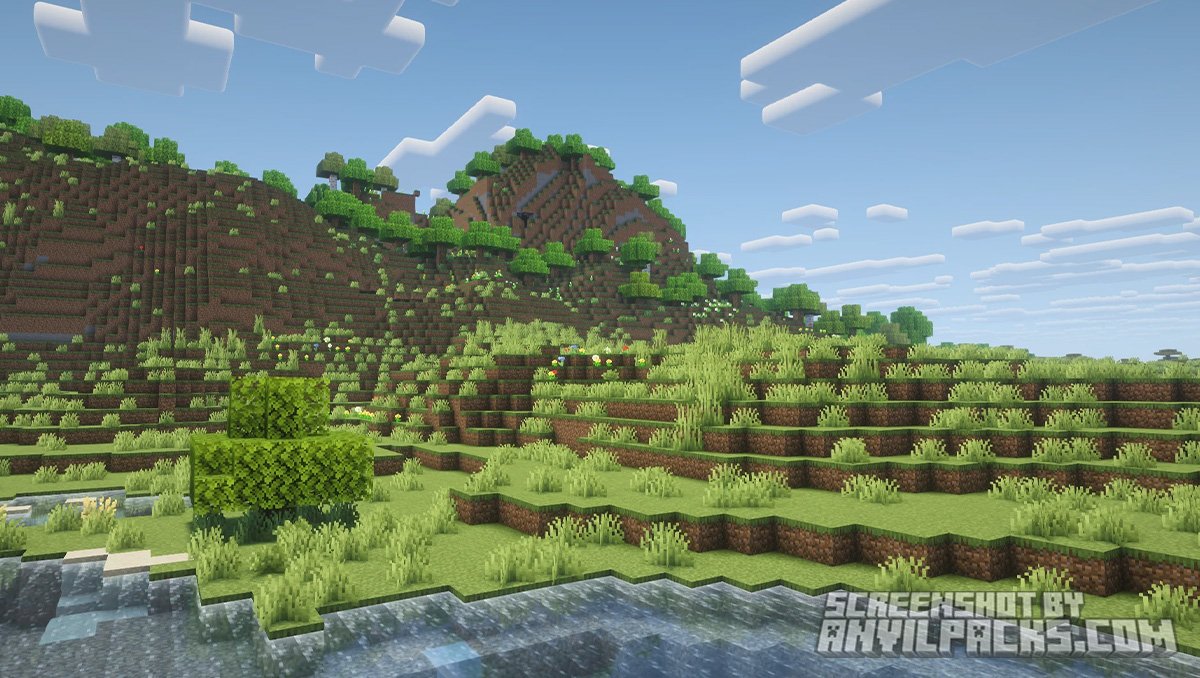
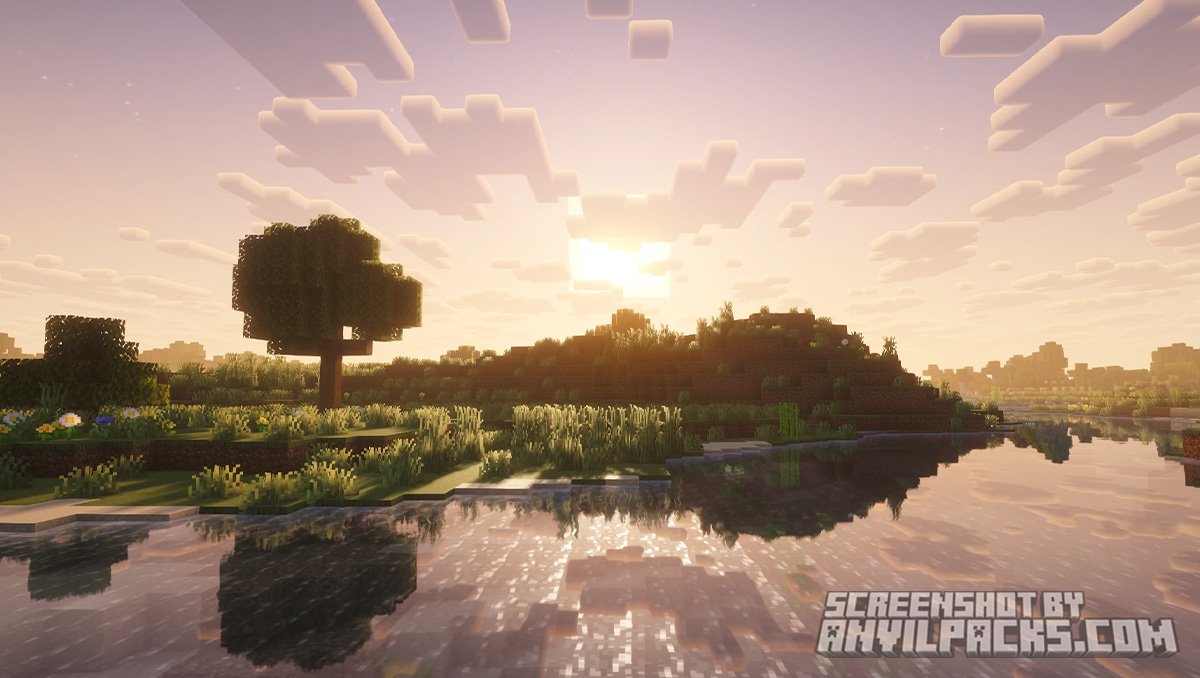
Square Clouds: The clouds remain blocky but have volume and shading.
-
Vanilla Water: The water retains its classic texture but gains depth and reflections.
-
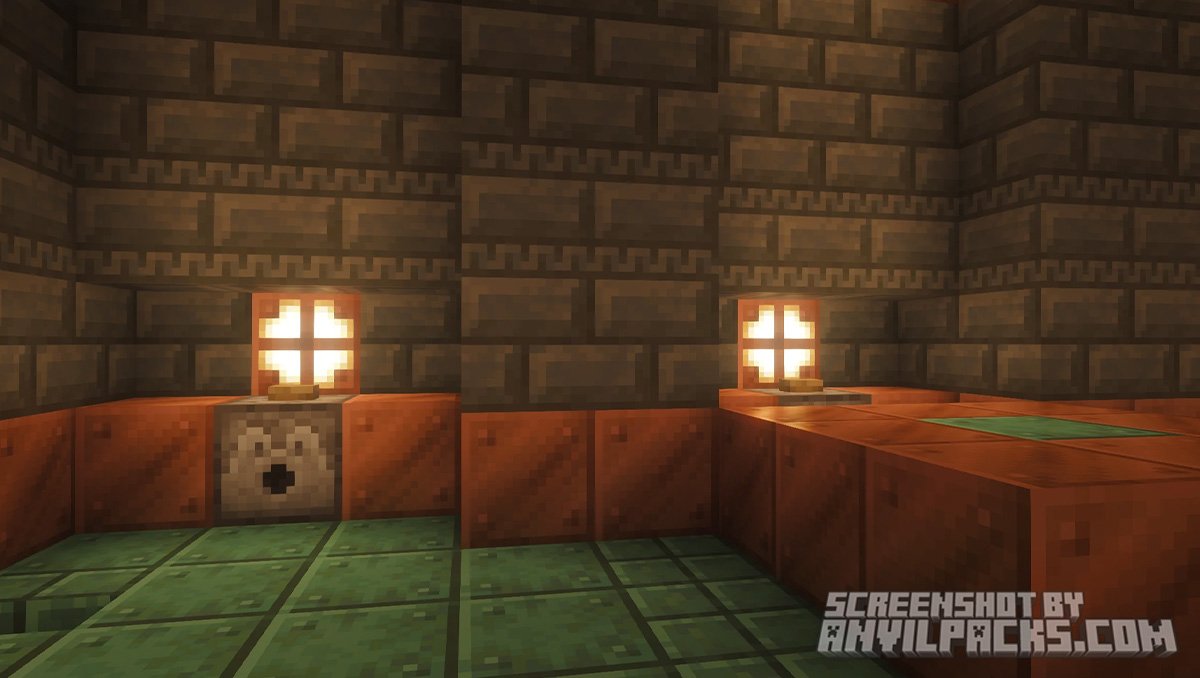
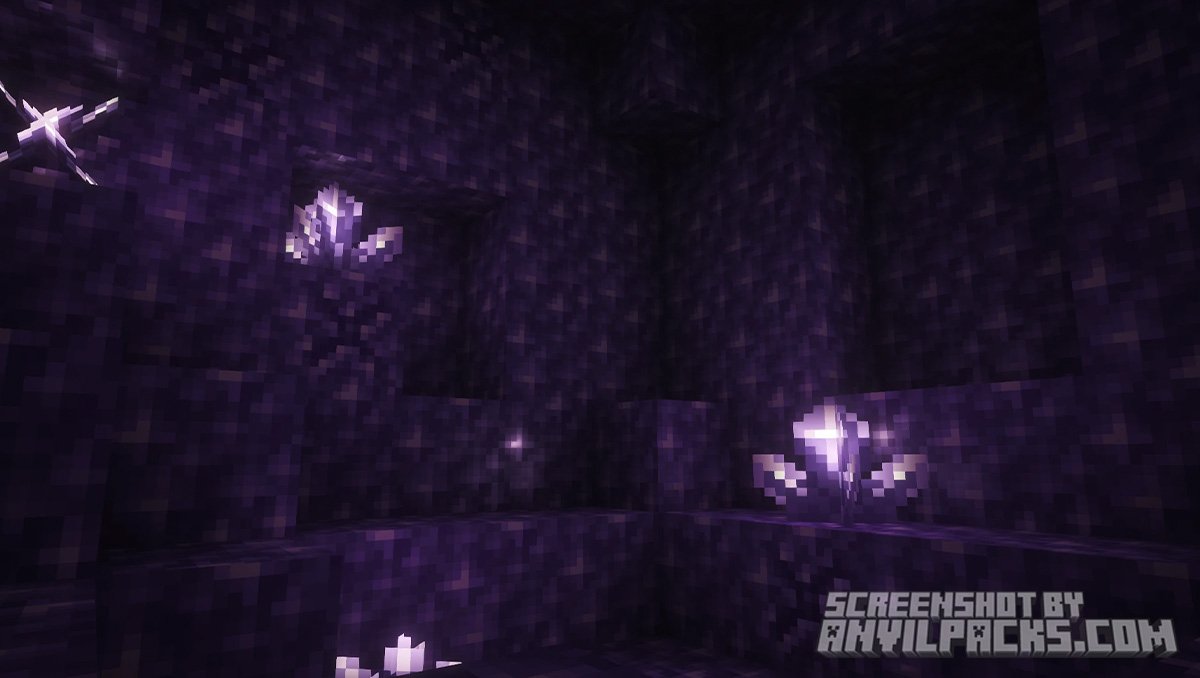
Lighting: Every block feels grounded in its environment thanks to sophisticated ambient occlusion.
Performance and Evolution
Before “Reimagined”, there was Complementary v4. While v4 was legendary, the creator, EminGT, decided to rebuild the project from the ground up.
This resulted in Complementary Reimagined, which streamlined the code for better performance. It is exceptionally optimized. When paired with the Iris mod, it runs smoothly even on mid-range hardware, offering a clean look that is easy on the eyes during long gaming sessions.
Our YouTube Video & Screenshots
Watch our Youtube video about Complementary Reimagined Shaders.
Version Compatibility
Complementary Reimagined Shaders is fully compatible with Java Edition versions from 1.7.10 up to the latest 1.21.x
My Honest Opinion: Complementary Reimagined
Honestly? I’ve hopped between probably fifty different shader packs over the years—from the absolute FPS-killers that turn my PC into a space heater to the ones that basically look like a layer of yellow paint.
But I always find myself gravitating back to these.
What really hits home for me is that they don’t try too hard to be “real.” There’s this specific way the morning light hits a simple wooden fence that just feels… right. It’s the first time I’ve felt like I could actually play survival for hours without getting a headache from over-the-top lens flare or weird motion blur. It’s just comfy.
Download Complementary Reimagined
[1.16 - 1.21.X] Download Complementary Reimagined
Free download — redirects to the official pack page.
Explore More Shader Packs
Explore More Texture Packs
How to Install Complementary Reimagined Shaders?
- Download the shader pack using the button below.
- Install Iris or OptiFine — Iris is recommended for better performance and smoother FPS.
- Open Minecraft Launcher and select the Iris or OptiFine profile.
- Start the game.
- In Minecraft, go to:
Iris: Options → Video Settings → Shader Packs
OptiFine: Options → Video Settings → Shaders
- Click Open Shader Pack Folder and move the downloaded ZIP file into it.
- Go back to Minecraft, select your shader from the list, and click Done or Apply.
- Credits: Full credit for creating Complementary Reimagined Shaders goes to EminGT.
- Please note that none of the files are hosted on our servers — all Download Links redirect to the official Pack page to support the creator.
- Every pack is thoroughly checked and confirmed to be free from viruses, ensuring a completely safe and secure download experience for all users.









cool