MakeUp Ultra Fast Shaders Download & Review (2026) –
The Savior of Low-End PCs
Let’s be real. Everyone wants their Minecraft to look like the trailers. But 90% of players are on hardware that chokes on heavy shaders.
If you try to run BSL or Complementary on a standard school laptop or an old office PC, you are going to get a slideshow. 15 FPS isn’t playable. It’s painful.
MakeUp – Ultra Fast fixes this.
You are likely here for a MakeUp Ultra Fast Shaders download because you are tired of lag. This pack lives up to its name. It isn’t trying to be the “most realistic” shader. It is built specifically to give you good visuals without destroying your framerate. It’s the “lean machine” of the shader world.
Visuals: Clean, Not “Cinematic”
Most shaders try to turn Minecraft into a movie with excessive bloom, depth of field, and motion blur. MakeUp goes the other way.
The Philosophy: It keeps things sharp. It doesn’t try to hide bad textures with fog. It enhances the vanilla look rather than replacing it.
-
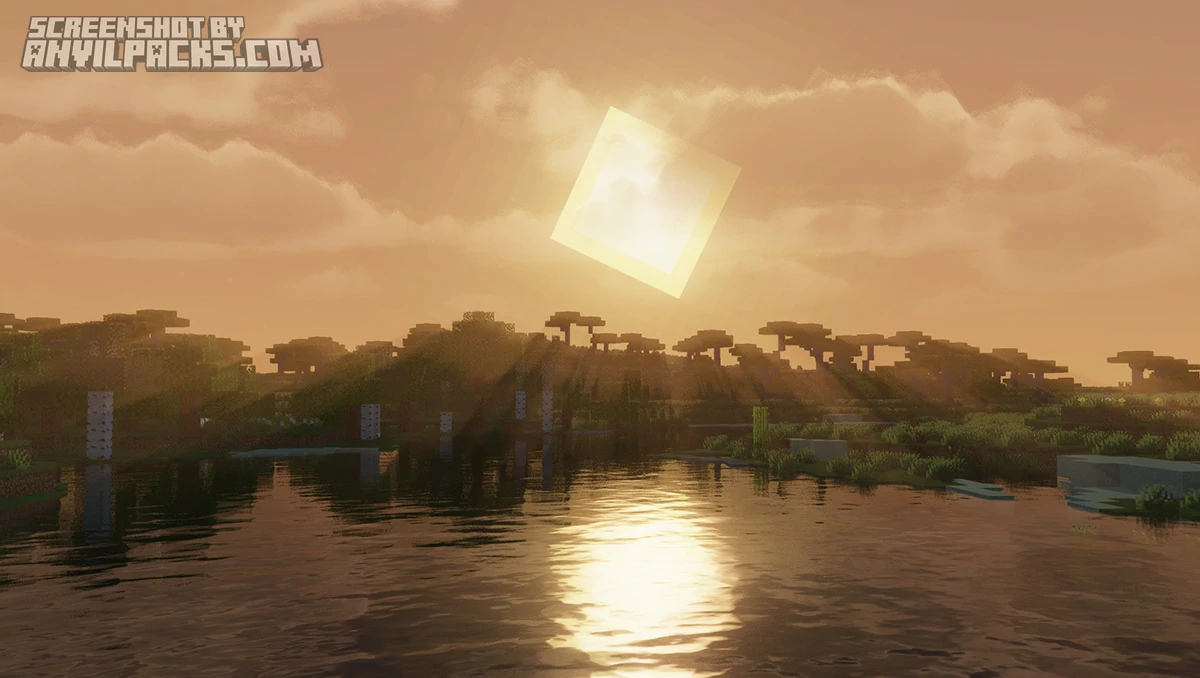
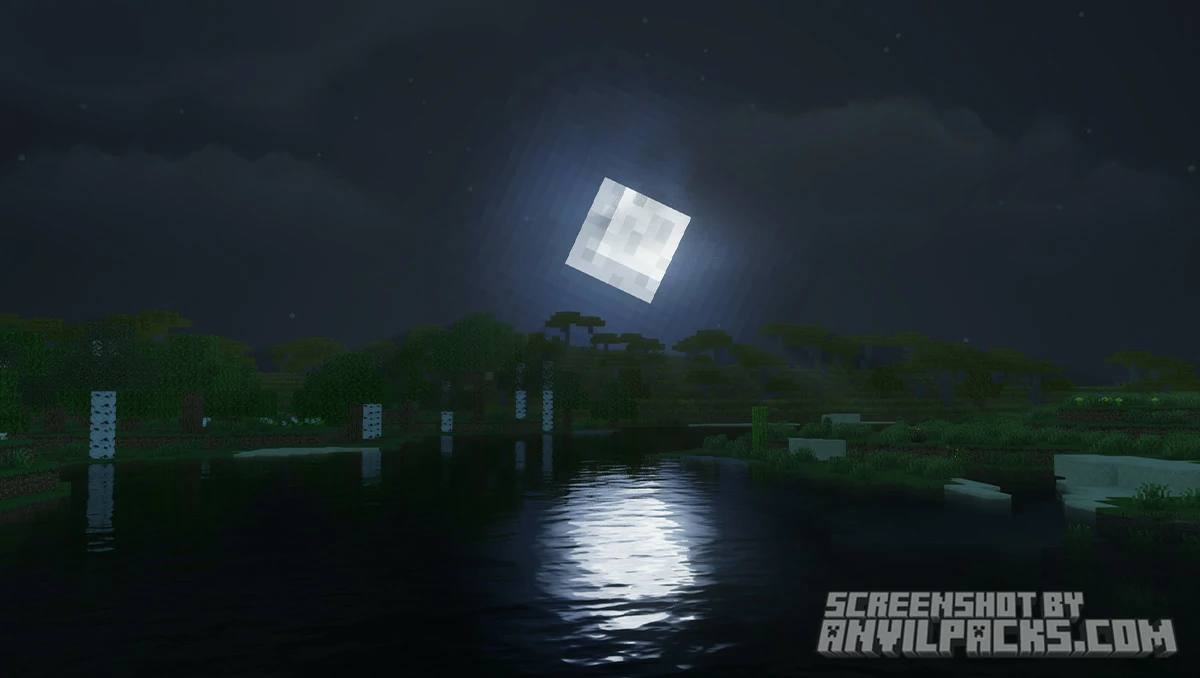
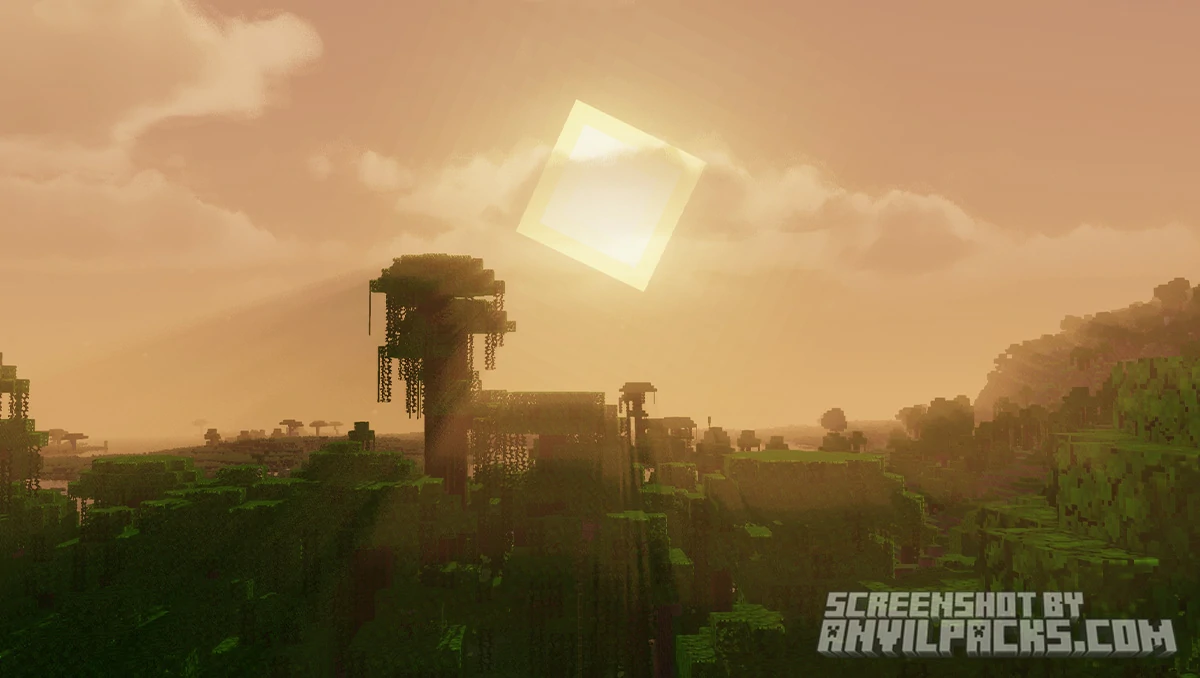
Lighting & Shadows: The shadows are crisp and distinct. The lighting is neutral. You don’t get that weird orange tint or blinding sun glare. It looks like “Minecraft 2.0” rather than a “Real Life Simulator.”
-
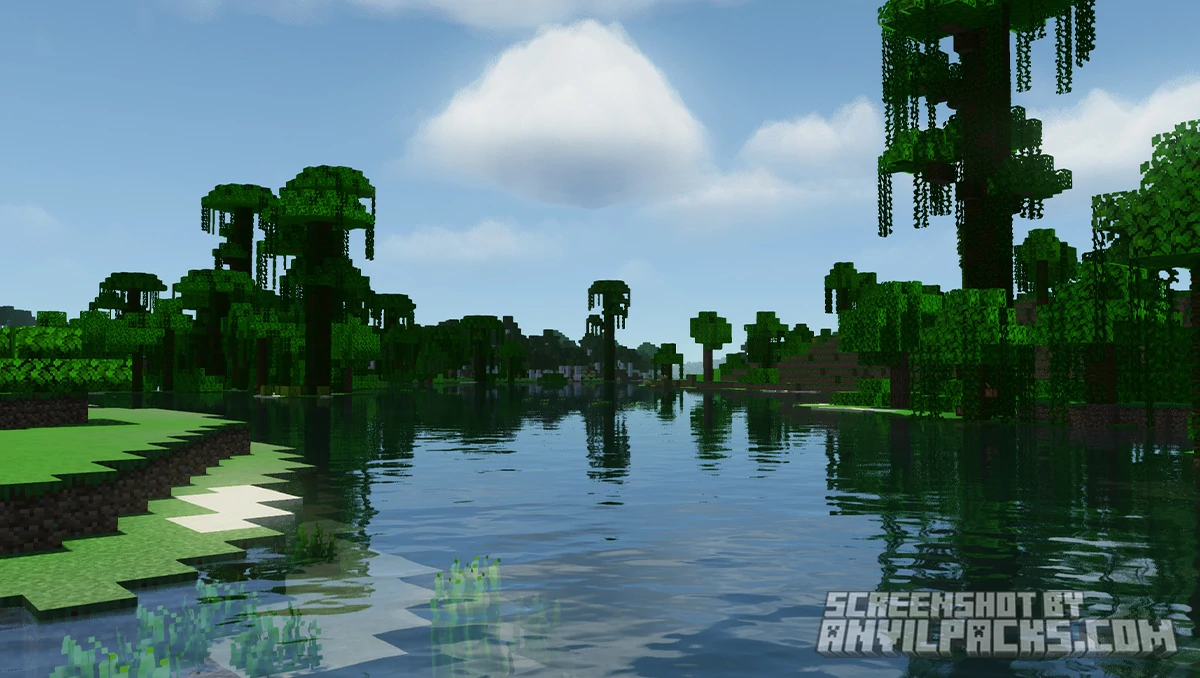
Water & Sky: The water is reflective but simple. The clouds are modular—you can choose flat 2D clouds for maximum FPS or decent volumetric ones if your PC can handle a bit more load.
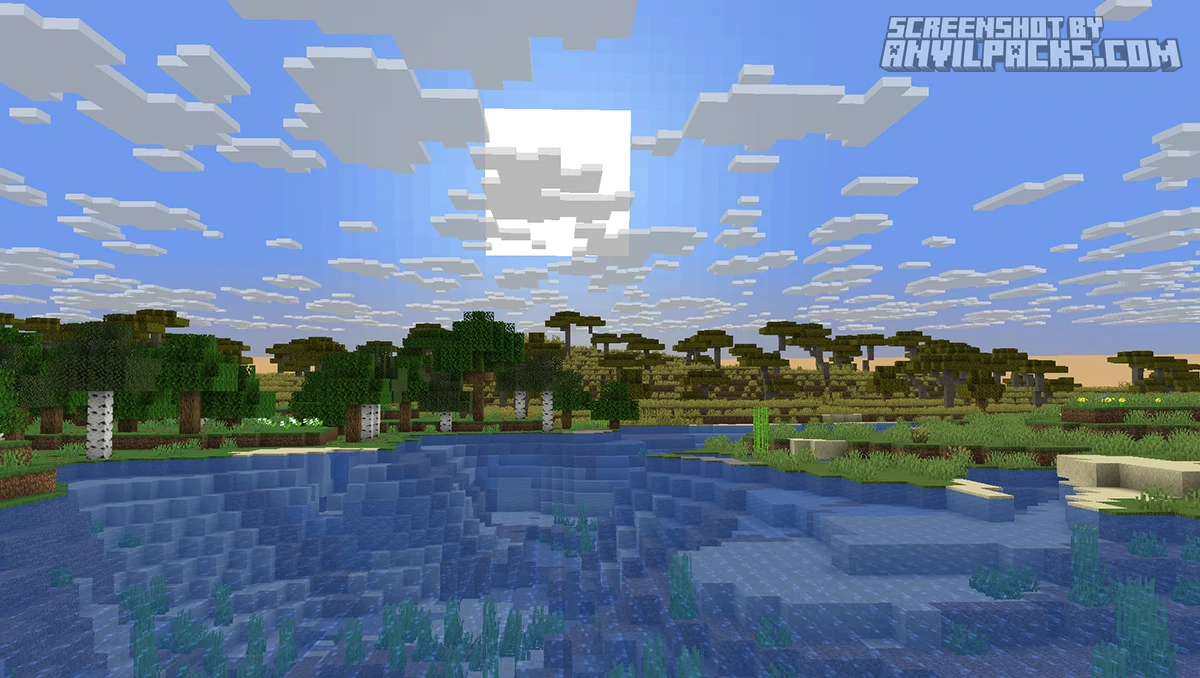
Before & After Comparison
Compare MakeUP Ultra Fast Shaders to default Minecraft Look.
Performance Check: The "Ultra Fast" Claim
This is the main selling point. Does it actually work on a potato?
Yes. It runs on almost anything.
I tested this on an old laptop with Integrated Graphics (Intel UHD).
It is a massive difference. The secret is that MakeUp strips away the heavy calculations that you don’t actually notice while playing. If you are a PVP player who needs shadows to see enemies but refuses to drop below 144Hz, this is your pack.
The Settings Menu (The Best Feature)
The best part about MakeUp is how it handles settings.
Modularity: Most shaders start at “Ultra” settings, and you have to painfully turn things down to get frames. MakeUp starts at “Basic” and lets you build up.
Ease of Use: You don’t need a degree in graphics engineering to understand the menu. It offers clear profiles:
-
Shadowless: (Fastest Minecraft shader possible).
-
Very Low / Low: Adds shadows.
-
Medium: Adds water reflections and waving plants.
-
High / Ultra: Adds volumetric clouds and depth of field.
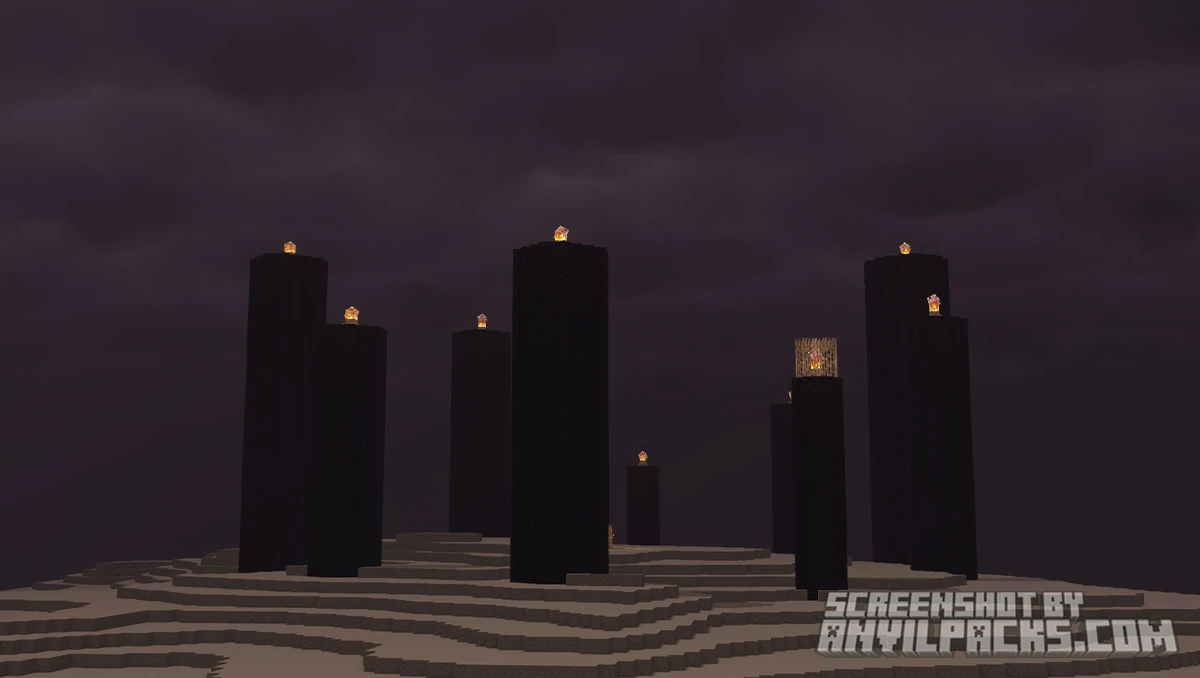
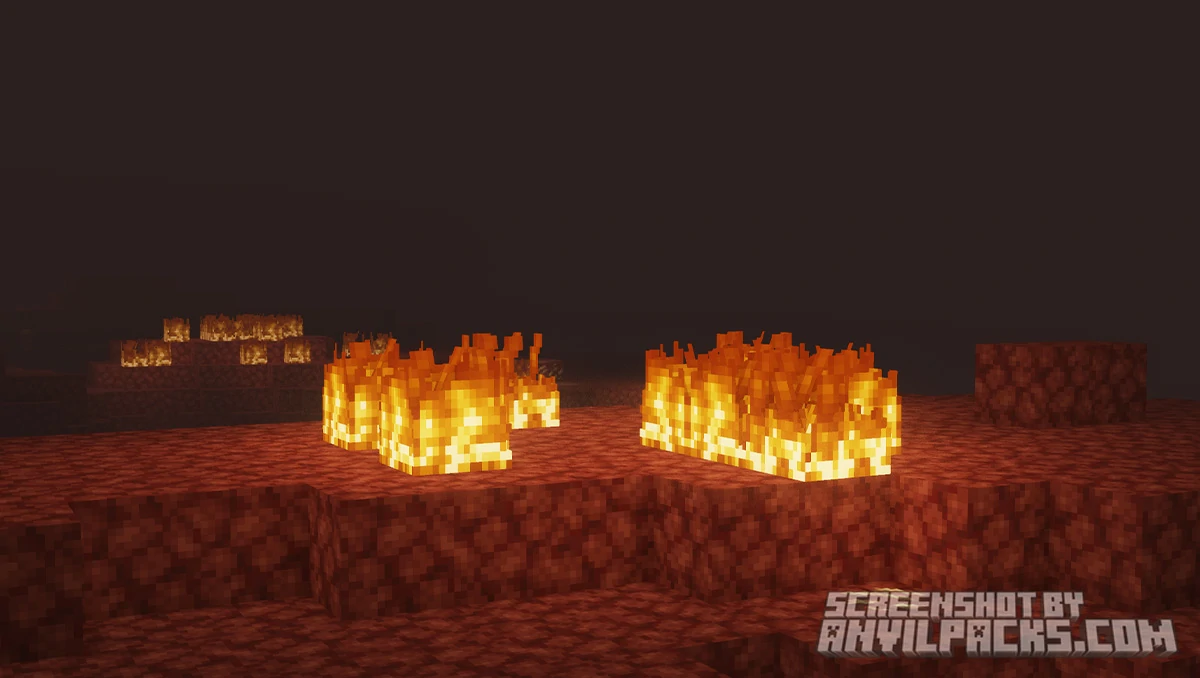
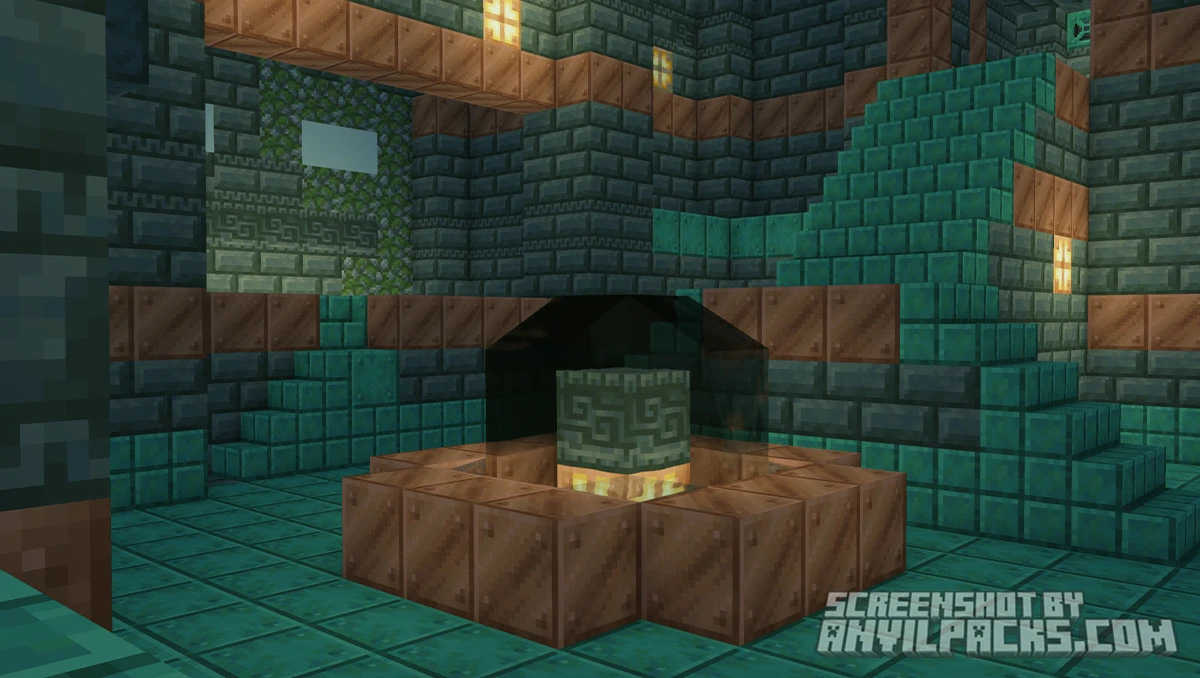
Our YouTube Video & Screenshots
Watch our Youtube video about MakeUP Ultra Fast
Version Compatibility
MakeUP Ultra Fast Shaders is fully compatible with Java Edition versions from 1.12.2 up to the latest 1.21.11.
MakeUP Ultra Fast - My Honest Opinion
This is the only shader I put on my travel laptop.
Does it look as breathtaking as Photon or Kappa? No. It doesn’t have that “wow” factor that makes you stop and stare at a sunset for 5 minutes.
But the responsiveness is incredible. Playing with actual shadows and colored lighting while maintaining high FPS feels amazing. It stops your PC from sounding like a jet engine.
The Verdict: If you have a high-end PC, use Photon. But if you have a potato PC or a laptop without a graphics card, this isn’t just a good choice; it’s your only choice for decent shaders.
Download MakeUP Ultra Fast Shaders
[1.16.5 - 1.21.X] Download MakeUP Ultra Fast Shaders
Free download — redirects to the official pack page.
Explore More Shader Packs
Explore More Texture Packs
How to Install MakeUP Ultra Fast Shaders
- Download the shader pack using the button below.
- Install Iris or OptiFine — Iris is recommended for better performance and smoother FPS.
- Open Minecraft Launcher and select the Iris or OptiFine profile.
- Start the game.
- In Minecraft, go to:
Iris: Options → Video Settings → Shader Packs
OptiFine: Options → Video Settings → Shaders
- Click Open Shader Pack Folder and move the downloaded ZIP file into it.
- Go back to Minecraft, select your shader from the list, and click Done or Apply.
- Credits: Full credit for creating MakeUP Ultra Fast Shaders goes to XavierFST.
- Please note that none of the files are hosted on our servers — all Download Links redirect to the official Pack page to support the creator.
- Every pack is thoroughly checked and confirmed to be free from viruses, ensuring a completely safe and secure download experience for all users.









good
Hii bro
Download