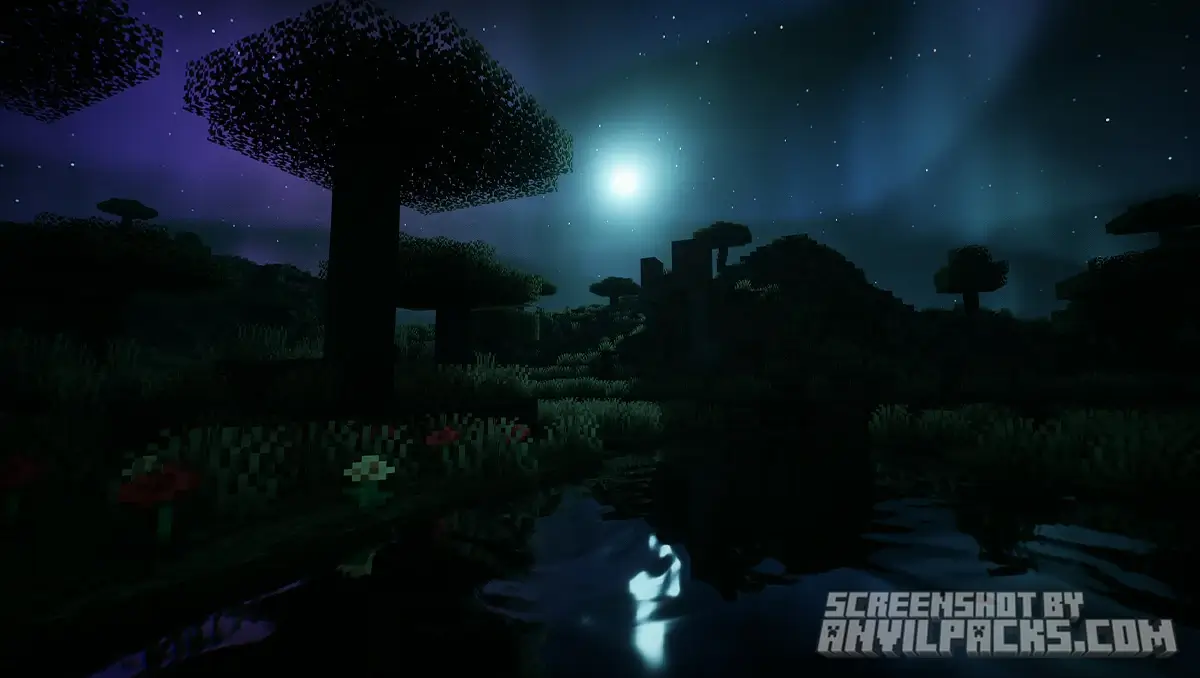
Lux Shaders Download 1.21.11
The Ultimate BSL Edit?
Let’s get the technical stuff out of the way first. Yes, Lux Shaders is technically an edit of BSL Shaders (by CaptTatsu).
But calling it “just an edit” is an insult.
Created by Aurealis Graphics , Lux takes the rock-solid, bug-free foundation of BSL and pushes it to the absolute limit. It bridges the gap between the “Playable” shaders (like Complementary) and the “Screenshot” shaders (like Kappa/SEUS PTGI).
The Vibe: It’s sharp, it’s vibrant, and it feels expensive. If you love the stability of BSL but wish it looked “next-gen,” this is the pack.
The Warning: Just because it’s based on BSL doesn’t mean it runs on a toaster. Tech added a ton of heavy effects. If you have an integrated GPU, stick to original BSL. Lux requires a dedicated card to breathe.
Visuals: Lighting Done Right
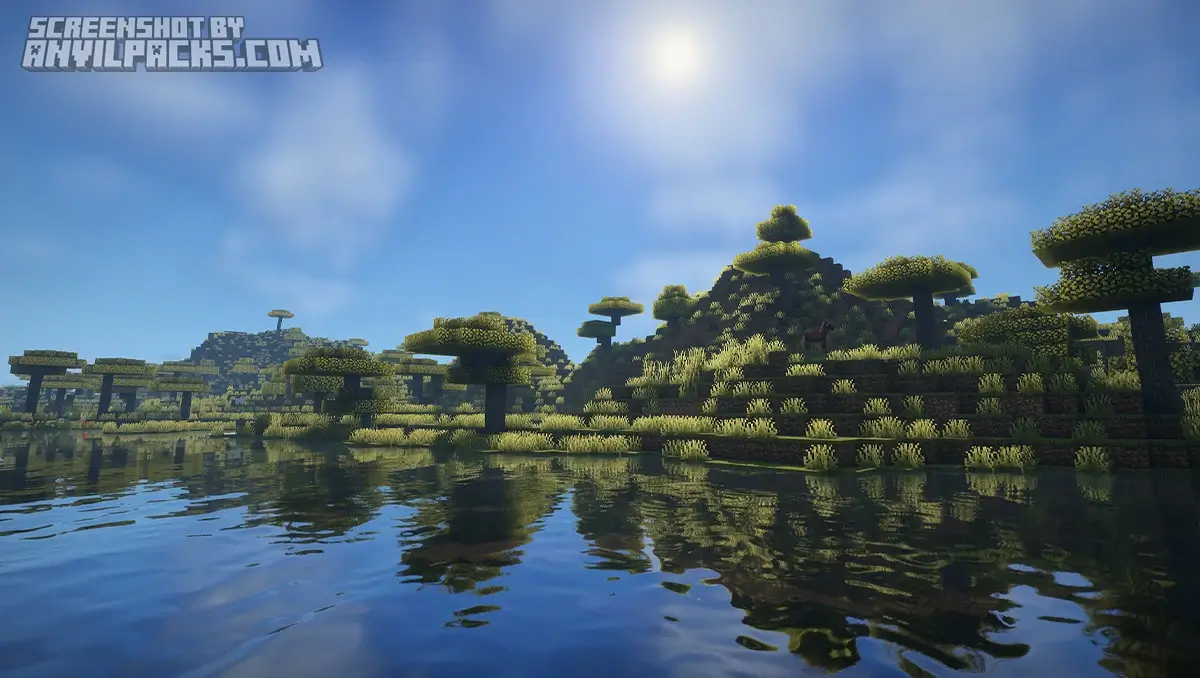
Because it’s built on BSL, it doesn’t suffer from the weird visual bugs you get with experimental packs. It just works—and it looks incredible.
The Auroras (The Selling Point)
I will keep saying this: Lux has the best Aurora Borealis in Minecraft. Most BSL edits just change the sky color. Lux adds dynamic, waving curtains of light that actually illuminate the terrain. Exploring a snow biome at night with this pack is a core memory waiting to happen.
PBR & Reflections
Since it uses the BSL pipeline, the water is familiar—clean and customizable—but the LabPBR support is where it shines.
-
Wetness: When it rains, blocks actually look wet and glossy.
-
Materials: If you use a resource pack like Patrix, gold sparkles and iron looks cold.
-
The Look: It’s less “foggy” than standard BSL. The contrast is punchier.
Before & After Comparison
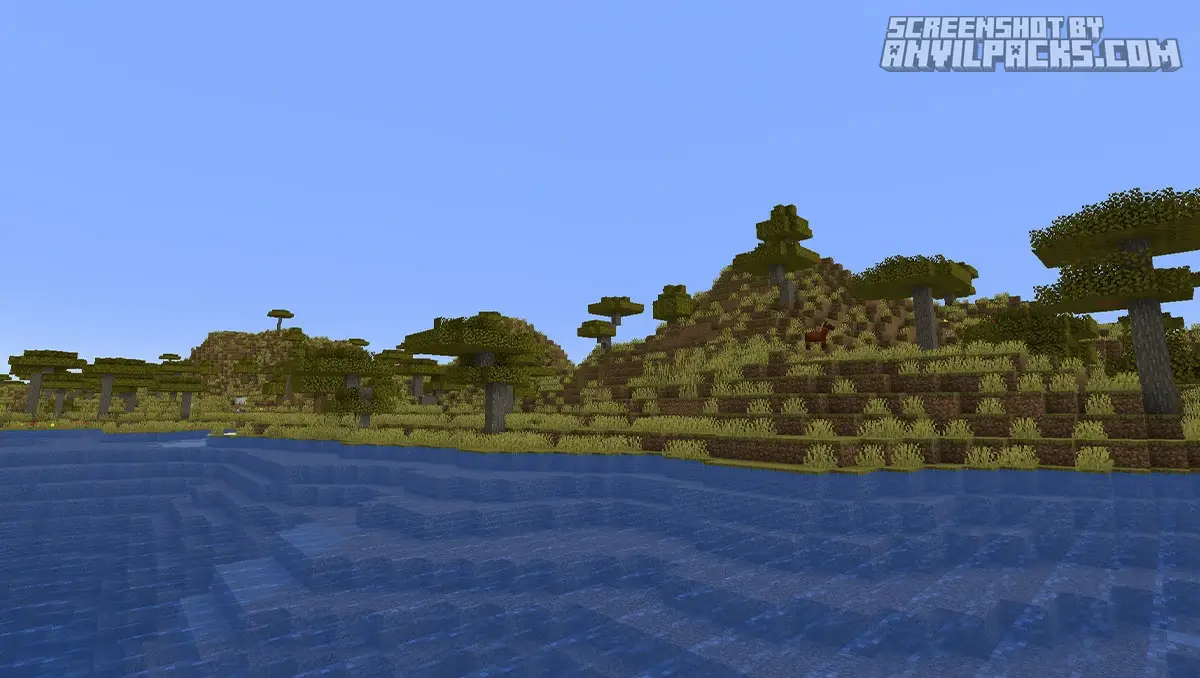
Compare Lux Shaders to default Minecraft Look.
Performance Check: Heavy but Stable
This is the beauty of being a BSL edit. It is surprisingly optimized for how good it looks.
Hardware Reality:
-
My Test: RTX 3070 at 1080p.
-
Result: Solid 80-100 FPS on High settings.
-
Comparison: It runs heavier than Complementary but much lighter than Kappa or SEUS.
Because the underlying code is BSL, it plays nice with almost every mod. You won’t get weird black textures or invisible water glitches.
Settings & Tweaks: Taming the Edit
The settings menu will look very familiar if you’ve used BSL, but Tech has added some specific sliders.
-
Profile: Stick to “High”. It’s the intended look.
-
Aurora Quality: If your FPS tanks at night, lower this setting first.
-
Bloom: Lux can be a bit “glowy” (that BSL DNA showing through). If the sun blinds you, lower the Bloom strength to 0.5.
Quick Comparison: Which Pack is for YOU?
-
Want the same performance but lighter visuals? Go with [Complementary Reimagined]. It’s also BSL-based but focuses on performance over realism.
-
Want pure Fantasy clouds? Check out [Solas Shaders]. Solas does for clouds what Lux does for the Aurora.
-
Want to melt your PC? Go for Kappa. It’s by the same creator (Tech) but uses a completely different, heavier engine.
Our YouTube Video & Screenshots
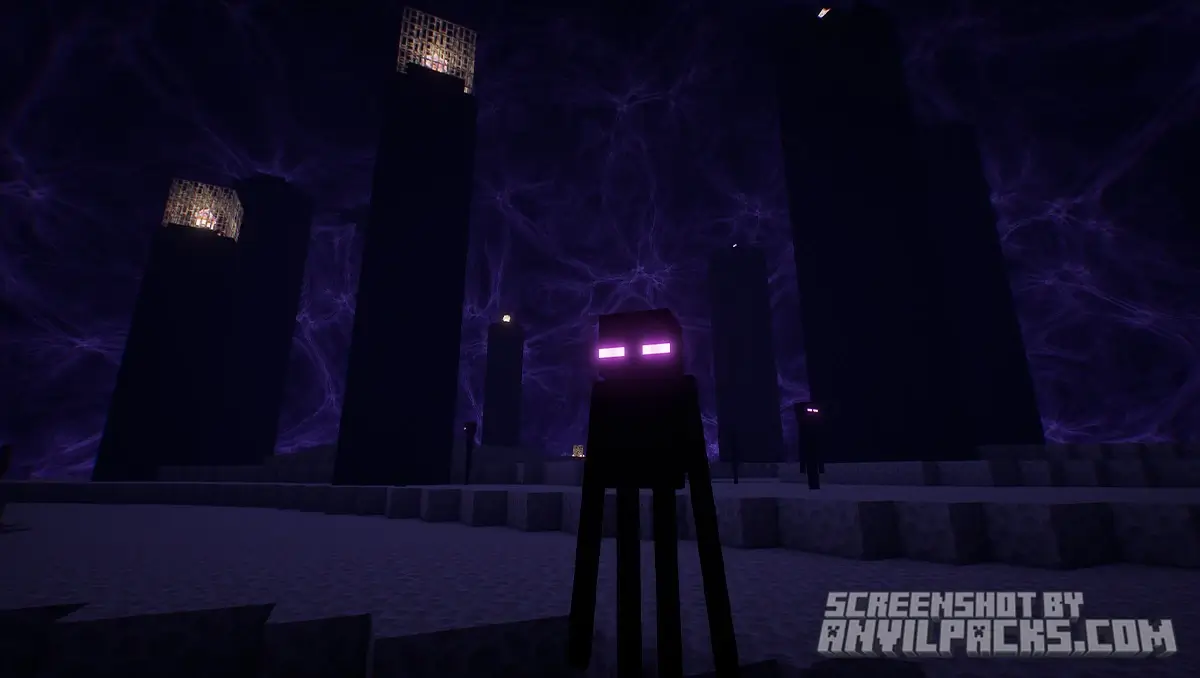
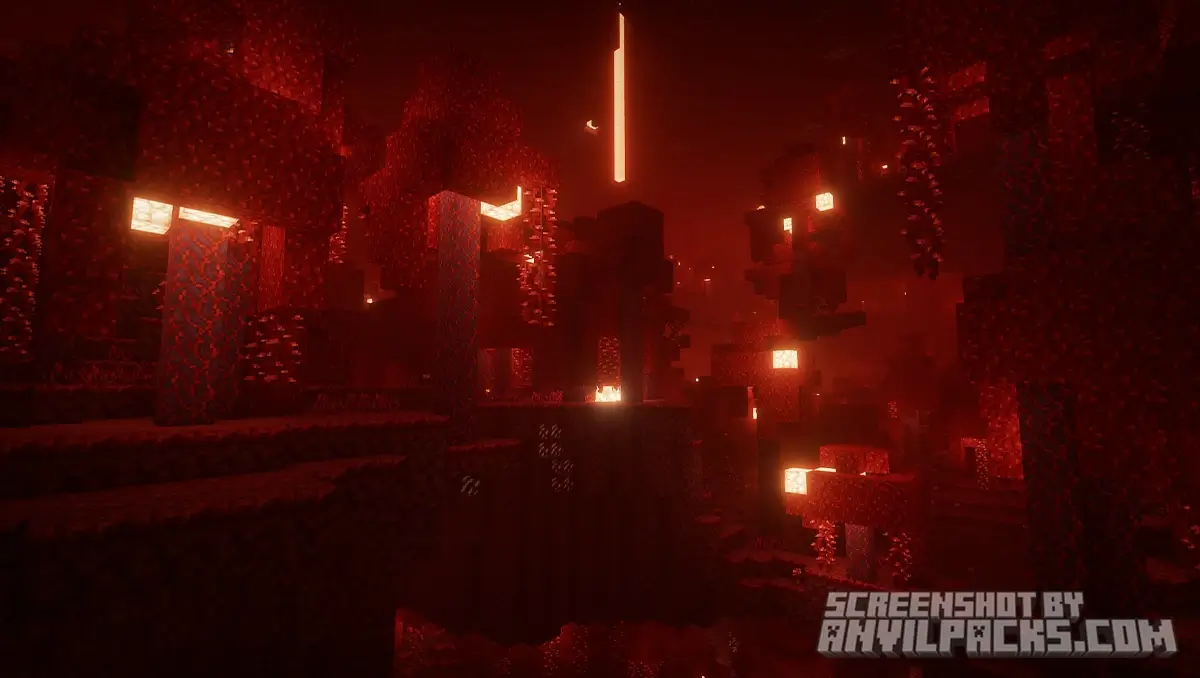
Watch our Youtube video about Lux Shaders.
Version Compatibility
Lux Shaders is fully compatible with Java Edition versions from 1.7.10 up to the latest 1.21.x
Lux Shaders - My Honest Opinion
I have a love-hate relationship with “edits.” Usually, they are just someone messing up the saturation.
Lux is different. It feels like a distinct, premium product. Tech took the reliability of BSL—which is boring but functional—and gave it a soul.
I actually use Lux for my “relaxed” survival lets-plays. It doesn’t crash, it handles modded blocks perfectly (thanks to the BSL code base), but it still gives me those “wow” moments when the sun sets or the Auroras come out. It’s the perfect middle ground between performance and eye candy.
Download Lux Shaders
[1.19 - 1.21.X] Download Lux Shaders
Free download — redirects to the official pack page.
Explore More Shader Packs
Explore More Texture Packs
How to Install Lux Shaders?
- Download the shader pack using the button below.
- Install Iris or OptiFine — Iris is recommended for better performance and smoother FPS.
- Open Minecraft Launcher and select the Iris or OptiFine profile.
- Start the game.
- In Minecraft, go to:
Iris: Options → Video Settings → Shader Packs
OptiFine: Options → Video Settings → Shaders
- Click Open Shader Pack Folder and move the downloaded ZIP file into it.
- Go back to Minecraft, select your shader from the list, and click Done or Apply.
- Credits: Full credit for creating Lux Shaders goes to Aurealis Graphics.
- Please note that none of the files are hosted on our servers — all Download Links redirect to the official Pack page to support the creator.
- Every pack is thoroughly checked and confirmed to be free from viruses, ensuring a completely safe and secure download experience for all users.