Rethinking Voxels Download 26.2 / 26.1.2 / 1.21.11
The "Complementary" Rebellion
Standard Minecraft shaders have a flaw. They look great outdoors, but go underground, and the illusion breaks. Torches don’t cast shadows; they just light up a sphere area—even through walls.
Rethinking Voxels fixes that.
Technically, this is an edit of Complementary Reimagined, but calling it an edit sells it short. The creator, gri573, completely rewrote the lighting engine. The goal? To bring “RTX-style” lighting to Java Edition without requiring an actual RTX card or Bedrock Edition.
The Promise: Real shadows from every light source. Redstone Torches actually glow red. Soul Lanterns cast blue light. It changes the game entirely.
Visuals: Why It Looks Next-Gen
This pack does things 99% of other shaders can’t do.
Block-Light Shadows (The Big Feature)
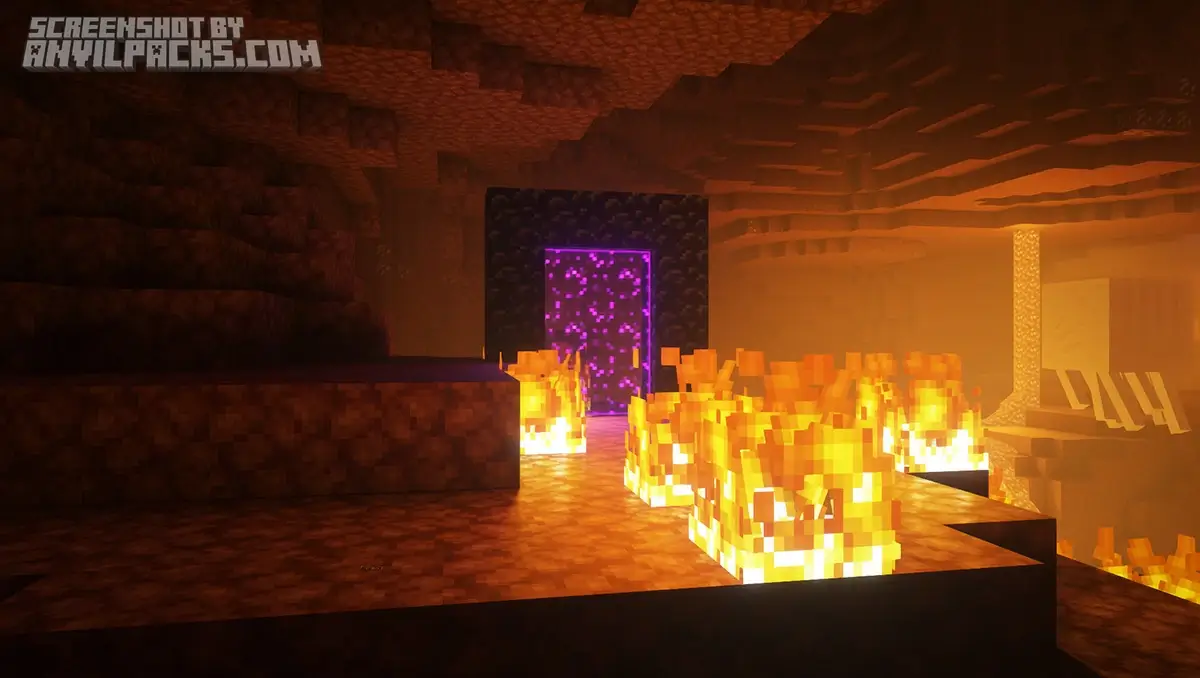
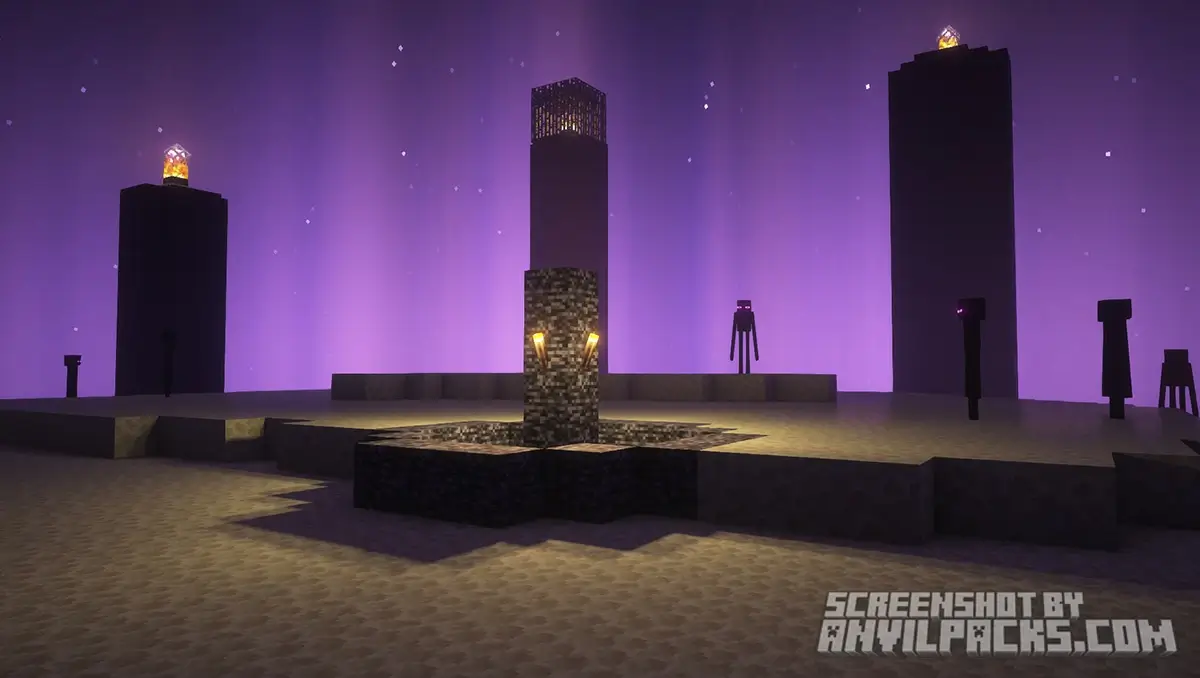
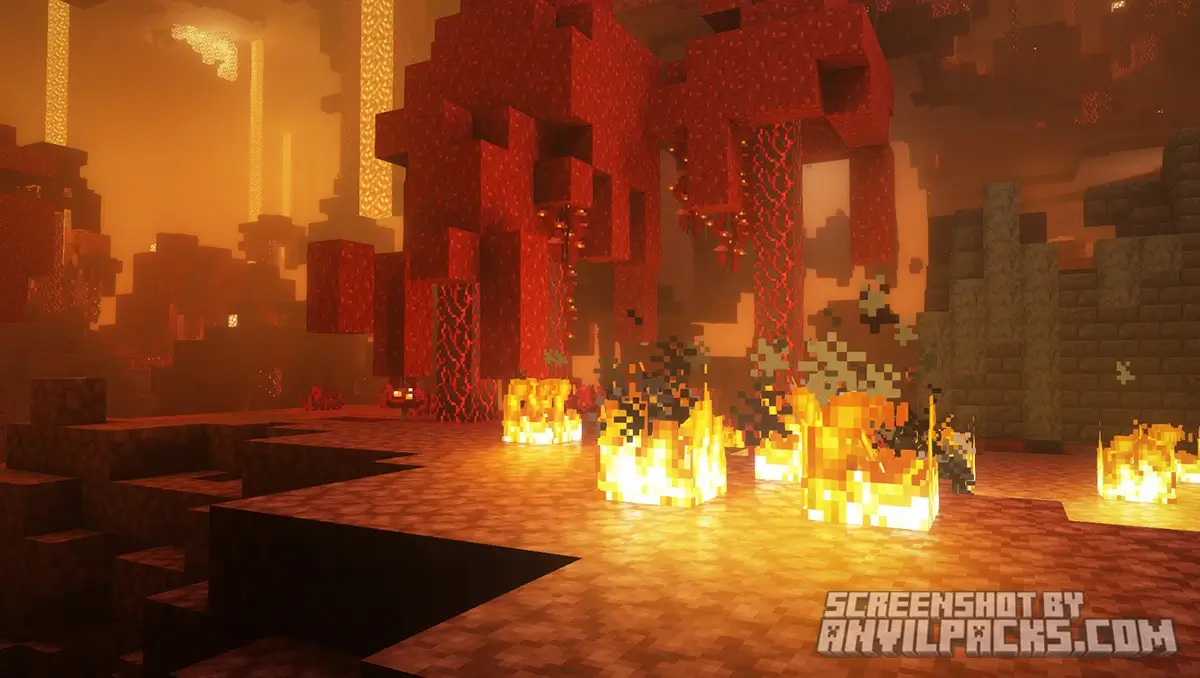
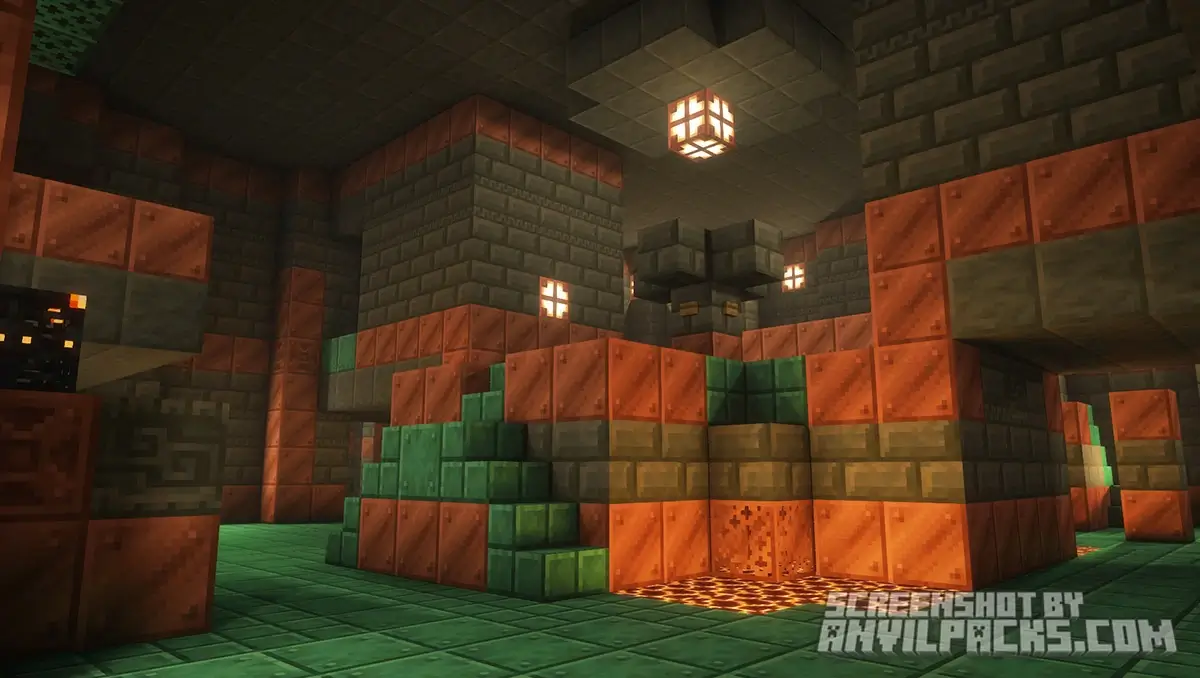
In most shaders, if you place a torch behind a pillar, the light bleeds through. In Rethinking Voxels, that pillar casts a sharp, crisp shadow. This transforms dungeons. Placing a torch feels impactful. Light doesn’t just “exist”; it travels and gets blocked by objects. It makes caves look terrifyingly realistic.
Colored Lighting
This is the feature everyone wants.
-
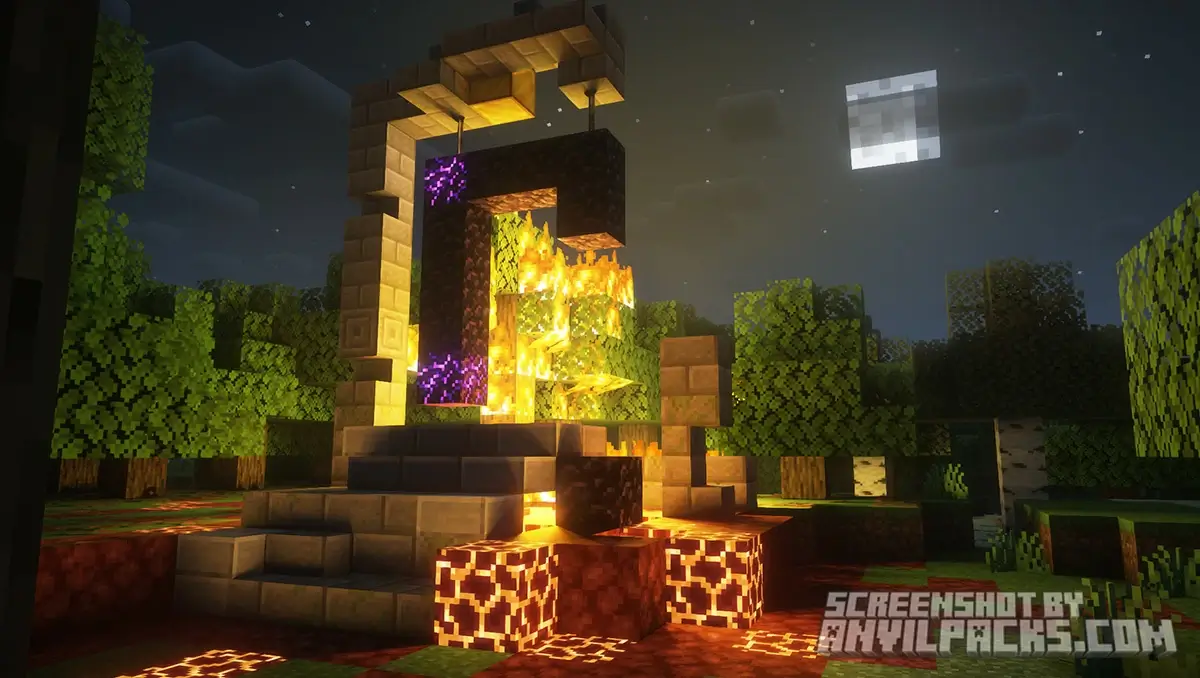
Lava: Emits a deep, warm orange glow that tints the walls around it.
-
Soul Fire: Casts a cold, ghostly blue light.
-
Redstone: Actually lights up the room with dim red light. Building a mood has never been easier.
The “Voxel” Look
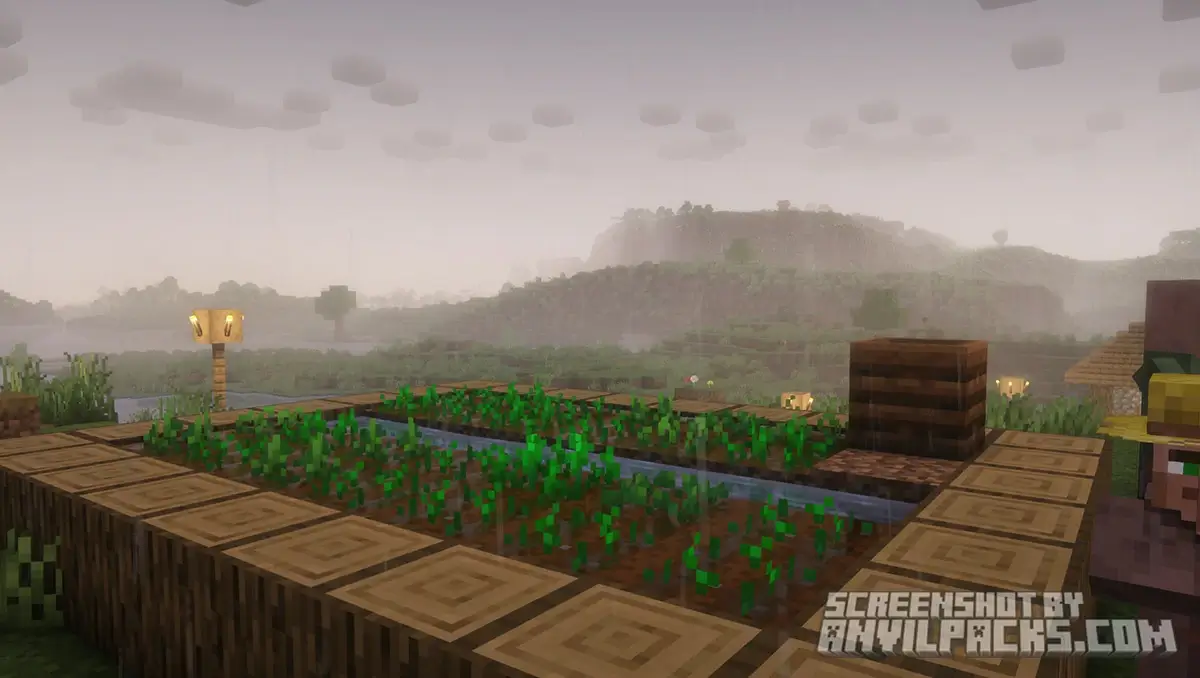
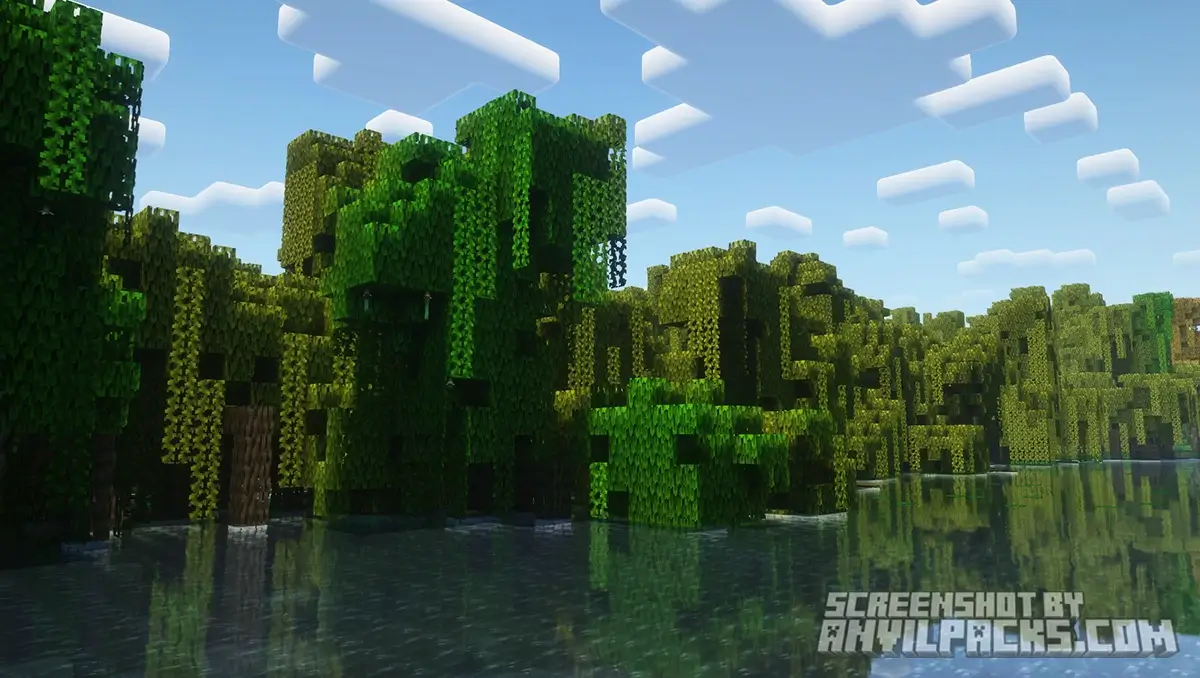
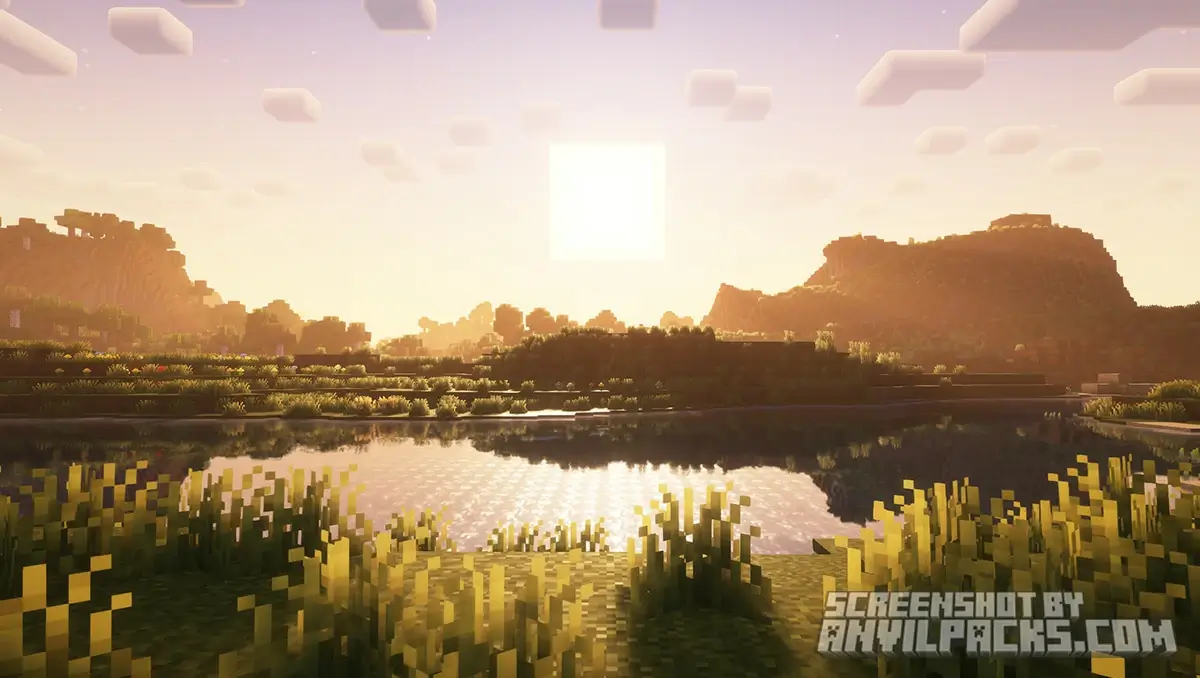
Because it’s based on Reimagined, it keeps that sharp, pixel-aligned aesthetic. The clouds are square. The shadows align with the blocks. It feels like Minecraft, just upgraded to 2026 standards.
Before & After Comparison
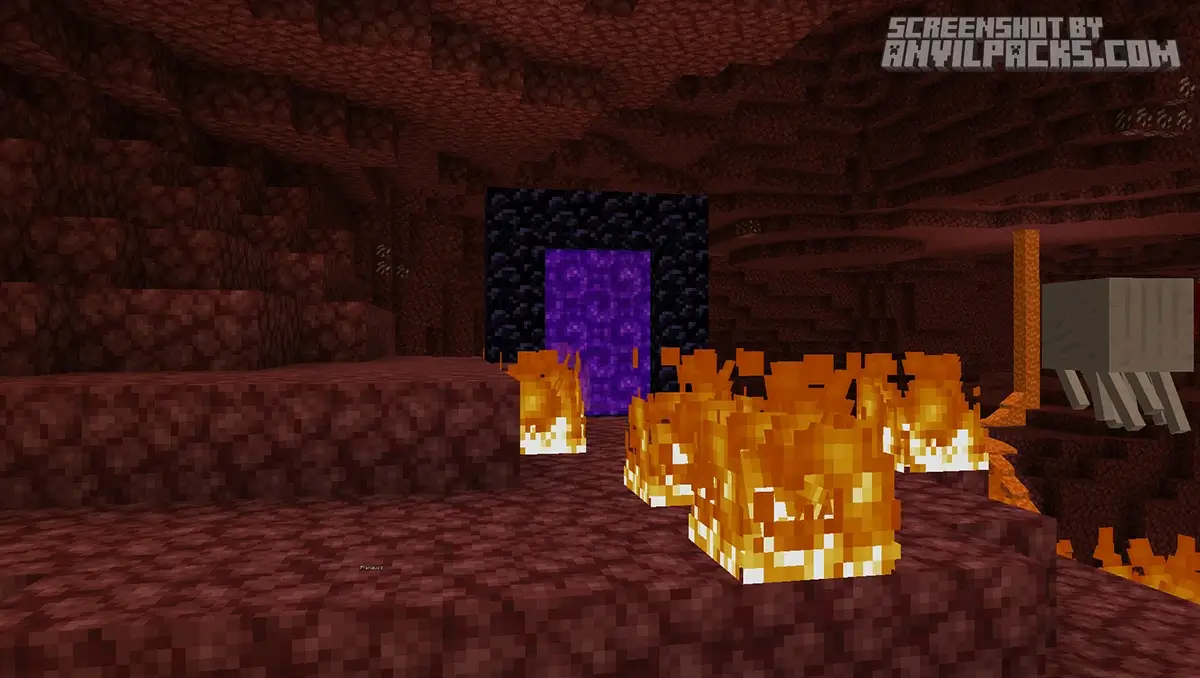
Compare Rethink Voxels to default Minecraft Look.
Performance Check: The Price of Beauty
Here is the hardware reality check. Calculating shadows for every single torch is expensive.
Hardware Reality: This runs significantly slower than standard Complementary Reimagined.
-
My Test: I ran this on an RTX 3060.
-
Result: Outdoors? Solid 70-80 FPS.
-
The Drop: Indoors, near lots of light sources (like a torch-spammed village), the FPS dipped to 50.
It’s heavy. If you are on an integrated GPU or an old GTX card, this might be a slideshow. But for a mid-range PC? It’s playable, and it looks better than almost anything else.
Settings & Tweaks: Fixing the Noise
Because this shader uses a voxel-based tracing method, it can sometimes look a bit “grainy” or noisy in the distance, especially in dark areas.
How to Fix It: Go into the shader settings.
-
Voxelization Resolution: Lower this if your FPS is dying. It reduces the precision of the shadows but gives you massive performance back.
-
Shadow Quality: You can tweak the sharpness. Soft shadows hide the noise better than sharp ones.
Quick Comparison: Which Pack fits YOU?
-
Rethinking vs. Complementary Reimagined: Use Complementary if you want high FPS and clean visuals for PvP or Survival. Use Rethinking Voxels if you want atmosphere, screenshots, or a slower-paced immersive playthrough.
-
Rethinking vs. “RTX” (Bedrock): This is the closest you can get to the official RTX look on Java Edition. It handles colored lighting better than almost any other free shader.
Our YouTube Video & Screenshots
Watch our Youtube video about Rethink Voxels.
Version Compatibility
Rethink Voxels Shaders is fully compatible with Java Edition versions from 1.16.5 up to the latest 26.2
Rethink Voxels - My Honest Opinion
I use this shader exclusively when I’cim exploring deep caves or the Anent City.
Walking through a Lush Cave where the glowing berries actually cast pink light, while the lava below casts orange light… it’s peak Minecraft. It creates an atmosphere that flat lighting just can’t match.
However, I turn it off for my main base because I spam torches everywhere, and the shadow calculations kill my FPS. It’s a specialized tool for immersion.
Download Rethink Voxels
[1.16.5 - 26.2] Download Rethink Voxels
Free download — redirects to the official pack page.
Explore More Shader Packs
Explore More Texture Packs
How to Install Rethink Voxels?
- Download the shader pack using the button below.
- Install Iris or OptiFine — Iris is recommended for better performance and smoother FPS.
- Open Minecraft Launcher and select the Iris or OptiFine profile.
- Start the game.
- In Minecraft, go to:
Iris: Options → Video Settings → Shader Packs
OptiFine: Options → Video Settings → Shaders
- Click Open Shader Pack Folder and move the downloaded ZIP file into it.
- Go back to Minecraft, select your shader from the list, and click Done or Apply.
- Credits: Full credit for creating Rethink Voxels goes to Gri573.
- Please note that none of the files are hosted on our servers — all Download Links redirect to the official Pack page to support the creator.
- Every pack is thoroughly checked and confirmed to be free from viruses, ensuring a completely safe and secure download experience for all users.









Mast hai
fajny