Stay True Texture Pack Download 26.2 / 26.1.2 / 1.21.11
Vanilla is Ugly (Sometimes)
We all love the vanilla look, but let’s be honest about “The Grid.”
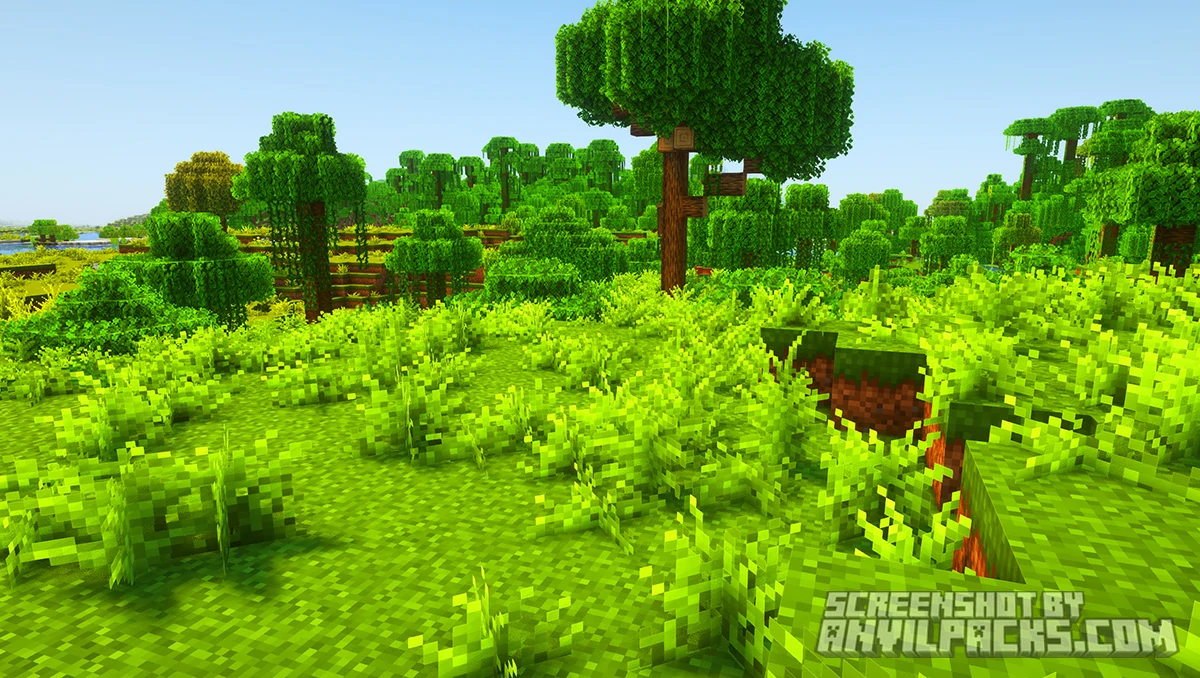
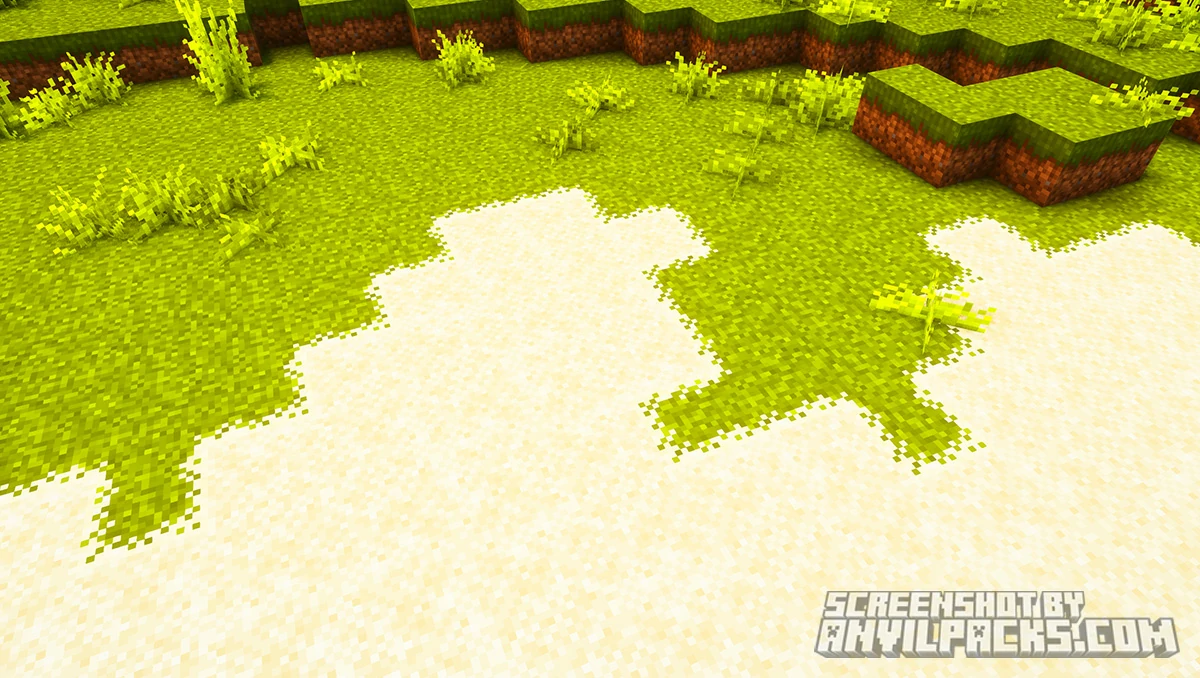
Go stand in a Swamp or a Plains biome. Look at the ground. You can see the repeating square pattern of the grass texture stretching out to the horizon. It looks like a bad chessboard. It looks artificial.
Stay True fixes this.
You are probably here looking for a Stay True Texture Pack download to fix exactly that problem. This isn’t an “HD” pack. It isn’t a “Realistic” pack. It is purely a “Vanilla+” overhaul. It keeps the original art style but removes the repetition.
The Promise: It still looks like Minecraft, just… finished.
Visuals: It’s All About Variety
The magic of this pack is in the details. You won’t notice a huge change immediately, but the world just feels “right.”
The Environment
-
No More Grid: Grass blocks now have random variations. Sometimes you see tiny rocks, sometimes roots, sometimes little flowers. The texture blends into neighboring blocks so you can’t see the edges.
-
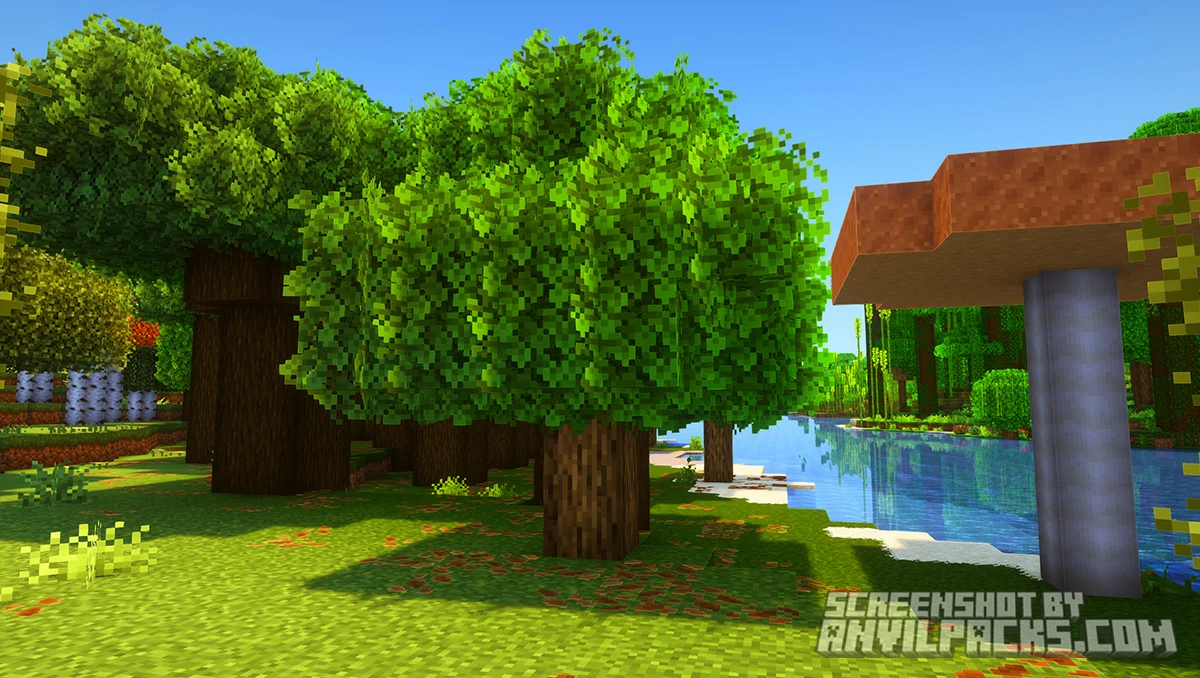
Trees: This is the best part. The leaves are “Bushy” (round and fluffy) rather than sharp blocks. Birch trees have orange autumn leaves, which breaks up the green monotony of forests.
-
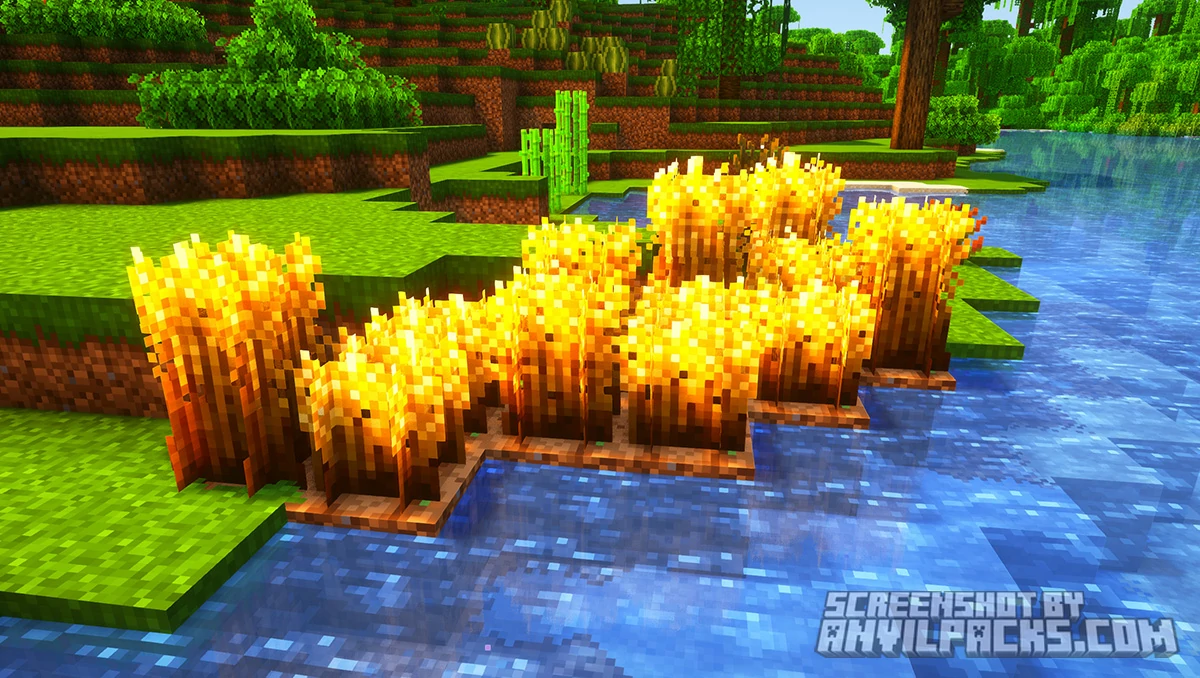
Farming: Wheat and crops have varied heights and textures. Your farm looks like a garden, not a factory.
Connected Textures
This is huge for builders.
-
Glass: No more annoying borders in the middle of your window. It’s clear and seamless.
-
Sandstone & Logs: Place two logs on top of each other, and the bark connects. No more seam in the middle.
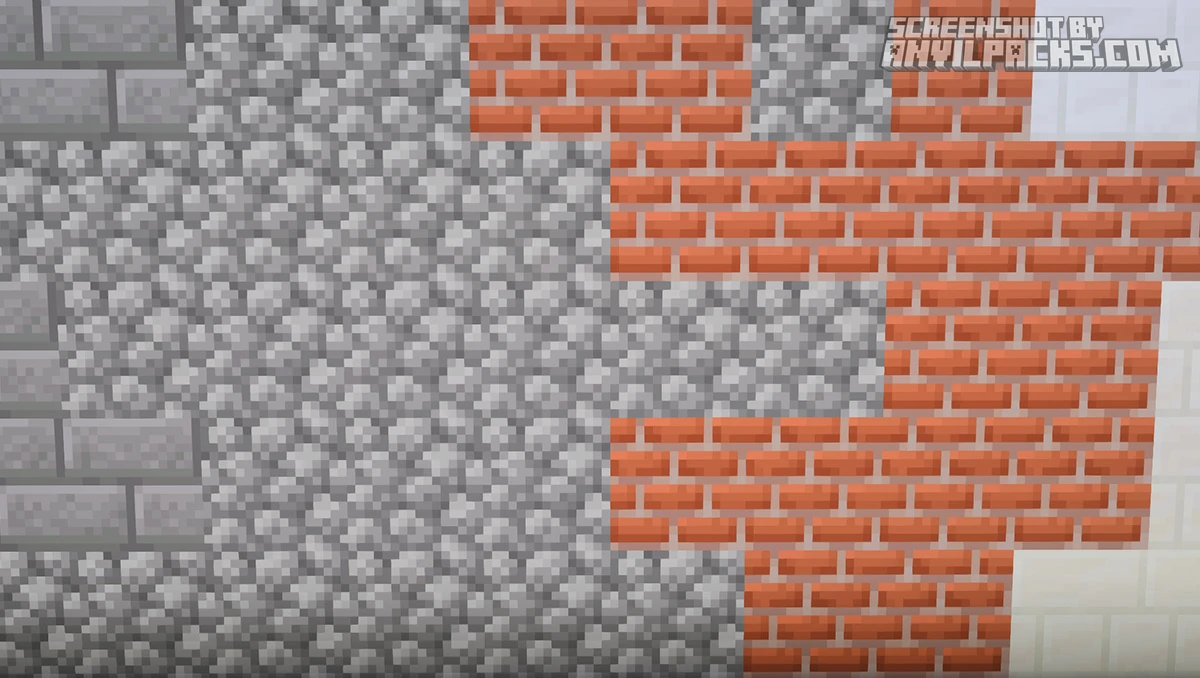
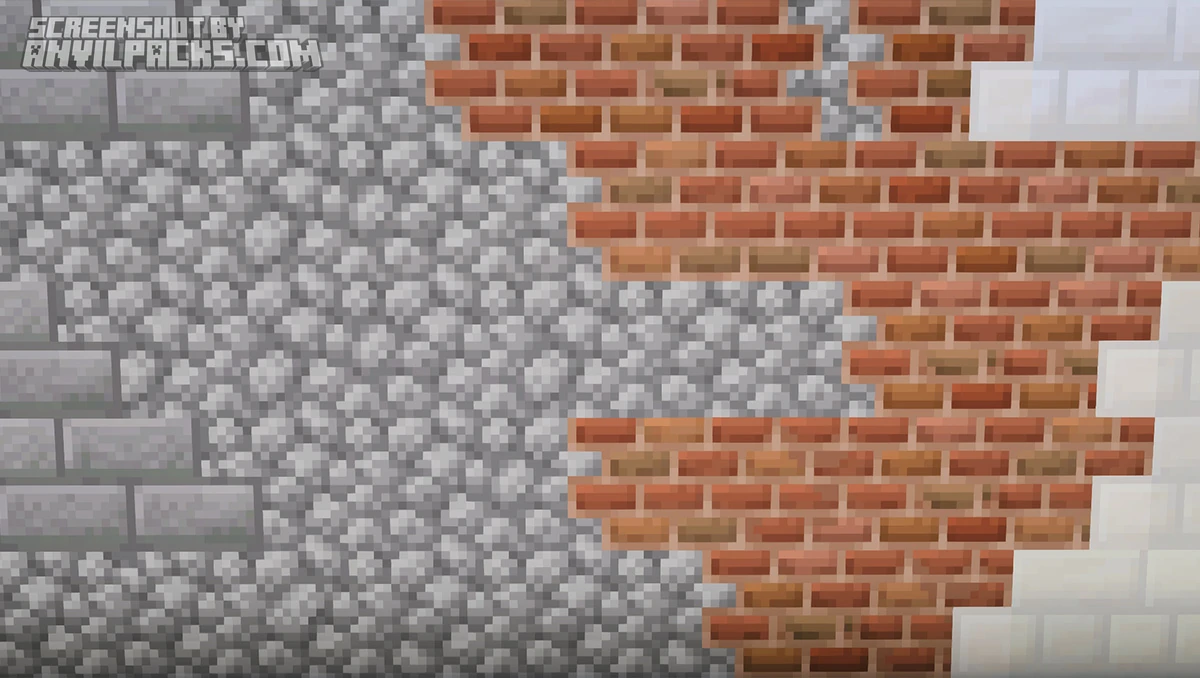
Before & After Comparison
Compare Stay True Resource Pack to default Minecraft Look.
Performance & Requirements (The Catch)
The Good News: This is a 16×16 pack. That is the same resolution as default Minecraft.
The Catch (Read This): To get the “Bushy Leaves” and “Connected Textures,” the resource pack needs help. It cannot do this on vanilla code. You MUST have a mod that supports connected textures.
Without these mods, the pack looks okay, but you lose 50% of the charm.
Compatibility
Since Stay True sticks to the vanilla color palette, it is surprisingly compatible with mods.
-
Modded Blocks: If you place a modded chest next to a Stay True chest, it won’t look weird. They match.
-
Shaders: It looks incredible with BSL Shaders or Complementary Reimagined. The orange birch leaves specifically look amazing with shader lighting.
Our YouTube Video & Screenshots
Watch our Youtube video about Stay True Texture Pack.
Version Compatibility
Stay True is fully compatible with Java Edition versions from 1.14 up to the latest 26.2
Stay True Texture Pack - My Honest Opinion
This is my “Default” pack.
I often forget I have it installed. Then, when I play a new modpack and see vanilla grass, I get annoyed. “Why is everything so flat?”
Stay True ruins vanilla Minecraft for you because it shows you how good it could have been. It’s subtle, it’s performant, and it fixes the ugly grid pattern that has plagued this game for 15 years.
The Verdict: If you are a builder who wants to stick to the vanilla style but hates the repetition, this is the best pack on the market. It is better than Faithful.
Stay True Texture Pack Download
[1.20 - 26.2] Download Stay True
Free download — redirects to the official pack page.
Explore More Texture Packs
Explore More Shader Packs
How to Install Stay True Texture Pack?
- Install OptiFine or Fabric EMF & ETF + Continuity for full compatibility and visual features.
- Download the Texture Pack — by clicking the button below.
- Launch Minecraft and open Options → Resource Packs.
- Click “Open Pack Folder.”
- Move or drag the downloaded
.zip file into the resourcepacks folder.
- Go back to Minecraft — the pack should now appear on the left side of the screen.
- Click the arrow to move it to the right (active packs).
- If a message says the pack was made for a different version, click “Yes.”
- Click Done, and enjoy your upgraded visuals!
- Credits: Full credit for creating Stay True goes to haimcyfly.
- Please note that none of the files are hosted on our servers — all Download Links redirect to the official Pack page to support the creator.
- Every pack is thoroughly checked and confirmed to be free from viruses, ensuring a completely safe and secure download experience for all users.