Faithful 64x Minecraft Texture Pack Download 26.2 / 26.1.2 / 1.21.11
Vanilla, But Sharper
You know that moment when you zoom into a block and realize it’s just… 16 pixels? A sword that’s barely recognizable as a sword. A creeper face made of like 12 green squares. Minecraft’s default textures have charm, sure. But they also have a ceiling. And that ceiling is pretty low.
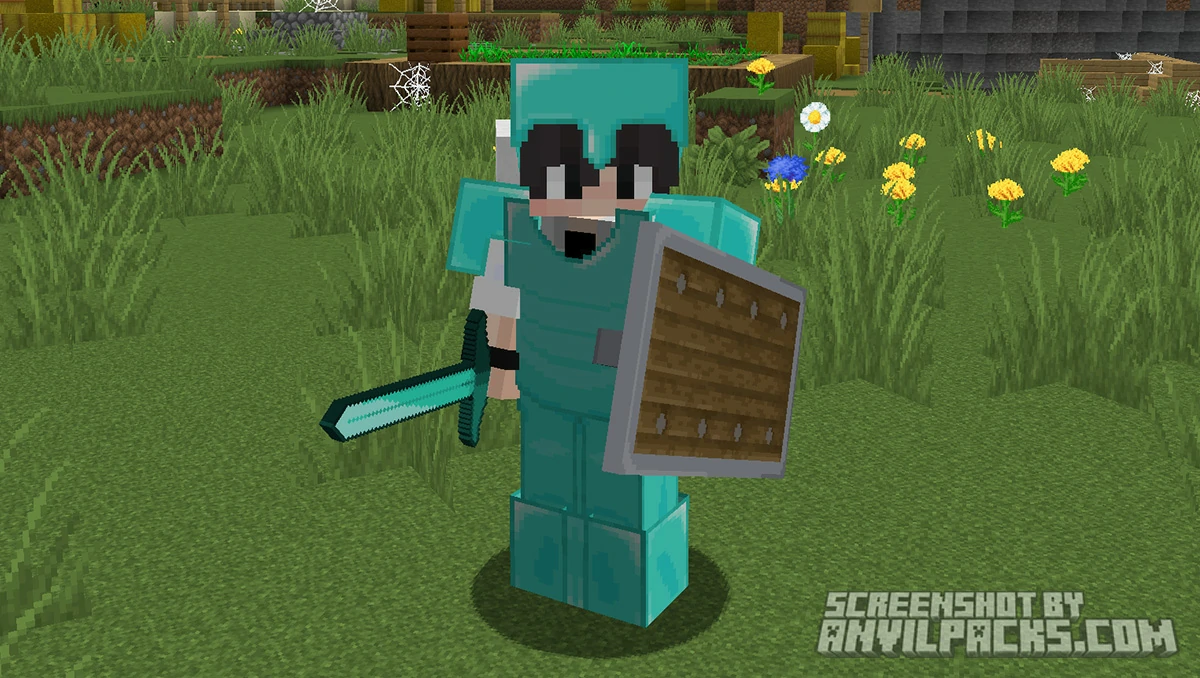
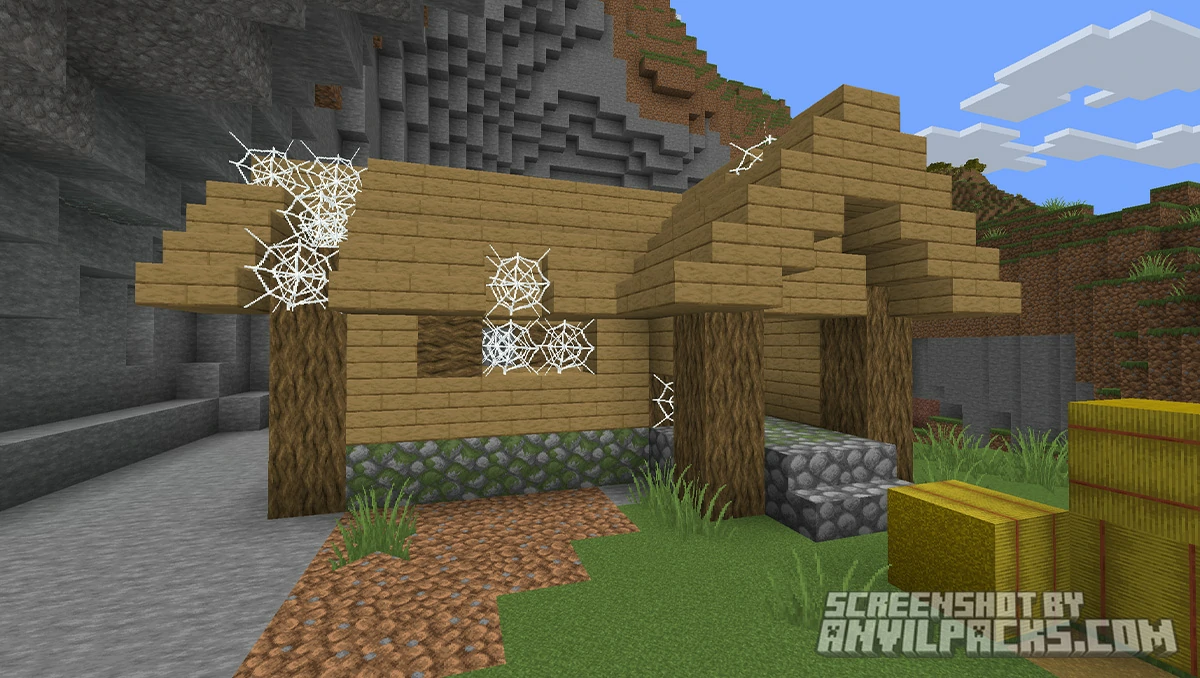
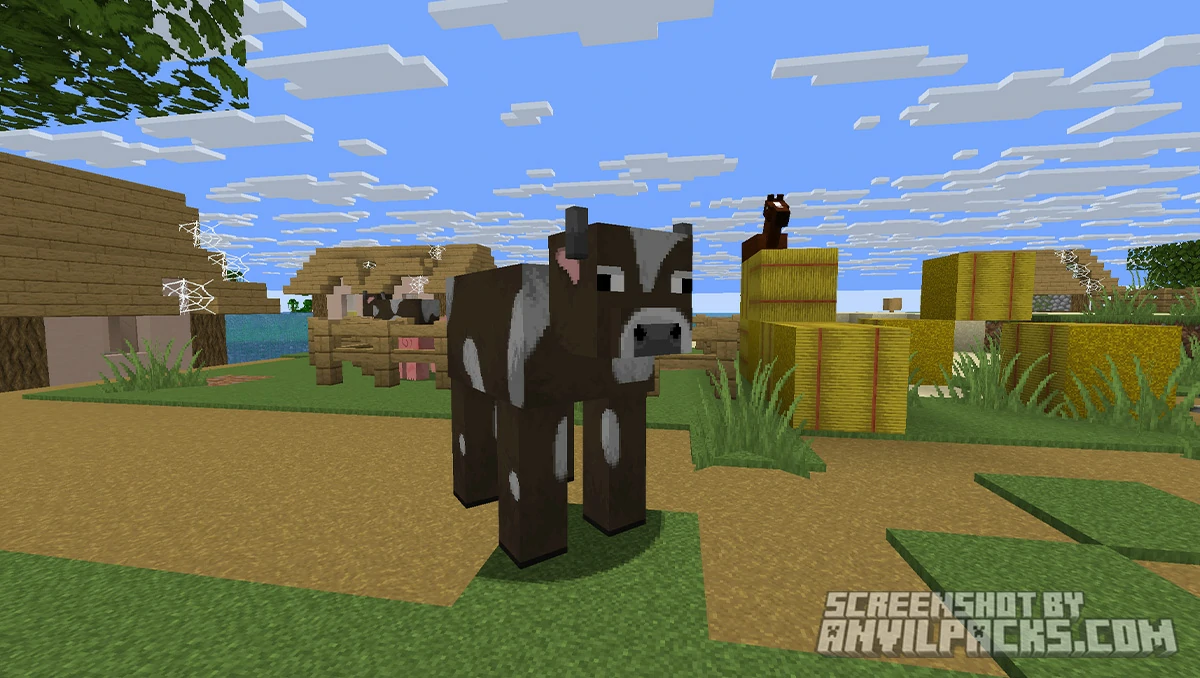
Faithful 64x doesn’t try to reinvent Minecraft. It doesn’t slap a photorealistic coat of paint on everything and call it a day. Instead, it does something smarter: it takes every single vanilla texture and redraws it at four times the resolution. Same colors. Same shapes. Same vibe. Just… more. More detail in the stone grain. More definition in the wood plank lines. More texture in the dirt. It’s what vanilla Minecraft would look like if Mojang decided pixels weren’t cool anymore.
This is one of those packs where you install it, play for three hours, and then realize you forgot it was even on. That’s the highest compliment a faithful-style pack can get.
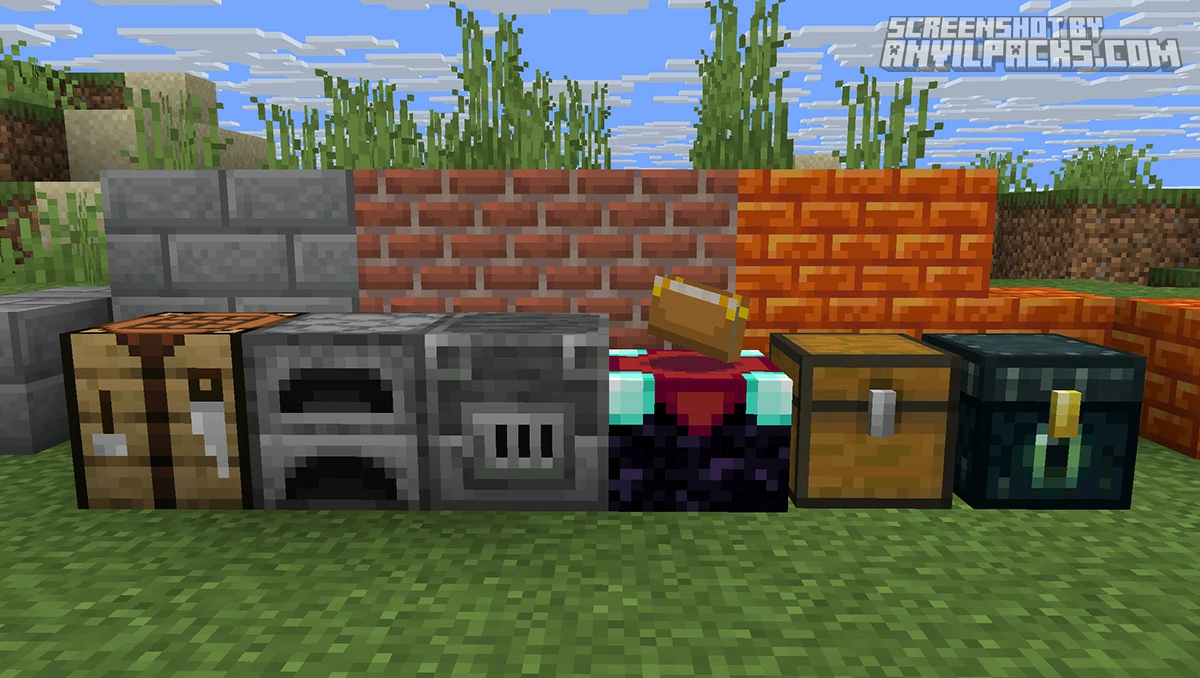
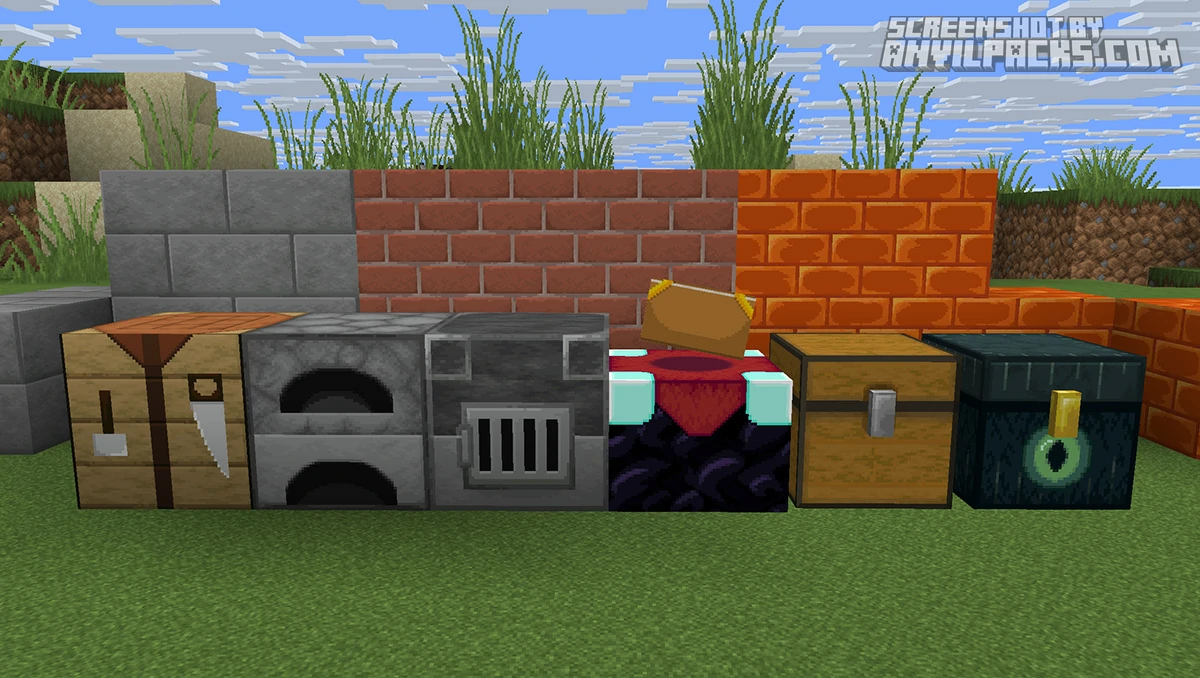
Before & After Comparison
Compare Faithful 64x Texture Pack to default Minecraft Look.
Faithful 64x - What It Does
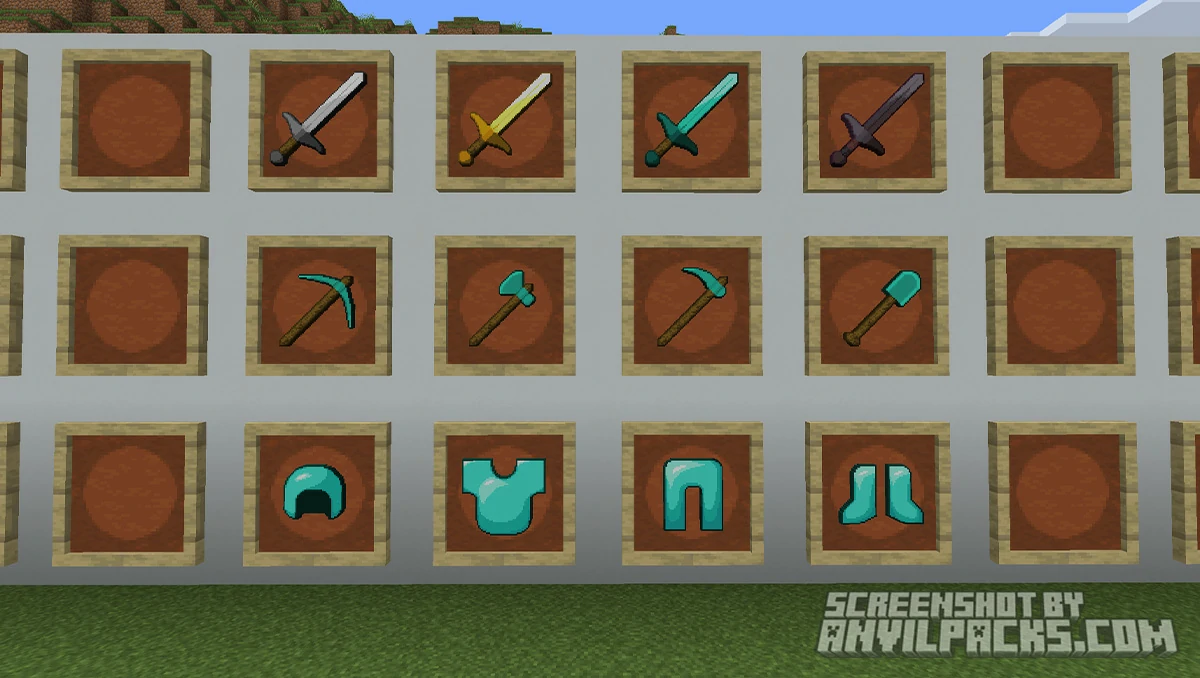
Faithful 64x takes every texture in the game — blocks, items, mobs, UI, particles, paintings, everything — and upscales it from the default 16×16 to 64×64. That’s four times the pixel density per side, or sixteen times the total pixel count per texture. The result is blocks that look cleaner, sharper, and more detailed without ever straying from the original art direction.
The Faithful project is community-driven and open-source. A whole team of volunteer artists contributes textures following strict style guidelines. This means the pack maintains incredible consistency. You won’t find one block that looks hand-painted sitting next to another that looks AI-upscaled. Everything matches. The latest Release 12 (Mounts of Mayhem update) added all the new content from the game drop — spears, nautilus armor, camel husks — and updated dozens of existing textures like terracotta blocks, rails, deepslate bricks, and azalea.
The pack also has an official add-on ecosystem. There are community-made add-ons for things like alternative texture variations, emissive ores, low fire overlays, and colored bow charging indicators. If you want to customize further without leaving the Faithful style, the options are there.
Performance and How It Stacks Up
Let’s talk about the elephant in the room: 64x textures are four times the resolution of vanilla. That means more VRAM usage and potentially lower framerates, especially on older hardware. If you’re running a modern GPU (anything from the last 5-6 years), you probably won’t notice a thing. Minecraft is CPU-bound most of the time anyway, and 64x is nowhere near the territory where texture resolution becomes a real bottleneck.
If you are on a potato, the Faithful team also maintains Faithful 32x — same art style, half the resolution, lighter on resources. It’s a good stepping stone if 64x feels too heavy. You can always start with 32x and upgrade later.
For context, 64x is considered a mid-range resolution in the texture pack world. Packs at 128×128 and 256×256 exist and will genuinely stress your system. Faithful 64x sits in a sweet spot — noticeably better than vanilla without demanding a beefy rig.
How does it compare to other packs? If you’ve been using Stay True, which adds connected textures and visual tweaks while staying at 16x, Faithful 64x is a completely different approach. Stay True changes how textures connect and behave. Faithful 64x changes the textures themselves. You could actually use both together if you wanted connected textures with higher resolution detail, though you’d want Faithful 64x loaded first with Stay True on top.
Against other 64x packs, Faithful’s biggest advantage is completeness and consistency. This isn’t a half-finished project with missing textures everywhere. The team keeps it updated within weeks of major Minecraft releases. With over 4.6 million downloads on Modrinth alone (and 6.4 million on CurseForge), it’s the most popular 64x pack for good reason.
Pairing it with shaders makes a huge difference too. The extra texture detail really shows under dynamic lighting. Try it with Complementary Reimagined or BSL Shaders and the combination is genuinely impressive. Stone surfaces catch light in a way that vanilla 16×16 textures simply can’t.
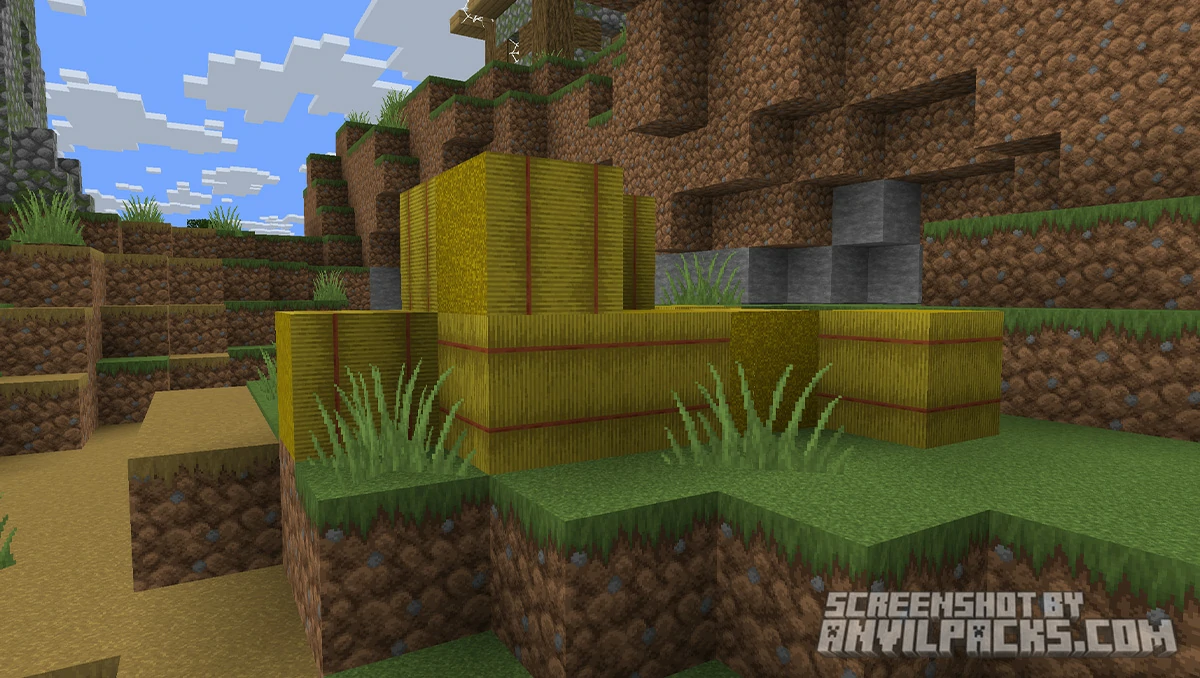
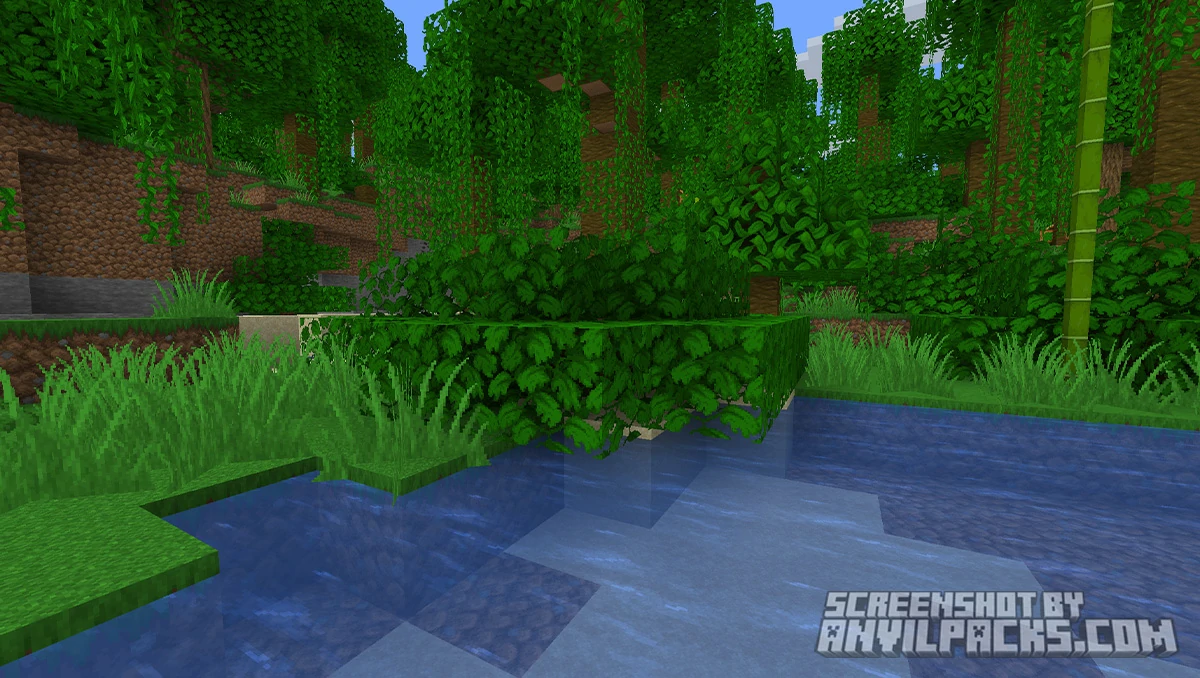
Our YouTube Video & Screenshots
Watch our Youtube video about Faithful 64x Texture Pack.
Version Compatibility
Faithful 64x is fully compatible with Java Edition versions from 1.18.2 up to the latest 26.2
Faithful 64x - My Honest Opinion
Faithful 64x is boring. And I mean that as the highest possible praise.
It doesn’t try to impress you. It doesn’t scream “look at me!” every time you load into a world. It just quietly makes everything look better. Stone looks like stone. Wood looks like wood. Dirt looks like dirt. But all of it looks good. The kind of good where you stop noticing the textures entirely and just play the game.
The only real downside? Going back to vanilla. Once you’ve played with 64x textures for a while, default Minecraft starts to look like you need glasses. The pixelation becomes painfully obvious, especially on blocks with fine detail like bookshelves, crafting tables, and chiseled stone.
Who is this for? Anyone who loves Minecraft’s art style but wants it sharper. If you want something that looks different — stylized, realistic, cartoony — look elsewhere. Packs like Bare Bones go simplified, while higher-res packs in the 256x+ range push toward realism. Faithful 64x doesn’t do either. It just does vanilla better than vanilla does vanilla.
Install it. Forget it’s there. Enjoy better-looking Minecraft. That’s the whole pitch. And it works.
Faithful 64x Texture Pack Download
[1.20 - 26.2] Download Faithful 64x Ultimate
Free download — redirects to the official pack page.
Explore More Texture Packs
Explore More Shader Packs
How to Install Faithful 64x Texture Pack?
- Download the Faithful 64x .zip file for your Minecraft version from the download section below.
- Open Minecraft Java Edition and go to Options > Resource Packs.
- Click Open Pack Folder — this opens your
resourcepacks directory.
- Drag and drop the downloaded .zip file into this folder. Do not unzip it.
- Back in Minecraft, Faithful 64x will appear in the Available column. Click the arrow to move it to Selected.
- Click Done and let the pack load.
- Credits: Full credit for creating FA: Player Extensions goes to Faithful Resource Pack Organization.
- Please note that none of the files are hosted on our servers — all Download Links redirect to the official Pack page to support the creator.
- Every pack is thoroughly checked and confirmed to be free from viruses, ensuring a completely safe and secure download experience for all users.