Prime's HD Textures 32x Download 26.2 / 26.1.2 / 1.21.11
A Free Pack With PBR? Yeah, Really.
Most 32x resource packs play it safe. Sharpen up vanilla, clean a few edges, call it a day. Prime’s HD Textures does all of that and then throws in full PBR support. For free. That’s the part that makes this pack stand out. You’re not just getting higher-res blocks — you’re getting a texture pack built from the ground up for physically-based rendering. At 32x, it does all of this without asking much from your hardware.
Over 650,000 downloads on Modrinth, 1.2 million on CurseForge. The pack is technically still in beta — Beta 50 as of early 2026 — but it already covers a huge chunk of Minecraft’s block and item catalog, with monthly updates filling in the gaps.
What It Changes
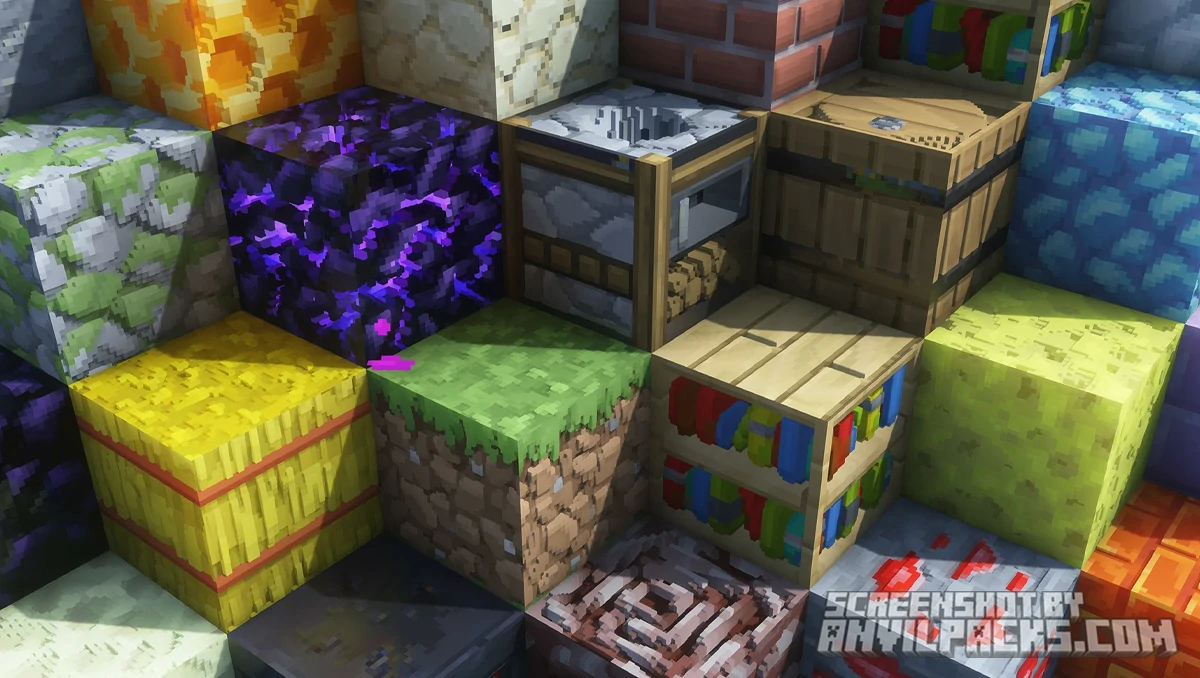
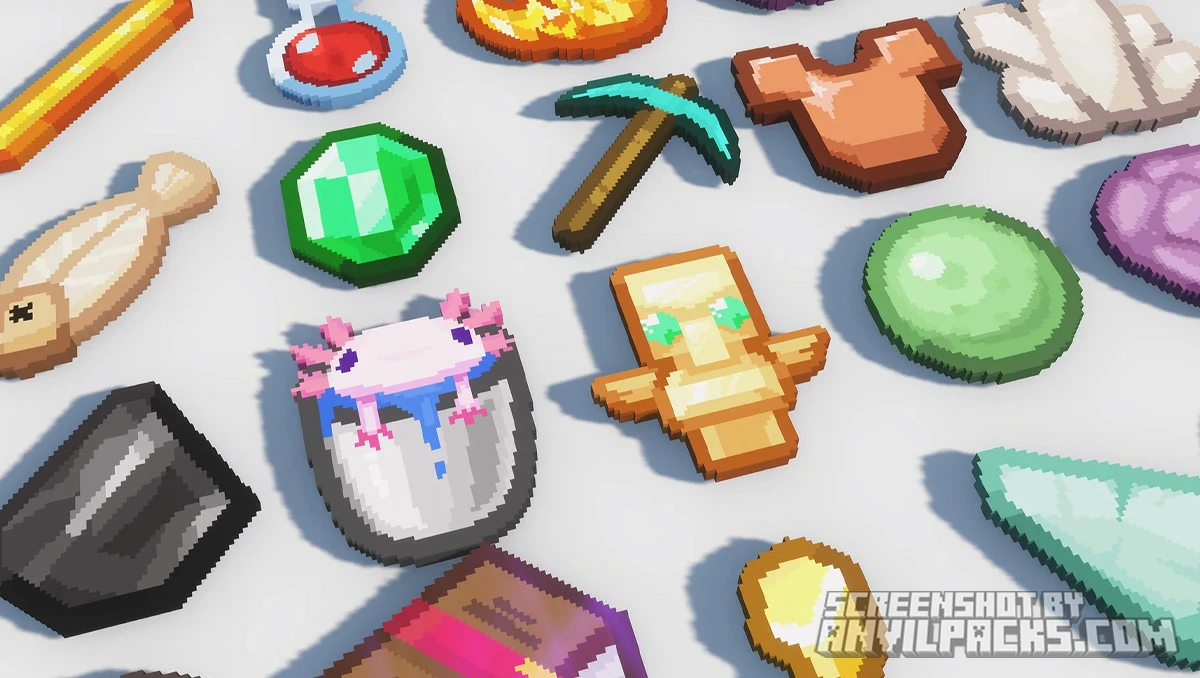
Every texture is a hand-crafted recreation of Minecraft’s original artwork at 32×32 resolution. The approach is similar to Faithful 64x — keep the vanilla identity, just make it cleaner. But where Prime’s HD Textures pulls ahead is the PBR layer.
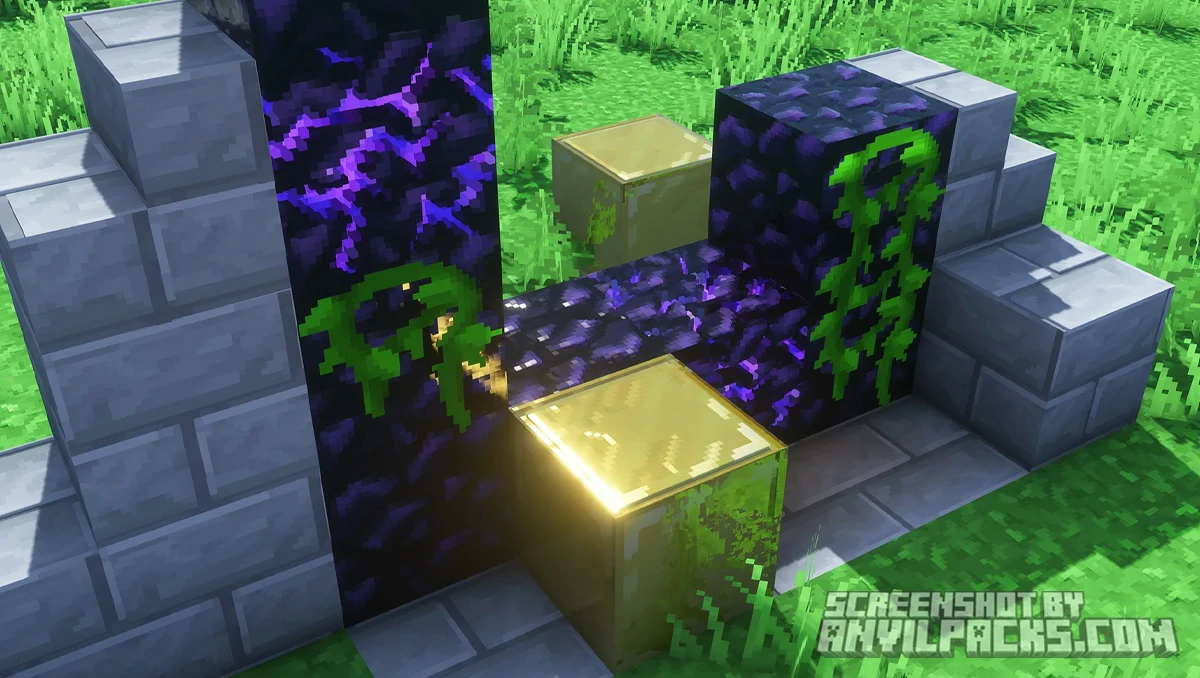
PBR (Physically Based Rendering) defines how surfaces interact with light. The pack ships with specular and normal maps, so when you pair it with a compatible shader, blocks gain real surface depth, realistic reflections, and physically accurate lighting. Stone looks like it has weight. Metal reflects light the way metal should. Wet surfaces glisten. The shaders interpret the data — the texture pack provides it.
Without shaders, it still looks good. Cleaner textures, better color gradients, smoother edges. But the PBR is where the real magic happens, and the creator is upfront about that.
Beyond blocks, the skybox gets a custom overhaul — no more flat vanilla gradient. The moon is redesigned with a cool blocky-planet look. Clouds are more natural and volumetric. The overall color palette trends warmer and softer, giving the game a cozier feel. Edges are smoothed just enough to look polished without losing the blocky Minecraft DNA.
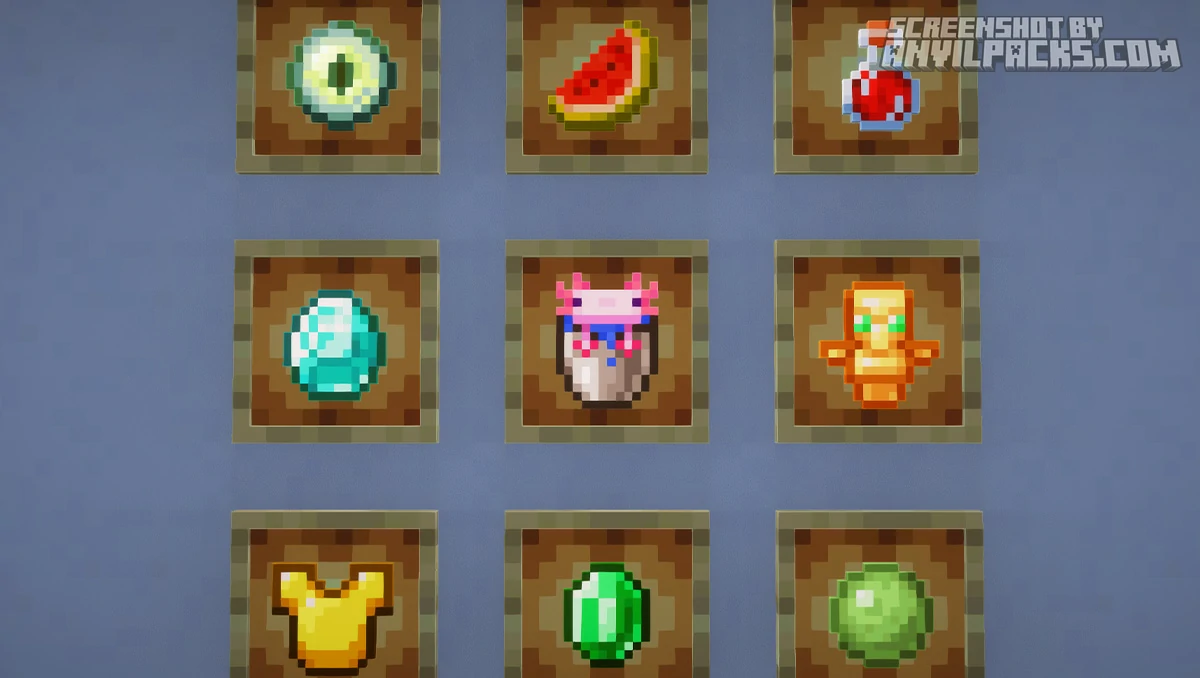
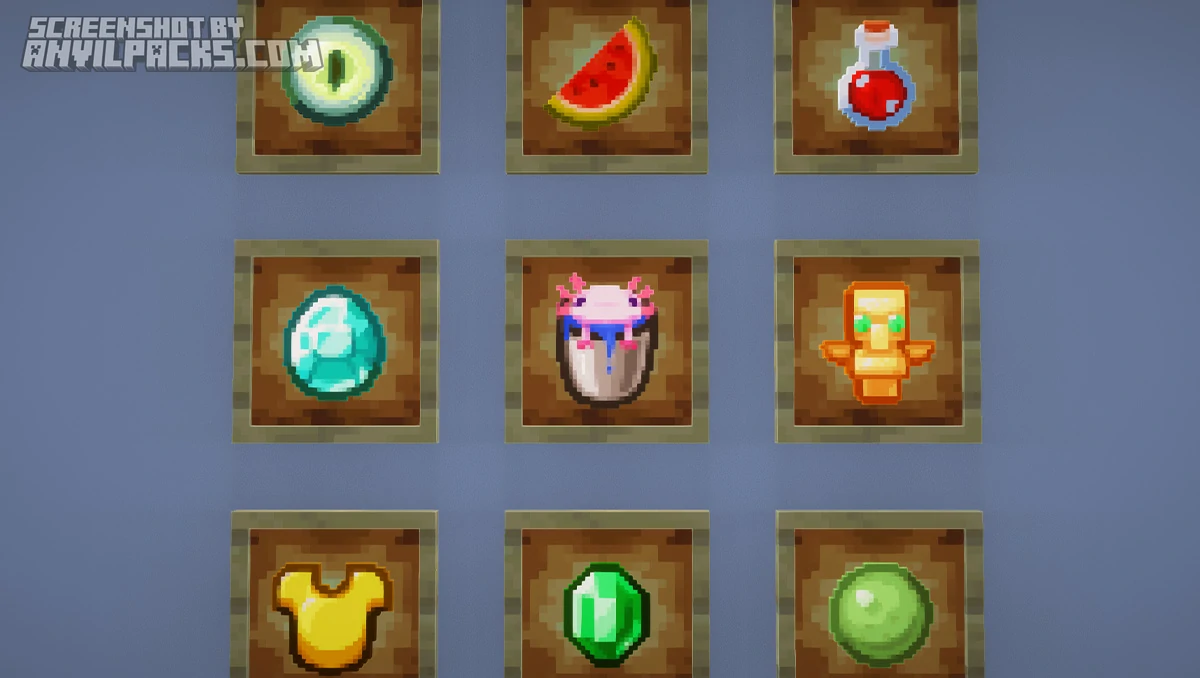
Here’s how it looks side by side with vanilla.
Before & After Comparison
Compare Primes HD Textures 32x Texture Pack to default Minecraft Look.
Performance and Comparisons
At 32x, this pack is featherlight. The jump from 16x to 32x is modest, and most systems — including laptops with integrated graphics — will handle it without breaking a sweat.
The picture changes when you add shaders for PBR. That’s not the pack’s fault — shaders always carry the performance cost. But it’s worth mentioning because PBR is such a core part of this pack’s identity. Without shaders, you’re getting maybe 60% of what makes it special. Packs like BSL Shaders or Complementary Reimagined are solid PBR-compatible options that balance visuals with performance.
Compared to Faithful 64x, Prime’s HD runs lighter but arguably delivers more visual depth when shaders are enabled. Faithful has sharper base textures and more raw detail per block, but no PBR maps. Two different approaches — raw resolution vs. advanced surface lighting. Pick your priority.
Against other 32x packs, Prime’s HD stands alone. Most free 32x options don’t touch PBR. That feature is usually locked behind paid tiers or higher resolutions. Getting it at 32x for free is a genuine advantage.
One caveat: beta means not every texture is done yet. You might spot a few vanilla textures mixed in with the HD ones in less common areas. Updates are regular, so gaps keep shrinking — but it’s worth knowing.
Here’s a video showing the pack in action.
Check out the screenshots below to see it across different biomes and lighting conditions.
Our YouTube Video & Screenshots
Watch Youtube video about Primes HD x32 Texture Pack.
Version Compatibility
Bare Bones is fully compatible with Java Edition versions from 1.19.4 up to the latest 26.2
Primes HD Textures 32x - My Honest Opinion
Prime’s HD Textures 32x is one of the best free resource packs out right now, and it’s not even finished. Free PBR at 32x is genuinely rare — most packs that offer PBR maps charge for them or gate them behind higher resolutions.
But let me be straight: this pack only truly comes alive with shaders. Without them, it’s a solid but not extraordinary 32x vanilla-style pack. Clean, well-made, but not miles ahead of Faithful 32x. The moment PBR kicks in and every surface gains depth, weight, and real light interaction — that’s when you understand why this pack has the following it does.
The paid tiers (64x–512x via Patreon) unlock extras like Lush Foliage, Block Overlays, and PBR Items. Nice to have, but the free 32x version is not a crippled demo. You get a fully functional pack with the core PBR features intact.
The verdict: If you use shaders and want a vanilla-faithful pack that squeezes every bit of visual quality out of that shader-texture combo, this is a no-brainer. Free, lightweight, and the PBR puts it in a category most free packs can’t touch.
Download Primes HD Textures 32x Texture Pack
[1.19.4 -26.2] Download Primes HD Textures 32x
Free download — redirects to the official pack page.
Explore More Texture Packs
Explore More Shader Packs
How to Install Primes HD Textures 32x Texture Pack?
- Install OptiFine or EMF + ETF for full compatibility and visual features.
- Download the Texture Pack — by clicking the button below.
- Launch Minecraft and open Options → Resource Packs.
- Click “Open Pack Folder.”
- Move or drag the downloaded
.zip file into the resourcepacks folder.
- Go back to Minecraft — the pack should now appear on the left side of the screen.
- Click the arrow to move it to the right (active packs).
- If a message says the pack was made for a different version, click “Yes.”
- Click Done, and enjoy your upgraded visuals!
- Credits: Full credit for creating Primes HD Textures 32x goes to PrimeMods.
- Please note that none of the files are hosted on our servers — all Download Links redirect to the official Pack page to support the creator.
- Every pack is thoroughly checked and confirmed to be free from viruses, ensuring a completely safe and secure download experience for all users.