Pastel Shaders Download 26.2 / 26.1.2 / 1.21.11
Pastel Shaders – Minecraft, But Make It Dreamy
Not every Minecraft player wants dark forests and oppressive shadows. Some people want their world to look like a watercolor painting — soft pinks, gentle blues, warm yellows, and sunsets that actually make you stop and look at them. That’s the entire pitch behind Pastel Shaders, and it delivers on it without asking much from your hardware.
Pastel Shaders was made by ElocinDev — the same creator behind Insanity Shader. The two packs are literally described as siblings: Insanity is dark and threatening, Pastel is its cheerful opposite. Same technical DNA, completely different emotional result. With 3.9 million downloads on Modrinth, clearly the dreamy aesthetic has found its audience.
One thing to note upfront: Pastel Shaders currently supports up to 1.21 on Java Edition. If you’re on 1.21.1 or newer, double-check compatibility before downloading.
What It Does
Like Insanity, Pastel is built on top of BSL Shaders — so the underlying technical quality is solid. ElocinDev took that base and pushed the color palette in a completely different direction: soft, desaturated pastels that give the whole game a gentle, almost storybook quality.
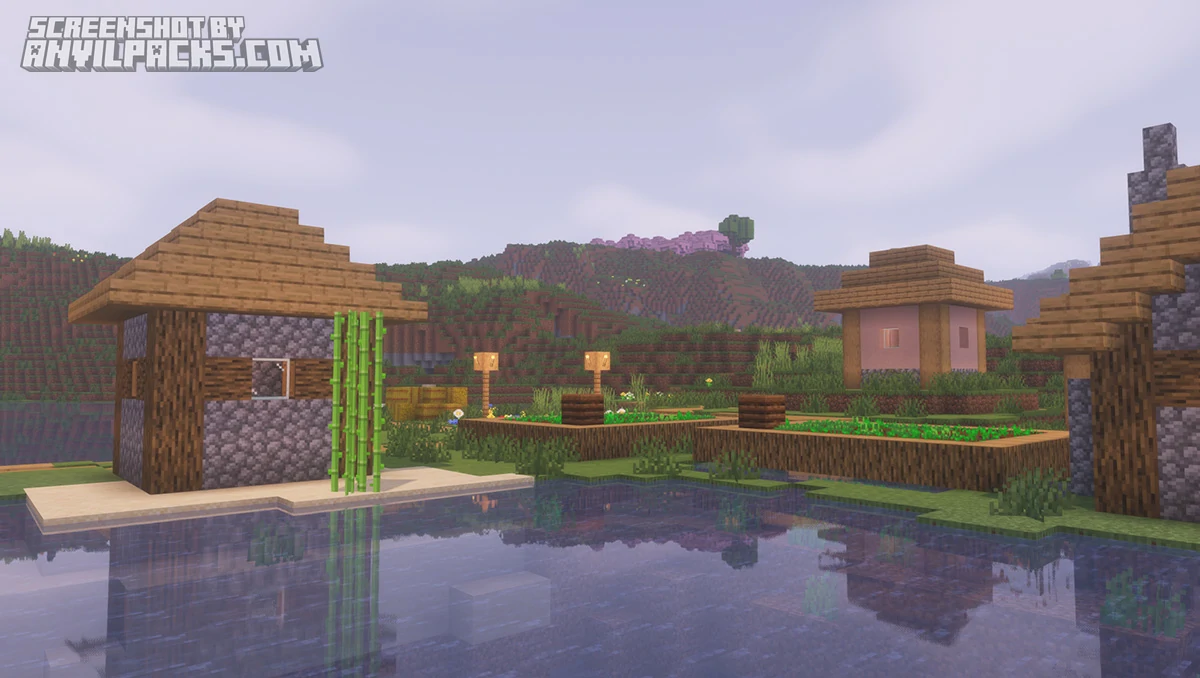
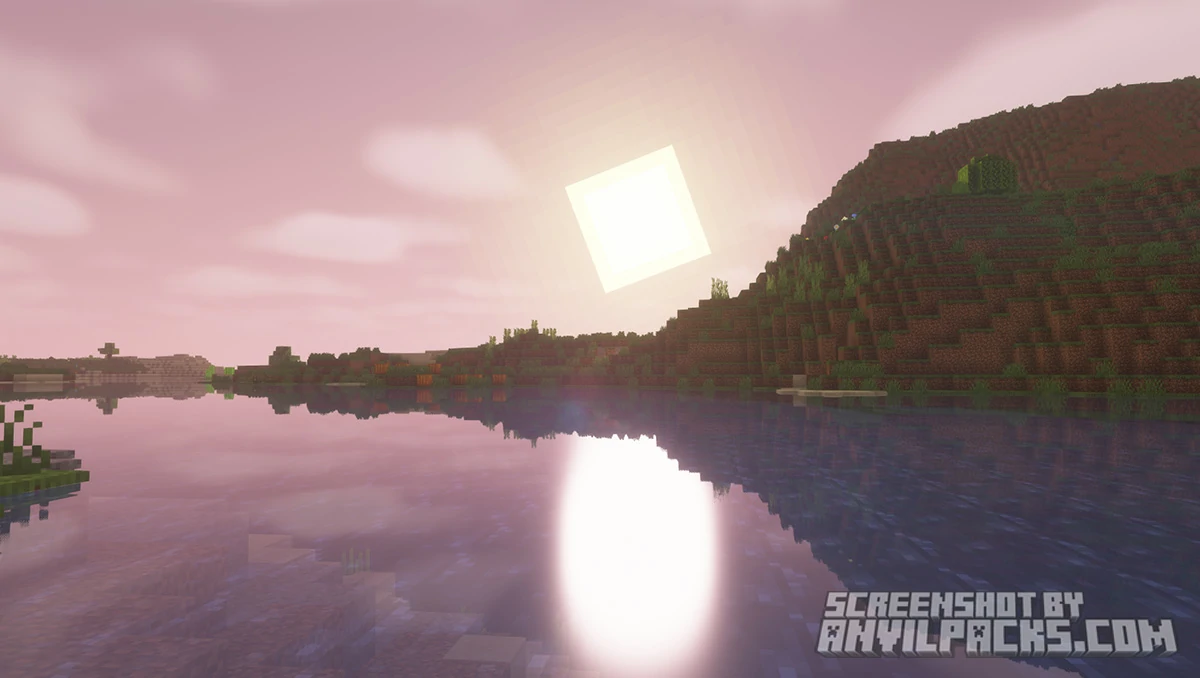
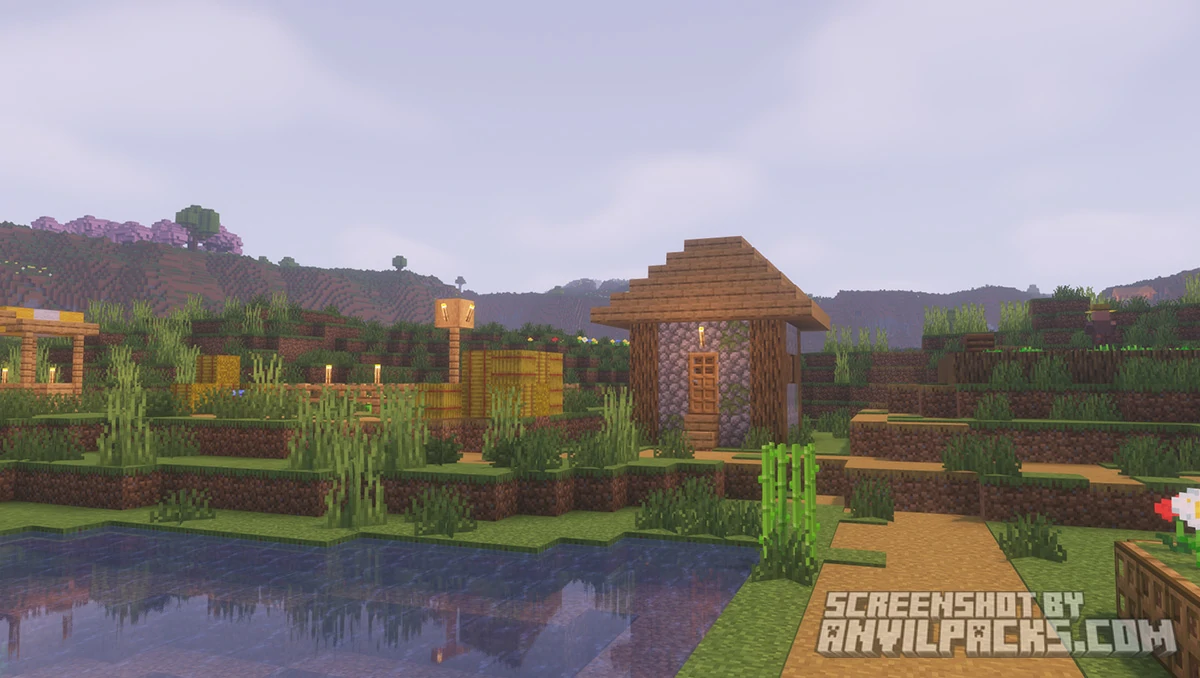
The headline feature is the three color presets: pinkish, blueish, and yellowish. Each one shifts the overall tone of the game significantly. The pink preset is the most distinctive — skies blush, lighting turns warm and rosy, and the whole world looks like it was painted at golden hour. The blue preset is cooler and more ethereal. The yellow preset is the most grounded, somewhere between a warm summer afternoon and early autumn. You can swap between them in the settings without restarting the game, which makes experimenting easy.
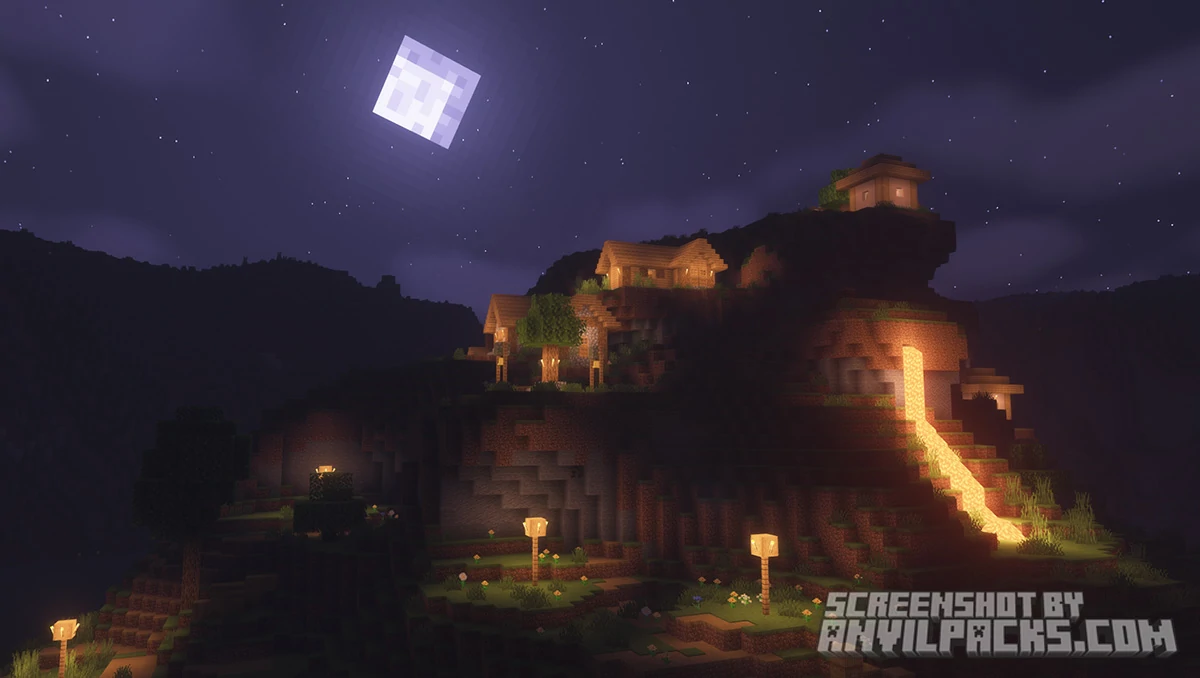
Beyond the color grading, Pastel gives you clear, starry night skies — none of the murk you’d get from heavier atmospheric shaders. Sunrises and sunsets are genuinely striking, with soft color gradients that spread across the horizon. The overall atmosphere is described by the creator as “near vanilla” in terms of feel, meaning the world remains legible and comfortable to play in. Nothing is drowning in bloom or buried under fog. It just looks prettier.
The customization menu follows the same user-friendly approach as Insanity — a Quick Settings panel for easy tweaks alongside a full Advanced Options menu for players who want to get detailed with their configuration.
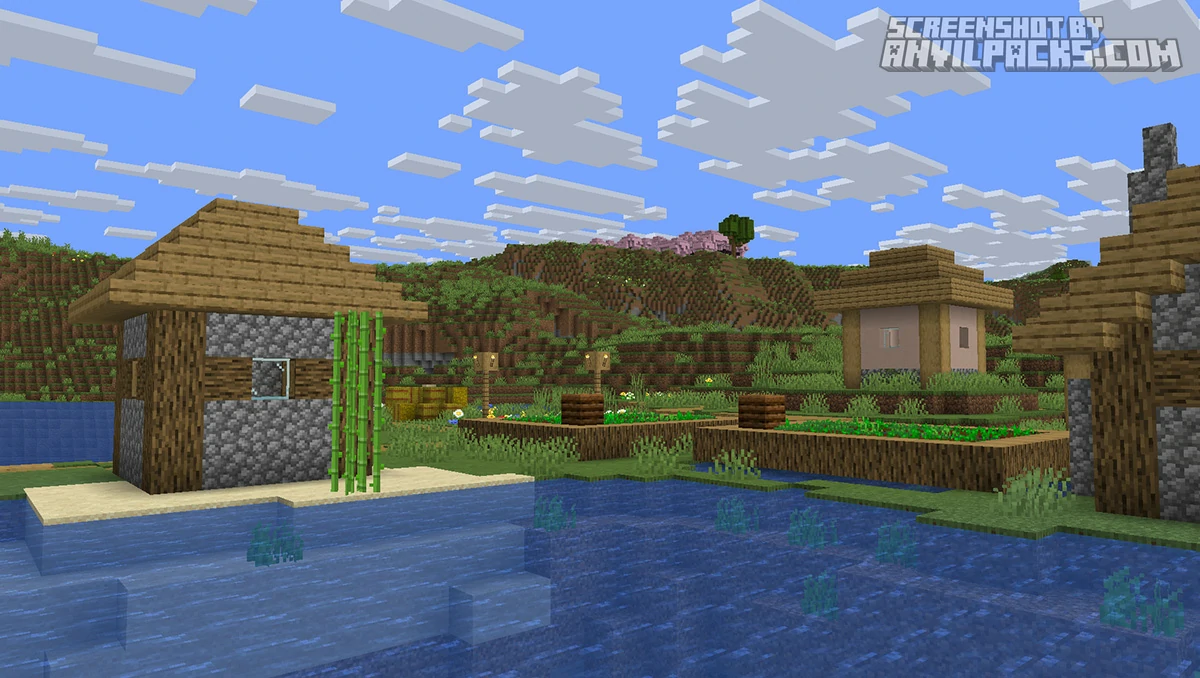
Here’s how it looks side by side with vanilla.
Before & After Comparison
Compare Pastel Shaders to default Minecraft Look.
Pastel Shaders - Performance and Comparisons
Pastel Shaders is built for performance. The creator explicitly targets low-end GPUs and integrated graphics, and the pack earns that claim. If your machine can run vanilla Minecraft comfortably, Pastel should run without major FPS issues. It’s one of the lightest aesthetic-focused shader packs available.
Compared to BSL Shaders — its technical base — Pastel is more stylized and more opinionated about its color output. BSL is flexible enough to look realistic or warm depending on your settings. Pastel commits hard to its aesthetic and doesn’t try to be photorealistic. That’s a feature, not a limitation — it’s doing something different.
Against Complementary Reimagined or Solas Shaders, Pastel is noticeably lighter and more stylized. Those packs aim for natural beauty. Pastel aims for something more fantastical — soft, dreamy, and a little otherworldly. If you want Minecraft to look like a Studio Ghibli film rather than a nature documentary, Pastel is closer to that goal than any of the realistic options.
Against Insanity Shader, well — they’re complete opposites. Same engine, completely different experience. Insanity is for horror playthroughs and survival challenges where you want to feel threatened. Pastel is for creative mode, cozy survival worlds, and anyone who just wants the game to feel nice.
Here’s a video showing the pack in action.
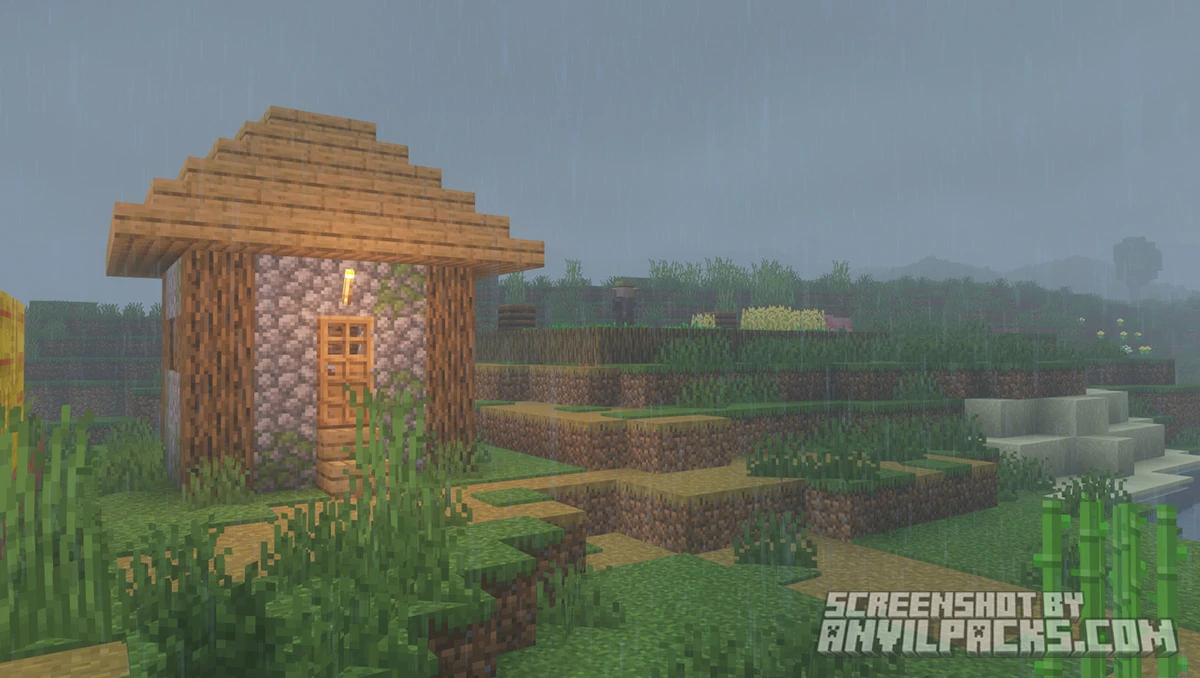
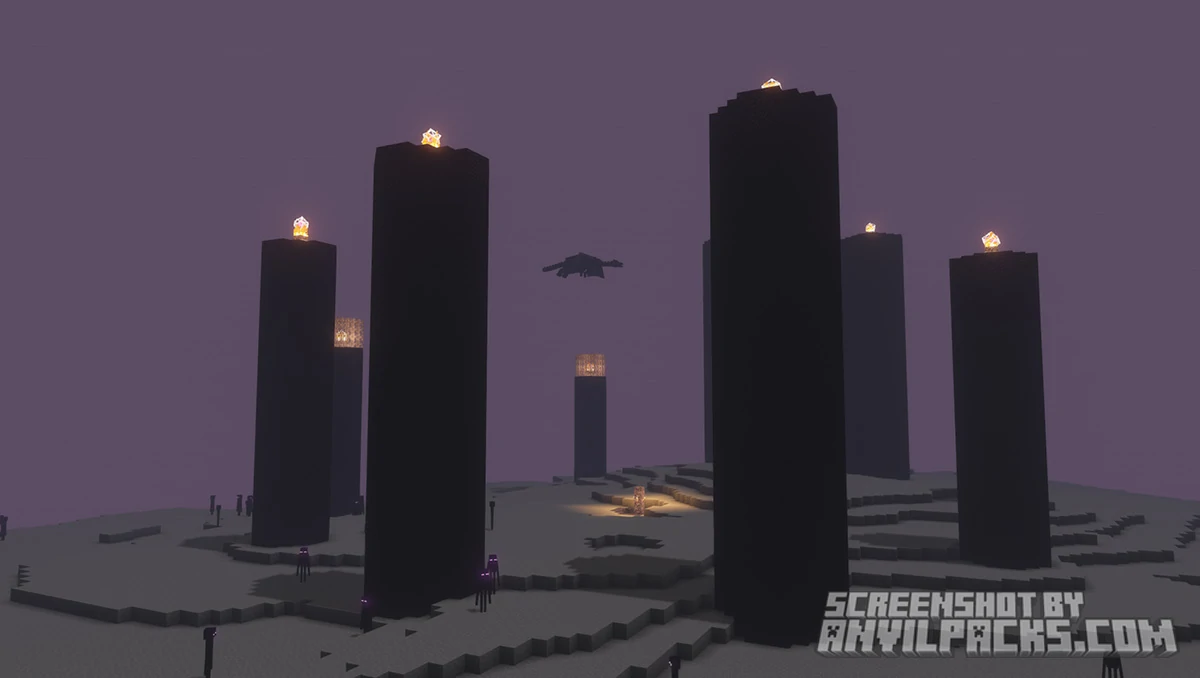
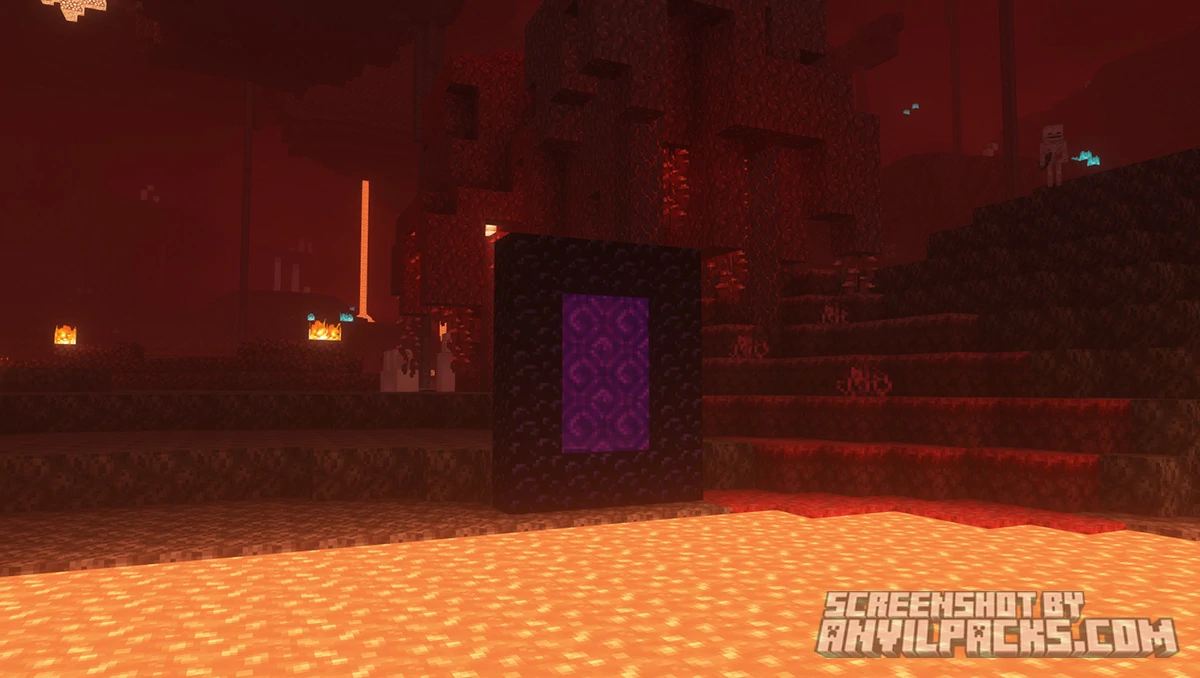
Check out the screenshots below to see all three color presets across different biomes and times of day.
Our YouTube Video & Screenshots
Watch our Youtube video about Pastel Shaders
Version Compatibility
Pastel Shaders is fully compatible with Java Edition versions from 1.13 up to the latest 26.2
Pastel Shaders - My Honest Opinion
Pastel Shaders does exactly what it says on the tin, and it does it well. The three color presets give you genuine variety — this isn’t a one-note pack. The pinkish preset in particular is something I haven’t seen done this cleanly anywhere else in the shader space. It’s distinctive without being garish, and surprisingly versatile across different biomes.
The performance story is one of the best parts. For a shader pack that changes the look of the game this dramatically, the FPS cost is minimal. This makes it a realistic option for players who don’t have gaming PCs but still want something that looks good on their world screenshots.
The version cap is worth flagging again. Support stops at 1.21 — the same situation as Insanity, which makes sense given it’s the same creator. If you’re on a newer version of the game, check the Modrinth page before committing.
The verdict: The best pastel-aesthetic shader pack available, and it’s not close. If soft colors and a dreamy atmosphere are what you’re after, this is your pack. Lightweight, well-made, and visually distinct in a shader landscape full of packs trying to look realistic. Install it, pick a preset, and your screenshots will look like concept art.
Download Pastel Shaders
[1.16.5 - 26.2] Download Pastel Shaders
Free download — redirects to the official pack page.
Explore More Shader Packs
Explore More Texture Packs
How to Install Pastel Shaders Shaders
- Download the shader pack using the button below.
- Install Iris or OptiFine — Iris is recommended for better performance and smoother FPS.
- Open Minecraft Launcher and select the Iris or OptiFine profile.
- Start the game.
- In Minecraft, go to:
Iris: Options → Video Settings → Shader Packs
OptiFine: Options → Video Settings → Shaders
- Click Open Shader Pack Folder and move the downloaded ZIP file into it.
- Go back to Minecraft, select your shader from the list, and click Done or Apply.
- Credits: Full credit for creating Pastel Shaders goes to ElocinDev.
- Please note that none of the files are hosted on our servers — all Download Links redirect to the official Pack page to support the creator.
- Every pack is thoroughly checked and confirmed to be free from viruses, ensuring a completely safe and secure download experience for all users.