Noble Shaders Download 26.2 / 26.1.2 / 1.21.11
Noble Shaders – Path Tracing in Minecraft, and It's Free
Path tracing is one of those features that usually comes with a price tag attached, either through a paid shader tier or demanding hardware requirements that put it out of reach for most players. Noble Shaders is free, open source, and ships with path tracing support alongside a full range of performance presets — from Potato to High. That’s a combination you don’t see often, and it’s why this pack has quietly built up 1.5 million downloads on Modrinth.
The creator, BelmuTM, is upfront about why it exists: he built Noble to learn computer graphics and have fun. There’s no monetization agenda. The free version is fully functional, and a paid Patreon tier exists for more engineered builds — but you’re not getting a hobbled demo with the free release.
Noble Shaders – What It Does
Noble’s core pitch is balance. It’s tagged as Fantasy, PBR, and Realistic on Modrinth — a wide spread that reflects how configurable it actually is. At lower presets, it looks clean and accessible. Crank it to High or enable path tracing, and it’s a completely different beast.
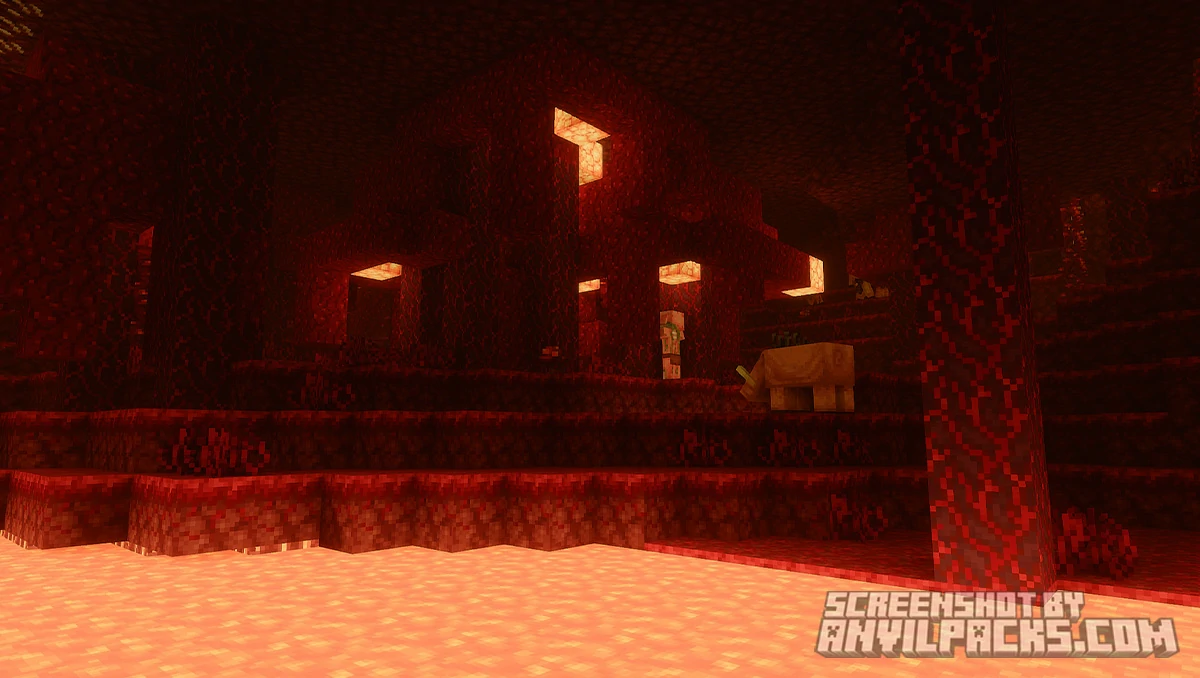
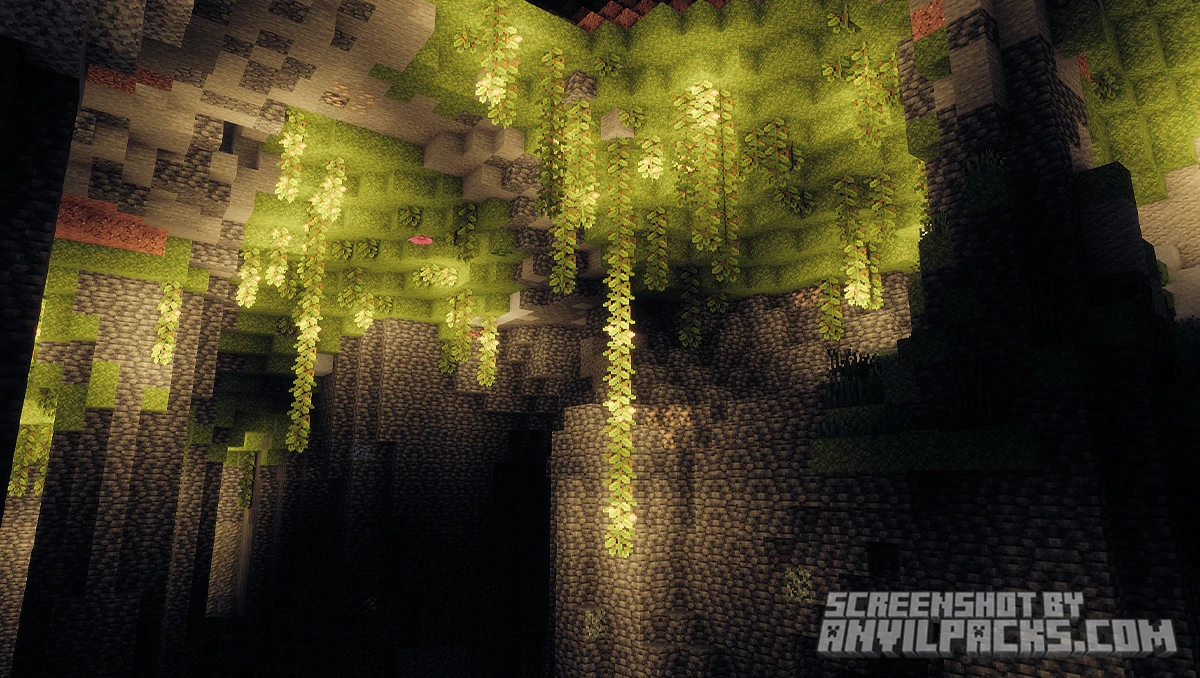
Path tracing is the standout feature. Where most shader packs simulate lighting with clever tricks, path tracing calculates how light actually bounces and interacts with surfaces in the scene. The result is physically accurate global illumination — indirect light fills corners naturally, colored light from blocks tints nearby surfaces, and shadows behave the way they do in real life. It’s the most technically accurate lighting method available in any Minecraft shader pack, and Noble makes it available for free.
PBR support is built in too, so if you pair Noble with a PBR resource pack like Prime’s HD Textures 32x, surfaces gain real roughness, metalness, and reflectivity data. Stone looks like stone. Metal looks like metal. The combination of path tracing and PBR textures is where Noble looks its absolute best.
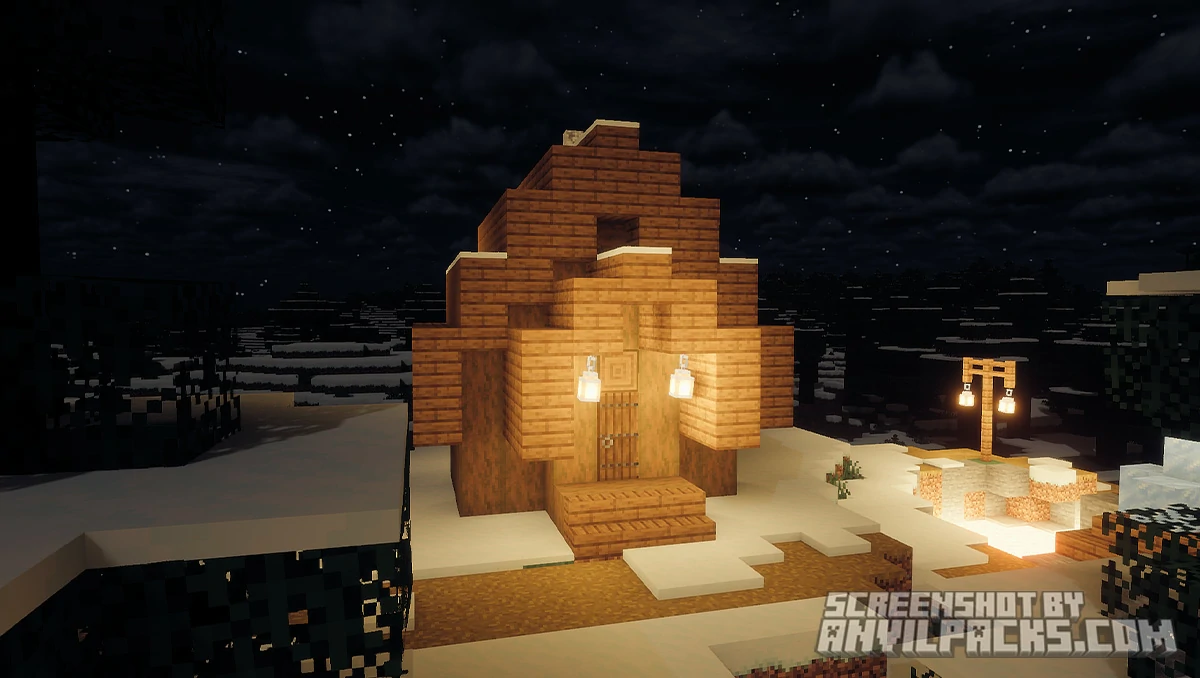
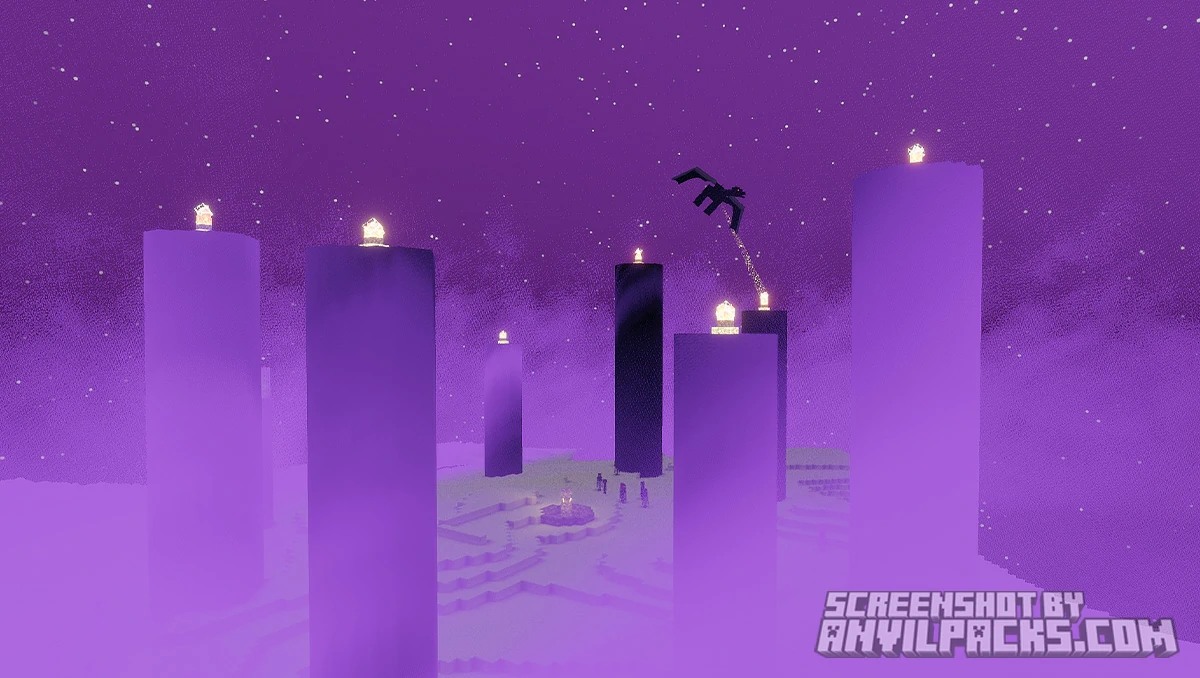
Beyond the technical features, the day-to-day visual improvements are solid. Lighting shifts realistically with time of day. Sunrises and sunsets have proper color spread across the sky. Shadows are soft and accurate. Foliage catches light naturally. Water reflects the environment. It covers the full range of what you’d expect from a quality shader pack, and the customization menu gives you deep control over all of it — with presets for new users and advanced options for players who want to tune every parameter.
Noble also supports Distant Horizons and Voxy — two mods that extend Minecraft’s render distance dramatically. If you’re running a Distant Horizons setup and want a shader that actually plays nicely with it, Noble is one of the few that handles it properly.
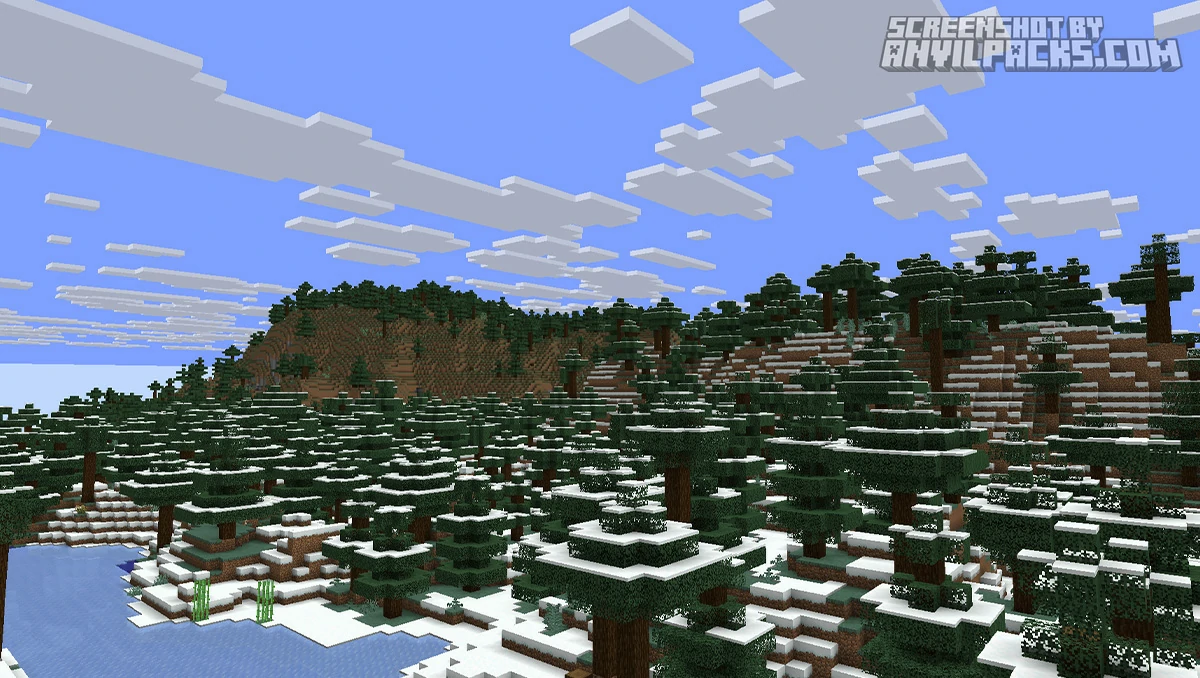
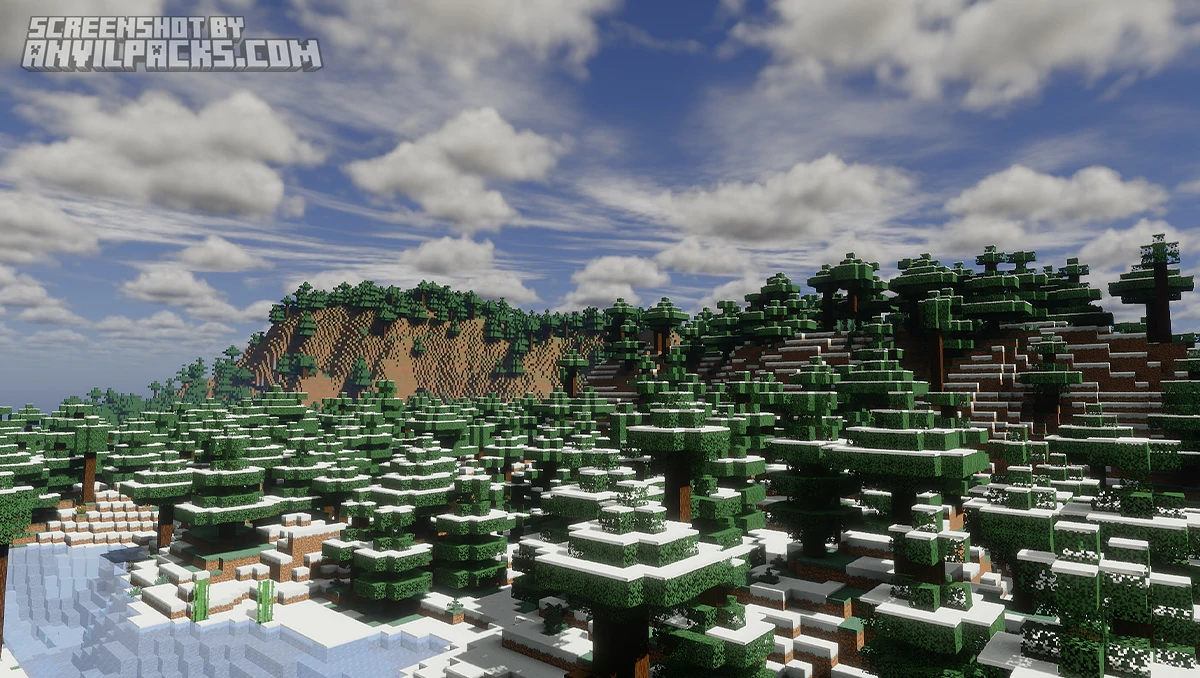
Here’s how it looks side by side with vanilla.
Before & After Comparison
Compare Noble Shaders to default Minecraft Look.
Noble Shaders - Performance and Comparisons
Noble’s performance range is genuinely wide. The Potato preset is designed for low-end hardware, and the pack explicitly supports Nvidia GTX 950 / AMD R7 370 as minimum specs. That’s a modest bar. Most computers from the last decade should be able to run Noble at some preset without issues.
Path tracing is a different story. That mode is GPU-intensive and will bring weaker hardware to its knees. Don’t enable it expecting smooth gameplay on integrated graphics. Think of path tracing as a screenshot mode or a high-spec luxury — it’s there for players who have the hardware to use it, not a daily driver for everyone.
Compared to Complementary Reimagined or Complementary Unbound, Noble leans more technical and less curated. Complementary is polished and visually consistent out of the box — you install it and it looks great immediately. Noble rewards players who invest time in the settings. The default output is good, but the ceiling is higher if you put in the work.
Against BSL Shaders, Noble offers more technical depth — path tracing and better PBR integration — but BSL has broader compatibility and a more predictable performance profile. If you want a reliable, no-fuss shader with great visuals, BSL or Complementary are easier choices. If you want the most technically advanced free shader available and you’re willing to spend time configuring it, Noble is the answer.
Rethink Voxels is the closest competitor in terms of technical ambition — both packs push the lighting model further than most. Rethink Voxels has a more distinctive visual identity. Noble is more configurable and covers a wider performance range.
Here’s a video showing the pack in action.
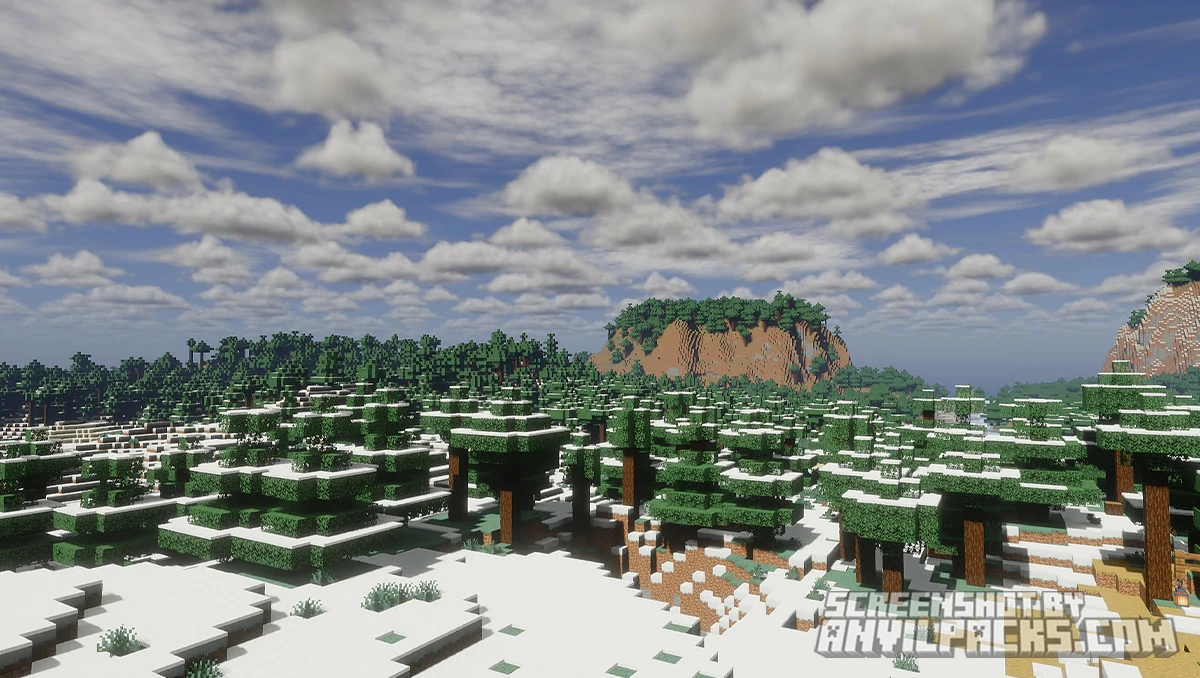
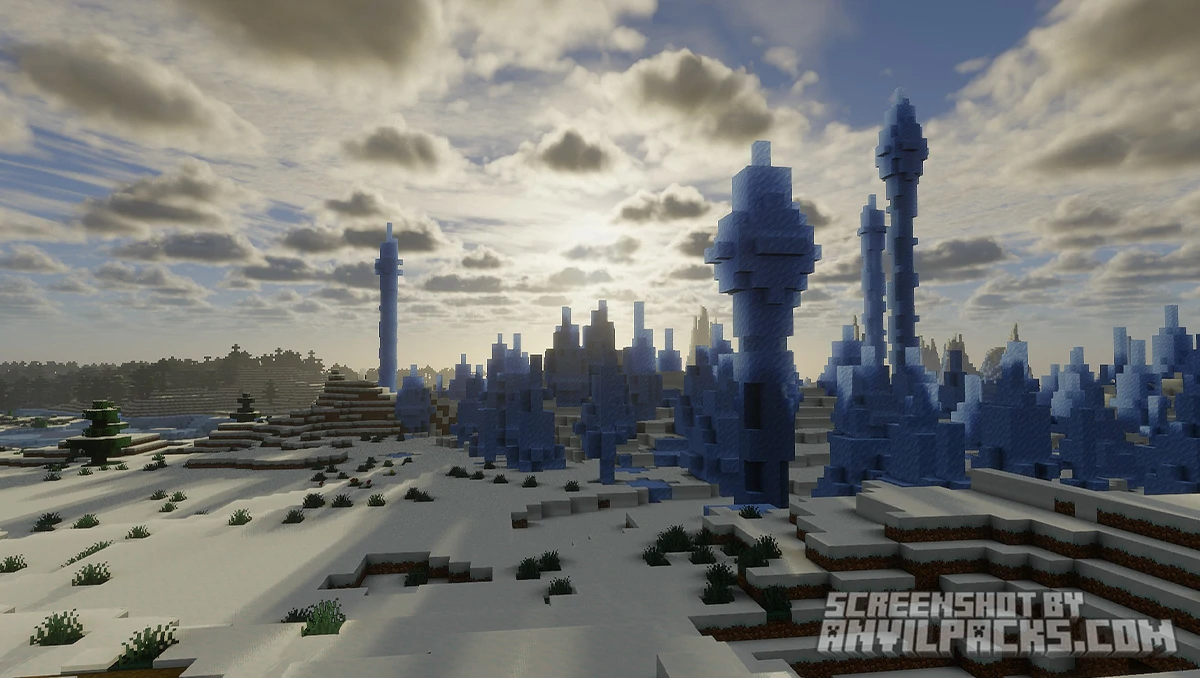
Check out the screenshots below to see Noble across different presets and lighting conditions.
Our YouTube Video & Screenshots
Watch our Youtube video about Noble Shaders
Version Compatibility
Noble Shaders is fully compatible with Java Edition versions from 1.13 up to the latest 26.2
Noble Shaders - My Honest Opinion
Pastel Shaders does exactly what it says on the tin, and it does it well. The three color presets give you genuine variety — this isn’t a one-note pack. The pinkish preset in particular is something I haven’t seen done this cleanly anywhere else in the shader space. It’s distinctive without being garish, and surprisingly versatile across different biomes.
The performance story is one of the best parts. For a shader pack that changes the look of the game this dramatically, the FPS cost is minimal. This makes it a realistic option for players who don’t have gaming PCs but still want something that looks good on their world screenshots.
The version cap is worth flagging again. Support stops at 1.21 — the same situation as Insanity, which makes sense given it’s the same creator. If you’re on a newer version of the game, check the Modrinth page before committing.
The verdict: The best pastel-aesthetic shader pack available, and it’s not close. If soft colors and a dreamy atmosphere are what you’re after, this is your pack. Lightweight, well-made, and visually distinct in a shader landscape full of packs trying to look realistic. Install it, pick a preset, and your screenshots will look like concept art.
Download Noble Shaders
[1.16.5 - 26.2] Download NobleShaders
Free download — redirects to the official pack page.
Explore More Shader Packs
Explore More Texture Packs
How to Install Noble Shaders
- Download the shader pack using the button below.
- Install Iris or OptiFine — Iris is recommended for better performance and smoother FPS.
- Open Minecraft Launcher and select the Iris or OptiFine profile.
- Start the game.
- In Minecraft, go to:
Iris: Options → Video Settings → Shader Packs
OptiFine: Options → Video Settings → Shaders
- Click Open Shader Pack Folder and move the downloaded ZIP file into it.
- Go back to Minecraft, select your shader from the list, and click Done or Apply.
- Credits: Full credit for creating Noble Shaders goes to BelmuTM.
- Please note that none of the files are hosted on our servers — all Download Links redirect to the official Pack page to support the creator.
- Every pack is thoroughly checked and confirmed to be free from viruses, ensuring a completely safe and secure download experience for all users.