BSL Shaders Download 26.2 / 26.1.2 / 1.21.11
A Cinematic Evolution of the Blocky World
Minecraft has always been defined by its simplicity. Yet, the community constantly pushes for better visuals. Over the last decade, many shader packs have tried to turn the pixelated landscape into something realistic.
Among them, BSL Shaders stands out as the absolute favorite.
Created by CaptTatsu, this project blends high-end realism with a soft, warm style that preserves the game’s original soul. It doesn’t try to make Minecraft look like real life; it makes it look like a high-budget animated movie. This article explores why BSL is widely considered the best “daily driver” shader for thousands of players.
It strikes a perfect “middle ground”—providing stunning visuals for demanding players while remaining optimized enough for those without a NASA supercomputer.
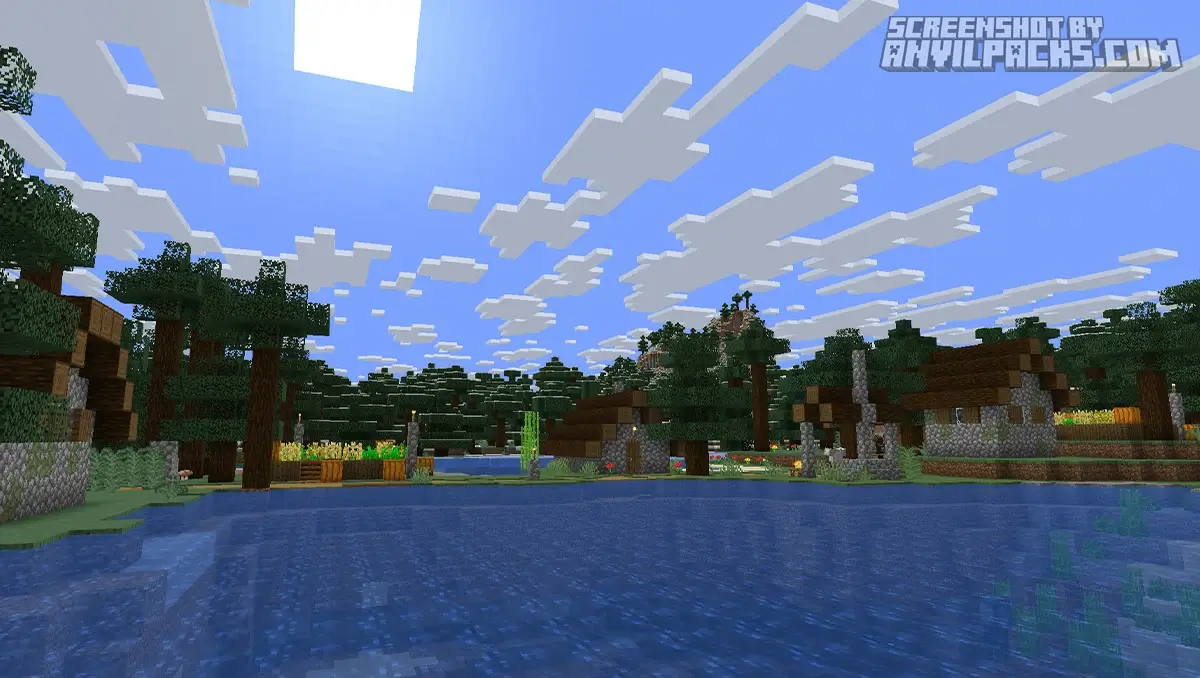
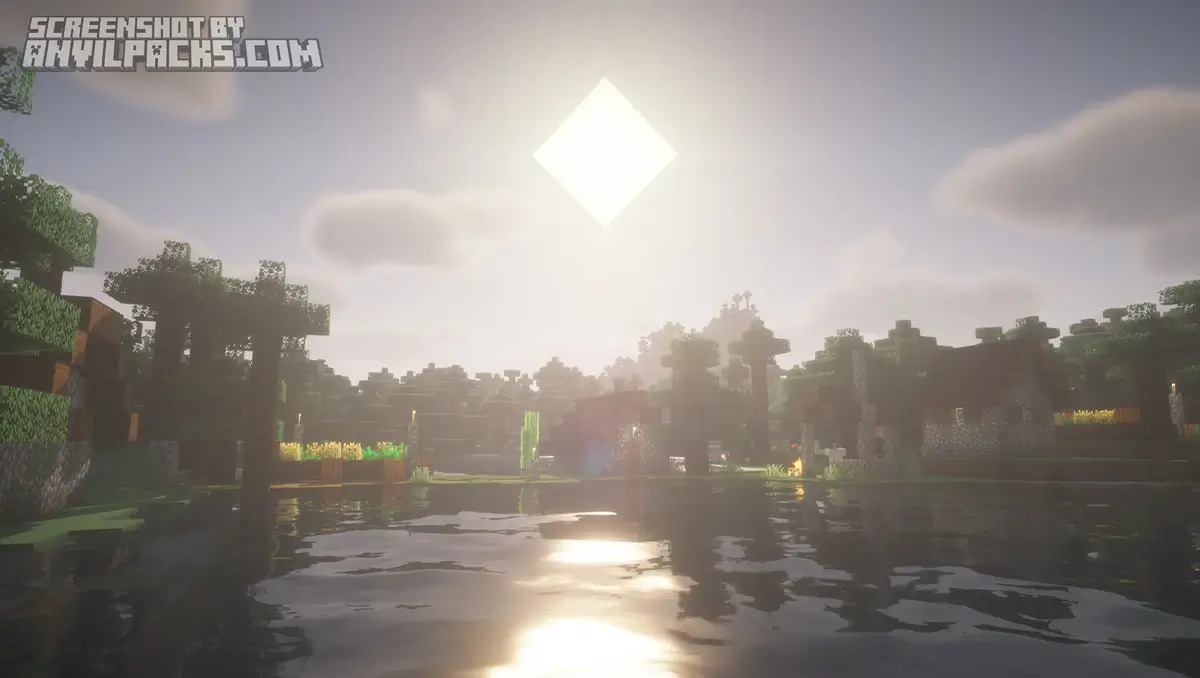
Before & After Comparison
Compare BSL Shaders to default Minecraft Look.
The BSL Aesthetic: Why is it so popular?
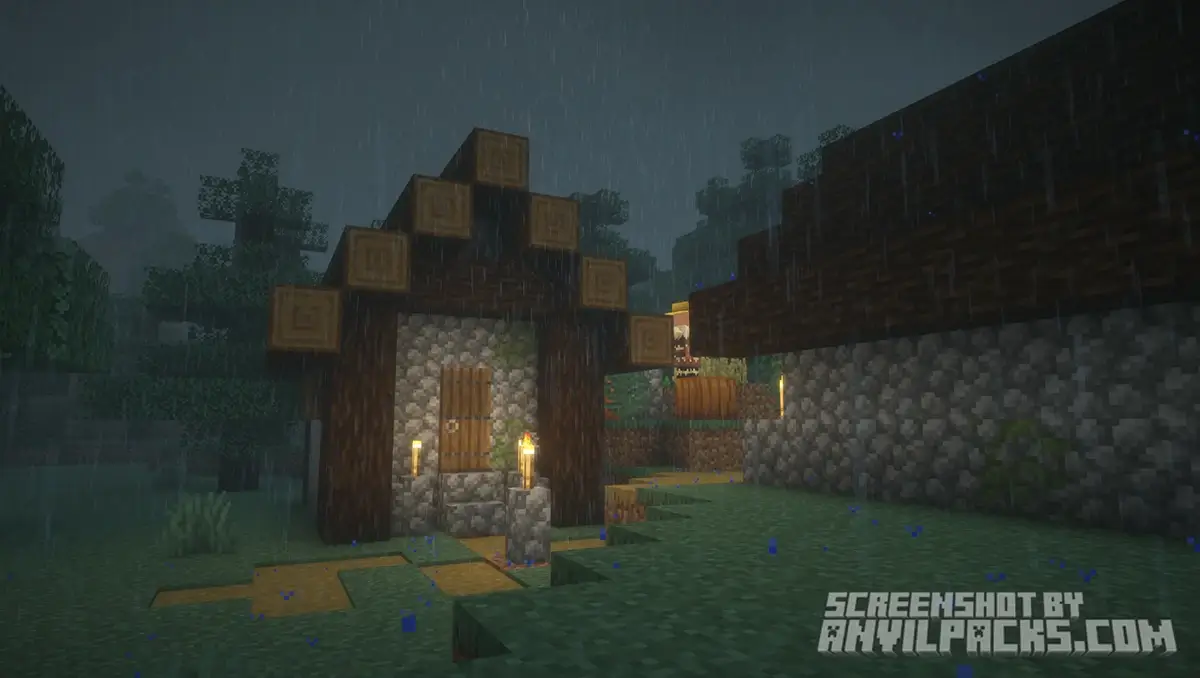
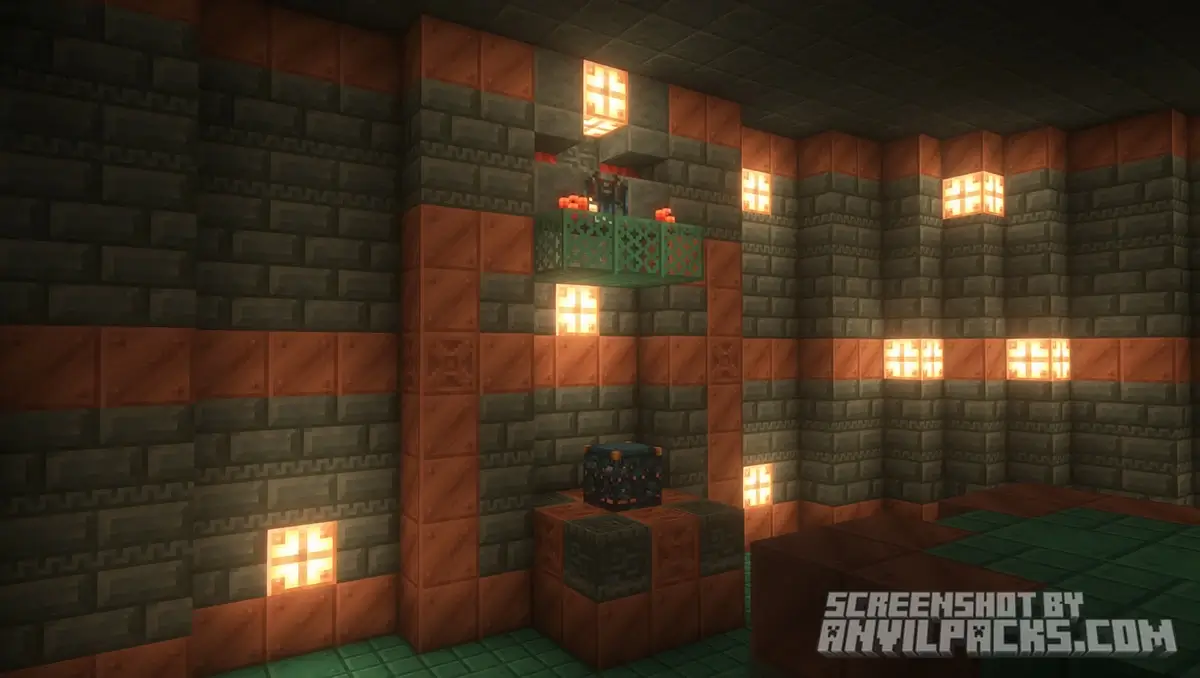
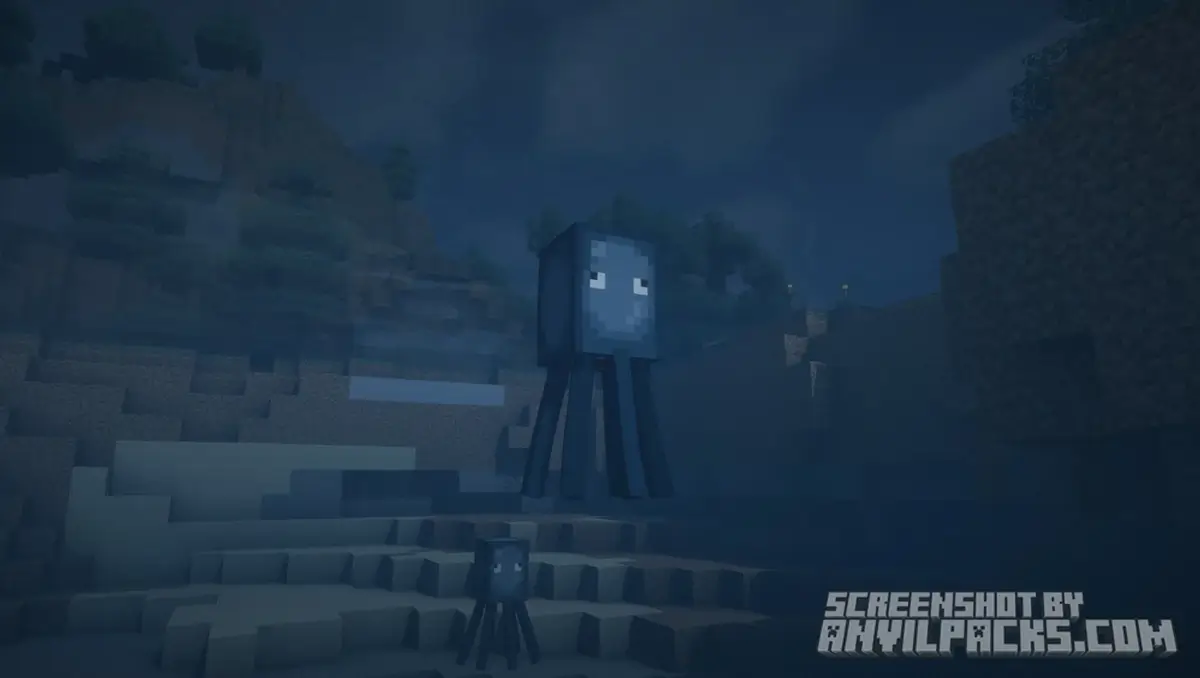
What truly defines the “look” of BSL? It isn’t just about reflections. It’s about atmosphere. Unlike other packs that can be cold or overly sharp, BSL focuses on warm tones, soft shadows, and a distinct “hazy” fog that creates a cozy feeling.
When you first load it, you notice the world isn’t blindingly bright. BSL mimics how eyes adapt to light. Walking from a dark cave into the bright afternoon sun feels natural. This creates a sense of immersion that makes simple exploration rewarding.
Key Features Breakdown
Why should you choose BSL over competitors like Complementary or SEUS? Here is the breakdown:
-
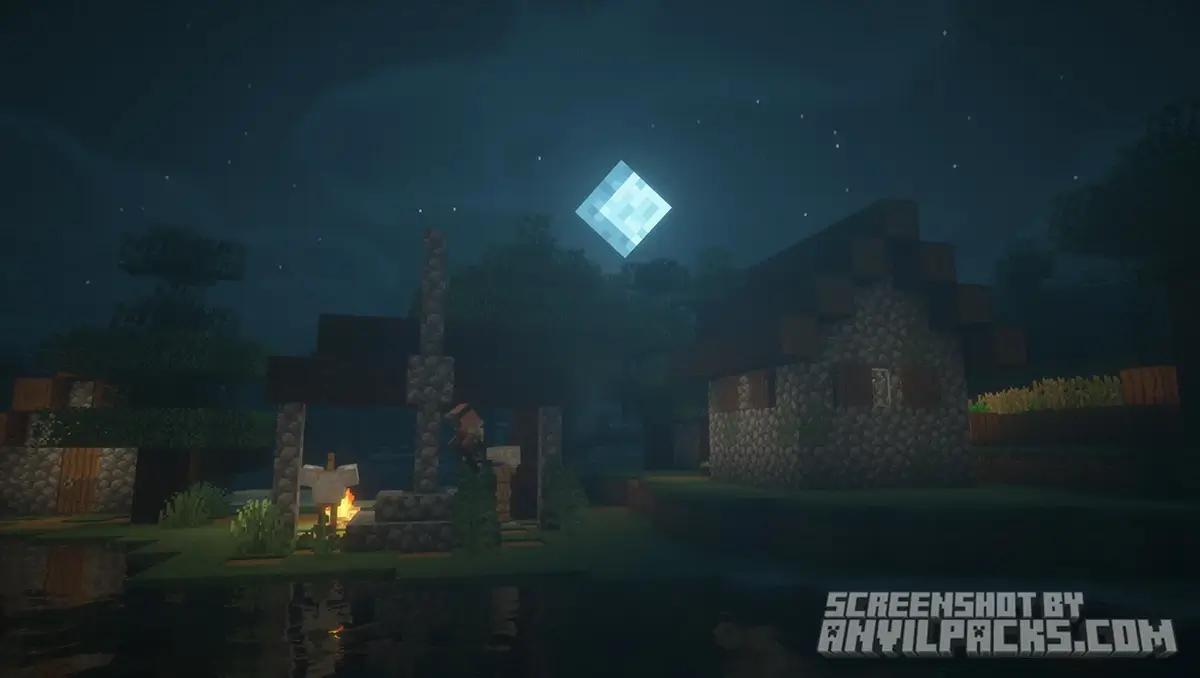
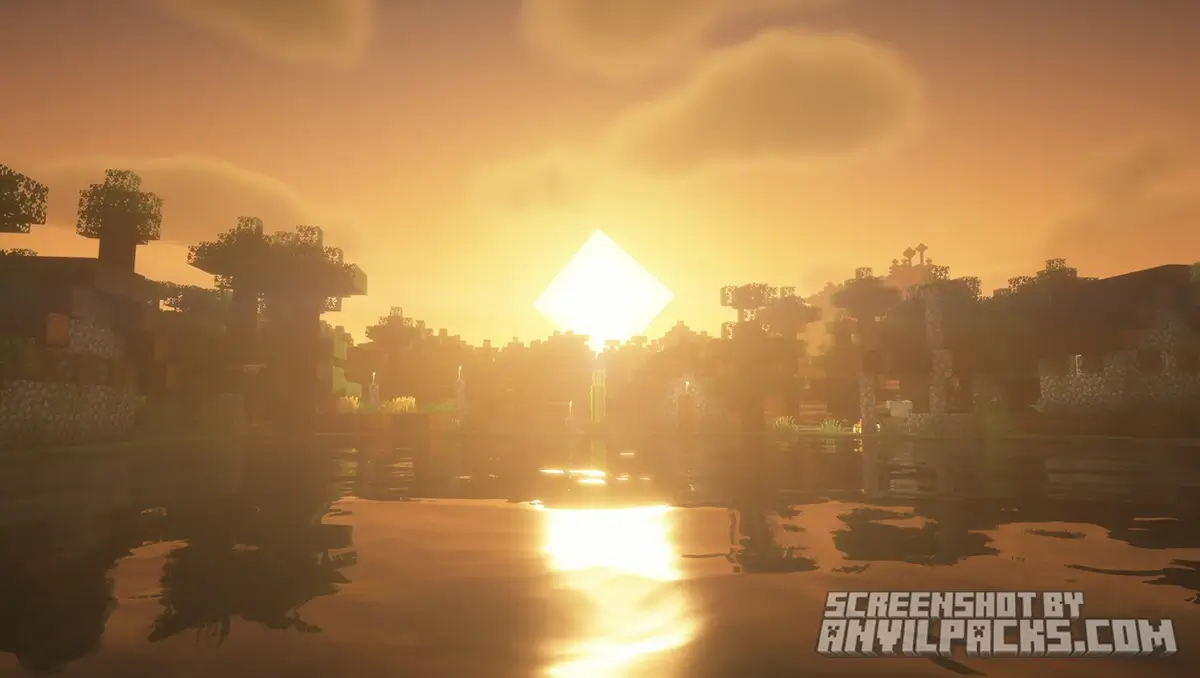
Distinct “Warm” Lighting: The pack is famous for its warm, inviting color palette. Sunrises and sunsets are absolutely stunning, filling the sky with an aurora of soft colors.
-
High Customization: BSL offers one of the best settings menus in the game. You can tweak almost everything—from the intensity of shadows to the shape of the clouds and the color of the water.
-
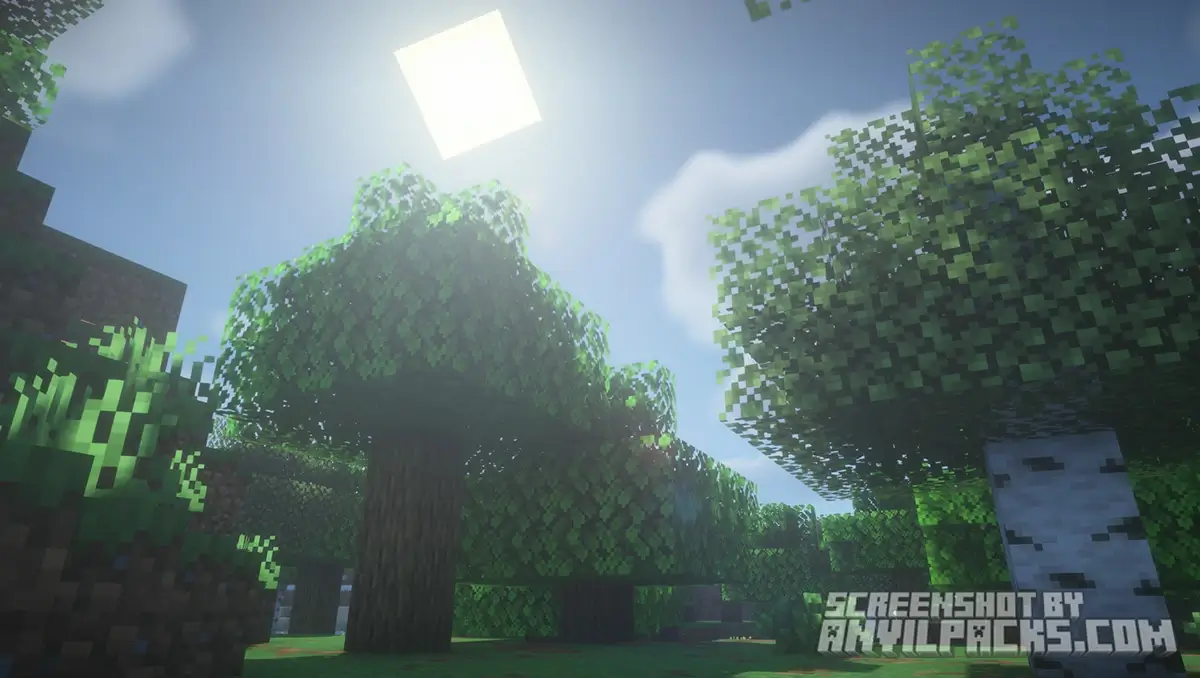
Volumetric Light (Godrays): The way sunlight filters through tree leaves (creating “godrays”) is implemented perfectly, adding depth to forests without killing your FPS.
-
Reflective Water: The water looks realistic but fits the blocky style. It reflects the terrain and sky dynamically.
-
Performance Friendly: Compared to heavy path-traced shaders, BSL is surprisingly lightweight. It runs well on mid-range graphics cards (GTX 1060/1660 and up).
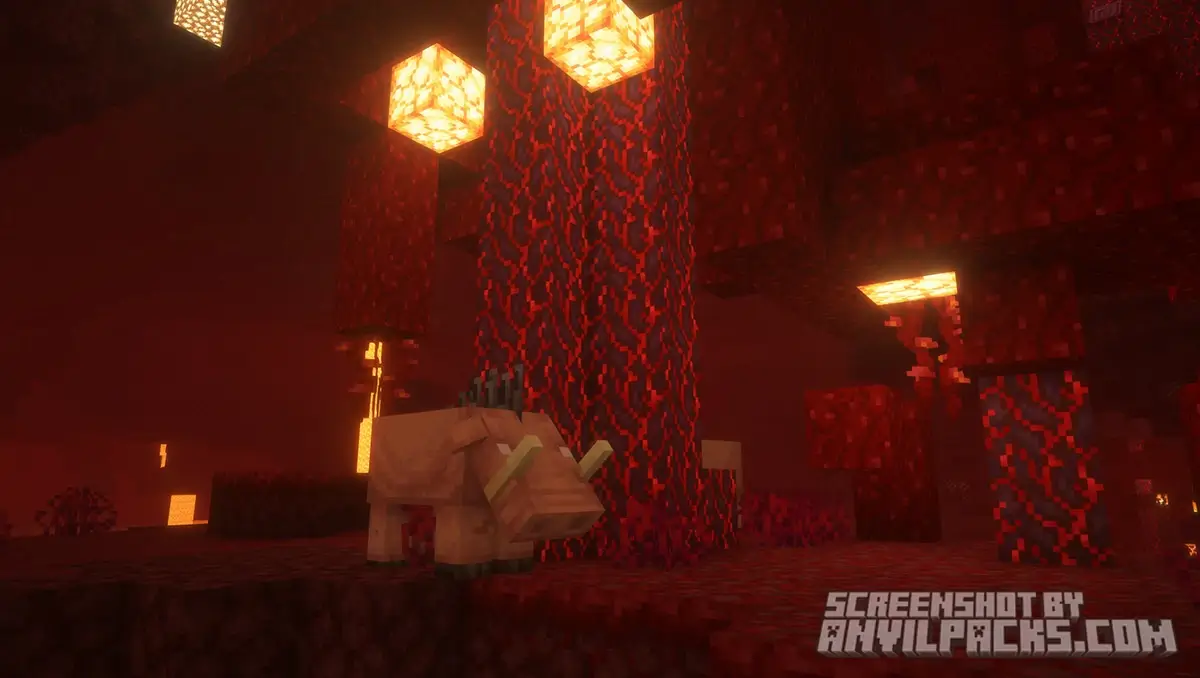
Our YouTube Video & Screenshots
Watch our Youtube video about BSL Shaders
Version Compatibility
BSL Shaders is fully compatible with Java Edition versions from 1.7.10 up to the latest 26.2
BSL Shaders – My Honest Opinion
In my honest opinion, BSL Shaders represents the gold standard for Minecraft visuals. While other packs push for hyper-realism that often feels disconnected from the game, BSL maintains a charming, airy quality. It feels like a natural extension of the game rather than a forced filter.
I personally use it as my main shader because it’s “clean.” It doesn’t clutter the screen with excessive lens flares or wet effects. For anyone wanting a cinematic experience without losing the nostalgic essence of Minecraft, this is the definitive choice.
Download BSL Shaders
[1.16 - 26.2] Download BSL Shaders
Free download — redirects to the official pack page.
Explore More Shader Packs
Explore More Texture Packs
How to Install BSL Shaders?
- Download the shader pack using the button below.
- Install Iris or OptiFine — Iris is recommended for better performance and smoother FPS.
- Open Minecraft Launcher and select the Iris or OptiFine profile.
- Start the game.
- In Minecraft, go to:
Iris: Options → Video Settings → Shader Packs
OptiFine: Options → Video Settings → Shaders
- Click Open Shader Pack Folder and move the downloaded ZIP file into it.
- Go back to Minecraft, select your shader from the list, and click Done or Apply.
- Credits: Full credit for creating BSL Shaders goes to CaptTatsu.
- Please note that none of the files are hosted on our servers — all Download Links redirect to the official Pack page to support the creator.
- Every pack is thoroughly checked and confirmed to be free from viruses, ensuring a completely safe and secure download experience for all users.









hi