Fresh Animations: Player Extension
Fresh Animations: Player Extension Texture Pack 26.1 / 1.21.11
You Are the Bottleneck
So, you installed Fresh Animations. The Villagers are bouncing around with personality. The Spiders are actually terrifying. The world looks alive.
But then you press F5 and look at yourself. You are still a stiff, sliding statue.
It ruins the vibe. You are the main character, yet you have the worst animations in the game.
Fresh Animations: Player Extension is the fix. It’s not a standalone pack; it is the “missing link” that applies that signature bouncy, expressive FreshLX style to your own character. It bridges the gap between the mobs and the player.
Visuals: How It Looks & Feels
Unlike older animation mods (like Mo’ Bends) that made you look like a noodle, this keeps the vanilla aesthetic intact. It just adds joints, weight, and physics.
The “Fresh” Style
It matches the rest of the pack perfectly. It’s snappy and cartoony, not hyper-realistic.
Idle Animations
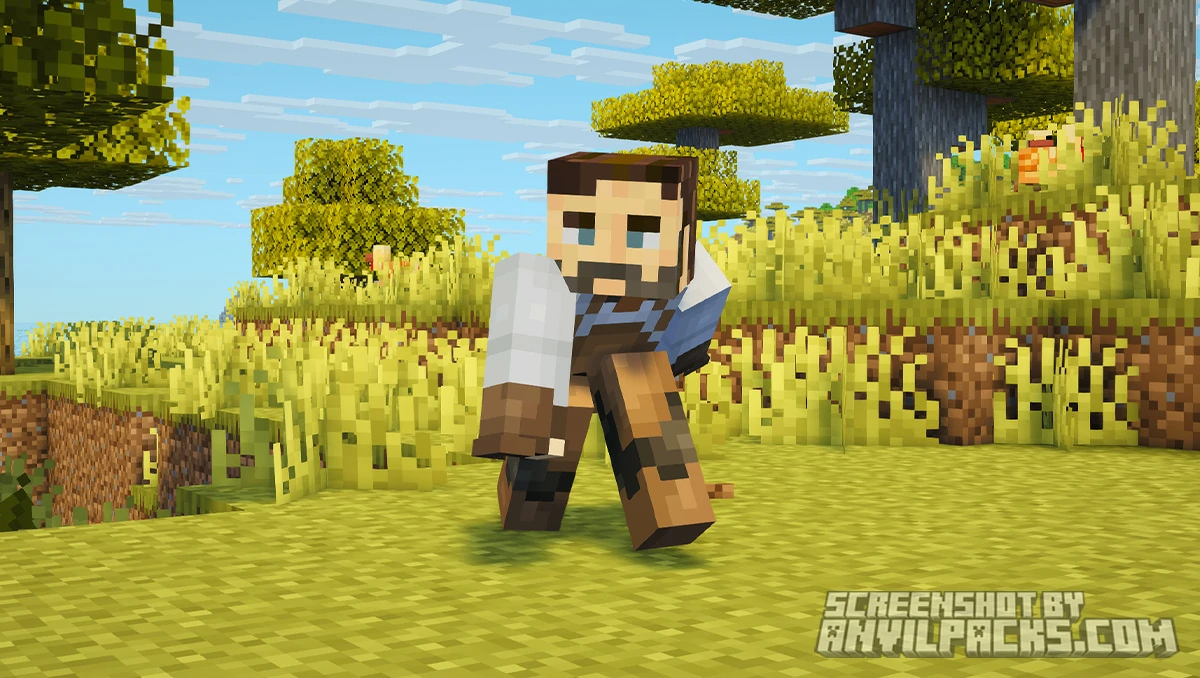
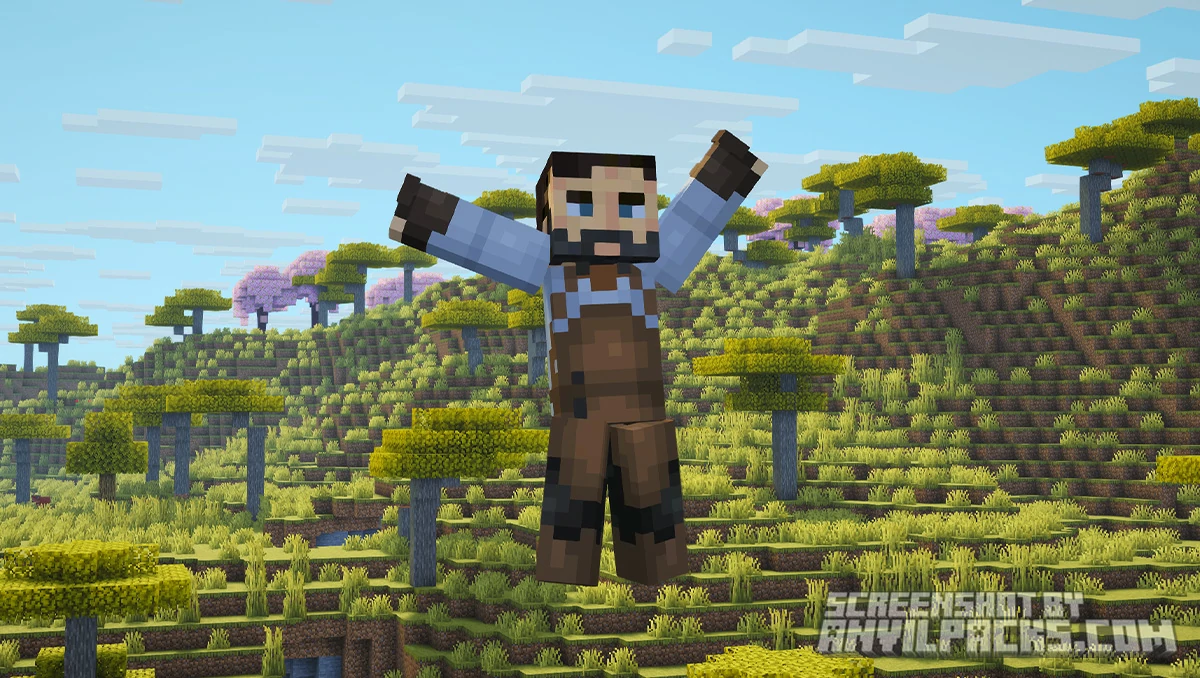
When you stand still, you aren’t a statue anymore. Your character breathes. They look around the environment (the eyes and head move independently). They blink. You actually look like a living entity waiting for input.
Movement
-
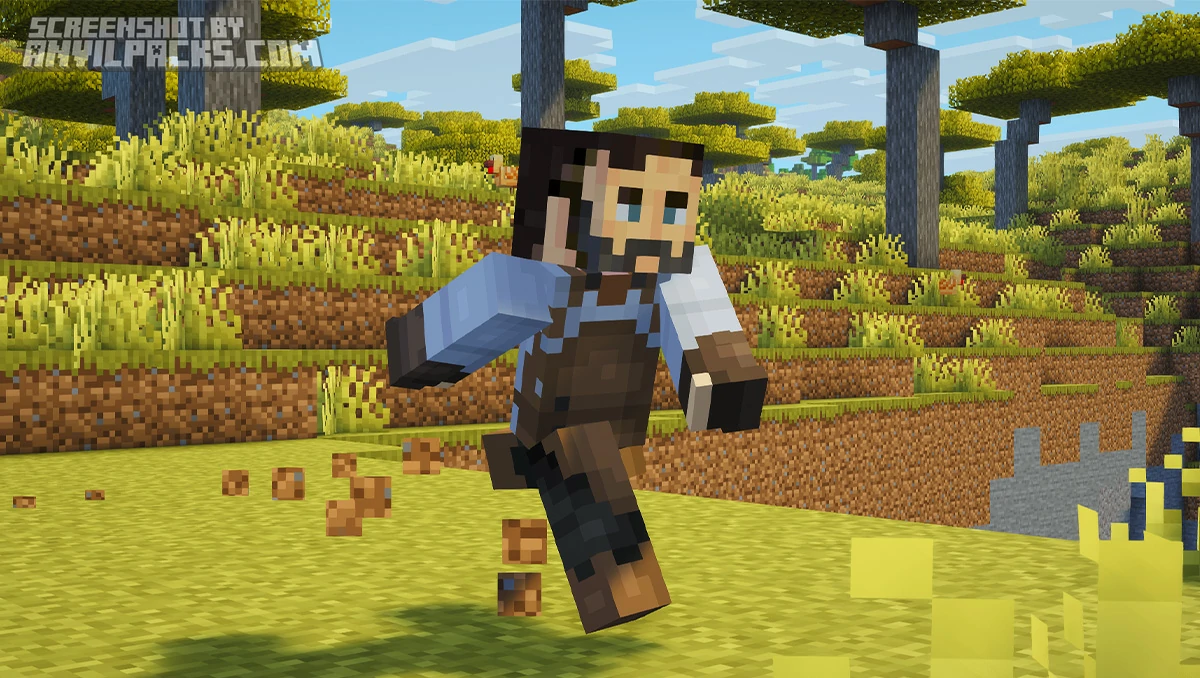
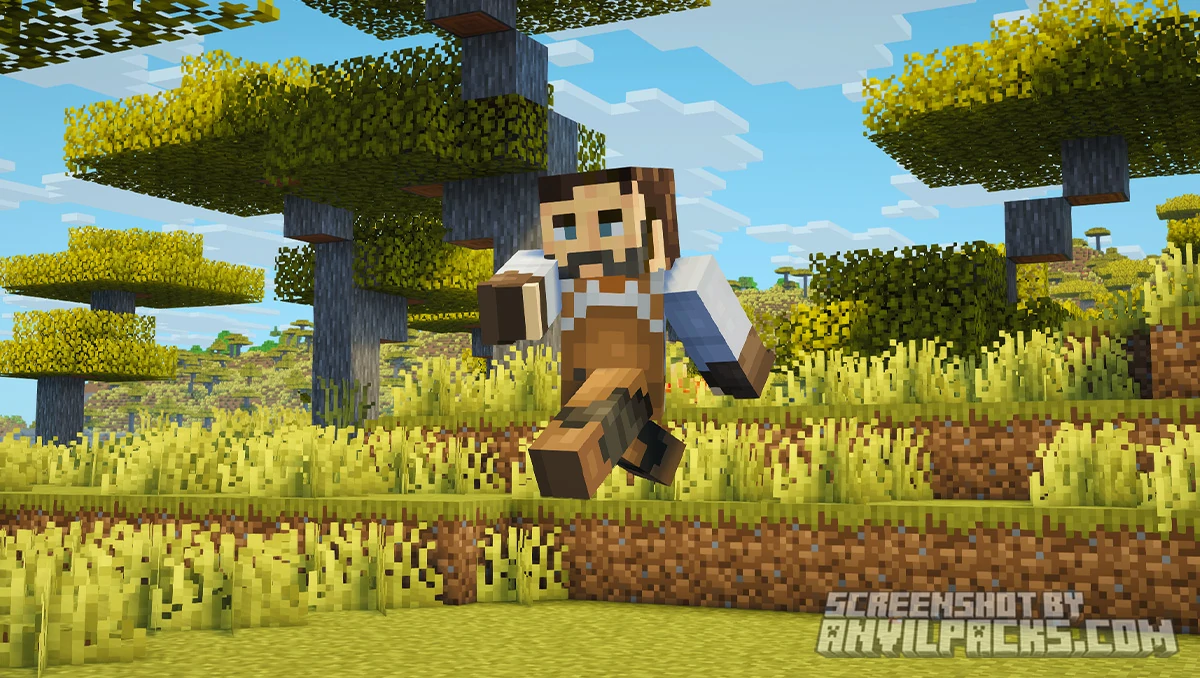
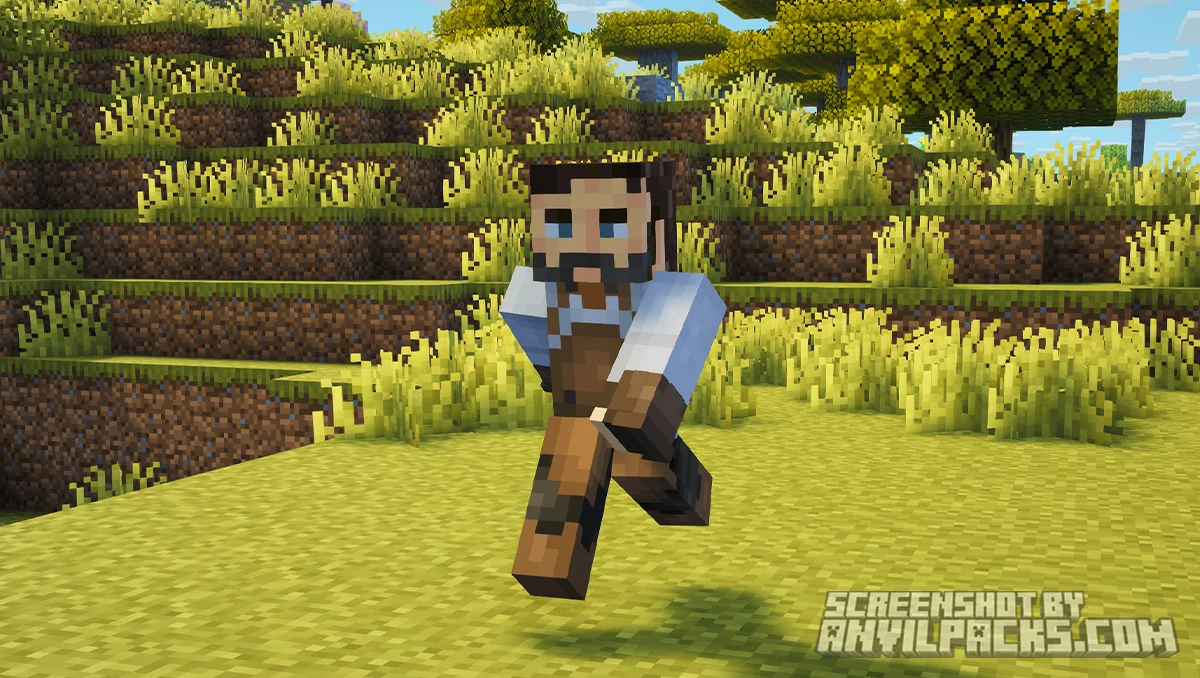
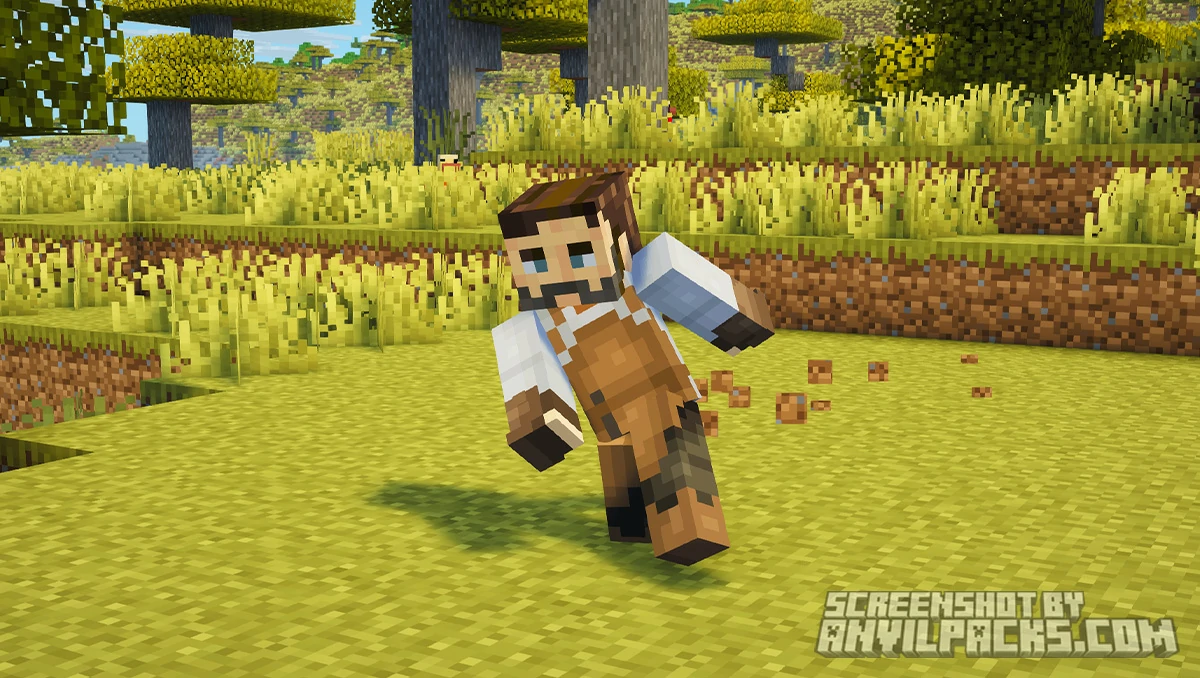
Running: Your character leans forward into the sprint. The arms pump properly.
-
Combat: Swinging a sword feels heavy. You put your back into the swing.
-
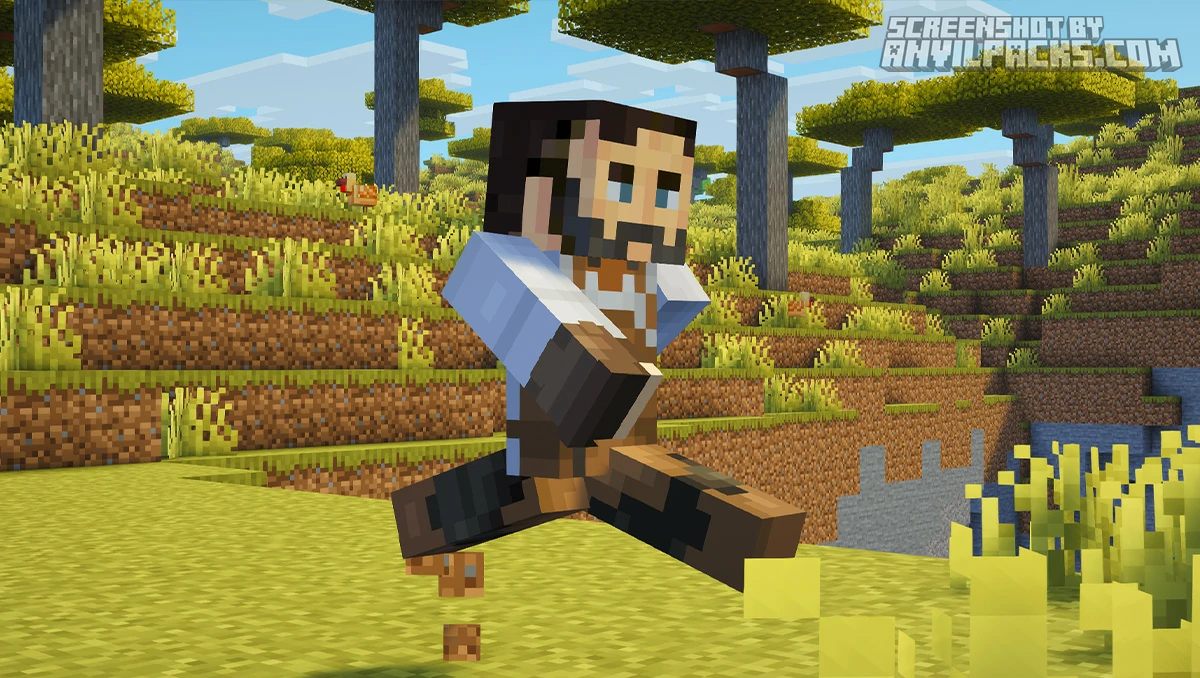
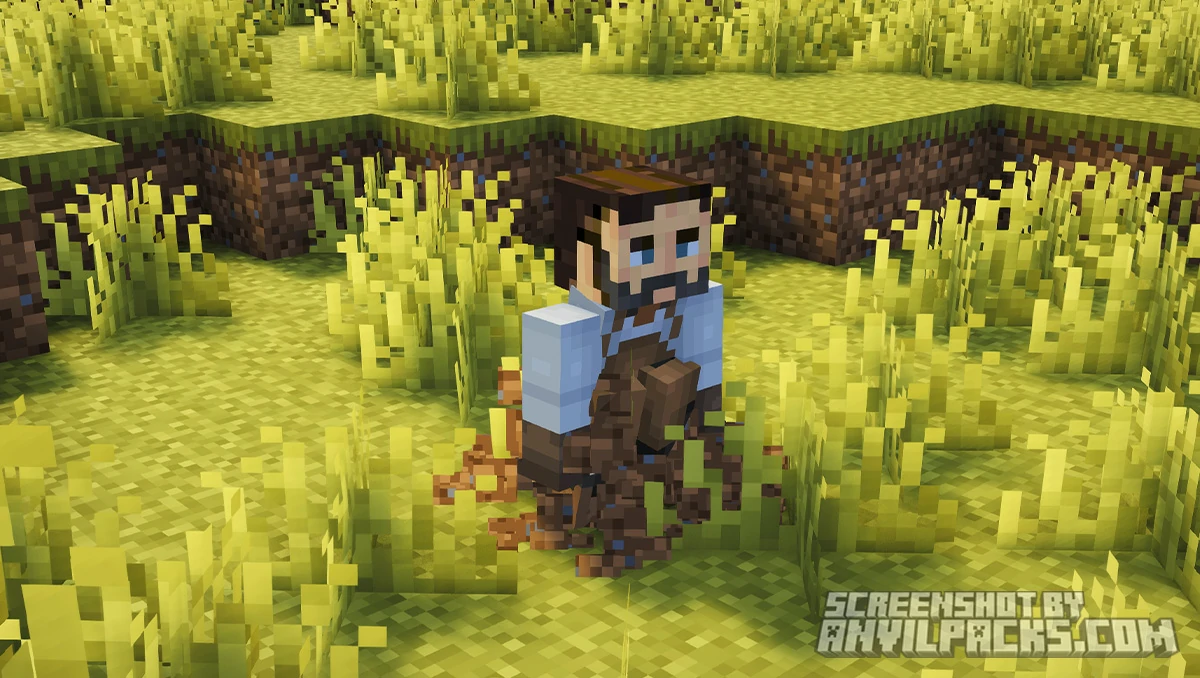
Riding: Finally, sitting on a horse or pig looks natural. You actually sit on the saddle, rather than hovering awkwardly inside the animal’s spine.
Before & After Comparison
Compare Fresh Animations: Player Extension Resource Pack to default Minecraft Look.
The Essentials (Technical)
This is where people get stuck. Listen closely.
Dependencies: This resource pack will not work on vanilla Minecraft. It relies on custom model features. You strictly need:
-
Entity Model Features (EMF)
-
Entity Texture Features (ETF)
Load Order (Critical): This is an extension, not a replacement. In your Resource Pack menu, you must place FA: Player Extension ABOVE the base Fresh Animations pack. If you put it below, the base pack will overwrite your player animations, and you’ll be stiff again.
The “Glitch” Warning (Honesty Time)
I’m not going to lie to you—hacking the player model via a resource pack isn’t perfect.
-
Armor Clipping: Because your knees and elbows now bend, bulky modded armor or large capes might clip through your body when you crouch or sit. It’s usually minor, but it happens.
-
Hand Items: Sometimes, holding specific items (like shields or modded tools) might look slightly offset or floaty during certain animations.
It’s a trade-off. Do you want to look cool 99% of the time, or have perfect armor physics for the 1% of the time you are crouching in a corner?
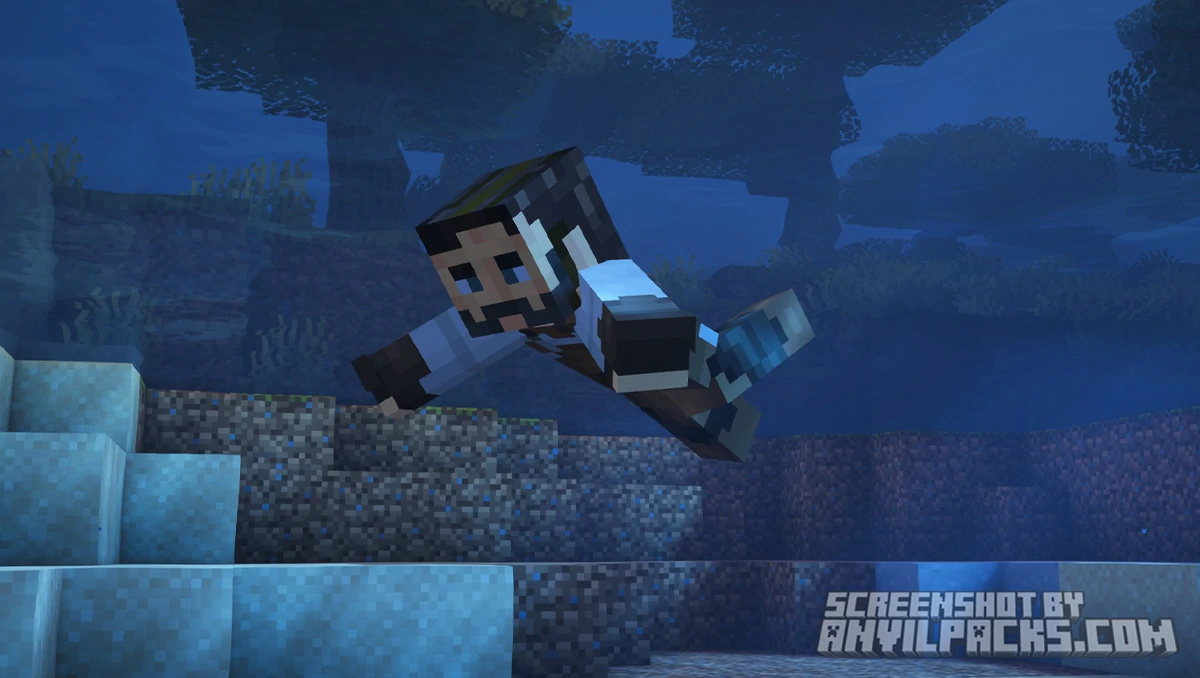
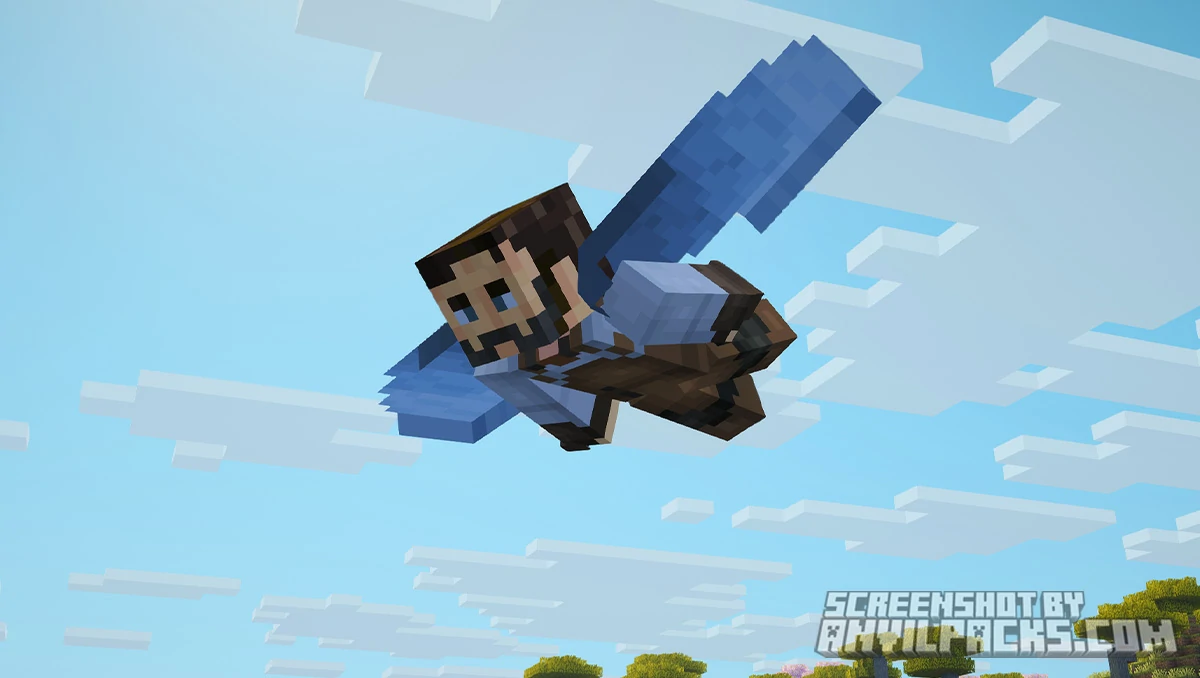
Our YouTube Video & Screenshots
Watch our Youtube video about FA: Player Extension Texture Pack.
Version Compatibility
FA: Player Extension is fully compatible with Java Edition versions from 1.20.x up to the latest 26.1
Fresh Animations: Player Extension – My Honest Opinion
I can’t play in First Person anymore.
I used to never use F5 (Third Person). Now, I run around constantly looking at my character. It makes multiplayer so much better. Seeing your friends actually emote, blink, and move naturally changes the entire vibe of a server. It stops feeling like a game of chess pieces and starts feeling like an RPG.
The Verdict: It’s a tiny download, but it finishes the job that Fresh Animations started. It’s essential.
FA: Player Extension Download[
[1.20 - 26.1] Download FA: Player Extension
Free download — redirects to the official pack page.
Explore More Texture Packs
Explore More Shader Packs
How to Install Fresh Animations: Player Extension?
- Install OptiFine or Fabric EMF & ETF for full compatibility and visual features.
- Download the Texture Pack — by clicking the button below.
- Launch Minecraft and open Options → Resource Packs.
- Click “Open Pack Folder.”
- Move or drag the downloaded
.zip file into the resourcepacks folder.
- Go back to Minecraft — the pack should now appear on the left side of the screen.
- Click the arrow to move it to the right (active packs).
- If a message says the pack was made for a different version, click “Yes.”
- Click Done, and enjoy your upgraded visuals!
- Credits: Full credit for creating FA: Player Extensions goes to FreshLX.
- Please note that none of the files are hosted on our servers — all Download Links redirect to the official Pack page to support the creator.
- Every pack is thoroughly checked and confirmed to be free from viruses, ensuring a completely safe and secure download experience for all users.









Best
Dffffffv
This is best mod for all
Totally agree, Rithik! FA – Player Extension makes a huge difference in how the game feels. Those fluid animations are a must-have for anyone tired of the stiff vanilla movements.
Yeah, Fresh Animations: Player Extension is best player movement resource pack at this moment. Can’t go wrong with this one 🙂
download
best