Fresh Animations Texture Pack Download 26.2 / 26.1.2 / 1.21.11
Your Mobs Are Finally Alive
Let’s be real. Vanilla Minecraft mobs are kind of stupid. They don’t walk; they glide across the floor like plastic statues. They stare blankly into the void. It feels like 2011, and frankly, it looks stiff.
Fresh Animations fixes this.
This isn’t a high-res texture pack. It doesn’t change the pixels. Instead, it completely rewrites the skeleton and movement logic of the mobs. It makes them feel like living, breathing creatures rather than code on a grid.
THE CATCH (Read this): This pack does not work on its own. If you just download the resource pack and load it up, nothing will happen. You need specific mods to read the animation files. I’ll explain exactly what you need in the installation section, so don’t skip it.
Before & After Comparison
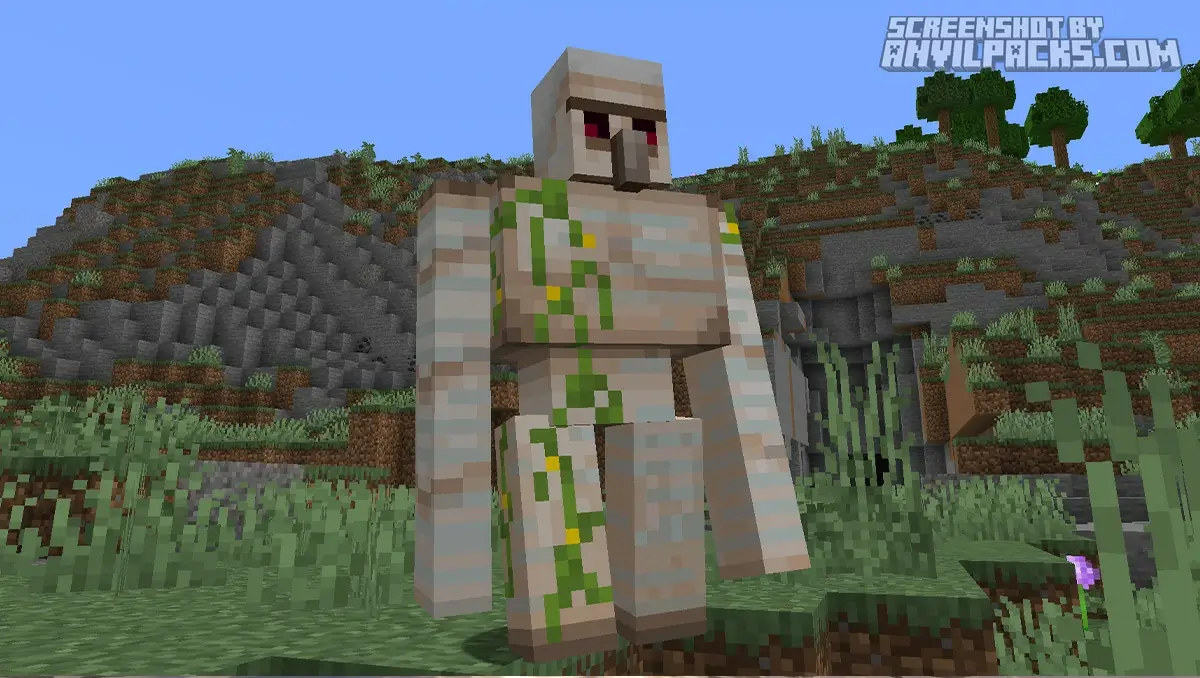
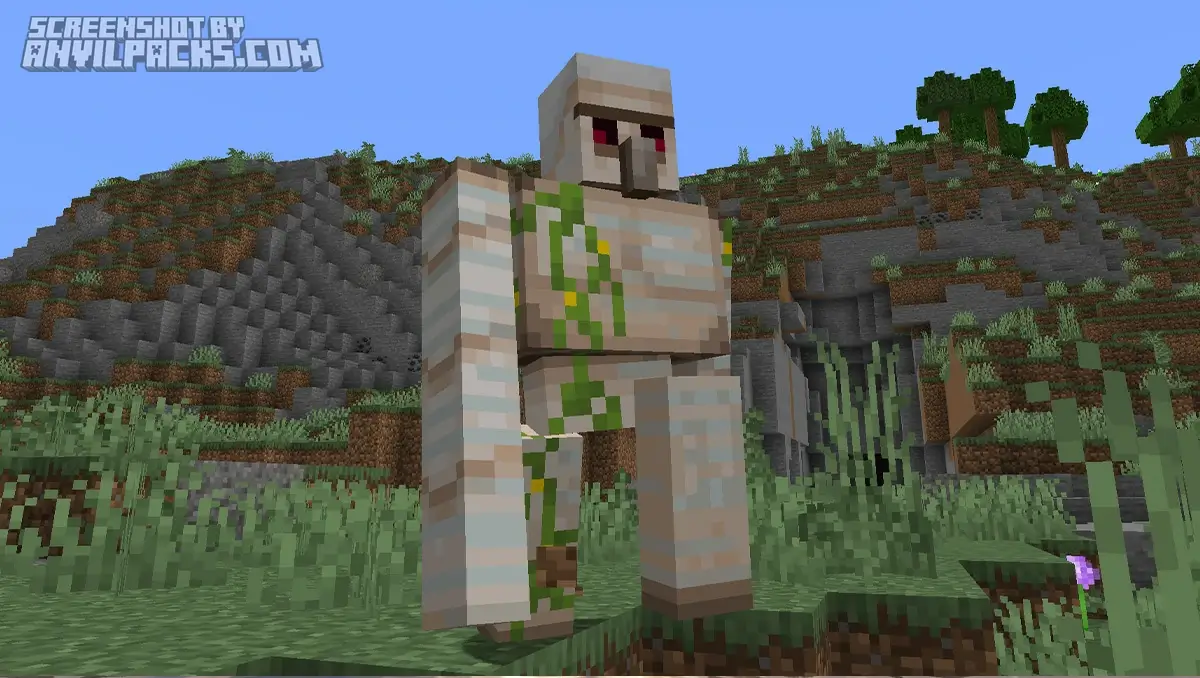
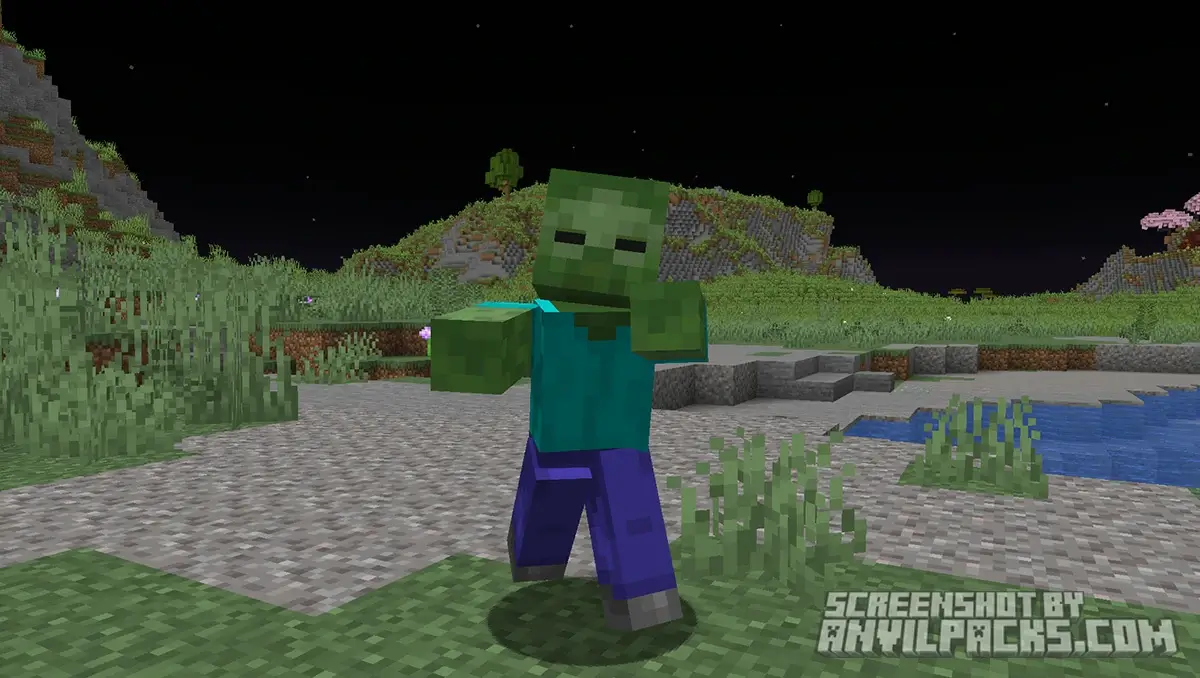
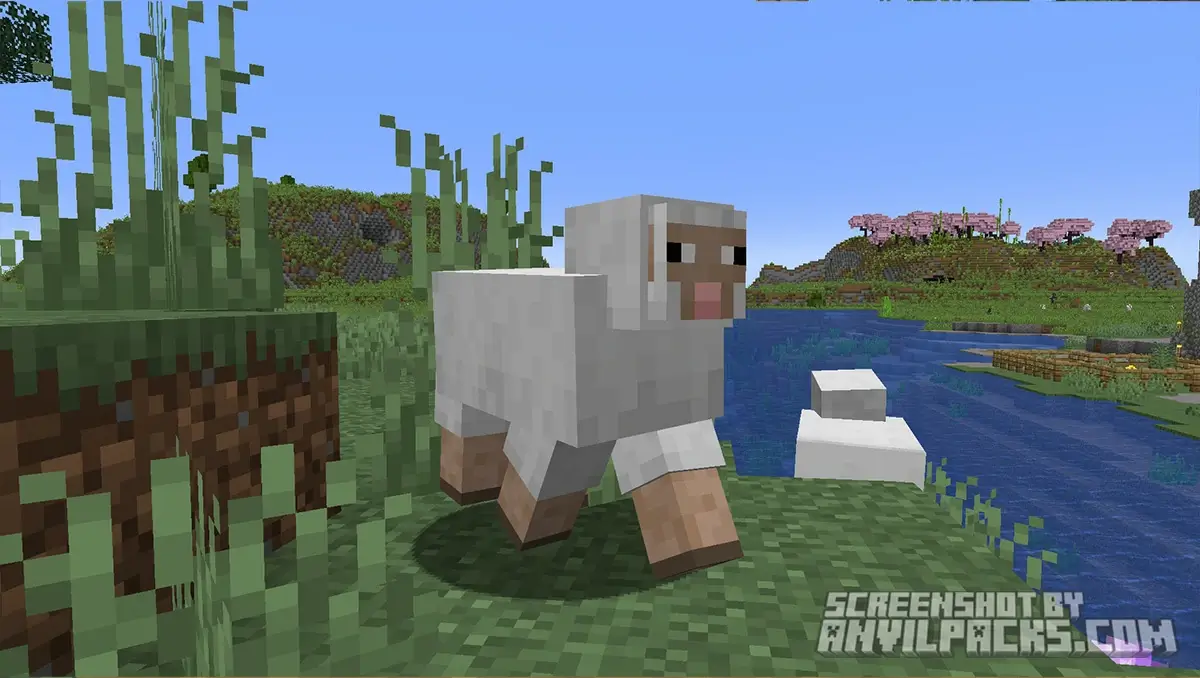
Compare Fresh Animations Texture Pack to default Minecraft Look.
Visuals: It’s All in the Details
So, what actually changes? Everything regarding movement.
The Eyes & Face
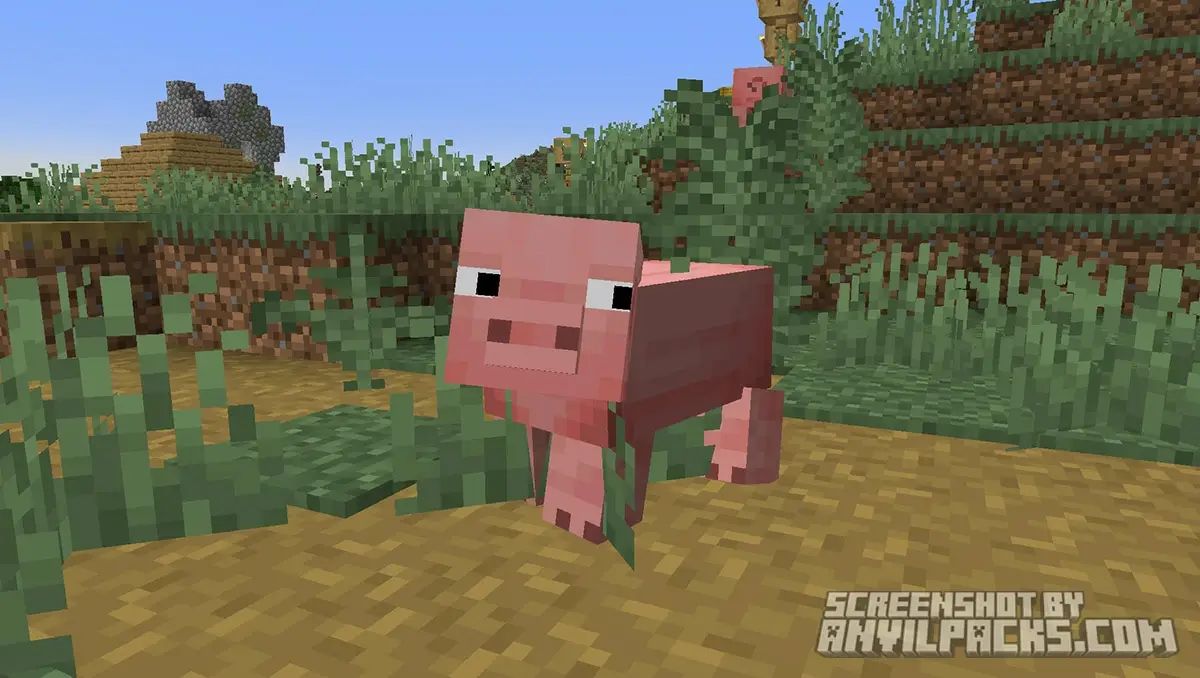
Mobs now look at you. Not just their head turning, but their actual eyes move. They blink. When a villager is annoyed, you can see it on their face. It adds a level of personality that Mojang never bothered to add.
The Movement
The animations are fluid, dynamic, and distinct for every mob.
-
The Villager: He doesn’t just slide anymore. He has a goofy, bouncy walk. His nose wiggles. He looks like a cartoon character.
-
The Spider: This one is actually creepy. The legs scuttle individually. It looks like a real arachnid hunting you down.
-
The Skeleton: When it sees you, it doesn’t just raise its arms. It reaches back, pulls an arrow, and aims tactically.
-
The Iron Golem: It walks with weight. You can feel the heaviness in its steps.
The Vibe
The best part? It retains the “Vanilla” look. Since it uses the default textures, it fits perfectly with the base game art style. It doesn’t look like a mod; it looks like Minecraft 2.0.
Performance Check: Does It Lag?
Here is the hardware reality check.
It’s basically free. Unlike shaders that eat your GPU, Fresh Animations hits the CPU slightly more than vanilla, but it’s negligible. If your PC can run Minecraft, it can run this.
Compatibility: This pack pairs perfectly with “Bare Bones“ if you want that official Minecraft Trailer look. It also works flawlessly with shaders like Complementary or Solas. It’s the most compatible aesthetic mod out there.
The “Blue Guy” Glitch & Technical Stuff
If you load this pack and your zombies look broken, or textures are missing/blue, you messed up the dependencies.
The Problem: Minecraft’s default engine cannot handle these complex animations. It needs a custom entity renderer.
The Fix (The Modern Way): In 2026, we don’t use OptiFine anymore unless we have to. It breaks too many other mods. instead, you need two specific Fabric/Quilt mods:
-
Entity Model Features (EMF)
-
Entity Texture Features (ETF)
These two mods do exactly what OptiFine used to do for custom mobs, but they run smoother and work with Sodium.
Our YouTube Video & Screenshots
Watch our Youtube video about Fresh Animations Texture Pack.
Version Compatibility
Fresh Animations is fully compatible with Java Edition versions from 1.13.2 up to the latest 26.2
Fresh Animations My Honest Opinion
I literally cannot play without this pack anymore.
Going back to vanilla feels broken. Once you see a Creeper actually run at you with animated legs instead of just floating towards you, you can’t un-see it. It makes the world feel alive.
If you are a modpack maker or just a casual player, this is mandatory. It is arguably the single most essential resource pack in the history of the game.
Fresh Animations Texture Pack Download
[1.8 - 26.2] Download Fresh Animations
Free download — redirects to the official pack page.
Explore More Texture Packs
Explore More Shader Packs
How to Install Fresh Animations Texture Pack?
- Install OptiFine or Fabric EMF & ETF for full compatibility and visual features.
- Download the Texture Pack — by clicking the button below.
- Launch Minecraft and open Options → Resource Packs.
- Click “Open Pack Folder.”
- Move or drag the downloaded
.zip file into the resourcepacks folder.
- Go back to Minecraft — the pack should now appear on the left side of the screen.
- Click the arrow to move it to the right (active packs).
- If a message says the pack was made for a different version, click “Yes.”
- Click Done, and enjoy your upgraded visuals!
- Credits: Full credit for creating Fresh Animations goes to FreshLX.
- Please note that none of the files are hosted on our servers — all Download Links redirect to the official Pack page to support the creator.
- Every pack is thoroughly checked and confirmed to be free from viruses, ensuring a completely safe and secure download experience for all users.









Hola
10/10
i want
good
Aku butuh sader
Muito bom
good
Muito bomm
Legal
i cant instal
Hey, what type of issue do you have?
i need it
i like the fresh animations