Fresh Moves Texture Pack 26.1 / 1.21.11 Download
You Are the Ugliest Thing in Minecraft
Let’s look at your current setup. You installed Fresh Animations, so the Creepers look alive. You installed Shaders, so the world looks real. But you (Steve) still walk like a stiff board.
It ruins the immersion. You are watching a cinematic movie, but your main character moves like a fridge from 2011.
Fresh Moves is the fix.
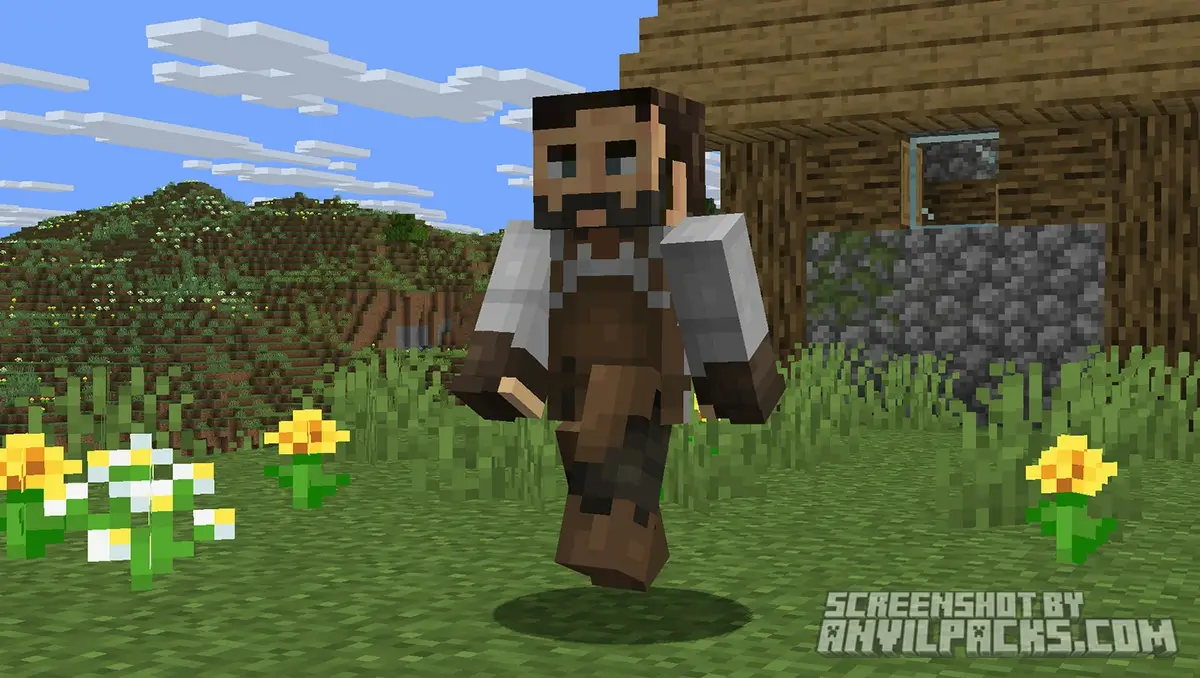
This isn’t for the pigs or the zombies. This resource pack completely overhauls the Player Model. It takes that bouncy, expressive style from Fresh Animations and applies it to your character. It is the missing piece of the puzzle to make Minecraft feel like a modern RPG.
Visuals: How You Actually Move Now
The difference is night and day. You stop feeling like a camera on a tripod and start feeling like a character.
The Eyes (optional)
Your character actually looks around now. If you are standing still, Steve’s eyes will dart around the environment. He blinks. It sounds small, but in multiplayer, it makes your avatar look like a person, not a statue.
Locomotion
Vanilla walking is just sliding with leg swings. Fresh Moves adds weight.
-
Sprinting: It looks energetic. Your character leans forward.
-
Jumping: There’s actual anticipation and landing impact.
-
Walking: It’s bouncy. It matches the “Fresh” aesthetic perfectly.
Actions
This is where it gets cool.
-
Crouching: You don’t just get shorter. Your character actually gets low to the ground in a tactical stealth pose.
-
Combat: When you swing a sword, you put your back into it. Drawing a bow engages your whole upper body.
-
Eating: You actually bring the food to your face properly.
Before & After Comparison
Compare Fresh Moves Texture Pack to default Minecraft Look.
The "Add-On" Factor (Crucial)
To be clear: Fresh Moves and Fresh Animations are cousins.
Fresh Moves was designed specifically to run ALONGSIDE Fresh Animations. They share the exact same art style. If you use one without the other, the game feels disconnected.
Your Skin: Yes, it works with your custom skin. The pack maps your existing skin texture onto this new, flexible skeleton. However, if you have a very complex skin with weird transparency layers, it might look slightly off in motion, but for 99% of skins, it’s flawless.
Installation & Requirements (Technical)!!!
Don’t skip this. If you just drag the zip file in, it will not work.
The Engine: Minecraft doesn’t support these complex animations by default. You need mod support. You strictly need Entity Model Features (EMF) and Entity Texture Features (ETF).
The “Con” (Honesty Time): Because this is a resource pack hacking the model system, it isn’t perfect.
-
Clipping: Sometimes, heavy modded armor or big capes can clip through your body during certain animations (like crouching).
-
Handheld Items: Occasionally, holding weird modded items might look a bit janky.
It’s a small price to pay for not walking like a robot, but be aware of it.
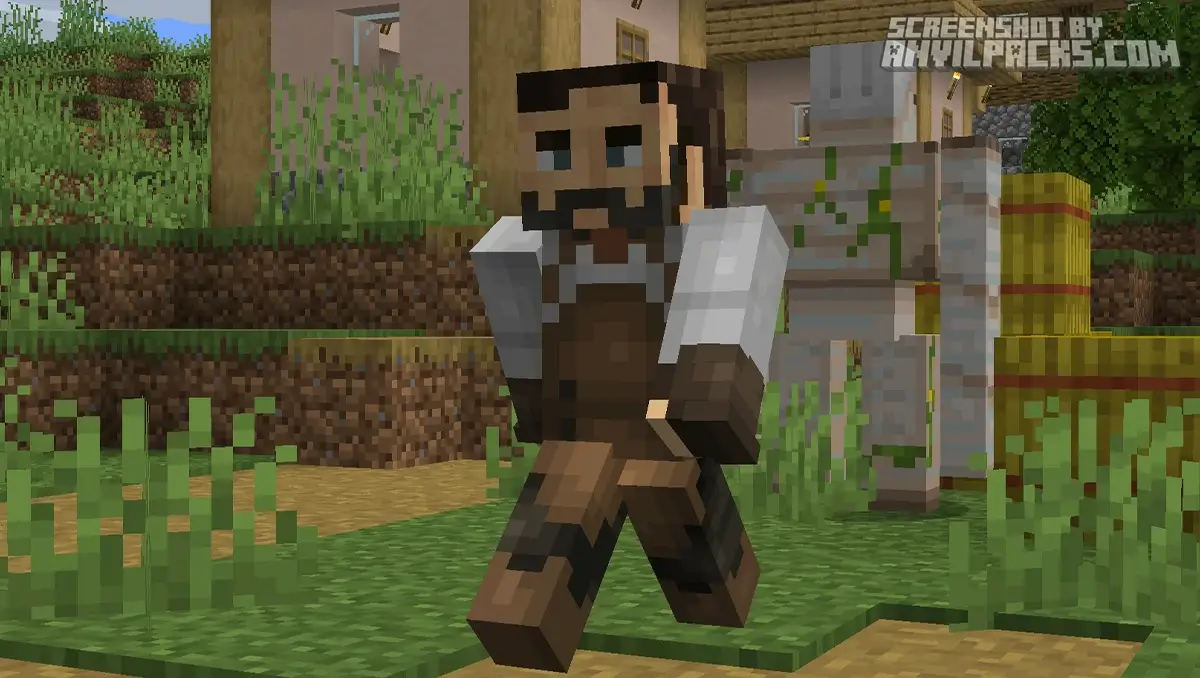
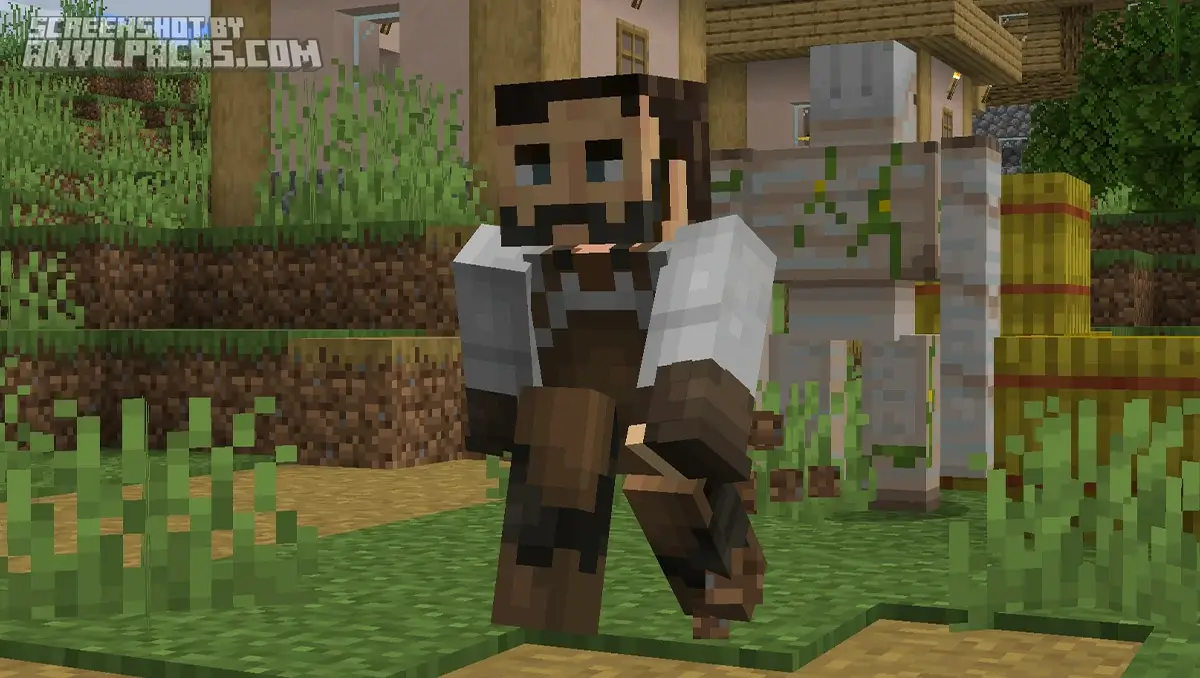
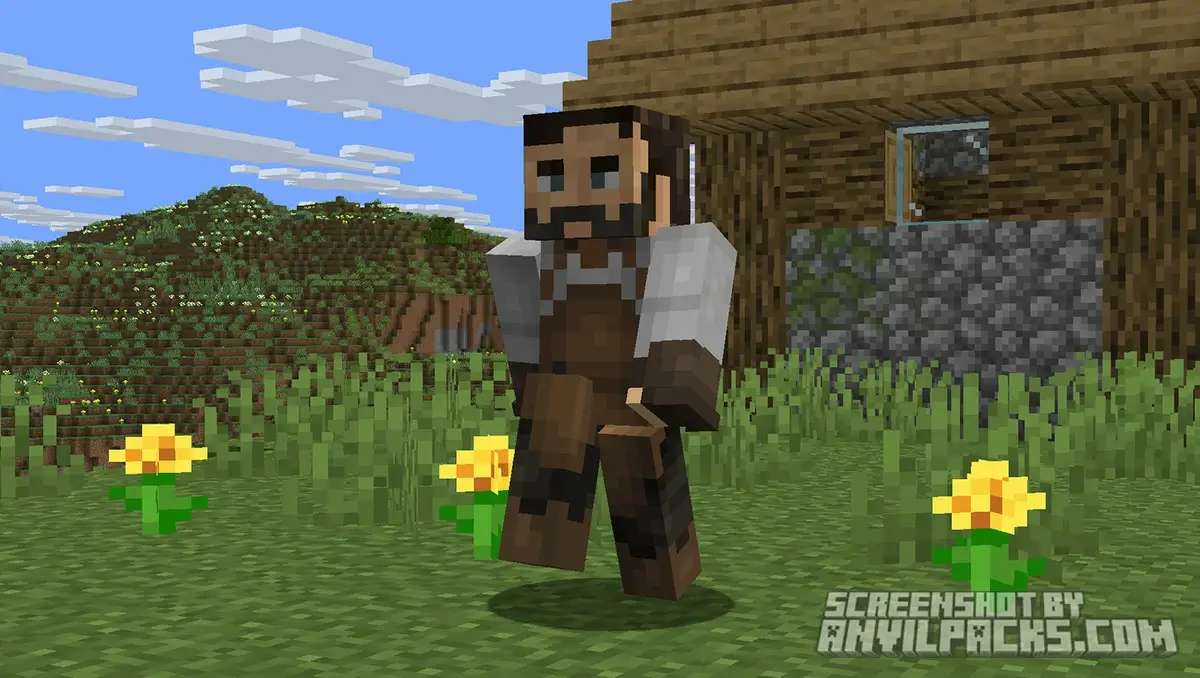
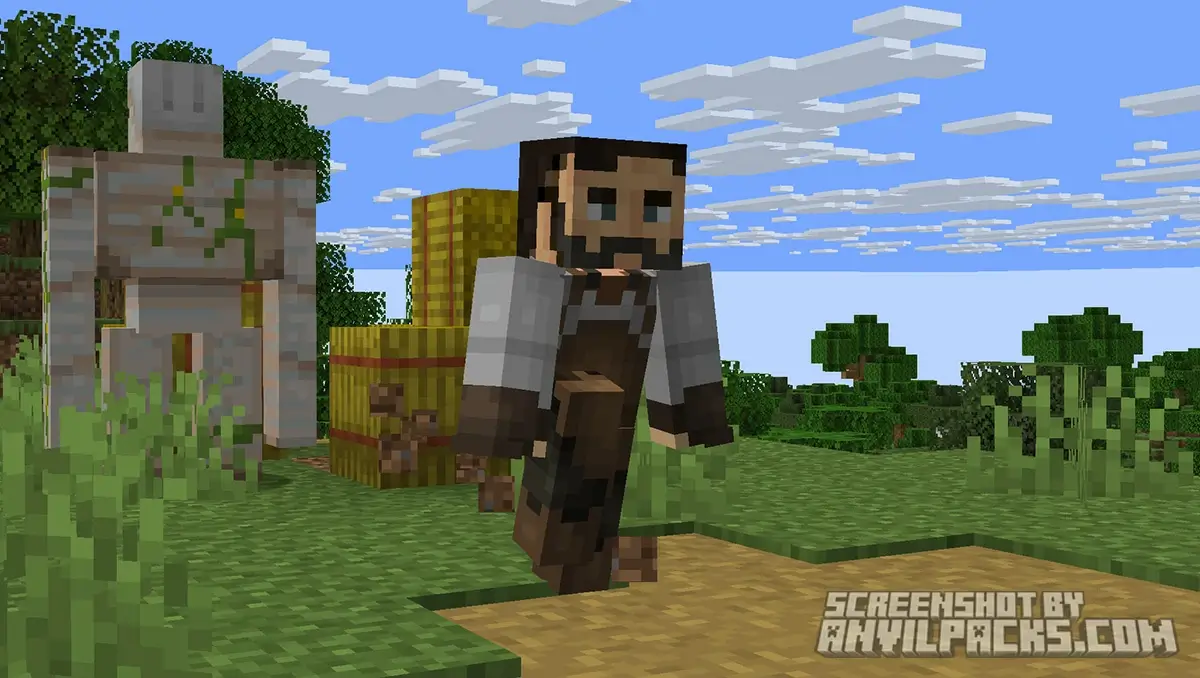
Our YouTube Video & Screenshots
Watch our Youtube video about Fresh Moves Texture Pack.
Version Compatibility
Fresh Moves is fully compatible with Java Edition versions from 1.20.x up to the latest 26.1
Fresh Moves - My Honest Opinion
I spend 90% of my time in F5 (Third Person) mode now.
Before this pack, I never looked at my character. Now, just running through a forest feels satisfying. If you play Multiplayer, this is even better. Seeing your friends actually blink, breathe, and react makes the game way funnier and more expressive.
The Verdict: If you are already using Fresh Animations for mobs, you are legally required to download this. It completes the set. Without it, you are just a stiff stick figure living in a Disney movie.
Fresh Moves Texture Pack Download
[1.20 - 26.1] Download Fresh Moves
Free download — redirects to the official pack page.
Explore More Texture Packs
Explore More Shader Packs
How to Install Fresh Moves Texture Pack?
- Install OptiFine or Fabric EMF & ETF for full compatibility and visual features.
- Download the Texture Pack — by clicking the button below.
- Launch Minecraft and open Options → Resource Packs.
- Click “Open Pack Folder.”
- Move or drag the downloaded
.zip file into the resourcepacks folder.
- Go back to Minecraft — the pack should now appear on the left side of the screen.
- Click the arrow to move it to the right (active packs).
- If a message says the pack was made for a different version, click “Yes.”
- Click Done, and enjoy your upgraded visuals!
- Credits: Full credit for creating Fresh Moves goes to TrasTick.
- Please note that none of the files are hosted on our servers — all Download Links redirect to the official Pack page to support the creator.
- Every pack is thoroughly checked and confirmed to be free from viruses, ensuring a completely safe and secure download experience for all users.









hello bro
hello