Miniature Shader Download 26.2 / 26.1.2 / 1.21.11
Miniature Shader – Vanilla Minecraft, But With Actual Shadows
Here’s the situation: you want shaders, but you don’t want Minecraft to suddenly look like a different game. You don’t want blinding lens flare, tone-mapped sunsets, or God rays that make it hard to see what you’re doing. You just want shadows that make sense, water that reflects its surroundings, and lighting that feels a little more alive — without touching your frame rate. That’s the entire design goal of Miniature Shader, and it nails it.
With 2.57 million downloads on Modrinth and over 3 million on CurseForge, Miniature has found a very specific audience: players who think most shader packs go too far. The creator, mateuskreuch, describes it as a “natural take on Minecraft shaders” — not a visual overhaul, but a subtle upgrade that respects the game’s model-like appearance. It’s tagged Potato on Modrinth, meaning it runs on hardware that would choke on anything more demanding.
Miniature Shader – What It Does
Miniature keeps its scope intentionally narrow, and that restraint is the point. Three things happen when you install it: shadows, reflections, and better emissive lighting. That’s basically it. No color grading, no volumetric fog, no dramatic atmospheric effects. Just those three things done well and done lightly.
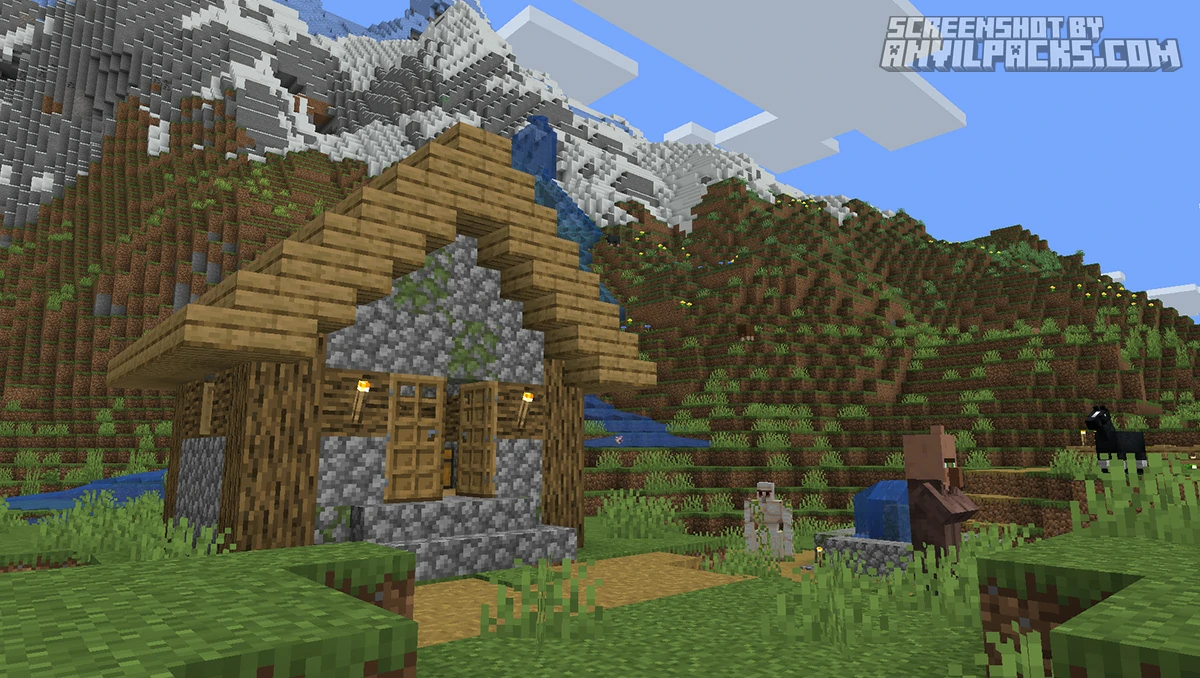
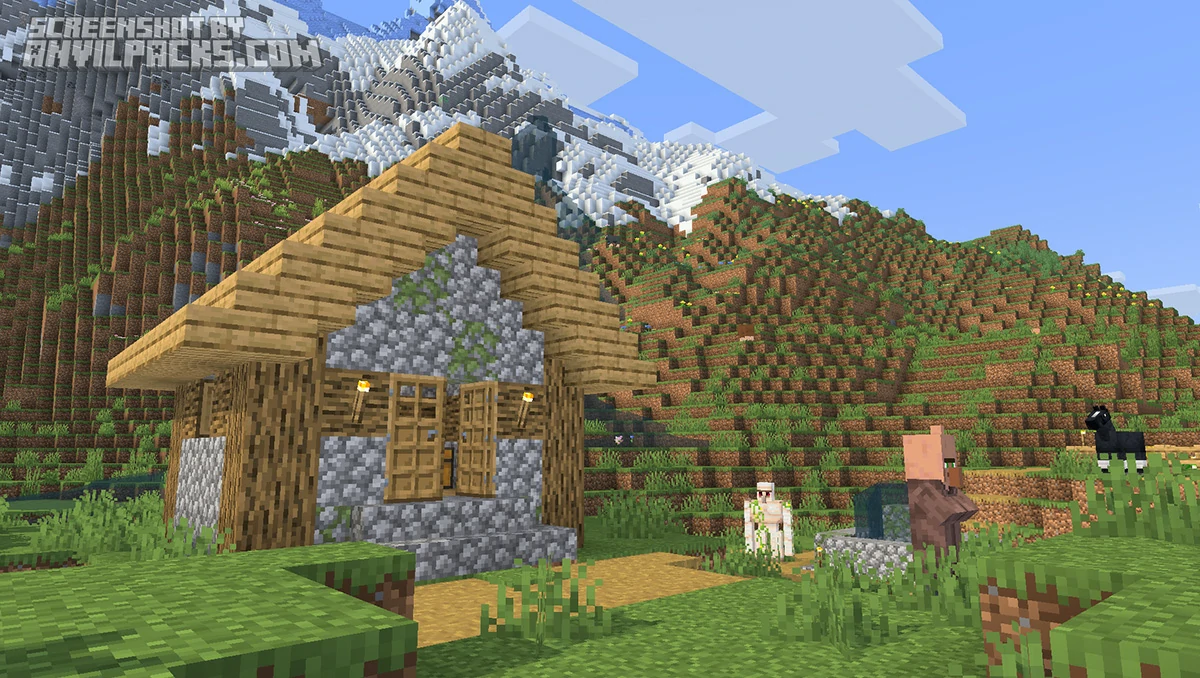
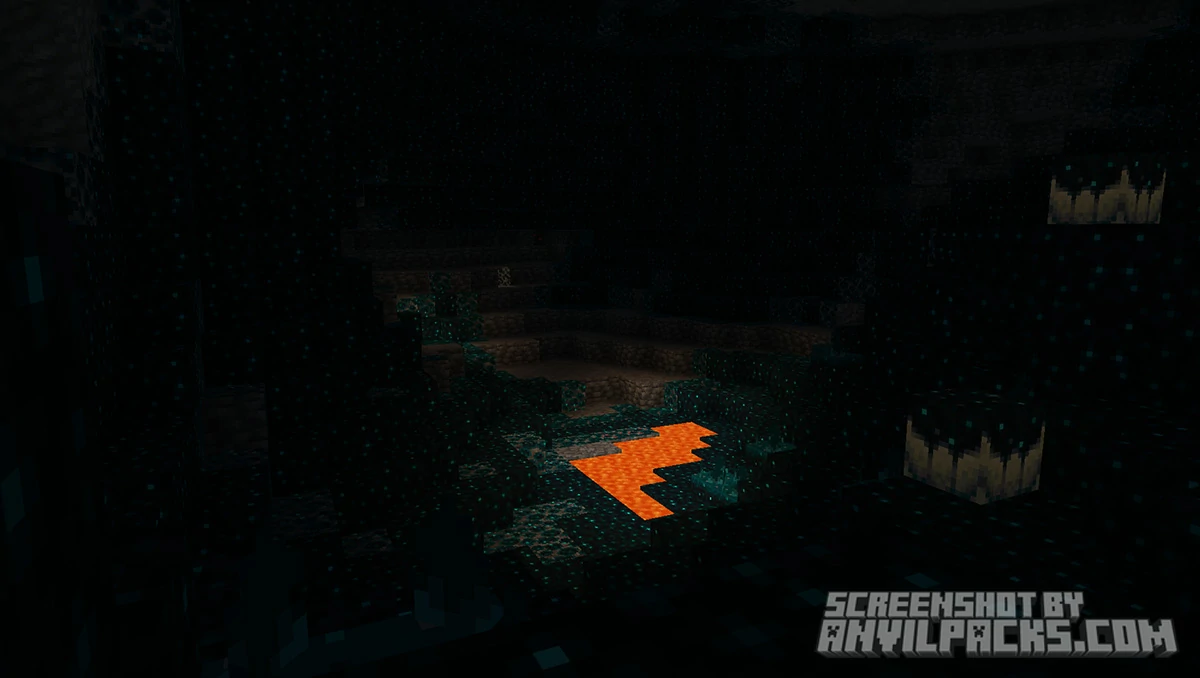
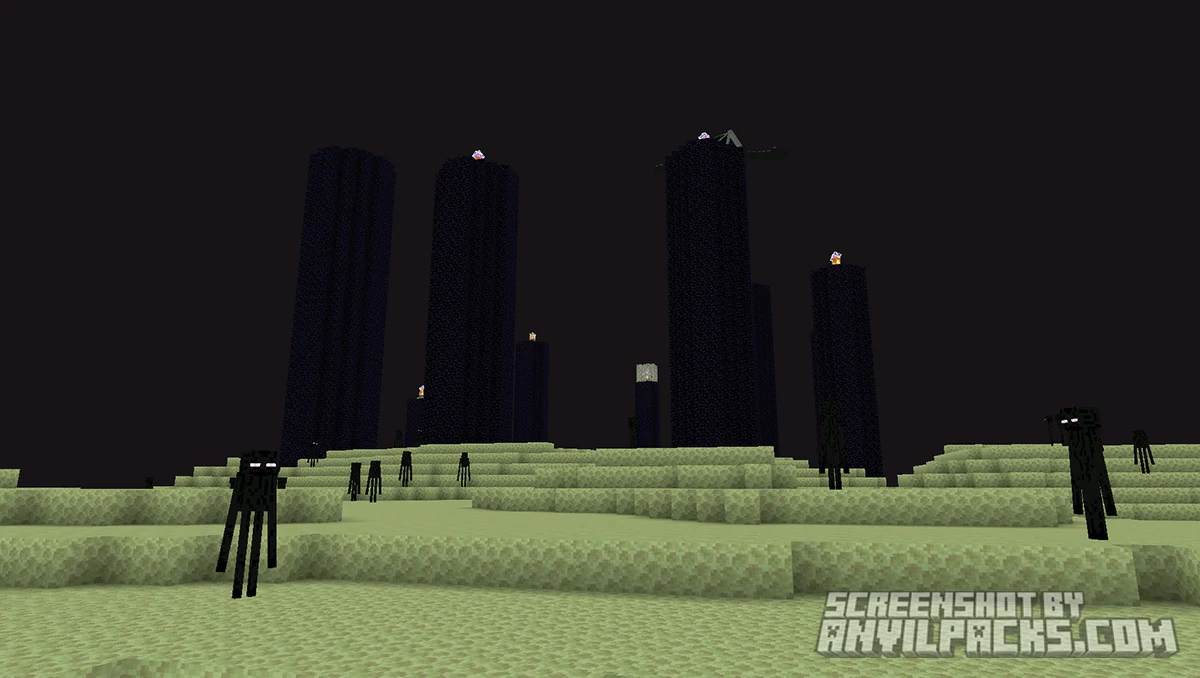
Shadows are the first thing you notice. They’re blocky — not soft, not rounded, not photo-realistic. They match Minecraft’s geometry, so the result looks like it belongs in the game rather than being pasted on top of it. A tree casts a hard, blocky shadow on the ground beneath it. Your character casts a shadow on the block you’re standing on. It sounds simple, but the difference compared to vanilla — where no shadows exist at all — is immediately noticeable. The world stops looking flat.
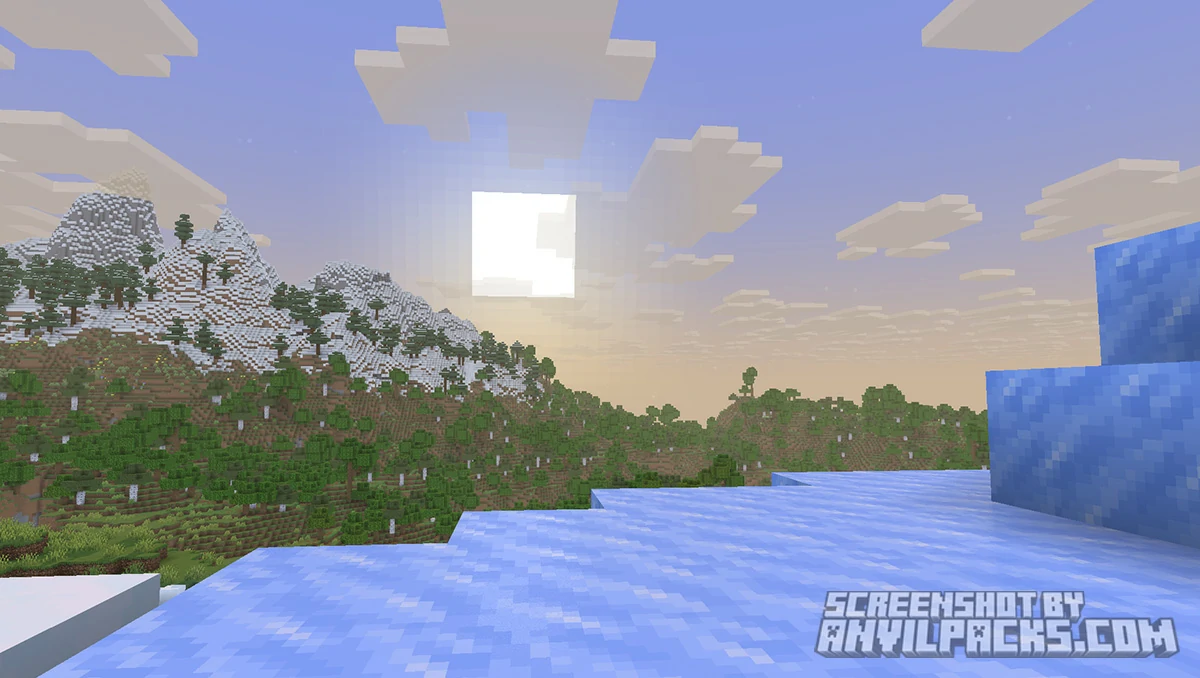
Reflections show up in water, ice, and other commonly reflective surfaces. Again, these are blocky and in-style rather than photorealistic. You can look into a river and see a recognizable reflection of the sky and the terrain around you. It’s not Complementary Reimagined water — but it’s far better than the flat, static vanilla water texture. The reflection stays true to Minecraft’s aesthetic instead of trying to look like a nature documentary.
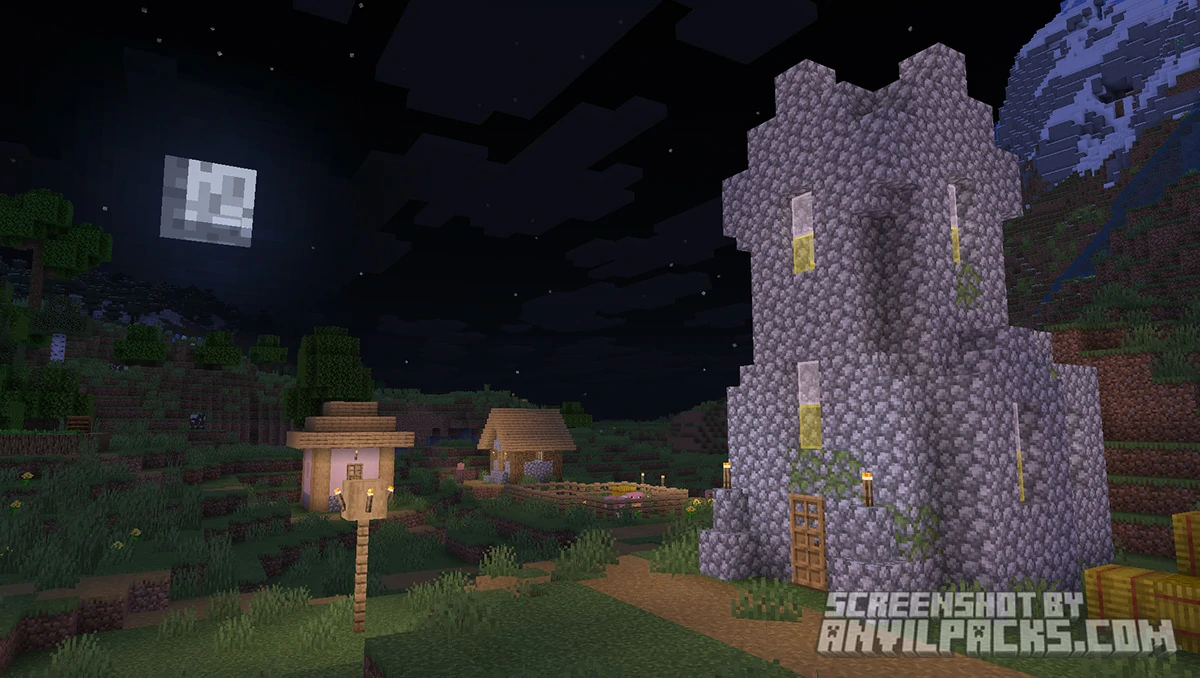
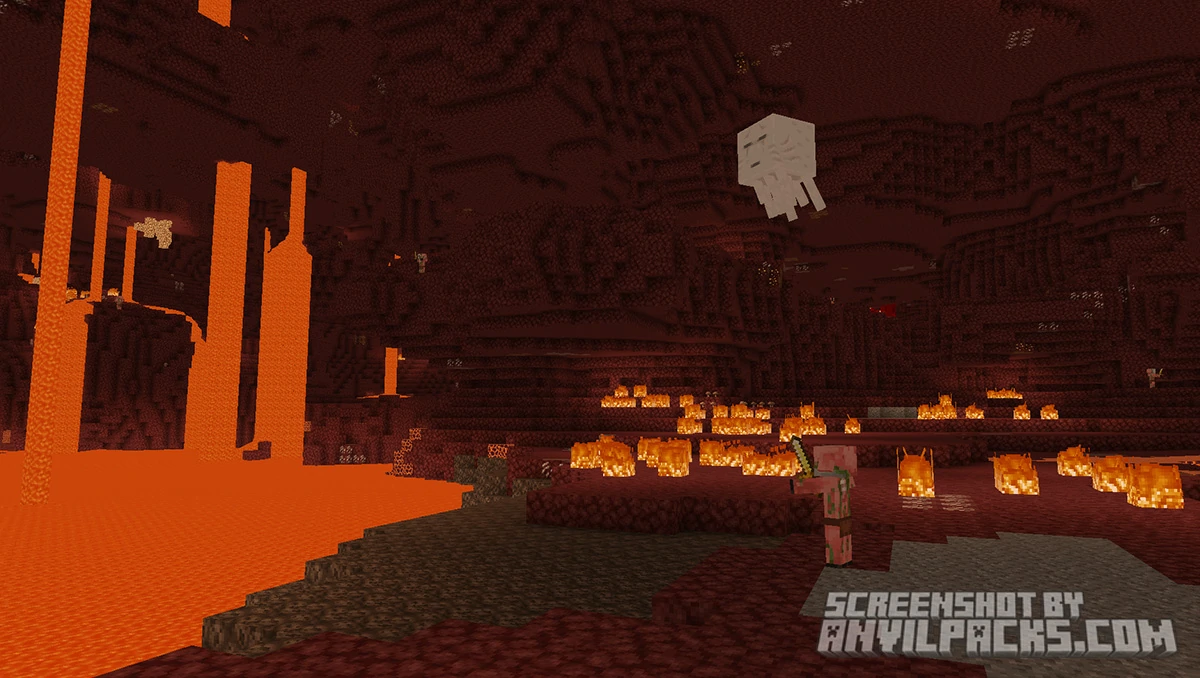
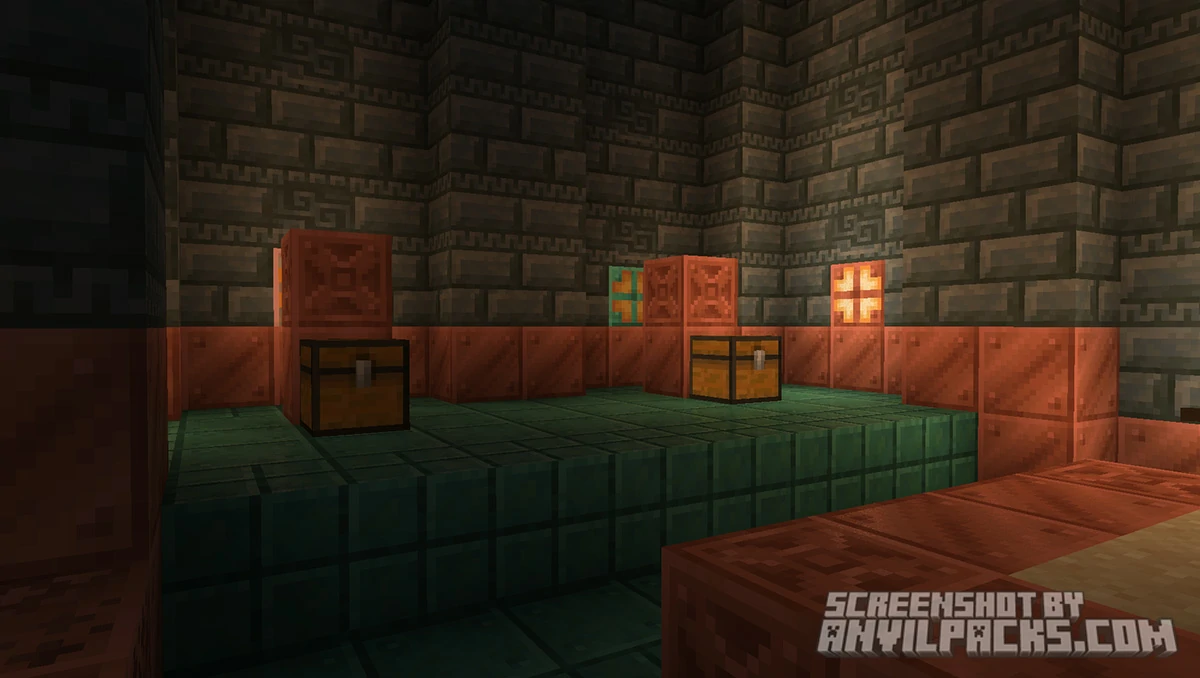
Emissive lighting gets a subtle overhaul. Torches, glowstone, lava, and other light-emitting blocks cast light that feels slightly more dynamic and natural than vanilla. It’s not dramatic, but it makes underground exploration feel noticeably more atmospheric.
That’s the full feature list. No path tracing, no PBR, no god rays. Just those three improvements, applied cleanly and consistently across the entire game — from 1.7 to 1.21.
Here’s how it looks side by side with vanilla.
Before & After Comparison
Compare Miniature Shader to default Minecraft Look.
Miniature Shader - Performance and Comparisons
Miniature is one of the lightest shader packs available for Minecraft, full stop. The Potato tag is earned. If your machine runs vanilla Minecraft, it almost certainly runs Miniature Shader. Players on integrated graphics, old laptops, and low-end budget PCs have all reported smooth performance. The frame rate impact is minimal because the pack simply doesn’t do enough to stress hardware the way more complex shaders do.
This is where Miniature occupies its own category. Against something like BSL Shaders or Solas Shaders, the visual output isn’t in the same league — but those packs aren’t for the same hardware or the same player. The comparison that matters is: vanilla vs. Miniature. And on that axis, Miniature wins easily. You get a meaningfully better-looking game without giving up anything in terms of performance.
Against Super Duper Vanilla Shaders, which also sits in the low-impact, vanilla-adjacent space, Miniature is arguably the more restrained option. Super Duper adds more visual flair. Miniature adds less — but what it adds feels more in-keeping with the game’s original look.
Miniature pairs well with lightweight vanilla-style resource packs. Pairing it with Stay True or Faithful 64x gives you a clean, cohesive visual upgrade across the board — better textures, better shadows, better lighting — without any single element feeling out of place.
Here’s a video showing the pack in action.
Check out the screenshots below to see how Miniature looks across different biomes and times of day.
Our YouTube Video & Screenshots
Watch our Youtube video about Miniature Shader
Version Compatibility
Miniture Shader is fully compatible with Java Edition versions from 1.13 up to the latest 26.2
Miniature Shader - My Honest Opinion
Miniature Shader is the right answer to a question a lot of players have: “I want shaders but I don’t want to change the feel of the game.” Most shader packs answer that question badly. They promise subtle improvements and then deliver a completely different visual identity. Miniature actually keeps its promise.
The blocky shadows deserve special mention. Most lightweight shaders either skip shadows entirely or implement them in a way that looks wrong next to Minecraft’s geometry — too round, too soft, visually inconsistent. Miniature’s shadows look like they belong. That’s harder to achieve than it sounds, and it’s the reason the pack has the following it does.
The limitation is obvious: if you want dramatic visuals, this isn’t your pack. Miniature isn’t trying to make Minecraft look like anything other than Minecraft. Players who install it expecting a major transformation will be disappointed. Players who install it knowing exactly what it does will wonder how they ever played without it.
The verdict: The best shader pack for low-end hardware, and the best option for players who want subtle improvements over vanilla without changing the game’s identity. Install it, forget it’s installed, and enjoy a Minecraft that finally has proper shadows.
Download Miniature Shaders
[1.16.5 - 26.2] Download Miniature Shaders
Free download — redirects to the official pack page.
Explore More Shader Packs
Explore More Texture Packs
How to Install Miniature Shader
- Download the shader pack using the button below.
- Install Iris or OptiFine — Iris is recommended for better performance and smoother FPS.
- Open Minecraft Launcher and select the Iris or OptiFine profile.
- Start the game.
- In Minecraft, go to:
Iris: Options → Video Settings → Shader Packs
OptiFine: Options → Video Settings → Shaders
- Click Open Shader Pack Folder and move the downloaded ZIP file into it.
- Go back to Minecraft, select your shader from the list, and click Done or Apply.
- Credits: Full credit for creating Miniature Shaders goes to Ukrech.
- Please note that none of the files are hosted on our servers — all Download Links redirect to the official Pack page to support the creator.
- Every pack is thoroughly checked and confirmed to be free from viruses, ensuring a completely safe and secure download experience for all users.