Why Use Minecraft Shaders?
If resource packs change the skin of Minecraft, shader packs change its soul. Shaders rewrite how the game renders light, shadows, water, and atmosphere — and they deliver the single biggest visual upgrade you can install without touching a single block texture. One minute you’re staring at flat vanilla lighting, the next you’ve got sunlight pouring through oak leaves and casting real shadows on the forest floor.
This is your catalog of the best Minecraft shaders for Java Edition, covering everything from ultra-performance packs that run on a potato to full path-traced monsters that melt high-end GPUs. Every shader below is tested, reviewed, and sorted by what it actually does in-game.
What Shaders Actually Change
Shader packs hook into Minecraft’s rendering pipeline (through OptiFine or Iris) and replace the game’s default lighting model. The differences are huge:
- Dynamic lighting and shadows — The sun and moon cast real-time shadows that move across terrain as time passes. Torches, lava, and campfires become actual light sources that bounce color onto nearby blocks.
- Realistic water — Waves, reflections, and light refraction replace the flat blue squares. Oceans look like oceans. Rivers look like rivers.
- Volumetric fog and god rays — Sunlight cuts through tree canopies and cave openings in visible beams. Morning mist settles in valleys. The Nether fills with smoke.
- Waving plants and leaves — Wheat fields ripple in the wind. Tree leaves sway. Tall grass actually moves instead of sitting frozen like a cardboard cutout.
- Bloom, depth of field, and post-processing — The cinematic effects you’d expect from an actual modern game.
Which Shader Pack Is Right for You?
Shaders split into clear categories based on what you want and what your PC can handle.
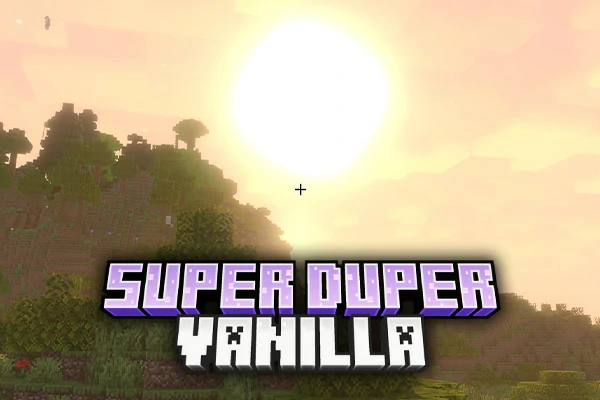
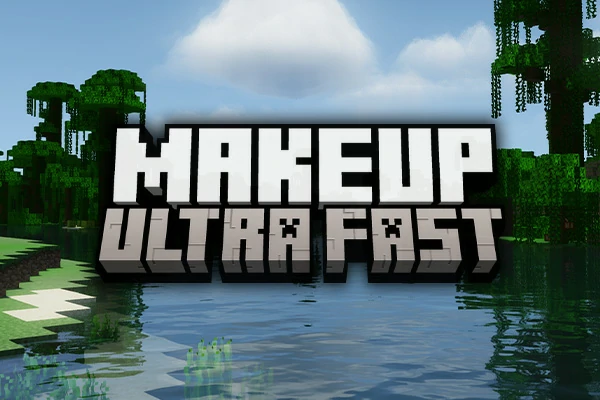
For low-end PCs and potato builds: Start with MakeUp Ultra Fast or Super Duper Vanilla Shaders. Both deliver the core shader experience — real shadows, decent water, waving plants — without nuking your FPS. You can run these on integrated graphics and still hit 60+ frames.
For the mid-range sweet spot: BSL Shaders and Complementary Reimagined are the two most popular shader packs for a reason. They look fantastic, they’re heavily customizable, and they run well on mainstream hardware. If you’re new to shaders and don’t know where to start, pick one of these.
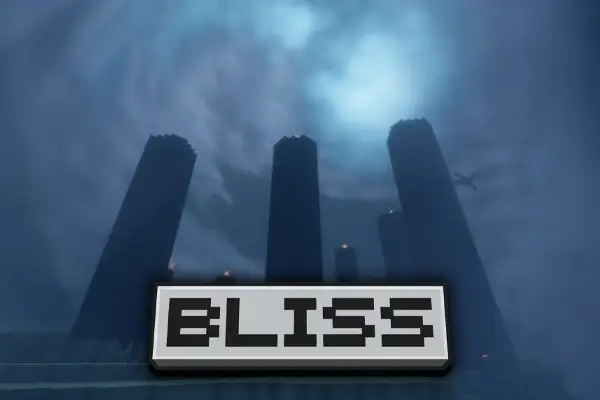
For maximum visual fidelity: Complementary Unbound, Bliss Shaders, and Photon Shaders push the visual ceiling higher with better water, sharper shadows, and richer atmospherics. You’ll want a decent GPU for these.
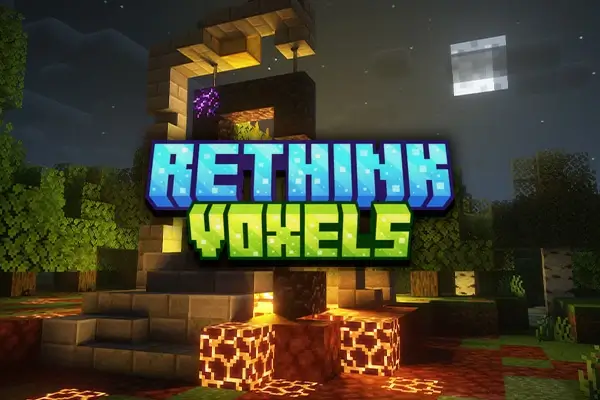
For path-traced, ray-traced, next-gen lighting: Solas Shaders and Rethink Voxels are the high end. Colored lighting that bounces off walls. Real-time global illumination. These are the packs you install to make screenshots your friends don’t believe are Minecraft.
For a distinct art style: Aurora’s Shaders, Iteration Shaders, and Lux Shaders each have their own visual signature — anime-inspired, stylized, or somewhere in between vanilla and photorealism.
How to Install Minecraft Shaders
Shaders don’t run on vanilla Minecraft. You need a shader loader first. You’ve got three main options:
- OptiFine — The classic choice. Works with every shader pack out there, includes tons of video settings, supports connected textures for resource packs. Runs slower than the modern alternatives but compatibility is unmatched.
- Iris Shaders + Sodium — The modern combo. Much better FPS than OptiFine, actively developed, but uses Fabric instead of Forge. Most modern shader packs are built with Iris in mind.
- Iris for Forge — If you’re running a Forge modpack, Iris now has a Forge version that works alongside your mods.
Once you’ve got a loader installed, drop the shader .zip into your shaderpacks folder, launch the game, open Video Settings → Shaders, and pick the pack from the list. That’s it.
Shaders Performance Reality Check
Shaders are expensive. Even “lightweight” shader packs cost you 30-50% of your FPS compared to vanilla. Heavy path-traced packs can cut your frame rate by 80% or more. Before you install anything, allocate more RAM to Minecraft and ideally run Sodium with Iris for the best performance baseline.
Rough performance tiers (1080p, mid-range GPU, default settings):
- Ultra-light: MakeUp Ultra Fast, Super Duper Vanilla — barely noticeable FPS cost
- Balanced: BSL, Complementary Reimagined — 30-50% FPS impact
- Heavy: Complementary Unbound, Bliss, Photon — 50-70% FPS impact
- Brutal: Solas, Rethink Voxels — expect single-digit frames without a strong GPU
Every shader in our catalog includes real performance notes in the review, not generic “runs great” garbage.
Shaders vs Resource Packs vs Mods — What’s the Difference?
Quick breakdown so you install the right thing:
- Shaders = lighting, shadows, water, atmosphere. Changes how the game looks, not what’s in it.
- Resource packs (browse our resource pack catalog) = block and item textures. The skin of the game.
- Mods (browse our mods catalog) = new content, features, mechanics. Changes what the game is.
The good news: you can run all three at once. A quality shader pack like BSL + a clean resource pack like Stay True + performance mods like Sodium and No Fog is the combo most experienced players end up running.
Shader Version Compatibility
Most shader packs in this catalog support Minecraft 1.18.X, 1.19.X, 1.20.X, and 1.21.X. Check each individual shader review for specific version notes and the shader loader each pack prefers.
If you’re not sure which shaders are currently worth installing, our Top 5 Best Minecraft Shaders guide is updated regularly with the current picks.
Why Download Shaders from AnvilPacks
Every shader on AnvilPacks is reviewed honestly, credited to its original creator, and linked directly to the official download page — nothing is rehosted, nothing is modified, nothing is bundled with adware. If a shader is mid, we say it’s mid. If it’s broken on a certain version, we mention it. The catalog is sorted, filtered, and actually maintained, so you’re not wading through dead links and abandoned packs from 2017.
Pick a shader below, check the review, grab the download from the official source, and go make Minecraft look the way it should’ve looked from the start.