Super Duper Vanilla Shaders
Super Duper Vanilla Shaders Download 1.21.11
The Update Mojang Canceled
Do you remember E3 2017?
Mojang released a trailer for the “Super Duper Graphics Pack.” It showed 4K visuals, colored lighting, beautiful water, and dynamic shadows. It looked incredible. Then, after two years of silence, they canceled it in 2019 because it was “too technically demanding.”
We never forgot that betrayal.
If you are here looking for a Super Duper Vanilla Shaders download, it is likely because you still want that look. The community looked at Mojang and said, “Fine, we’ll do it ourselves.” This shader captures that exact, vibrant, high-contrast style that was promised to us almost a decade ago.
Visuals: It’s Not Realistic, It’s “Tasty”
Most shaders like Photon or Kappa try to mimic real life. They want photorealism. This pack doesn’t care about real life. It wants to be a better version of Minecraft.
The Style
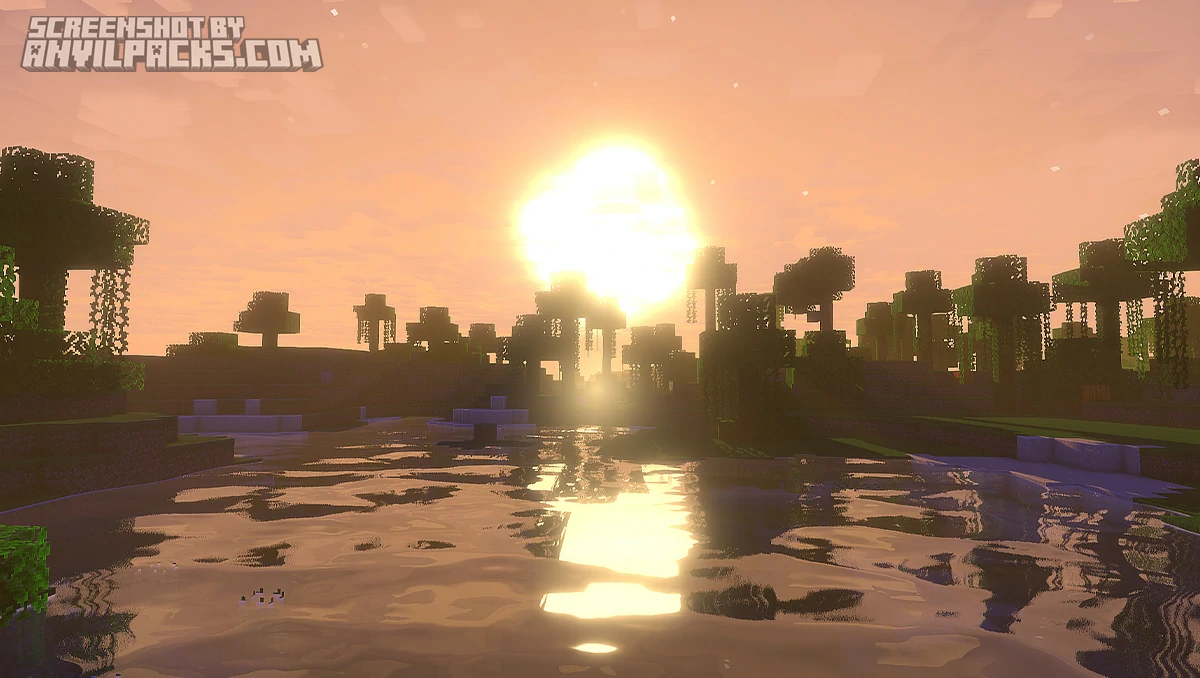
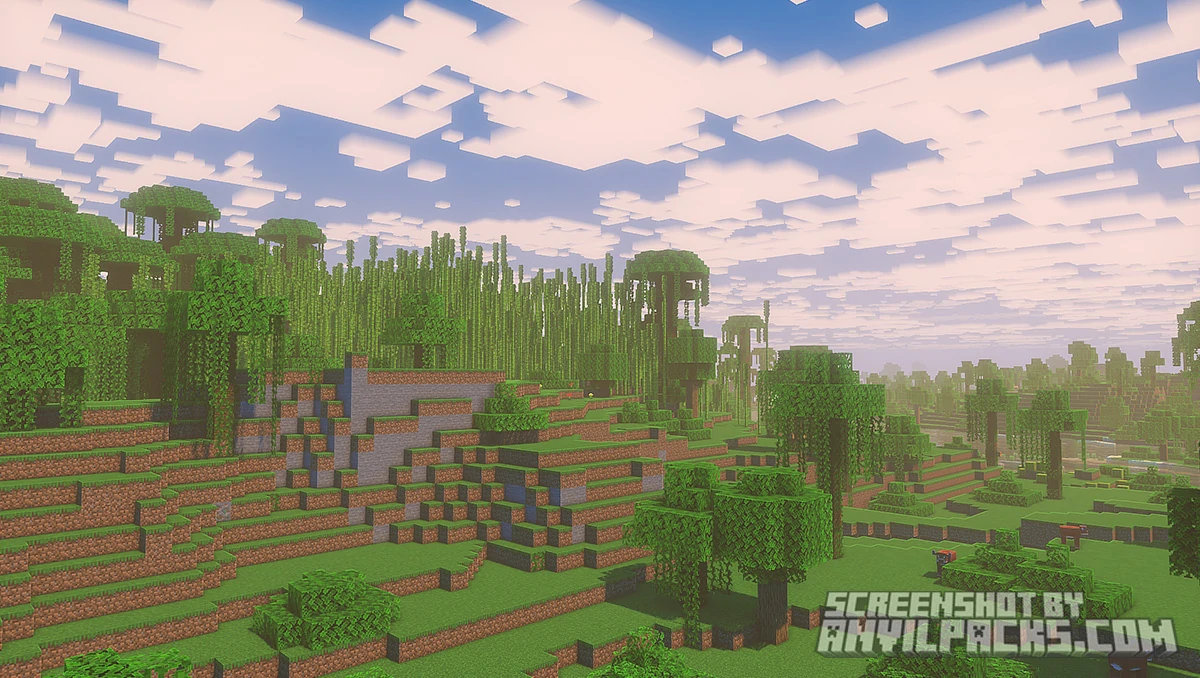
The colors are boosted. The grass is a deep, vibrant green. The sand is a warm gold. It feels like promotional art. It’s saturated, cheerful, and incredibly distinct.
The Sun & Sky
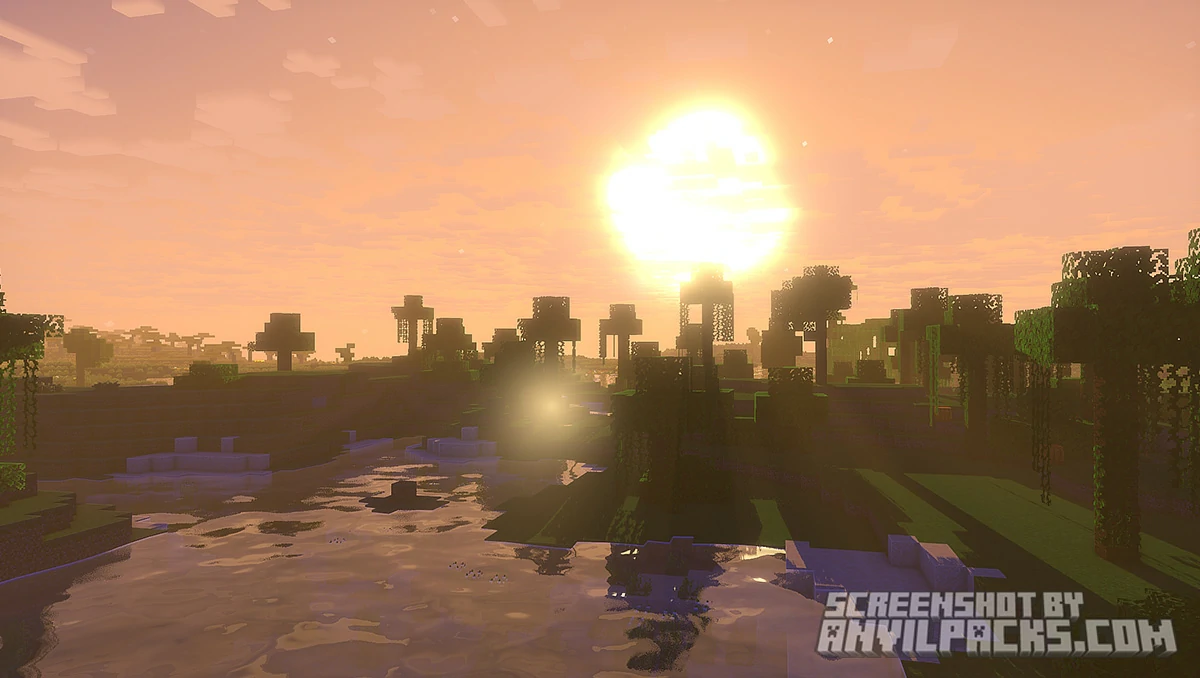
It feels like 6:00 PM in summer all the time. The lighting is warm and golden. The clouds (depending on your settings) keep that blocky, stylized aesthetic but with actual volume and depth.
The Water
This is the highlight. It looks like blue jelly (in a good way). It’s not trying to be physically accurate water; it’s trying to be “Trailer Water.” It’s bright, blue, and translucent.
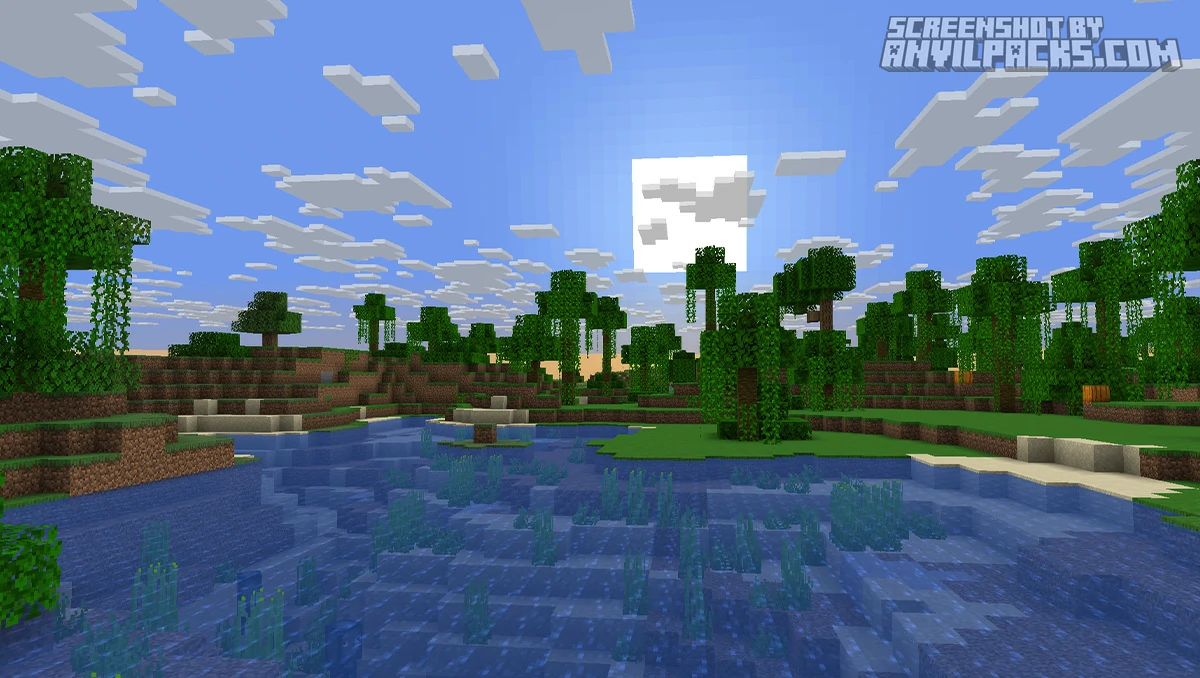
Before & After Comparison
Compare Super Duper Vanilla Shaders to default Minecraft Look.
Performance Check: Can You Run It?
Mojang said this look was “too hard” to run. Were they right?
Sort of. This isn’t a lightweight pack like MakeUp – Ultra Fast. It has some weight to it. However, it is significantly lighter than heavy ray-tracing shaders because it doesn’t use complex physics tricks. It just uses smart coloring and distinct shadows.
-
Integrated Graphics: You might struggle (30-40 FPS).
-
GTX 1060 / RTX 3050: You will run this easily at 60+ FPS.
-
High-End Cards: You won’t even notice it running.
Best Paired With… (The Trailer Combo)
This is the secret sauce.
If you use this shader with the default texture pack, it looks great. But if you use it with the Bare Bones texture pack, it looks exactly like the official Minecraft Trailers.
-
Bare Bones: Strips away the gritty pixel noise.
- Fresh Animations: Better mobs animations like in Minecraf Trailer.
-
Super Duper Vanilla: Adds the lighting and atmosphere.
-
Result: It looks like you are playing the “Update Aquatic” trailer.
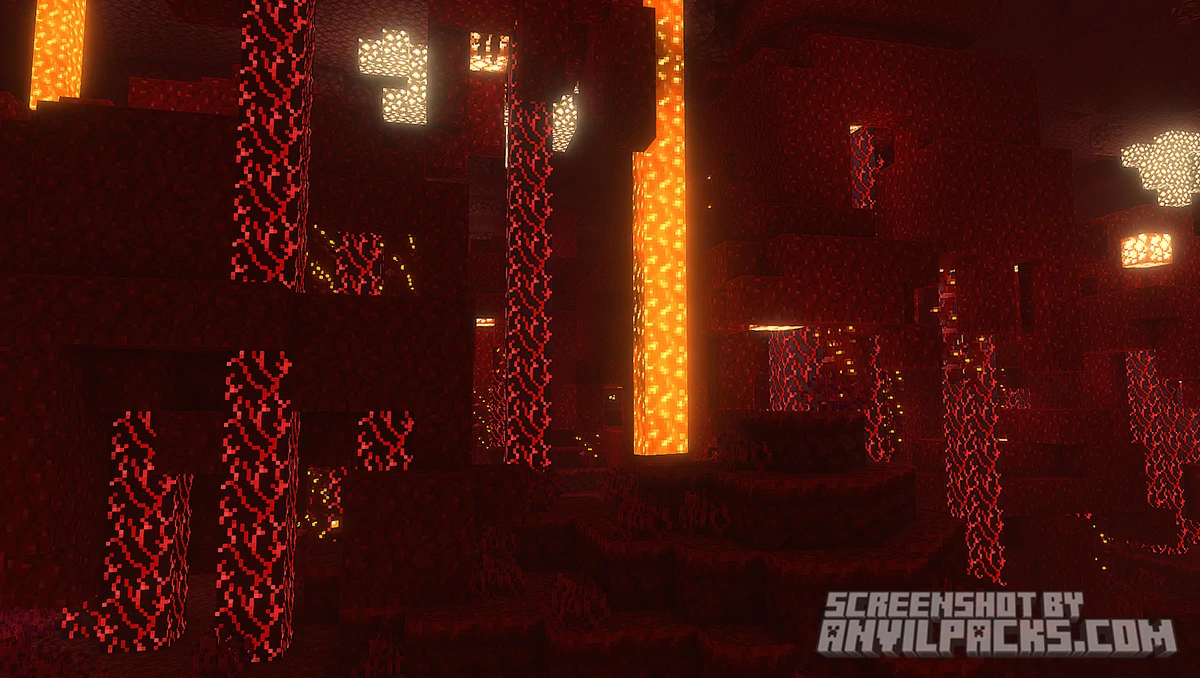
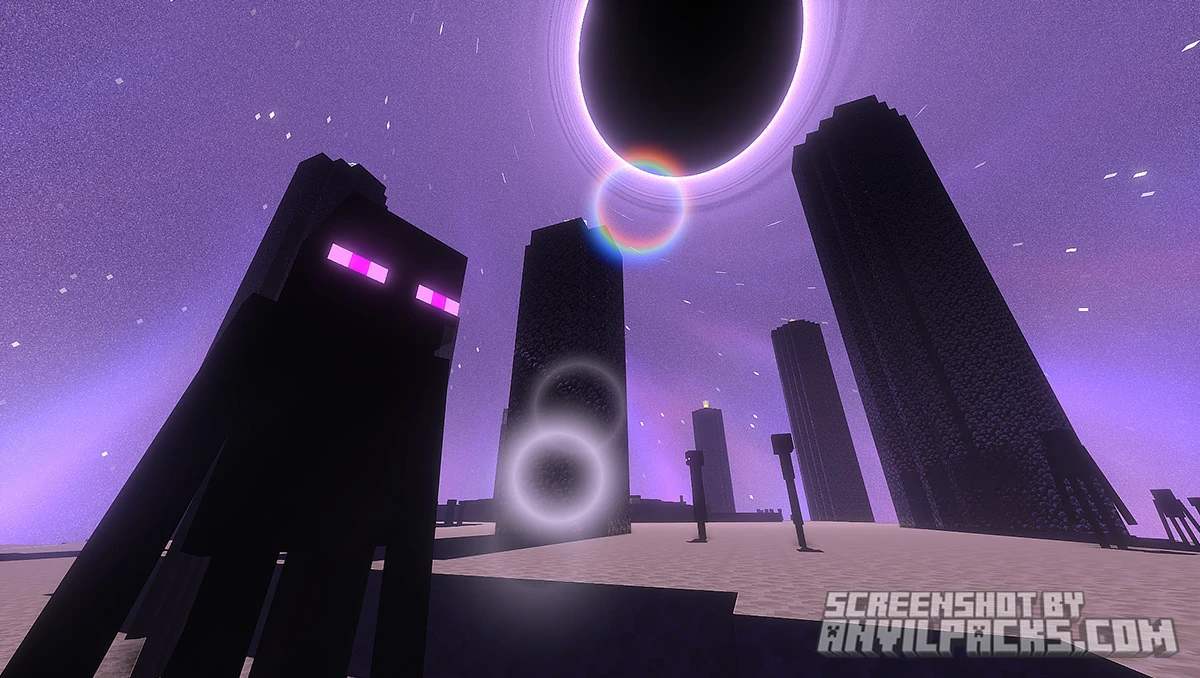
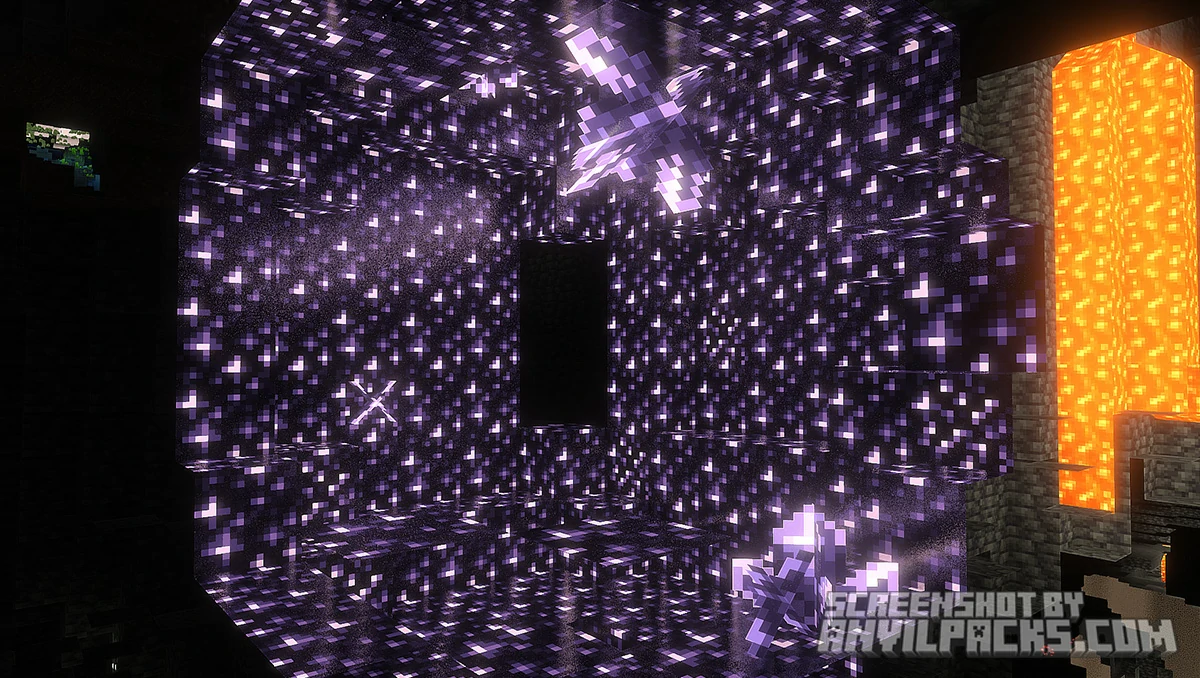
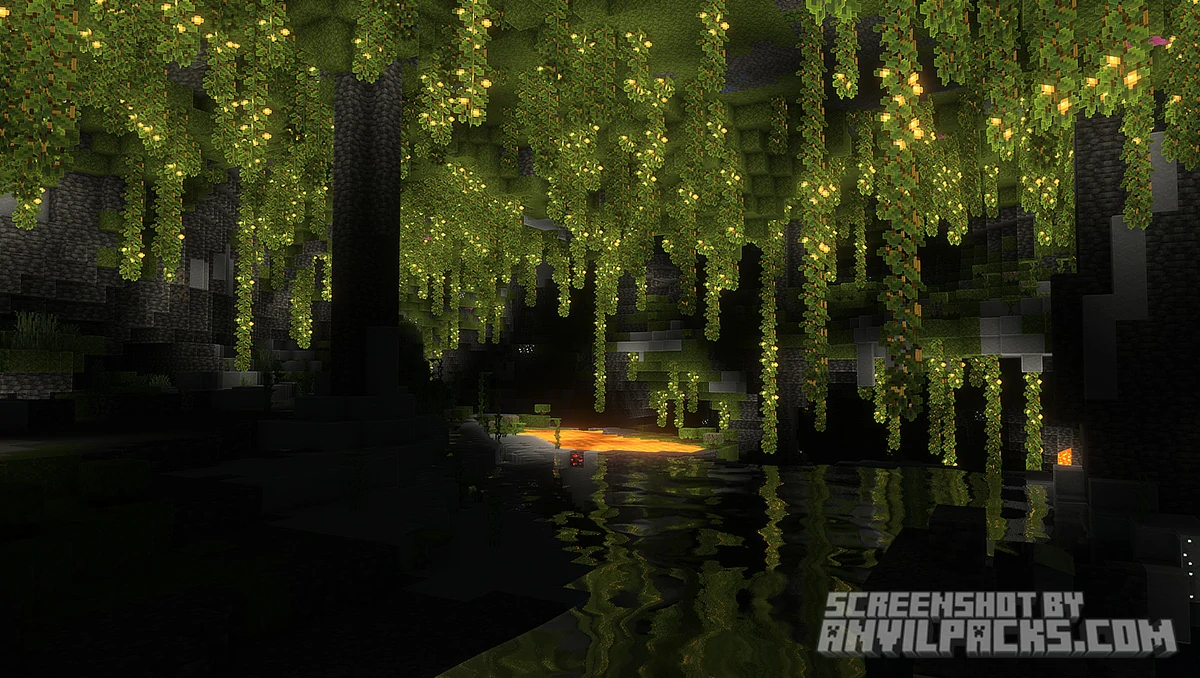
Our YouTube Video & Screenshots
Watch our Youtube video about Super Duper Vanilla Shaders
Version Compatibility
Super Duper Vanilla Shaders is fully compatible with Java Edition versions from 1.13 up to the latest 1.21.11.
Super Duper Vanilla Shaders - My Honest Opinion
I use this when I want to feel happy.
This isn’t a shader for a “Hardcore Survival Horror” playthrough. It’s for cozy building. It makes the world feel inviting. It turns a rainy day in Minecraft into a moody, atmospheric experience rather than just a grey mess.
The Verdict: If you are still mad at Mojang for canceling the Super Duper Graphics Pack, download this and find peace. It looks better than their trailer ever did.
Download Super Duper Vanilla Shaders
[1.16.5 - 1.21.X] Download Super Duper Vanilla Shaders
Free download — redirects to the official pack page.
Explore More Shader Packs
Explore More Texture Packs
How to Install Super Duper Vanilla Shaders
- Download the shader pack using the button below.
- Install Iris or OptiFine — Iris is recommended for better performance and smoother FPS.
- Open Minecraft Launcher and select the Iris or OptiFine profile.
- Start the game.
- In Minecraft, go to:
Iris: Options → Video Settings → Shader Packs
OptiFine: Options → Video Settings → Shaders
- Click Open Shader Pack Folder and move the downloaded ZIP file into it.
- Go back to Minecraft, select your shader from the list, and click Done or Apply.
- Credits: Full credit for creating Super Duper Vanilla Shaders goes to Eldeston.
- Please note that none of the files are hosted on our servers — all Download Links redirect to the official Pack page to support the creator.
- Every pack is thoroughly checked and confirmed to be free from viruses, ensuring a completely safe and secure download experience for all users.









sad