Most shader packs give you a handful of presets and a few sliders. AstraLex hands you a control panel. Constellations, shooting stars, a Majora’s Mask moon, nebulae in the night sky, CRT screen effects, realistic raindrops on your screen, cel-shading toggles — this pack is built around the idea that you should be able to tweak almost everything. The Modrinth description sums it up bluntly: if you like effects, this shaderpack is made for you.
That focus on customization has earned AstraLex 3.38 million downloads on Modrinth. It’s based on the BSL codebase originally — like a lot of effect-heavy packs — but the creator, LexBoosT, has pushed it somewhere genuinely distinct. It’s tagged Fantasy and Cartoon, not Realistic, and that’s the right framing. AstraLex isn’t trying to make Minecraft look real. It’s trying to make Minecraft look like yours.
The base feature set covers everything you’d expect from a quality shader: realtime shadows, reworked water and clouds, volumetric light, ambient occlusion, bloom, and a proper ACES tonemap. Anti-aliasing is handled through TAA and FXAA. On these fundamentals alone, AstraLex already looks good — the lighting is warm, the water is reflective, and the clouds have real depth.
But the fundamentals aren’t why people install AstraLex. The additional effects are. And the list is genuinely long:
Sky effects are the standout. You can enable constellations that map across the night sky, shooting stars that streak past, a nebula that gives the darkness real color and texture, and a custom Majora’s Mask-style moon for players who want that specific reference. The night sky in AstraLex can be one of the most visually interesting parts of the game instead of an afterthought.
Cel-shading is a toggle. Flip it on and AstraLex shifts toward a flatter, cartoon-style look with bolder outlines. It’s a completely different aesthetic from the default, and the fact that it’s built in as an option rather than requiring a separate pack is genuinely useful.
Screen and camera effects include depth of field, chromatic aberration, distance blur, motion blur, CRT effects, a reticle overlay, entity flash, and realistic raindrops that appear on your screen during rain. Some of these are practical, some are pure style — the point is you choose.
There’s also PBR support, so pairing AstraLex with a PBR resource pack like Prime’s HD Textures 32x adds proper surface depth and material response on top of everything else.
The obvious risk with this many options is overwhelming the player. AstraLex handles it reasonably well — the menu is organized, and the defaults are tasteful enough that you can install it and enjoy it without touching a single setting. The customization is there when you want it, not forced on you.
Here’s how it looks side by side with vanilla.
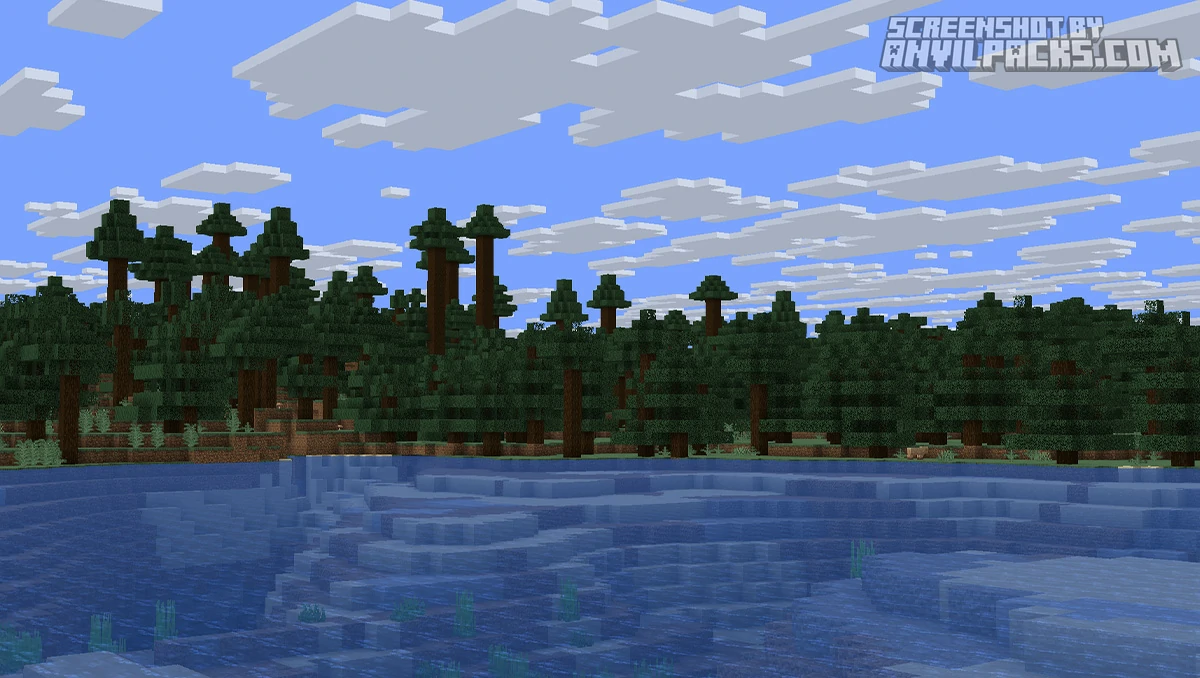
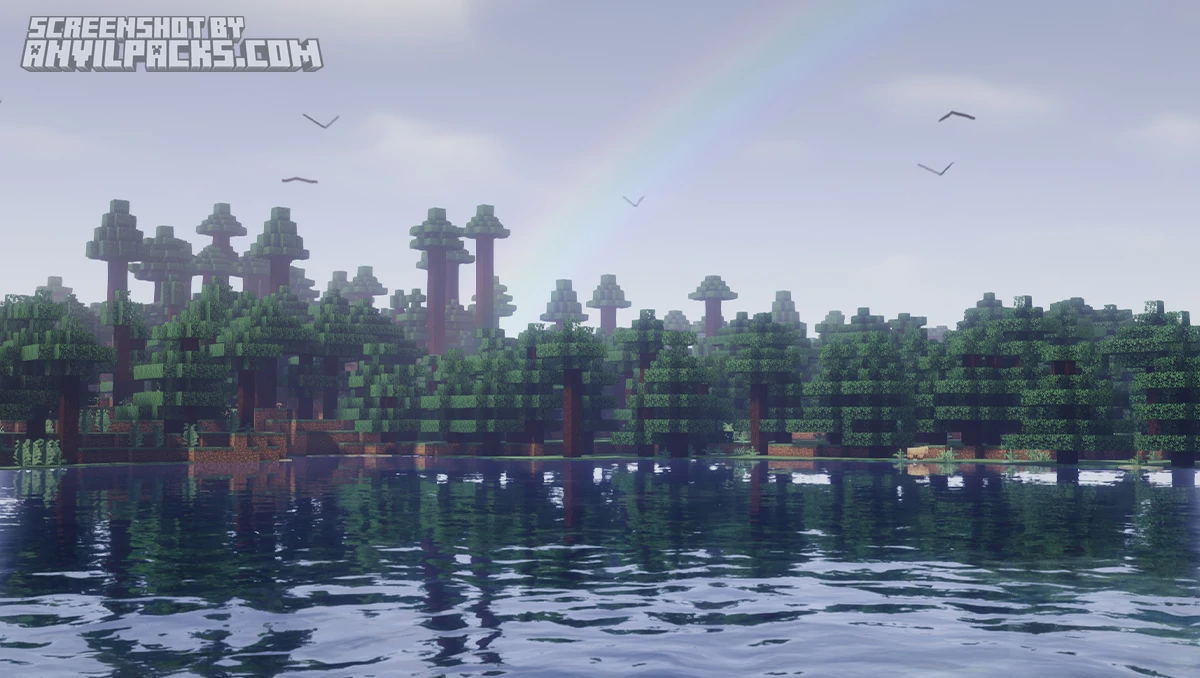
AstraLex is tagged Medium on Modrinth, and that’s accurate. It’s not a Potato-tier lightweight pack like Miniature Shader, but it’s also not as demanding as a full realistic pack with path tracing. A mid-range GPU should run it comfortably on default settings.
The important thing about AstraLex’s performance is that you control it. Every effect you enable costs frames. Every effect you disable gives them back. If you’re getting low FPS, you can strip out motion blur, depth of field, the sky effects, and chromatic aberration and claw back a significant amount of performance. If you have a powerful card, you can turn everything on and let it rip. Few shader packs give you this much direct control over your own frame rate.
Compared to BSL Shaders — part of its lineage — AstraLex is the more effect-heavy, more customizable option. BSL is cleaner and more focused. AstraLex is the maximalist cousin that wants to do everything. Against Complementary Reimagined, Complementary is the more polished, curated experience with a consistent look out of the box. AstraLex trades that curation for raw flexibility.
If you want a pack that just looks great with zero configuration, Complementary or BSL might suit you better. If you enjoy tinkering — if half the fun of shaders for you is dialing in your exact look — AstraLex is hard to beat.
Version support is excellent. AstraLex covers 1.16.5 all the way through 1.21.x and the latest 26.1.x. Few shader packs keep their compatibility window this wide and this current. It also works with both Iris and OptiFine — no platform lock-in.
One note: AstraLex is licensed All Rights Reserved. You can use and modify it for personal use, but redistribution requires the creator’s permission, and you’re expected to credit LexBoosT clearly.
Here’s a video showing the pack in action.
Check out the screenshots below — the night sky effects are the things to watch for here.
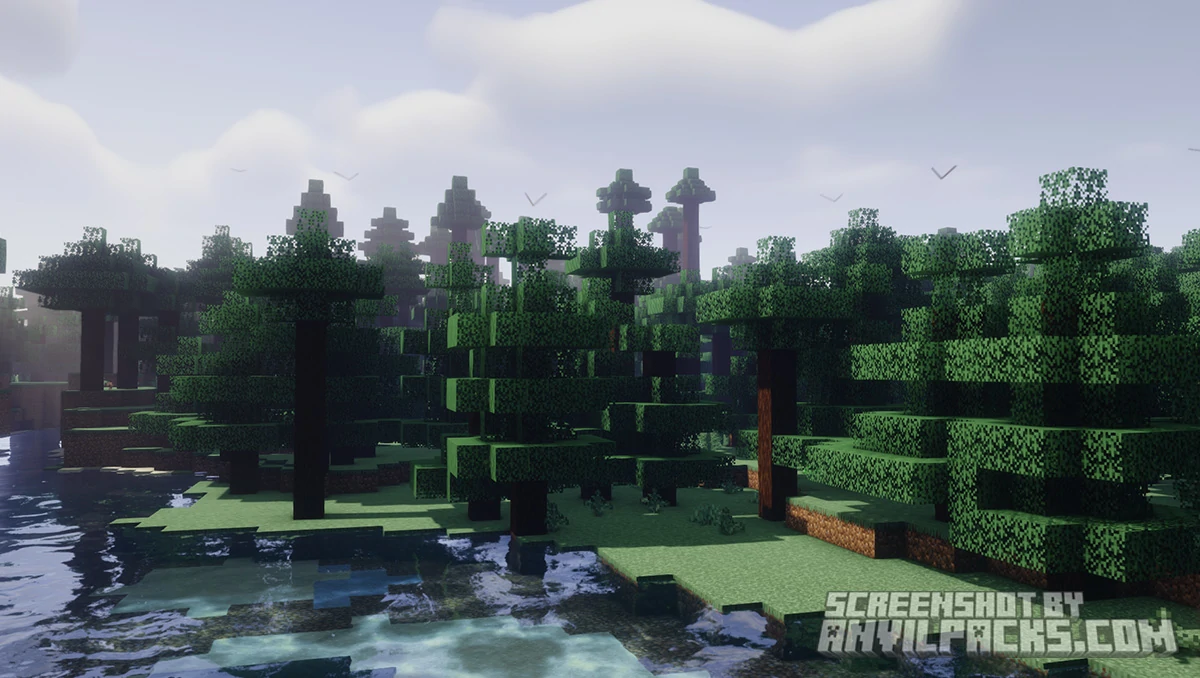
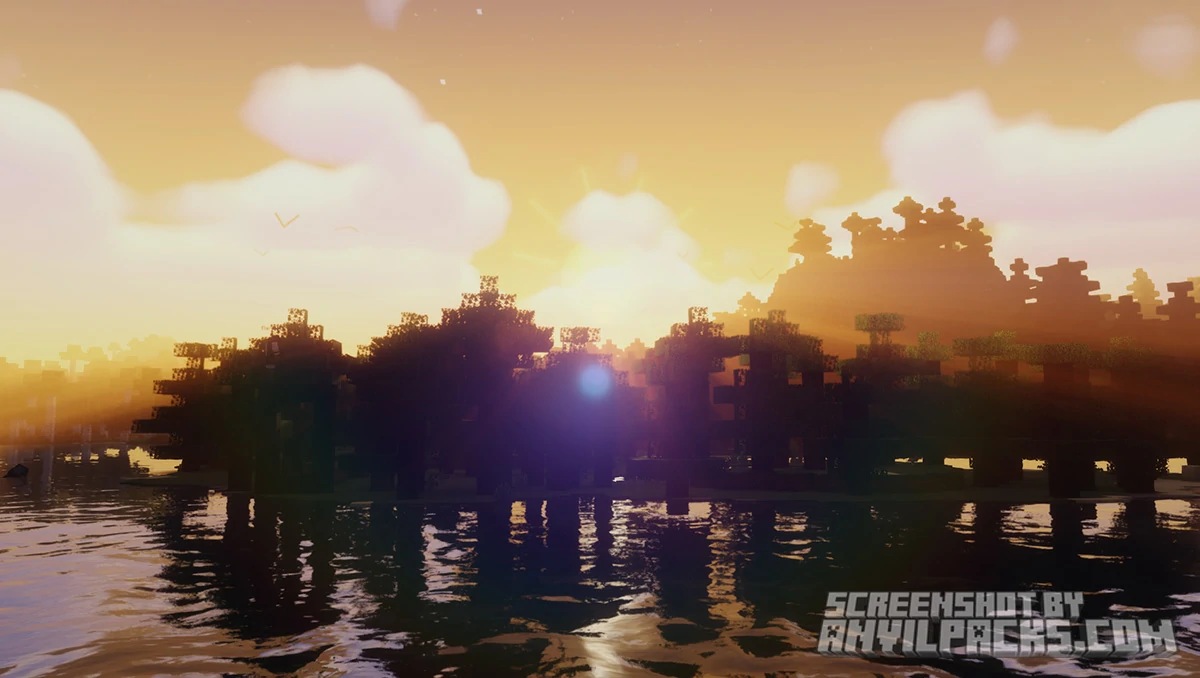
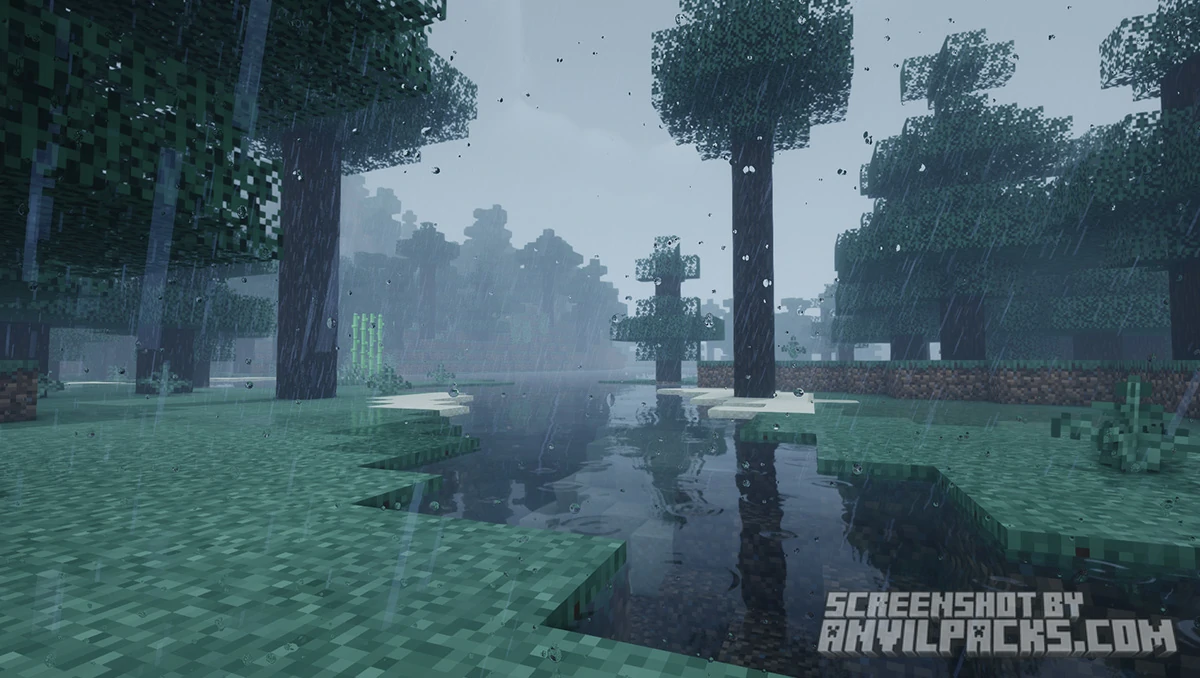
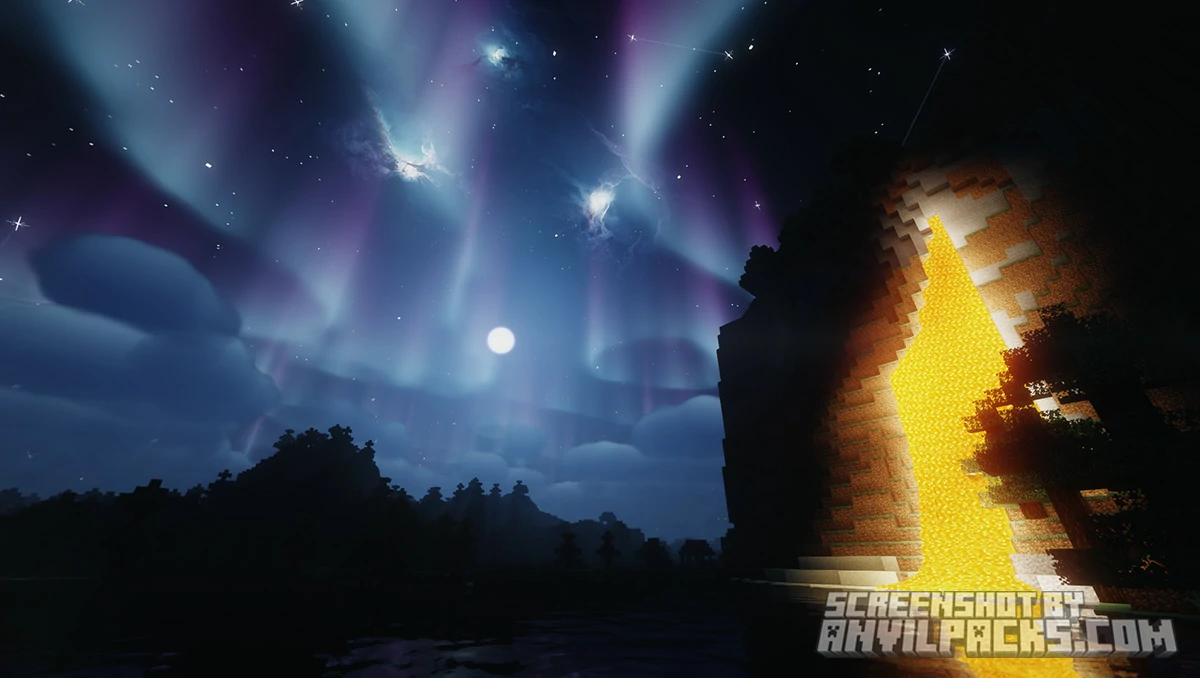
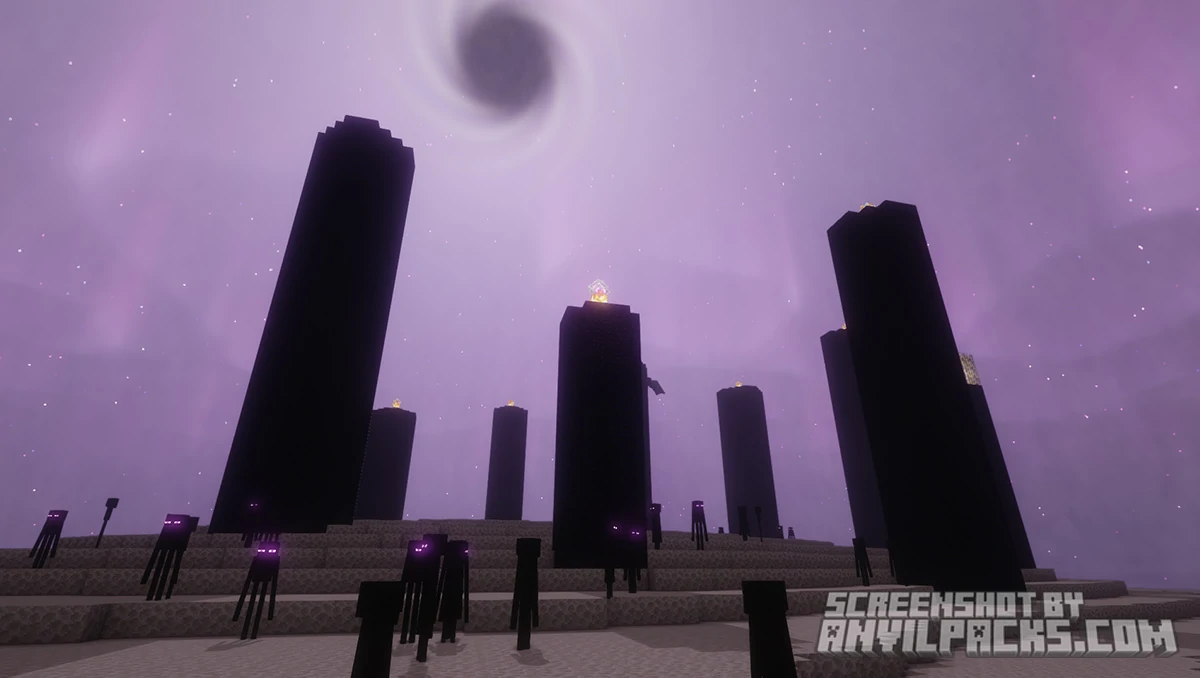
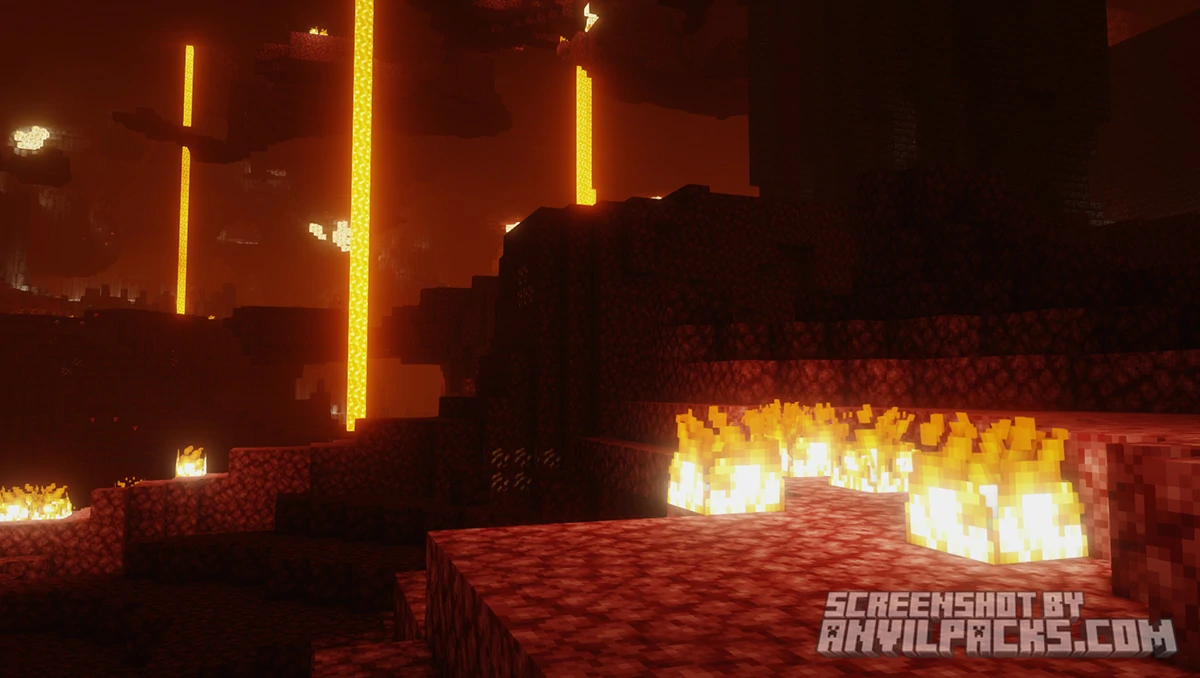
AstraLex Shaders is fully compatible with Java Edition versions from 1.13 up to the latest 26.1.2
AstraLex is a genuinely fun shader pack, and “fun” isn’t a word I’d use for most of them. The effect library turns shader configuration into something closer to a sandbox. Want a dramatic cinematic look with depth of field and motion blur? Done. Want a flat cartoon style with cel-shading? One toggle. Want a starry, nebula-streaked night sky straight out of a fantasy game? It’s all right there.
The flip side is that AstraLex can absolutely be overdone. Stack every effect at once — chromatic aberration, heavy motion blur, CRT filter, distance blur — and the game becomes a visual mess. The pack gives you enough rope to make Minecraft look bad if you’re not careful. That’s not a flaw exactly, but it means AstraLex rewards restraint. The best-looking AstraLex setups are usually the ones where the player picked a few effects deliberately rather than turning everything on.
The wide version support and dual Iris/OptiFine compatibility are real practical advantages. Whatever your setup, AstraLex probably works with it.
The verdict: The best shader pack for players who want to tinker. If you see shader customization as part of the fun rather than a chore, AstraLex gives you more to play with than almost anything else out there. Install it, resist the urge to enable everything at once, and build the exact look you want.
Free download — redirects to the official pack page.

XRay Texture Pack
Fresh Animations Texture Pack
Bare Bones Texture Pack
Visible Ores Texture Pack

1.21.X Texture Packs
1.20.X Texture Packs
1.19.X Texture Packs
1.18.X Texture Packs

8x Texture Packs

16x Texture Packs

32x Texture Packs

64x Texture Packs

128x Texture Packs

256x Texture Packs

512x Texture Packs





